








Price :
QTY :
CART TOTALS :
There are items
in your cart
CART TOTALS :
With this products also buy:


Application: For Commercial
Brand Name: NiiMbot
Certification: CE,FCC
Dot Matrix Printer Type: GM rolls dot matrix printer
Double-sided Printing: No
High-concerned chemical: None
Interface Type: Bluetooth
Max Paper Size: A3+
Origin: Mainland China
Paper Feed Mode: Manual
Print Speed: 20ppm
Signal Connection Type: Bluetooth
Supports Network Printing: Wireless
Type: Thermal Printer
 Step 1
Download NIIMBOT APP
Step 2
Turn on Bluetooth andconnecting in the APP
Step 3
Edit The Label Templateand Print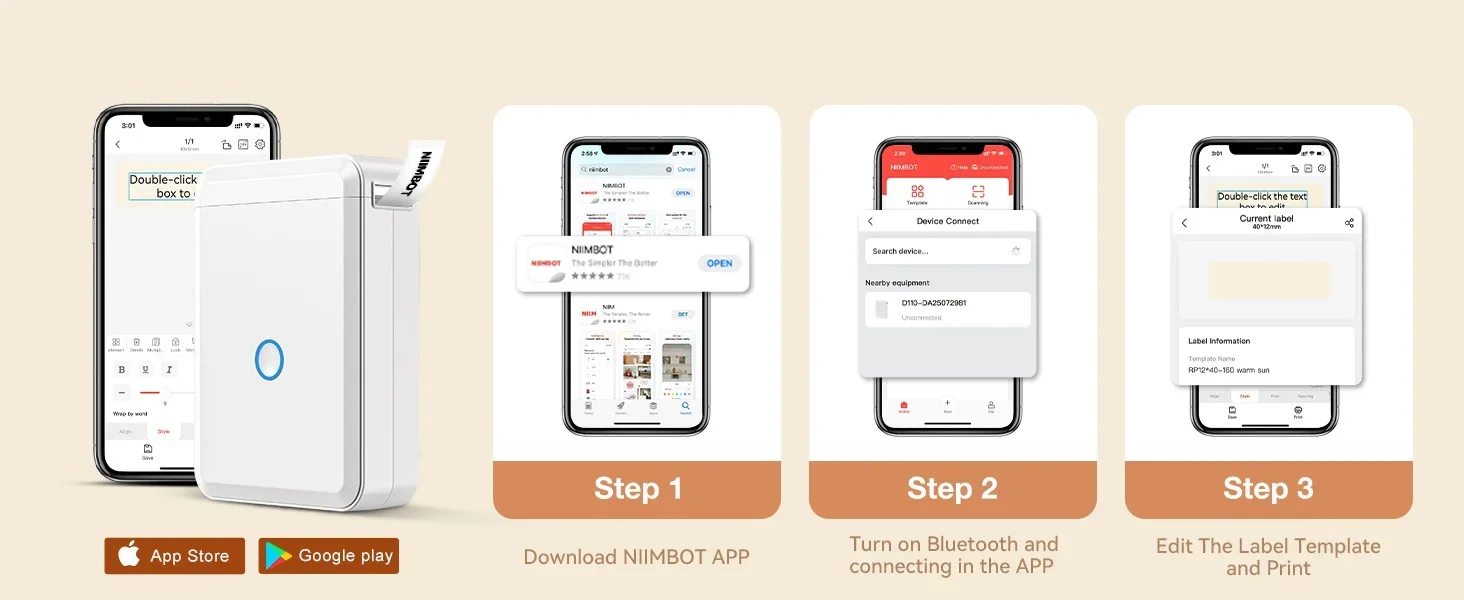 Multiple Creative Templates-This app of this stickers maker provides a variety of free templates, containing texts, tables, symbols, logos, barcodes, QR codes, images, time, insert Excel, etc. Easy to create various cute label stickers from your phone. Labels are fixed in length, not support continuous label tape.
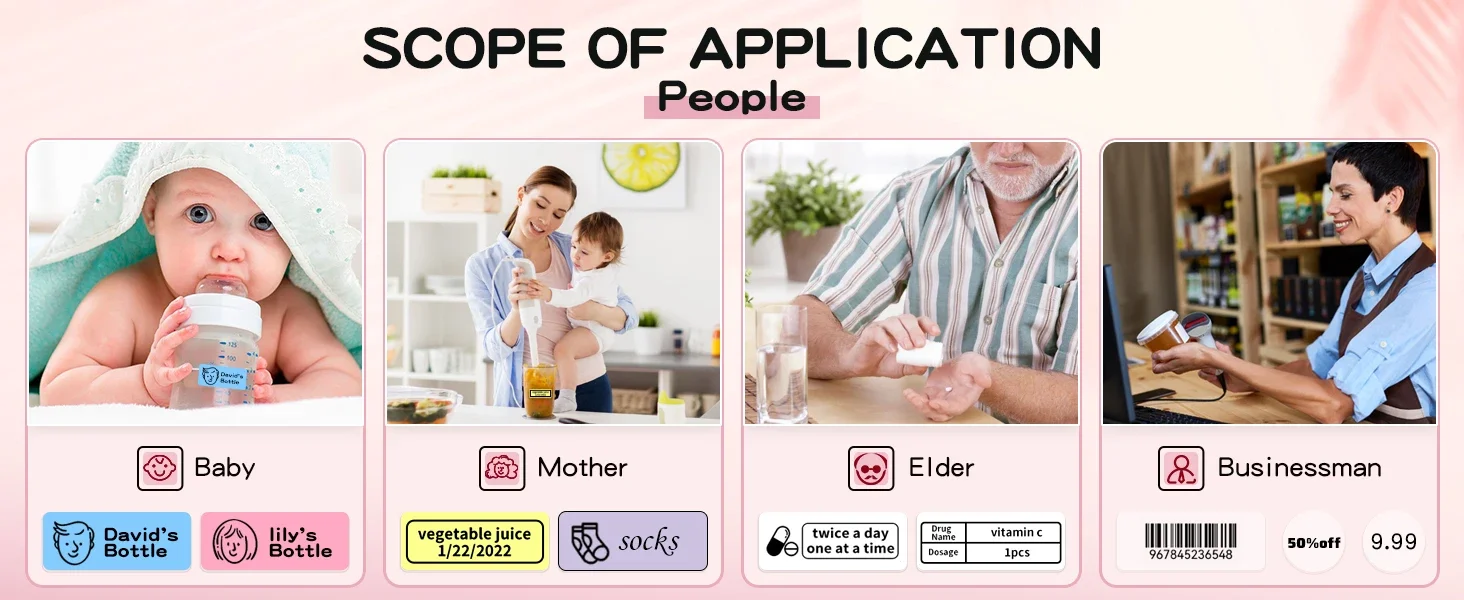
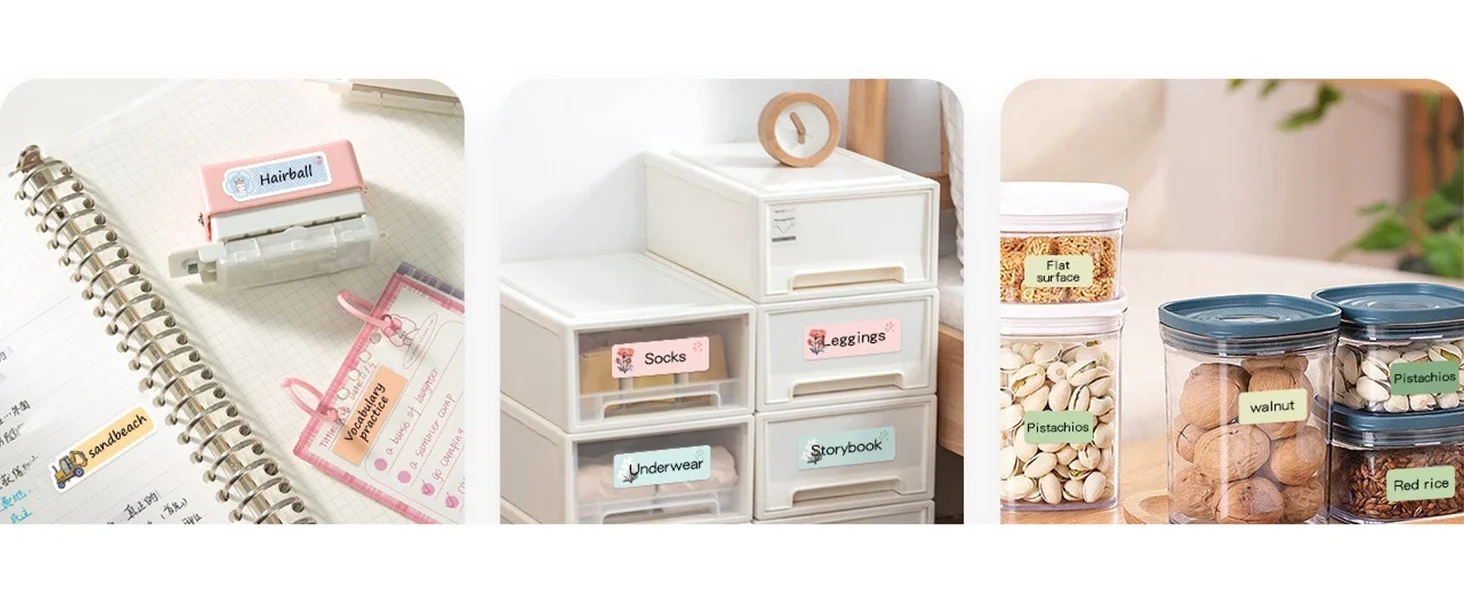
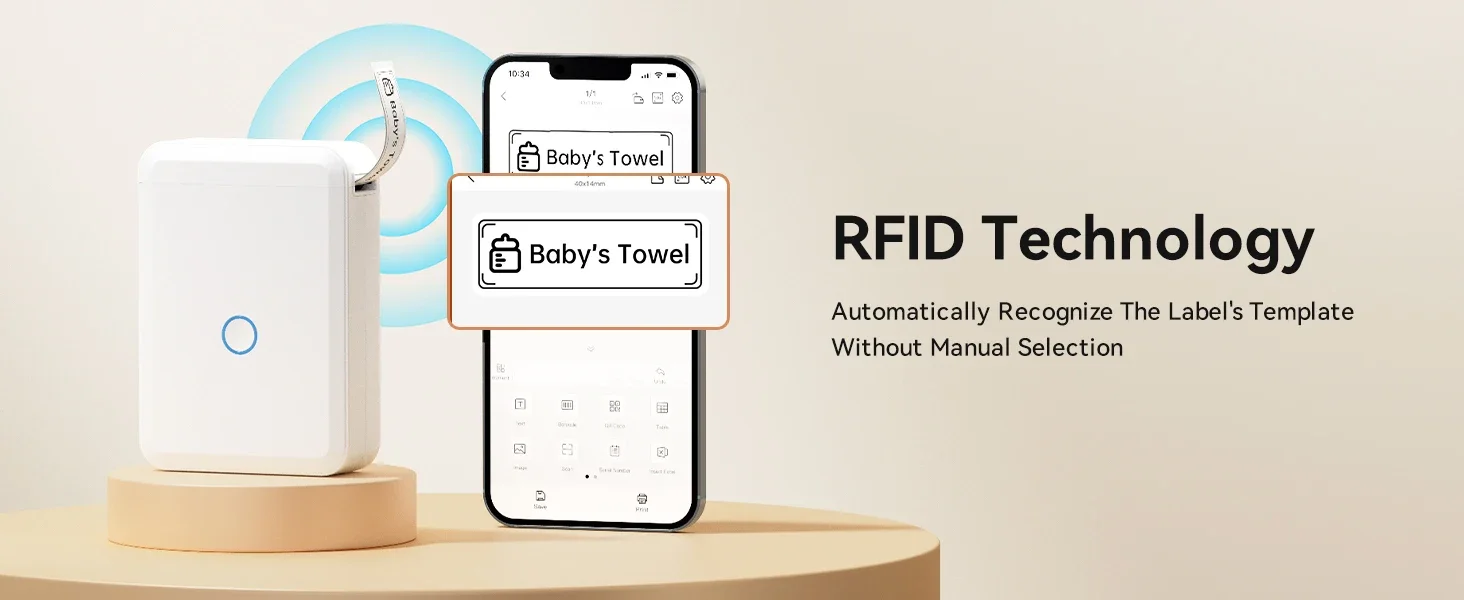 Multiple Creative Templates-This app of this stickers maker provides a variety of free templates, containing texts, tables, symbols, logos, barcodes, QR codes, images, time, insert Excel, etc. Easy to create various cute label stickers from your phone. Labels are fixed in length, not support continuous label tape.




Notes:
*Our store is an authorized dealer of Niimbot, and all Niimbot printers/labels are official and genuine 100%.
*Please use Niimbot label paper for Niimbot label machine, otherwise the printing will not be suitable and the printing effect will be poor.
*Please purchase the Printer/Label version that matches your region or country from Niimbot official store or Niimbot authorized sales channel.Products from unofficial authorized channels involve the risk of piracy, inability to adapt to the actual use environment, and other risks of normal use. At the same time, Niimbot may not be able to provide you with services for the aforementioned risk issues.
This product is not restricted for use by country, you can buy it with confidence (No support used in South Korea)


