








Price :
QTY :
CART TOTALS :
There are items
in your cart
CART TOTALS :
With this products also buy:


We identified: …


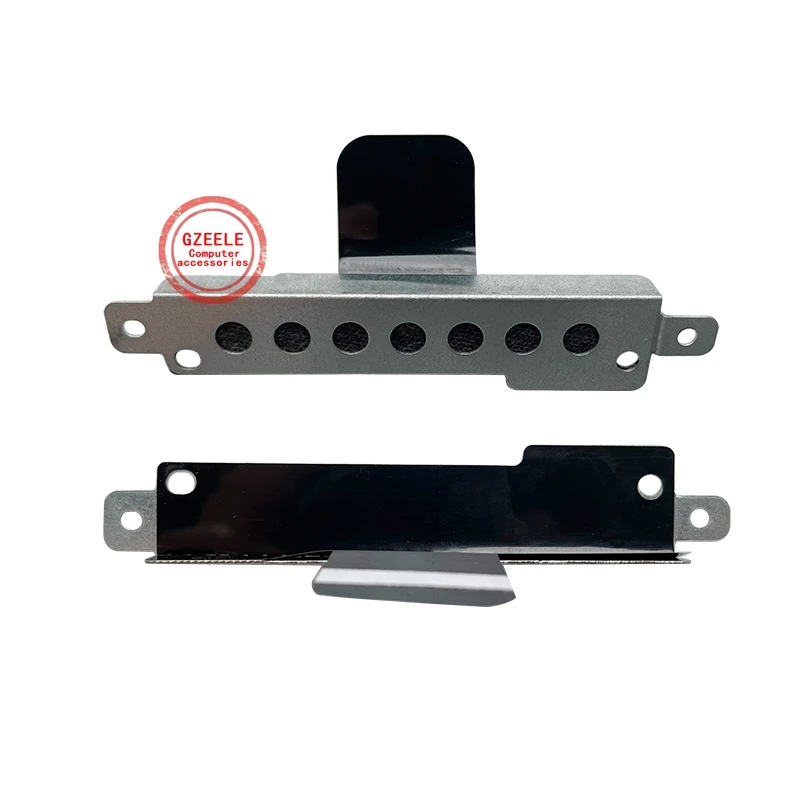
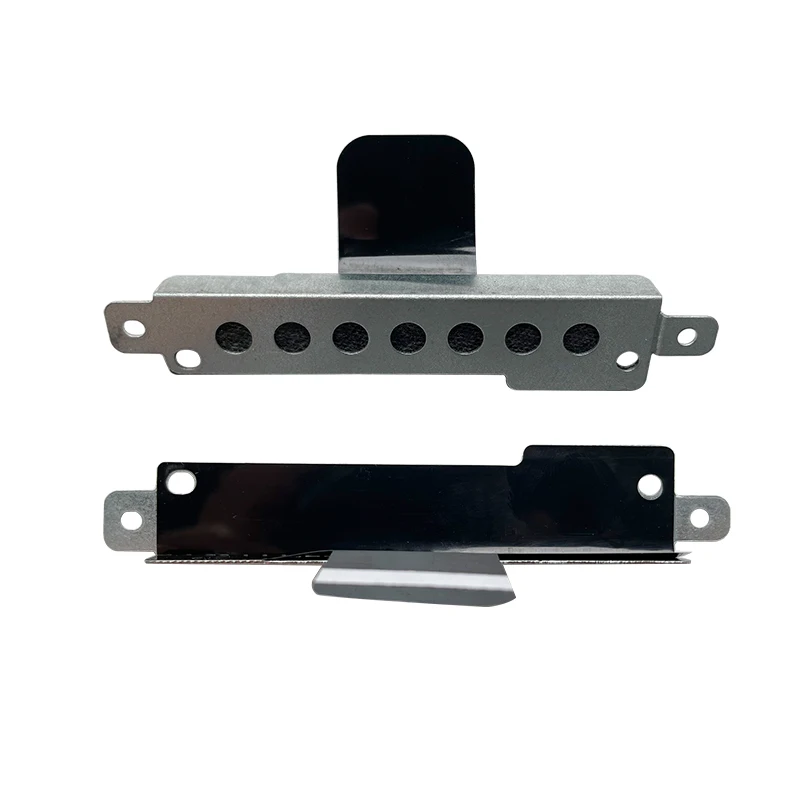
This is a hard drive caddy bracket made for specific MSI gaming laptops, letting you install a 2.5-inch SATA hard drive or SSD into the machine's dedicated drive bay. It is designed for the MSI GF66, GF76, GL66, GL76 and GE76 series (chassis MS-1581 and MS-1582), and the kit includes the mounting bracket, a cover and the screws needed to fit it. It is an inexpensive way to add internal storage to these laptops.
Many MSI gaming laptops ship with an M.2 SSD but leave the 2.5-inch drive bay empty, along with the bracket and connector needed to use it. This caddy supplies that missing bracket, so a 2.5-inch SSD or hard drive can be mounted securely and connected, adding a large, cheap storage volume alongside the faster M.2 boot drive.
Because this is a model-specific part, matching it to the laptop is essential. It is cut for the MSI GF66, GF76, GL66, GL76 and GE76 families on the MS-1581 and MS-1582 chassis. Before fitting, it is worth confirming two things: that your exact MSI model is in that list, and that the laptop actually has the internal 2.5-inch bay and SATA connector, since some thinner configurations omit them. The laptop service manual or an inside look confirms the bay is present.
Fitting is a simple internal job done with care. Power down, unplug and, where possible, disconnect the battery, then open the laptop base panel. Mount the 2.5-inch drive to the bracket with the supplied screws, seat it into the drive bay so it connects to the SATA connector, secure the bracket and cover, and close the laptop. On boot the new drive appears in the operating system, ready to be formatted and used.
This caddy bracket is the missing piece for adding a 2.5-inch drive to a compatible MSI GF, GL or GE-series laptop: it includes the bracket, cover and screws, and mounts a standard SATA SSD or hard drive. The essential step is confirming your exact MSI model and that it has the 2.5-inch bay. For owners of these laptops who want more internal storage cheaply, it is a straightforward, practical upgrade.


