











Price :
QTY :
CART TOTALS :
There are items
in your cart
CART TOTALS :
With this products also buy:


We identified: …


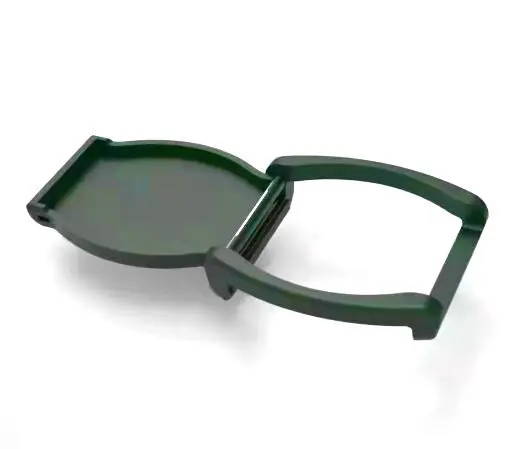
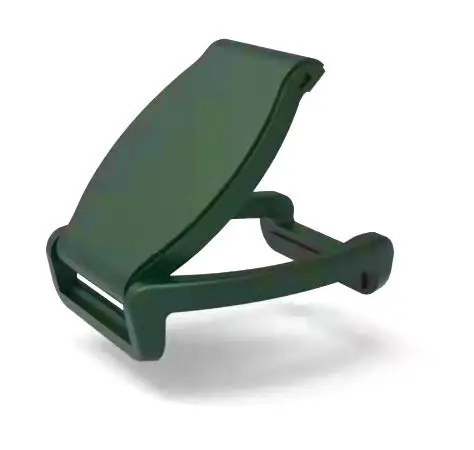
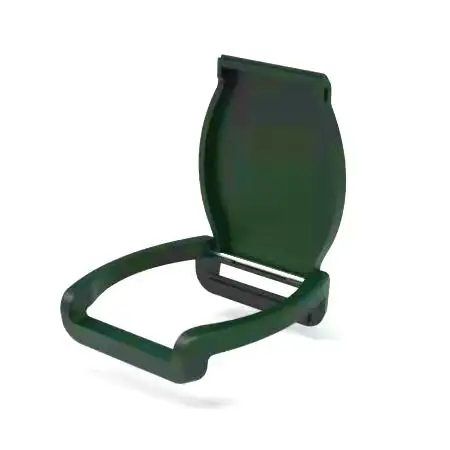
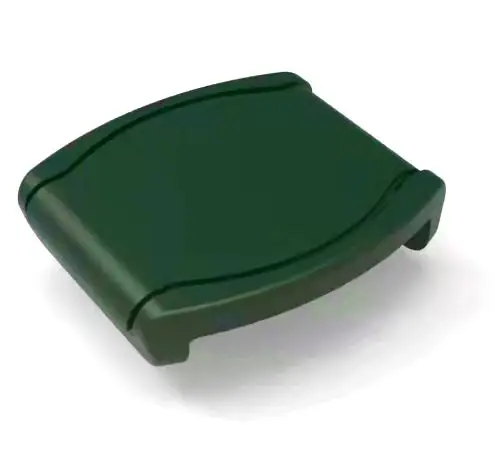
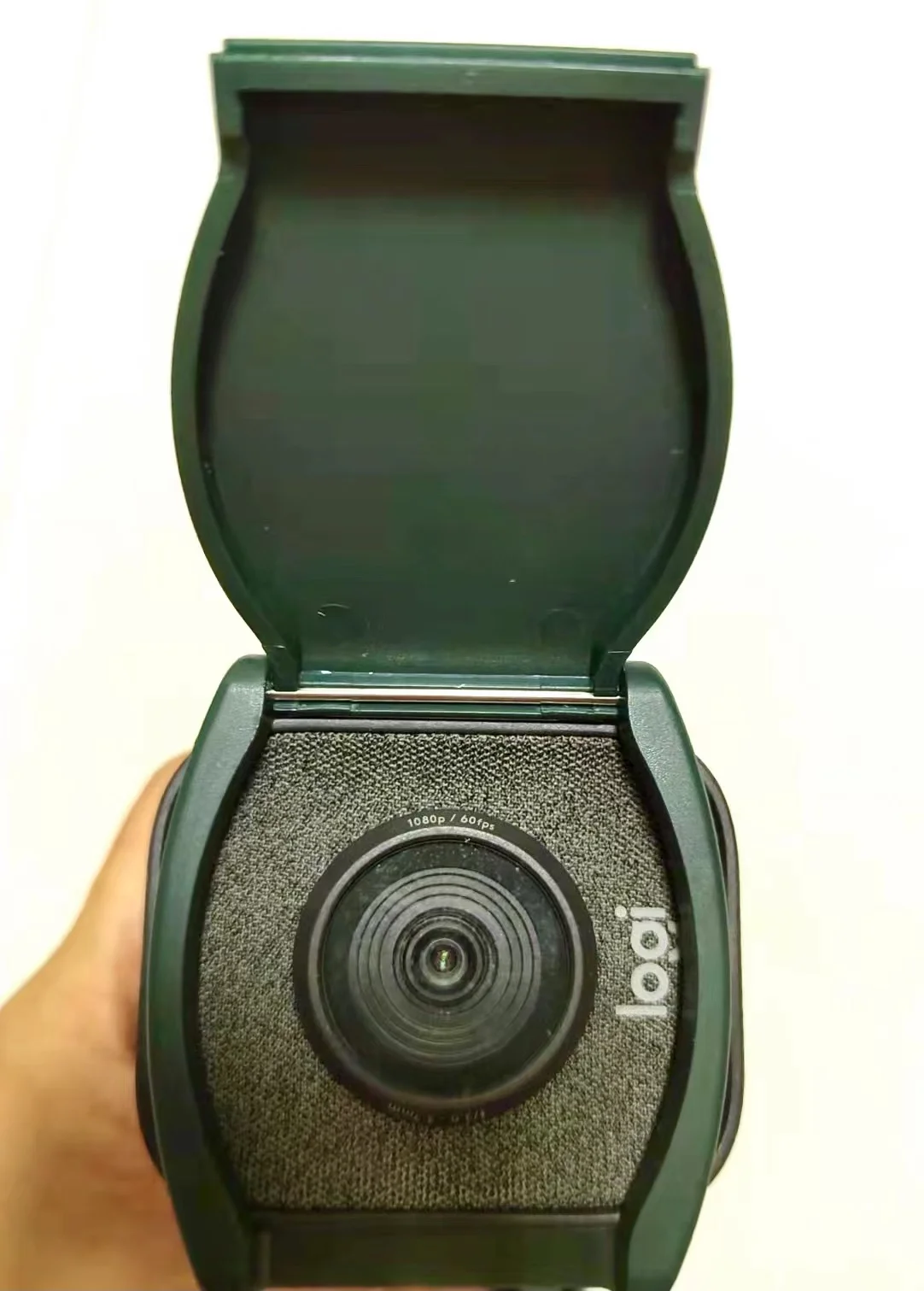
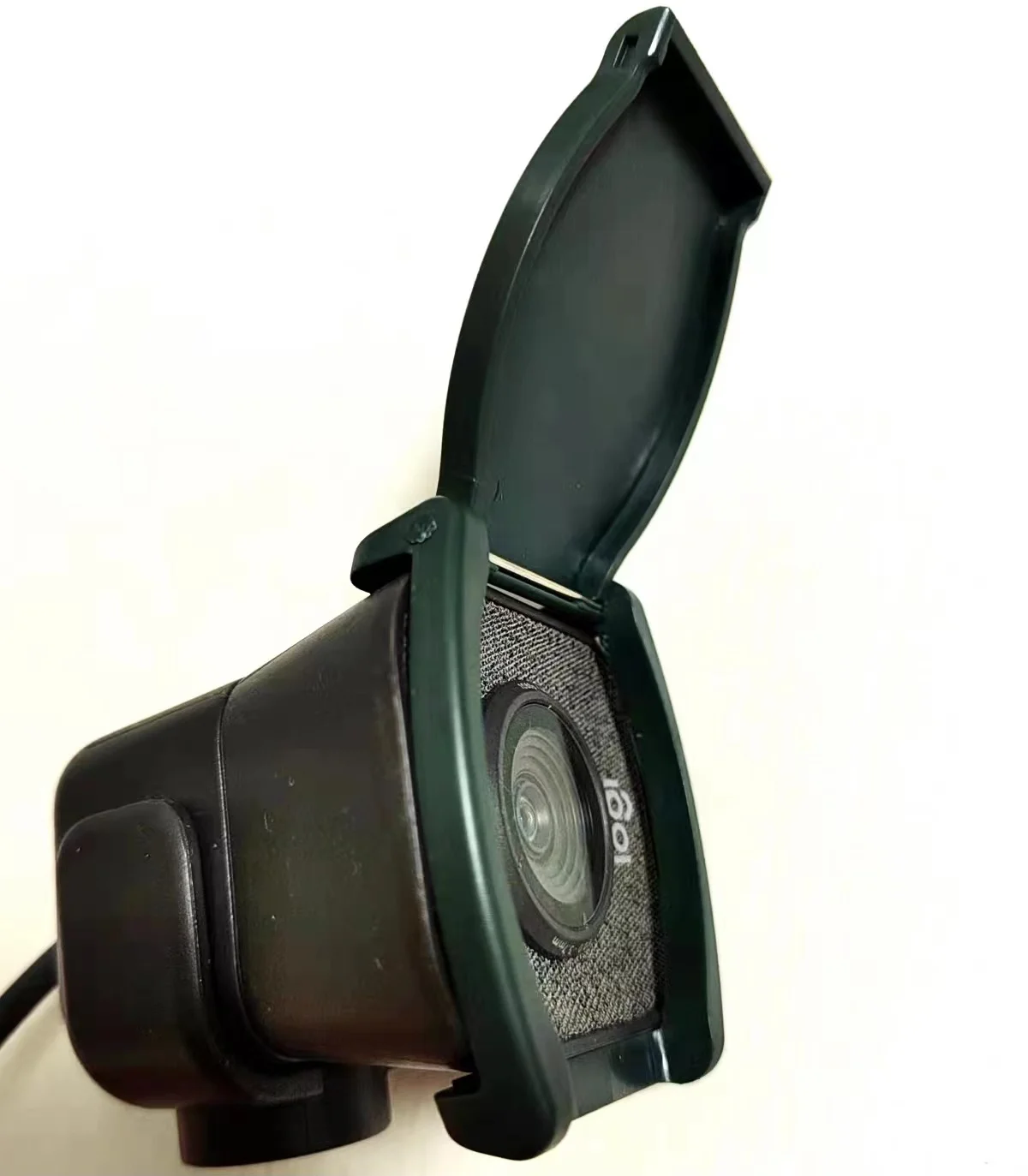
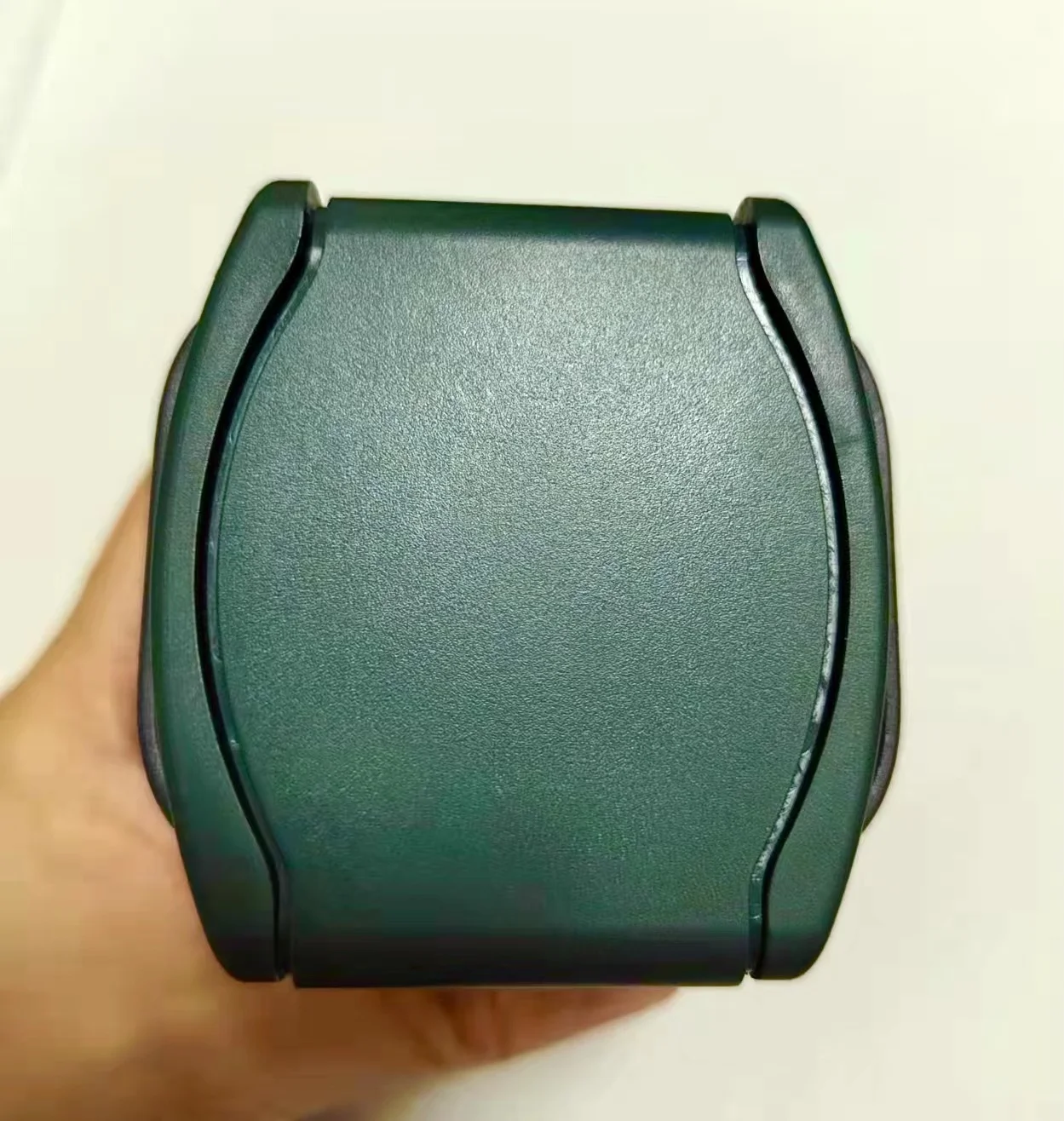
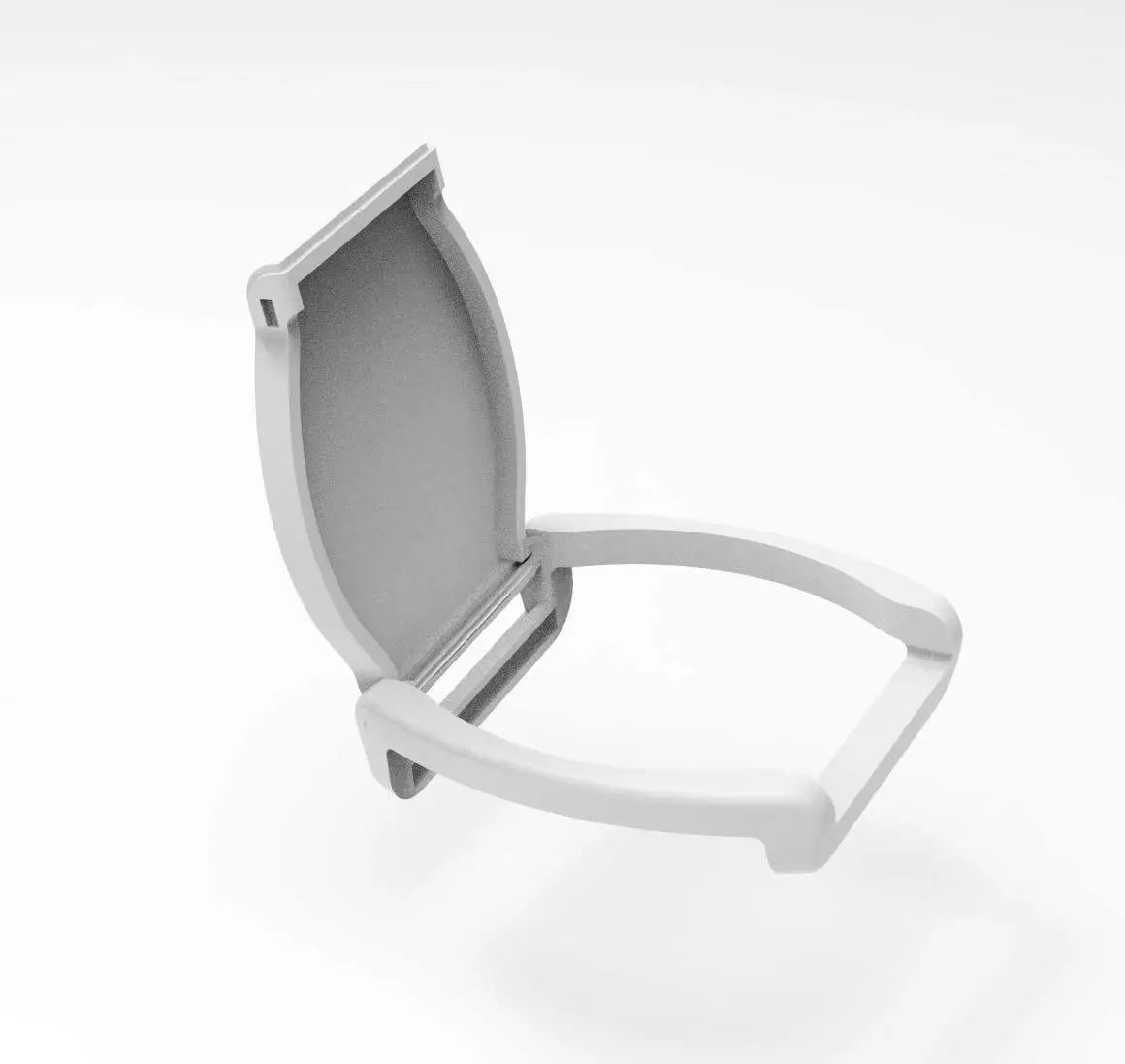
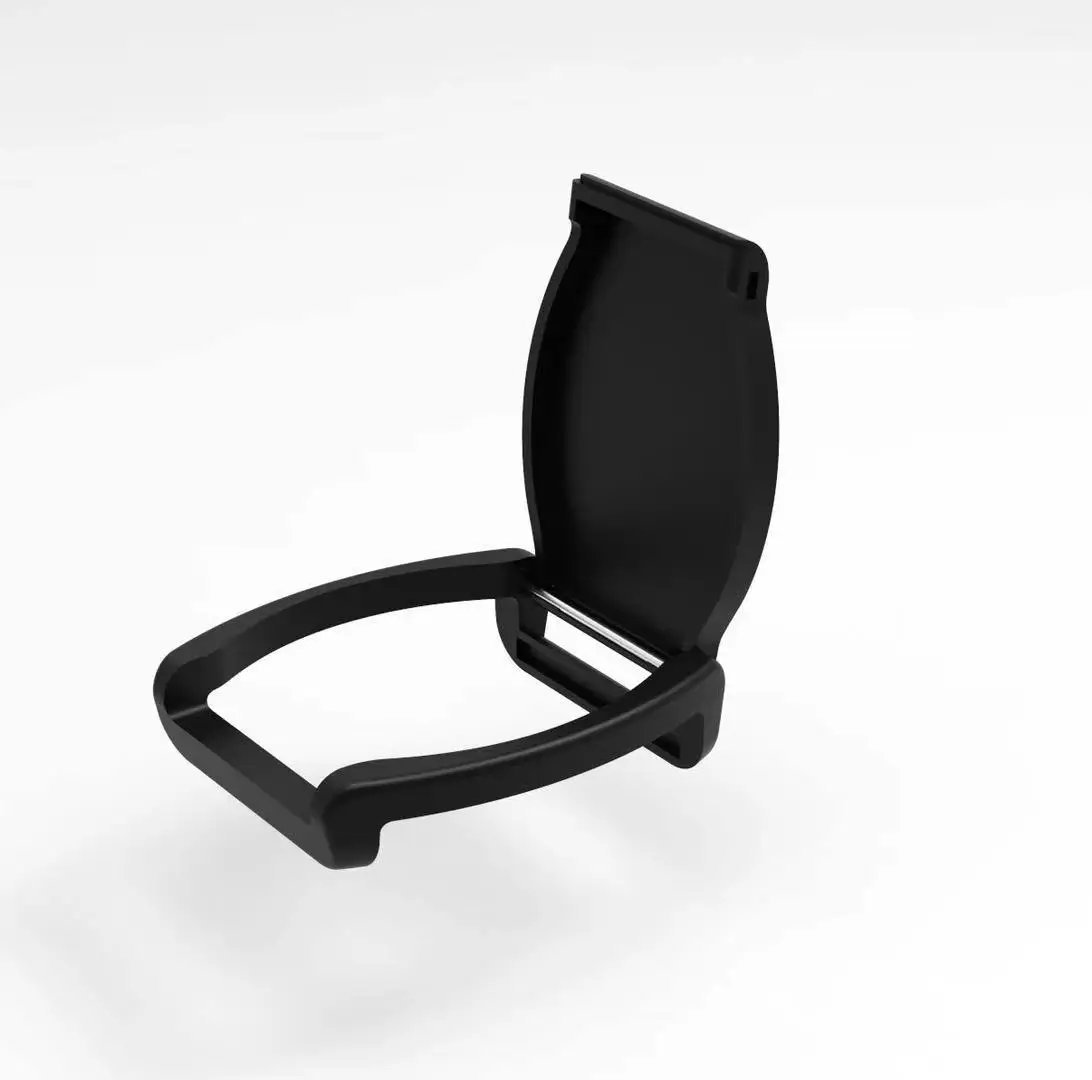
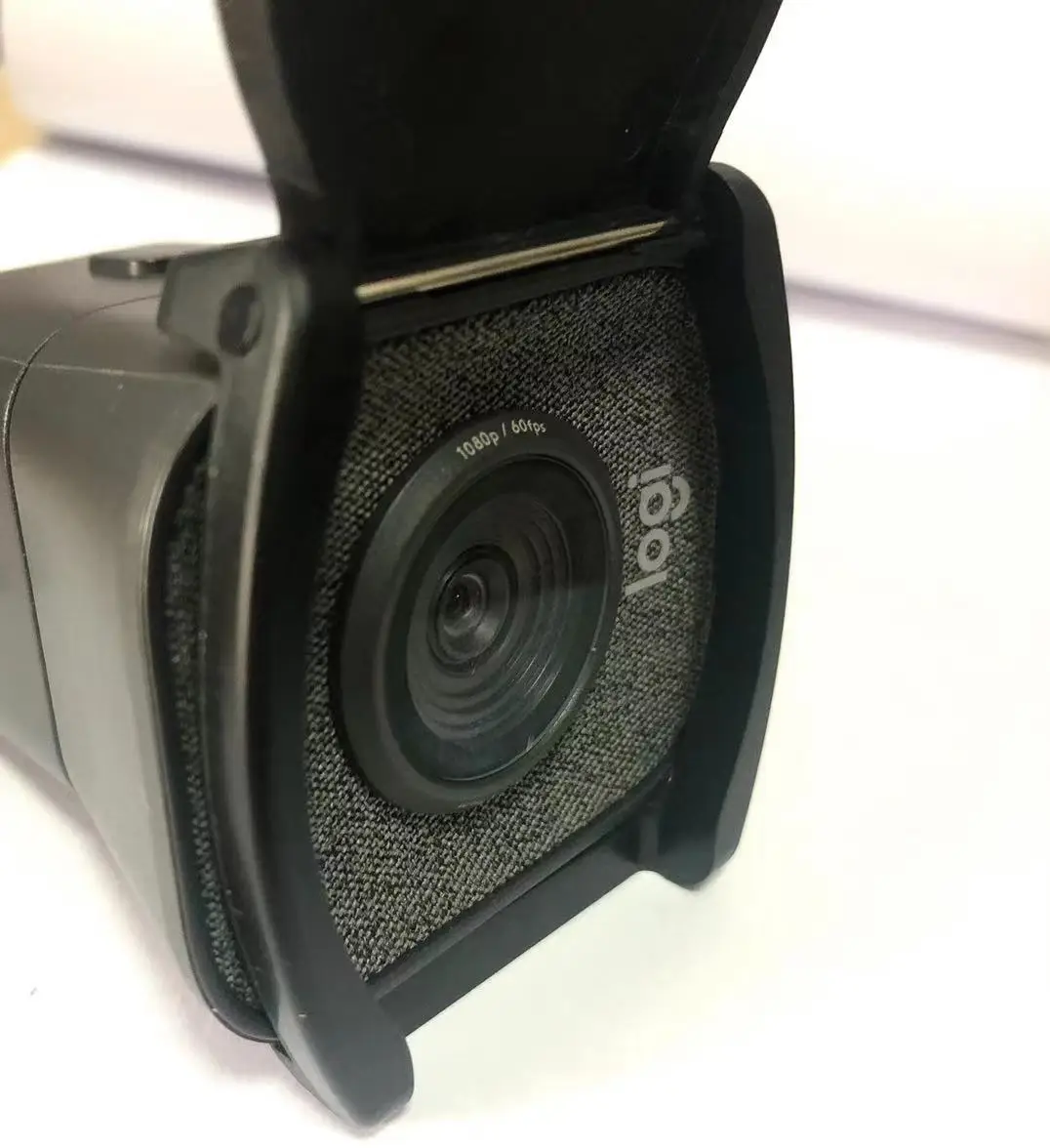
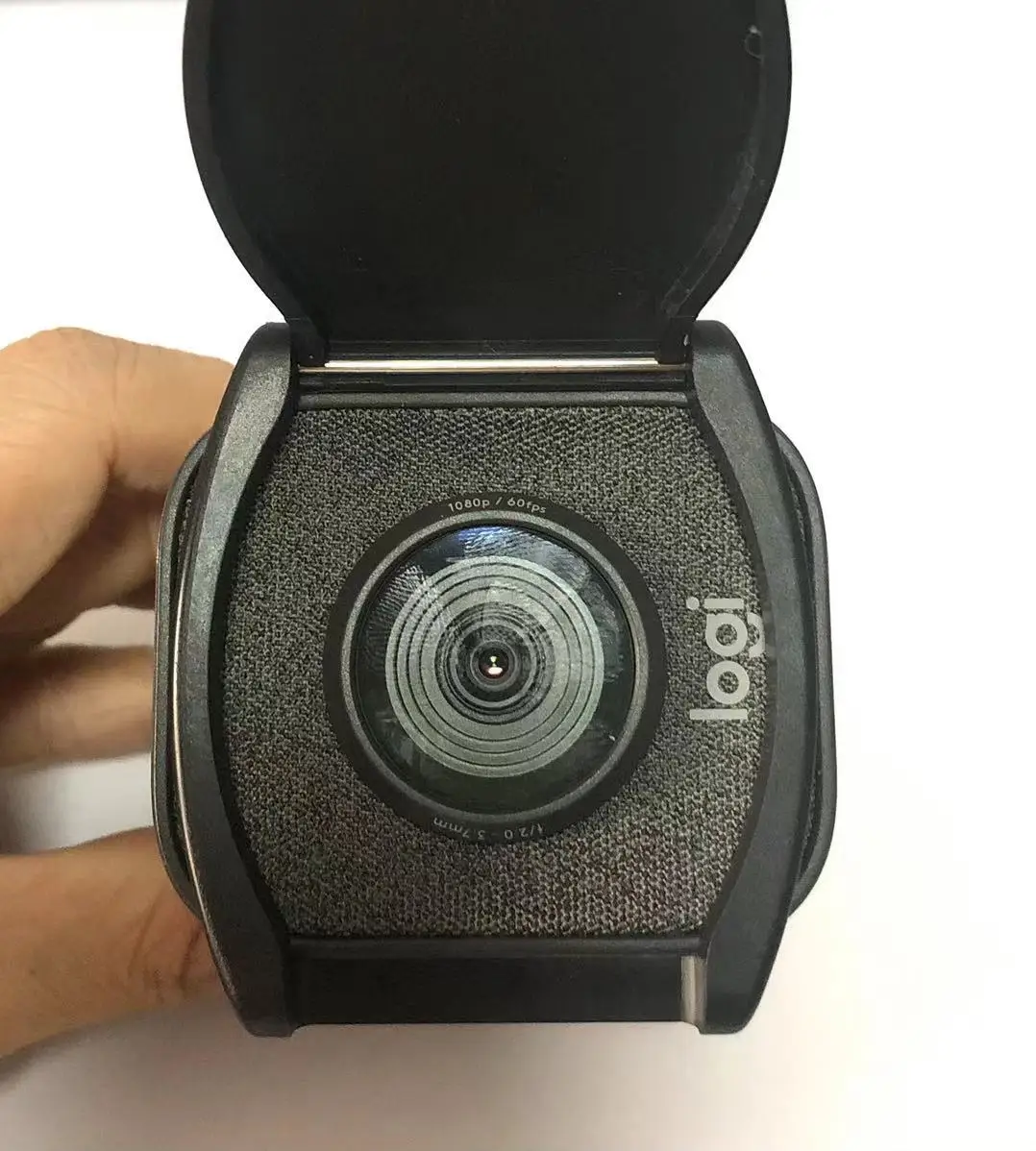
This is a privacy shutter and lens cover made for the Logitech StreamCam, the popular streaming webcam. It fits over the front of the camera and adds a physical shutter that slides or flips over the lens, blocking the view completely when closed and swinging clear when the camera is in use. It also acts as a lens cap, protecting the StreamCam optics from dust, fingerprints and scratches between sessions. It comes in black, white and green to match or accent the camera.
The appeal is certainty. Software can mute a camera, but only a physical cover guarantees the lens sees nothing: no misconfigured app, forgotten meeting or malware can see through a closed shutter. The StreamCam does not ship with a built-in shutter, which is exactly the gap this small accessory fills for streamers and remote workers who keep a camera permanently mounted and aimed at their desk.
The cover is shaped to the StreamCam body, snapping on without adhesive or tools and holding without interfering with the camera mount or the microphones. Because it is model-specific, the shutter aligns exactly with the lens and does not intrude into the frame when open. It stays on the camera permanently: open the shutter to stream or join a call, close it the moment the session ends. It is not a universal cover, so it should be paired with the StreamCam rather than other webcams.
The shutter earns its place twice over. As a privacy tool, it gives a visible, physical answer to the question of whether the camera can see: closed means blind, no trust in software required. As a lens cap, it keeps dust, desk grime and accidental fingerprints off the StreamCam optics, which keeps the image sharp over time; a dusty or smudged lens is a common cause of a once-crisp webcam turning soft.
Installation takes seconds: align the cover with the front of the StreamCam and snap it into place, checking the shutter opens fully clear of the lens. In daily use, the routine becomes automatic: shutter open when streaming or in a meeting, shutter closed the rest of the time. The cover needs no maintenance beyond an occasional wipe.
This shutter is a small accessory that solves two real problems for StreamCam owners: guaranteed physical privacy when the camera should be off, and lens protection that keeps the image sharp. It fits the StreamCam exactly, installs in seconds without adhesive, and costs little. For anyone with a StreamCam permanently mounted at their desk, it is an easy, sensible addition.


