Price :
QTY :
CART TOTALS :
There are items
in your cart
CART TOTALS :
With this products also buy:


We identified: …


Adapter Socket: PCI-E
Applicable Network Type: Ethernet
Application: Desktop
Bluetooth Protocol: Bluetooth 5.4
Brand Name: fenvi
Choice: yes
Frequency: 6 GHz
Frequency Band Class: Tri-Band
Heat dissipation: Support
High-concerned chemical: None
Interface Type: PCI Express
Kind: External
Model Name: FV-BE8800RGB
Model Number: FV-BE8800RGB
Origin: Mainland China
Package: Yes
Transmission Rate: 1300Mbps
Transmission Speed: 1200 Mbps
Type: WireLess
Wi-Fi Supported Frequency: 2.4G&5G&6G
Wired Interfaces: None
Wired socket: None
Wired transmission rate: None
Wireless Communication Standard: 802.11.be
Wireless socket: PCI-E
Wireless transmission rate: 1800M
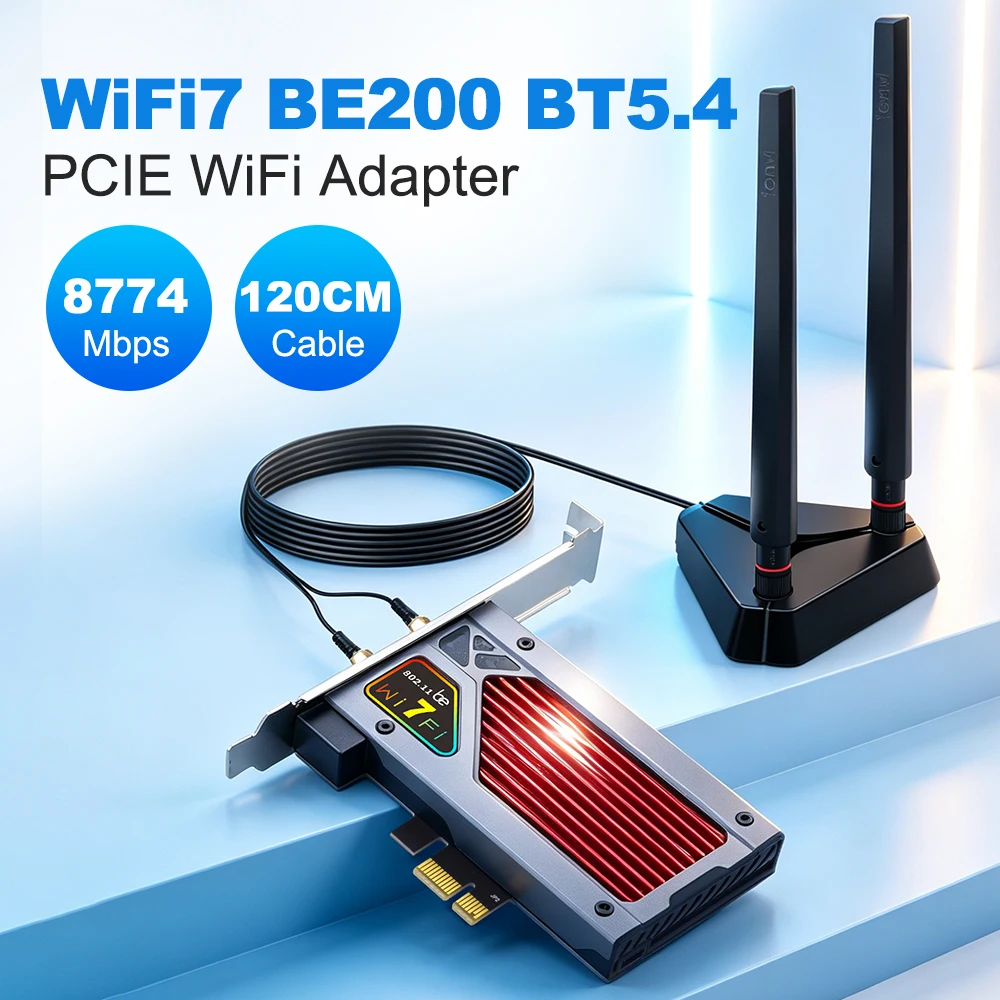
WIFI 7 BE200 BT5.4 FV-BE8800RGB PCIE WiFi Adapter WiFi7 802.11BE External Antenna 120CM Cable Wireless Network Card For Win10/11
Note:Not support for AMD/IBM/Thinkpad/lenovo/hp laptop desktop.
Specifications:
Model: FV-BE8800RGB PCI-E wireless adapter
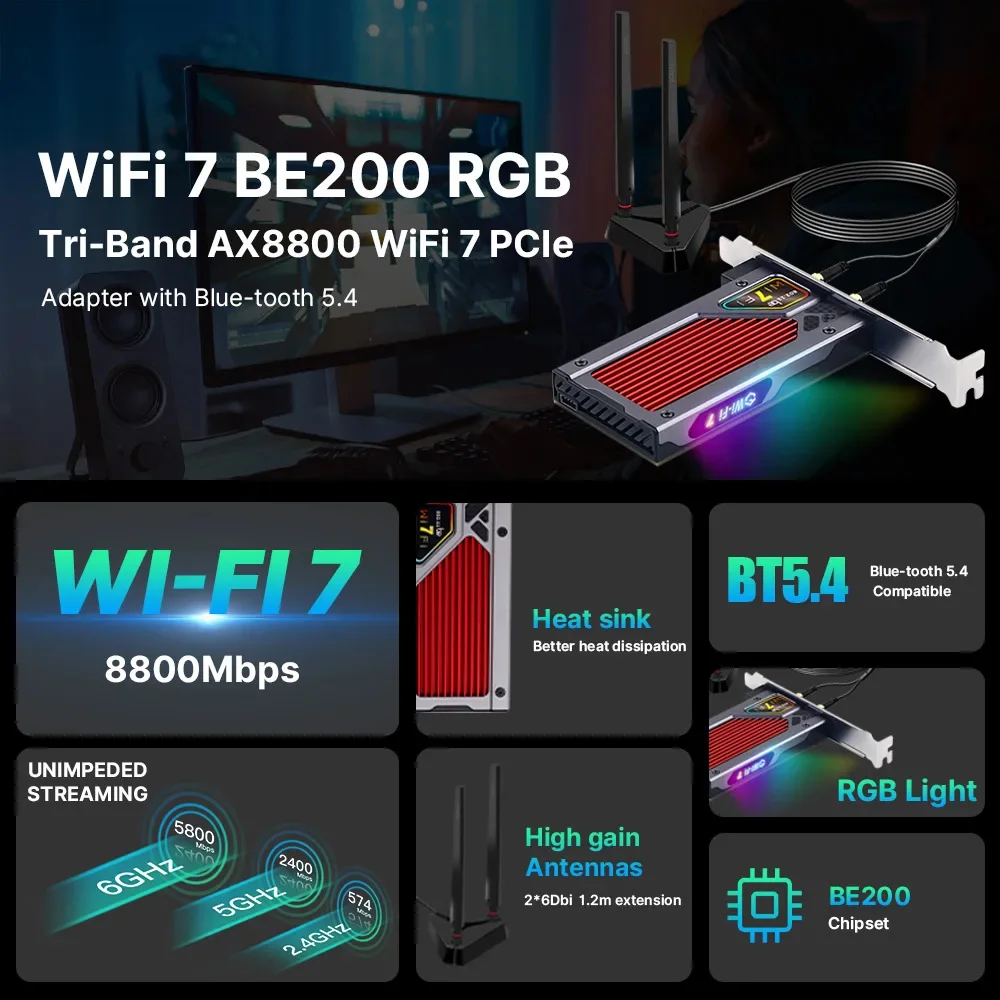
Chipest: BE200 Chip
Support Wi-Fi 7 and Bluetooth 5.4
Support MU-MIMO&OFDMA
2.4Ghz-574Mbps/5Ghz-2400Mbps/6Ghz-5.8Gbps(320Mhz)
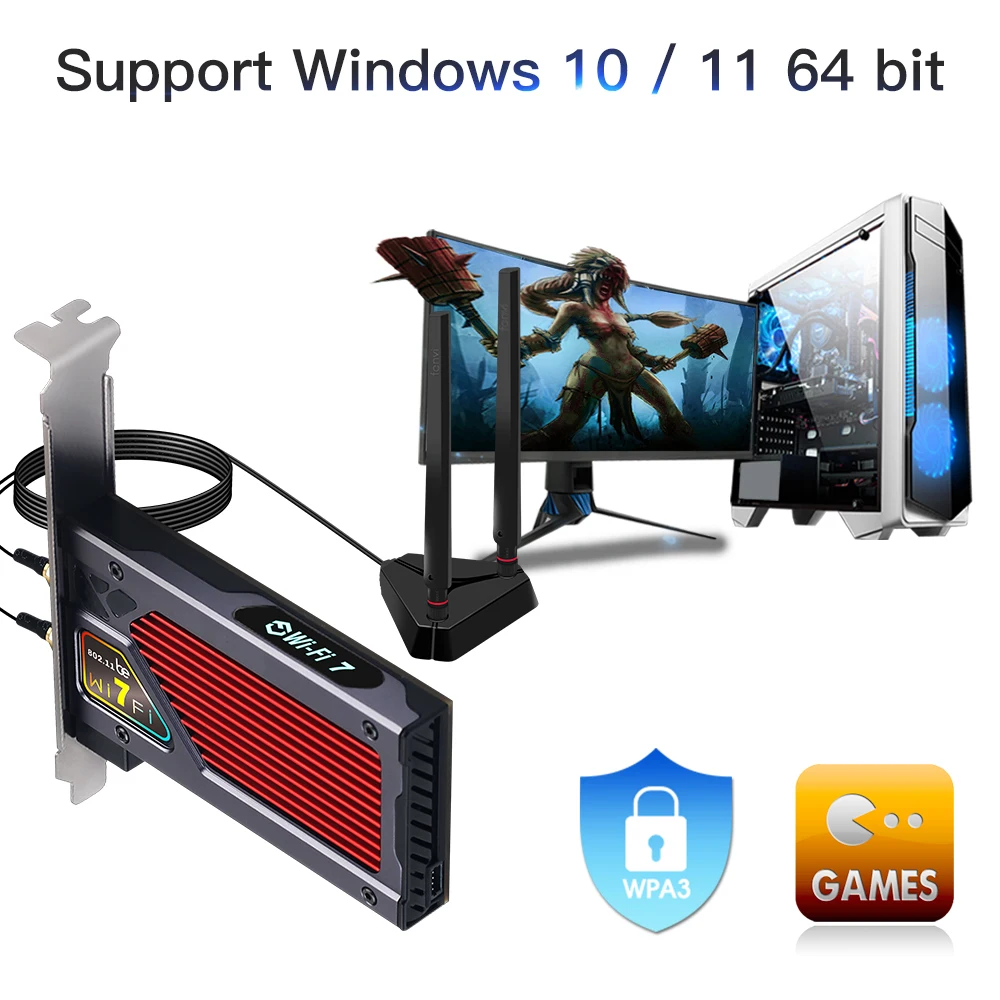
Operating Systems:Only Support Win 10*64bit/11 *64bit
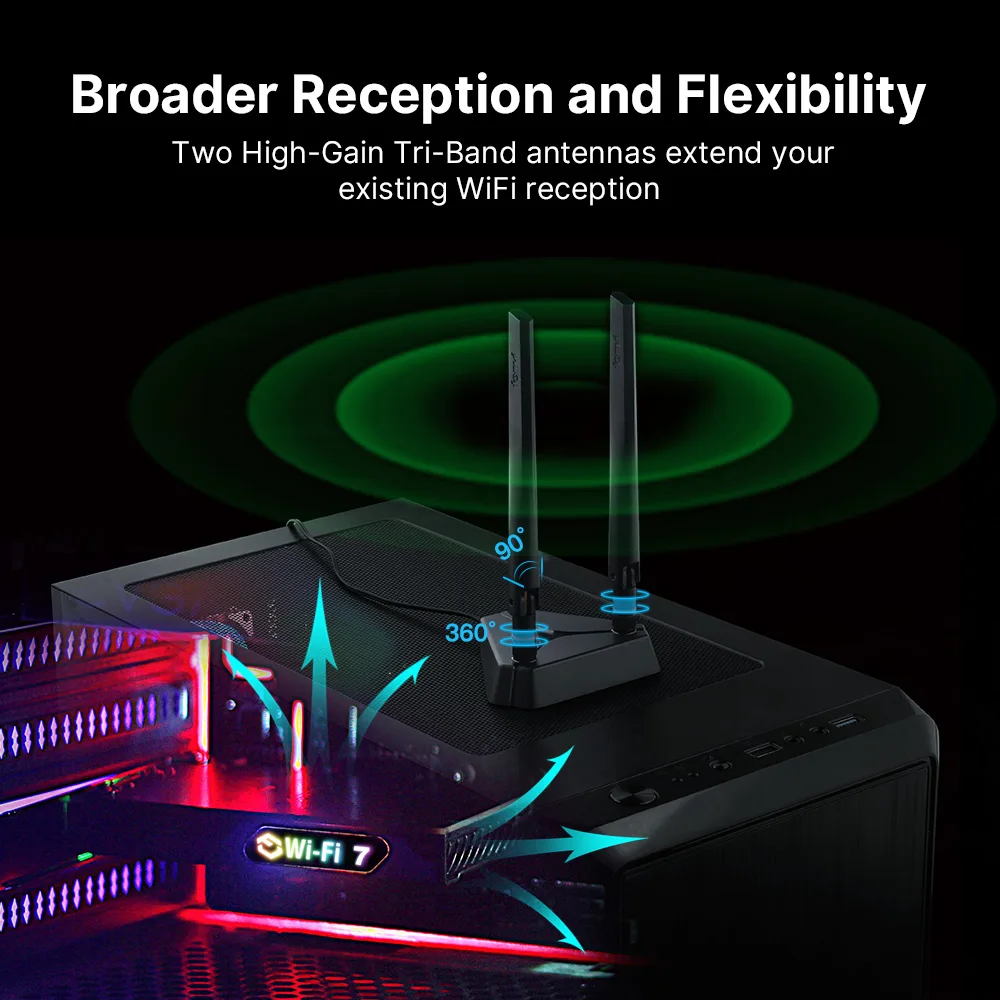
Compatible with almost computer with PCIE (X1 X4 X8 X16) card slot
Driver Downlaod:
https://www.fenvi.com/drive.html?keyword=FV-BE8800
Note:Not support for AMD/IBM/Thinkpad/lenovo/hp laptop desktop.
Package Includes:
1 set of WiFi 7 PCIE Network Adapter
Installation Steps:
1. Please install the network card with the computer powered off.
2. Please make sure that the installation slot is a PCIE slot, otherwise it cannot be installed.
3. If the network card is not recognized, please re-plug and re-install it or contact customer service for resolution.
4. Please make sure to plug the Bluetooth cable into the USB 9-pin port on the motherboard.Inserting it into the wrong port may damage the Bluetooth cable or motherboard.
5. For optimal performance, please download the latest version of the network card driver from FENVi support
Note:
No 6GHz band found, or the speed is slow◄※►
6GHz requires Windows 11 24H2+, a WiFi 7 router, and local 6GHz permission. Without these, it auto-falls back to 5GHz. Slower speed means you are still on a WiFi 5/6 router–upgrade router to unlock full performance. This is normal, not a defect.