Price :
QTY :
CART TOTALS :
There are items
in your cart
CART TOTALS :
With this products also buy:


We identified: …


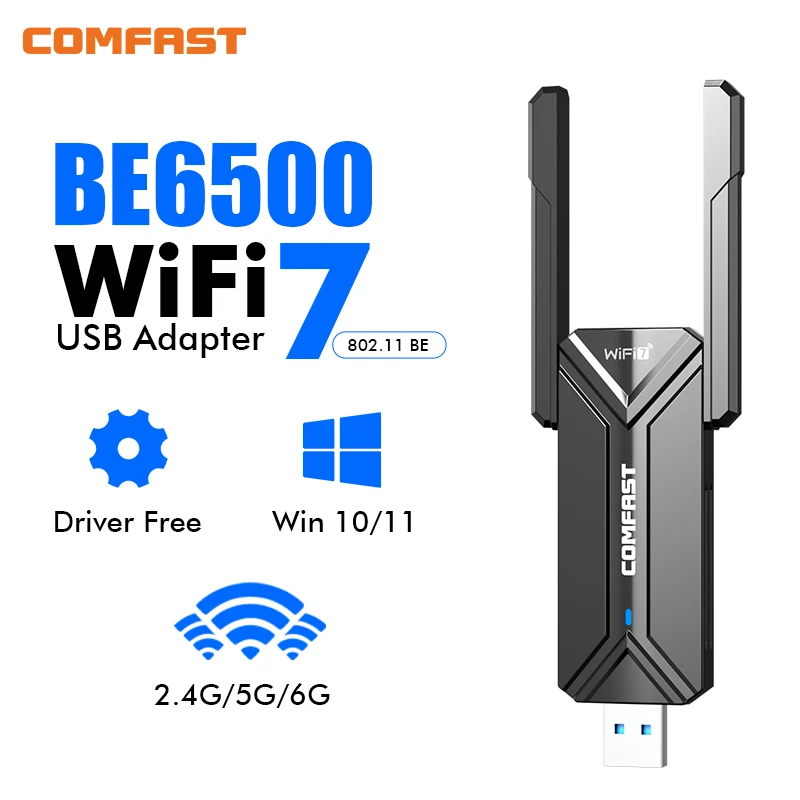
802.11AX usb network card Feature: BE6500 Wifi 7 Usb Adapter
Adaptador wifi 7 usb: 2.4GHz/ 5.8GHz/ 6GHz
Adapter Socket: USB
Applicable Network Type: Gigabit Ethernet
Application: Desktop
BE6500 wifi 7 usb adapter: Windows 10/11
Bluetooth Protocol: No support
Brand Name: comfast
CF-987BE wifi 7 adapter feature: usb wifi card 5ghz
Certification: CE,FCC
Choice: yes
Frequency: 6 GHz
Frequency Band Class: Tri-Band
Heat dissipation: Support
High-concerned chemical: None
Interface Type: USB 3.0
Kind: External
Lan Transmission Rate: 1000M Ethernet,1000M Ethernet
Model Name: CF-985BE
Model Number: CF-983BE
Origin: Mainland China
Package: Yes
Transmission Rate: 10/100/1000Mbps,6500Mbps
Transmission Speed: 1200 Mbps
Type: WireLess
WUkong Wifi Adapter: Wukong usb wifi adapter
Wi-Fi Supported Frequency: 2.4G & 5G
WiFi7 USB Wireless Adapter port: USB3.0 compatible with USB2.0
Wifi 7 BE6500: 4*5dbi Antenna
Wifi 7 Usb Adapter: IEEE802.11a/b/g/n/ac/ax/be
Wifi 7 adapter chip: RTL8912AU
Wifi 7 adapter feature: adaptador wifi usb 5ghz
Wired Interfaces: None
Wired socket: USB 3.0
Wired transmission rate: 1000m
Wireless Communication Standard: 802.11.be
Wireless Protocol: 802.11n,802.11ax(802.11ax),802.11a/g,802.11ac
Wireless socket: USB 3.0
Wireless transmission rate: 6000M
adaptador wifi 7 5ghz: adaptador wifi 7 6 ghz
antena wifi 7 para pc: 1.2m Extension Cable
be6500 adaptador wifi 7 usb: 128mW
semi_Choice: yes
wifi 7 adaptador: WPA-PSK/WPA2-PSK/WPA/WPA2/WPA3
wifi 7 adapter: BE6500 WIFI 7
Difference:
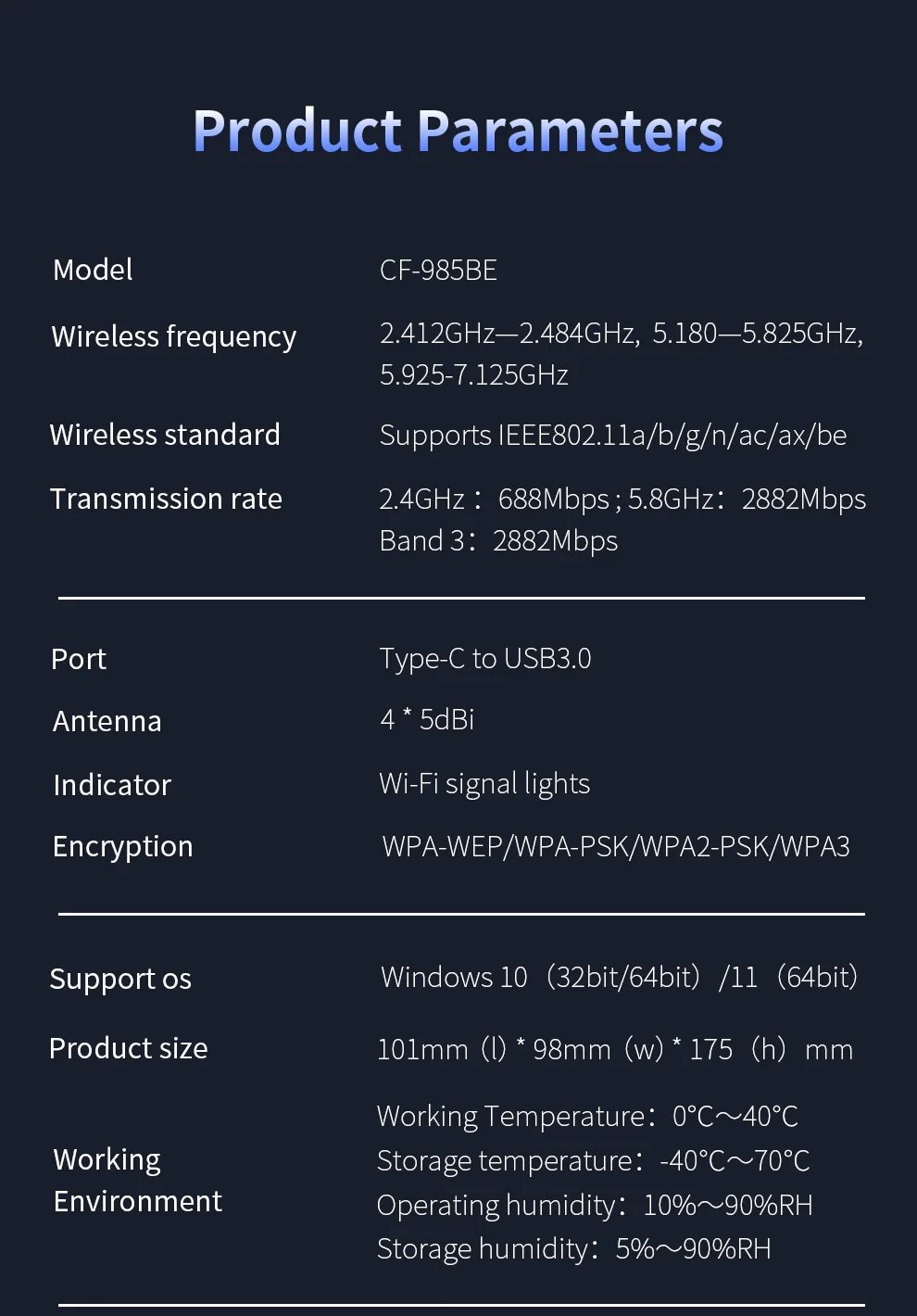
CF-985BE BE6500 Wifi7 6G/5G/2G 4*5dbi Antenna , Type C to Usb3.0 1.2M Extension Cable Support Win10/11
CF-987BE BE6500 Wifi7 6G/5G/2G 2*4dbi Antenna , Type C to Usb3.0 1.2M Extension Cable Support Win10/11
CF-983BE BE6500 Wifi7 6G/5G/2G 2*4dbi Antenna , Usb3.0 No Extension Cable Support Win10/11
Description:
CF-985BE is a BE6500 WiFi7 driverless wireless card, automatic installation of the driver, the extension cable design at your disposal; tri-band 6452Mbps high-speed rate, 2.4 & 5 & 6GHz bands; omni-directional antenna design, the signal through the wall to enhance the ability to; WiFi7 technology, the network latency, channel interference is greatly reduced in a highly congested environment can also enjoy a smooth game! experience in highly congested environments, meeting users' high-end network needs!
Note: It needs to be used with a tri-band router higher than 6452Mbps so that the network card can reach its highest speed.
Packing list:
1* BE6500 WiFi 7 Usb Adapter
1*Instruction manual
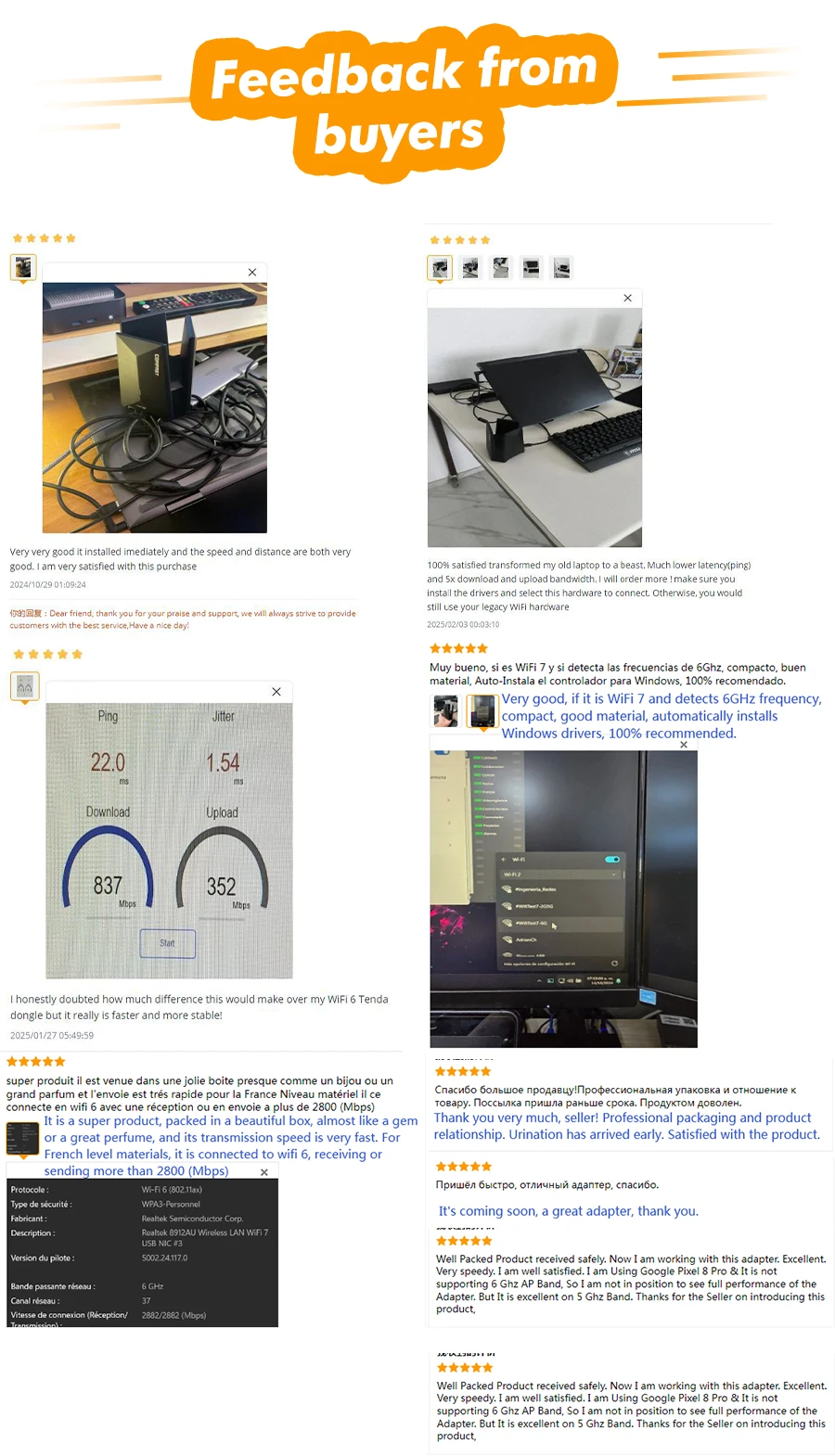
 CF-985BE WiFi 7 New Genaration BE6500 | WiFi 7 | USB Wireless Adapter
Tri-Band 6452Mbps Driver-Free High-gain Antennas Extension cord Design
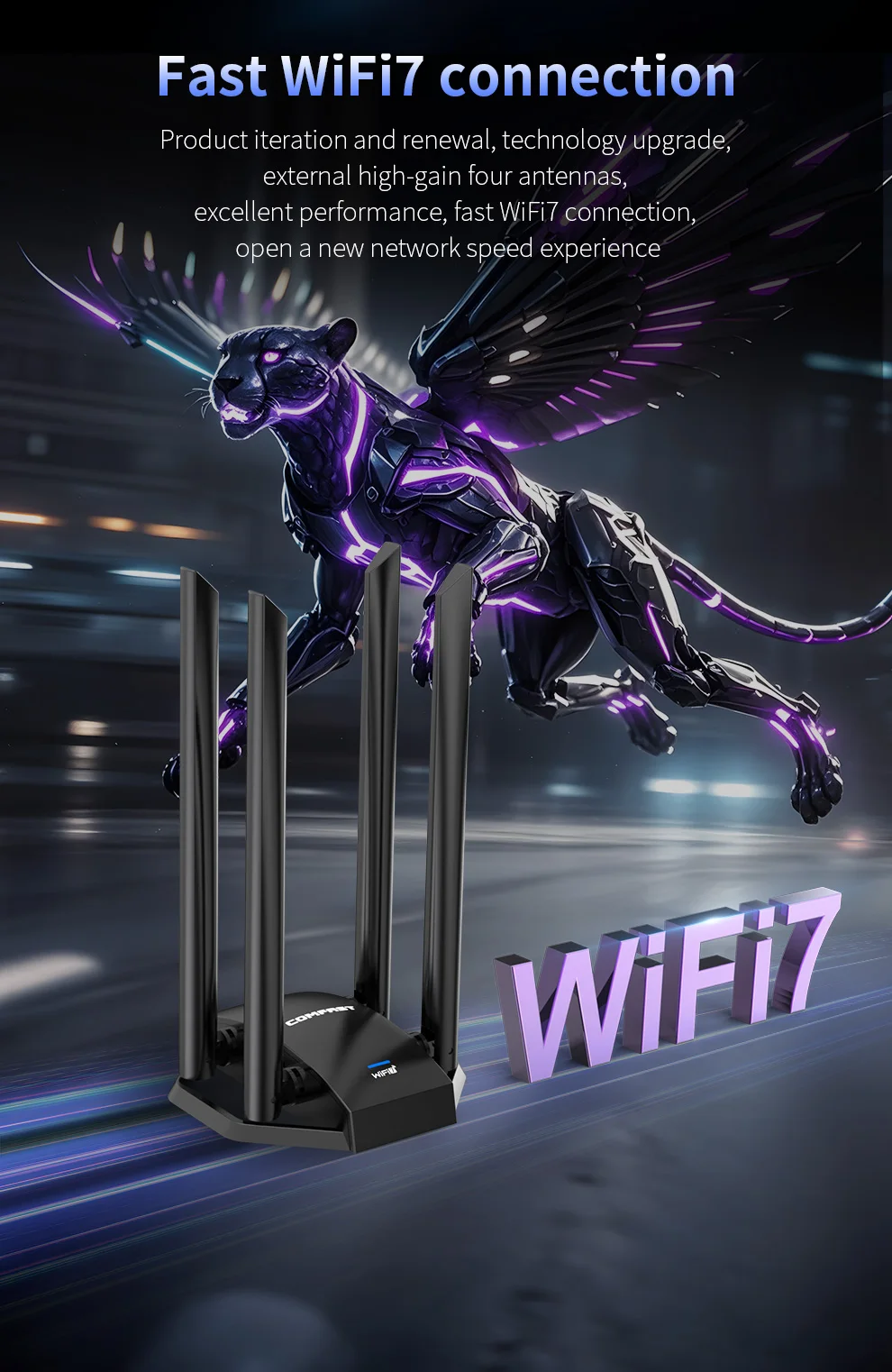 Fast WiFi7 connection
Product iteration and renewal, technology upgrade, external high-gain four antennas, excellent performance, fast WiFi7 connection, open a new network speed experience
WiFi 7 Strong Power Meeting high-end network requirements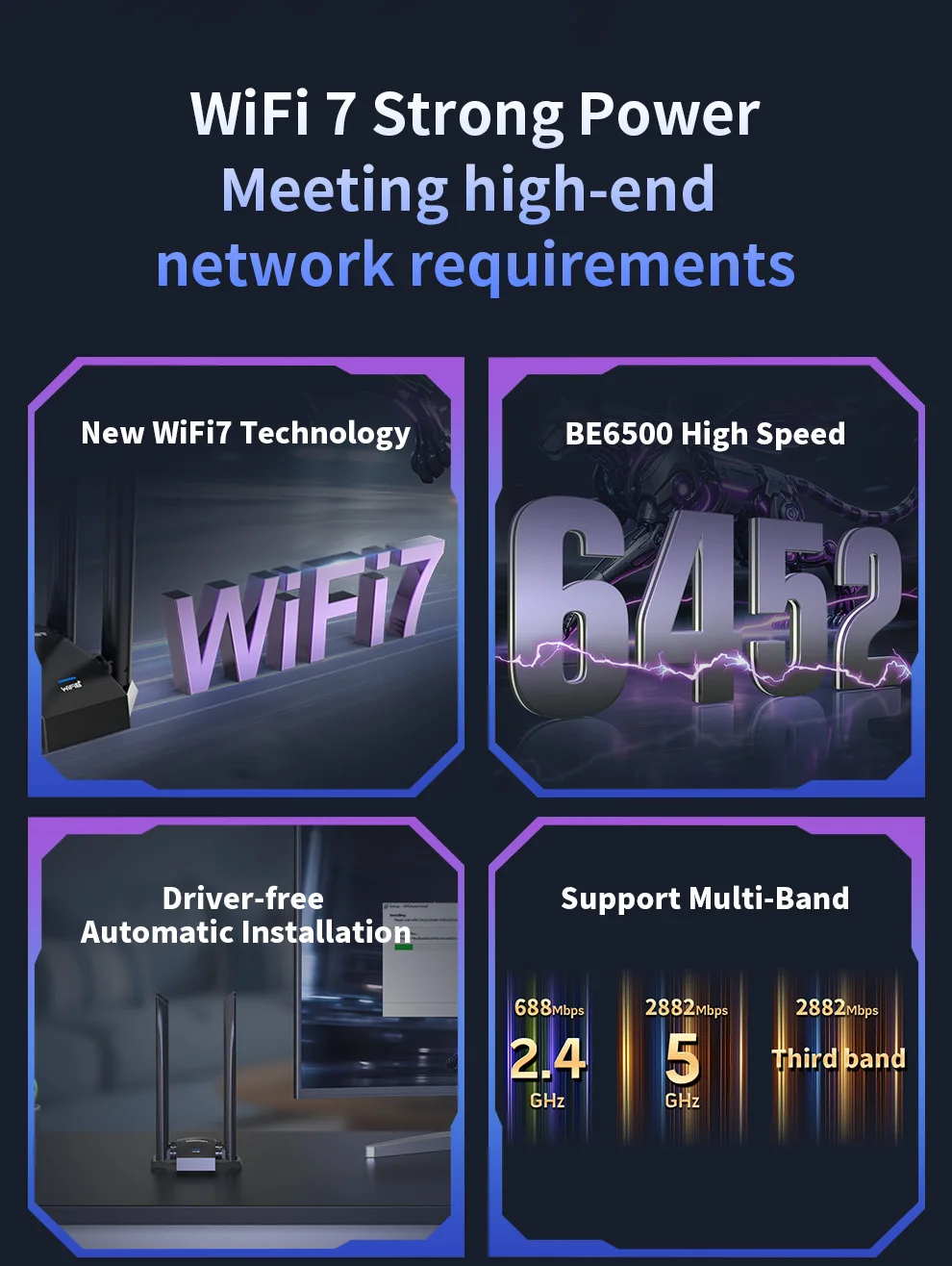
 New WiFi7 Technology BE6500 High Speed Driver-free Automatic Installation
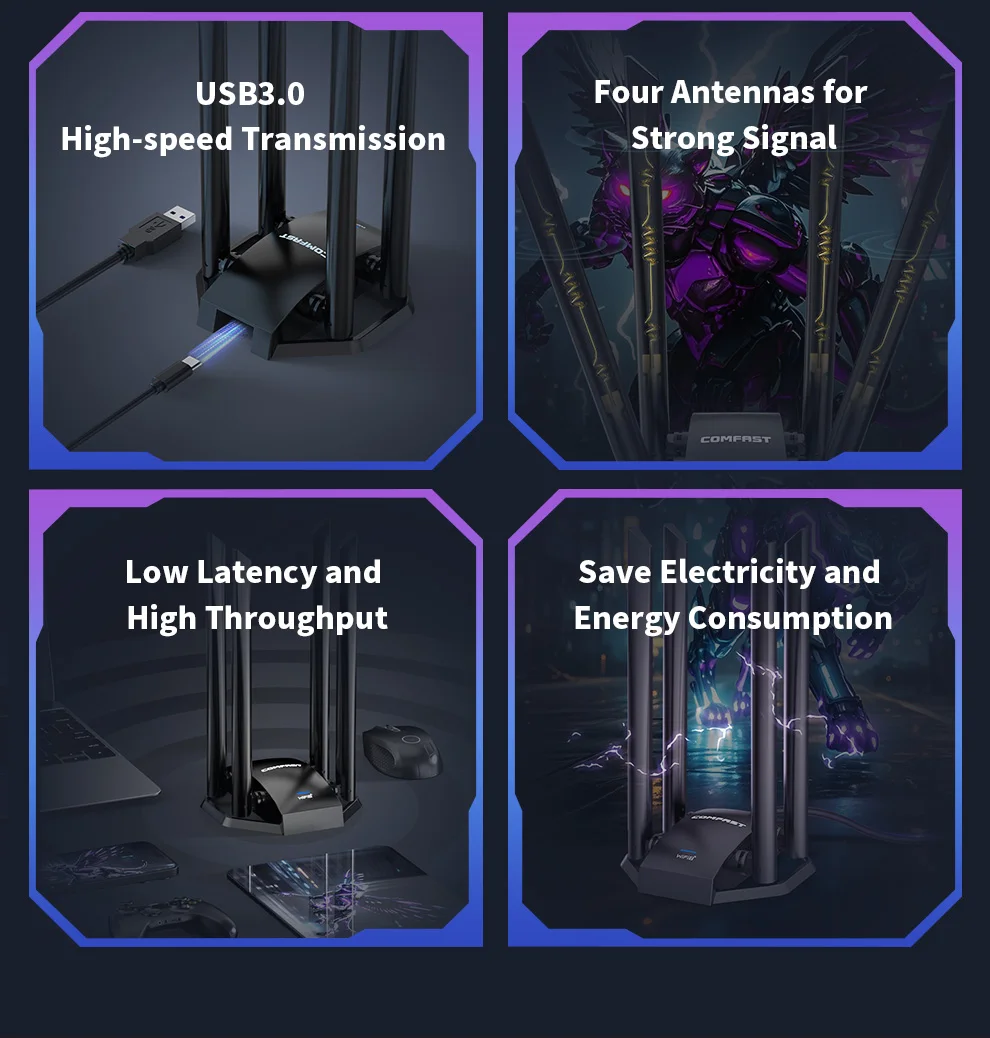
Support Multi-Band USB3.0 High-speed Transmission Four Antennas for Strong Signal
Low Latency and High Throughput
Save Electricity and Energy Consumption Technology Iteration and Network speed up 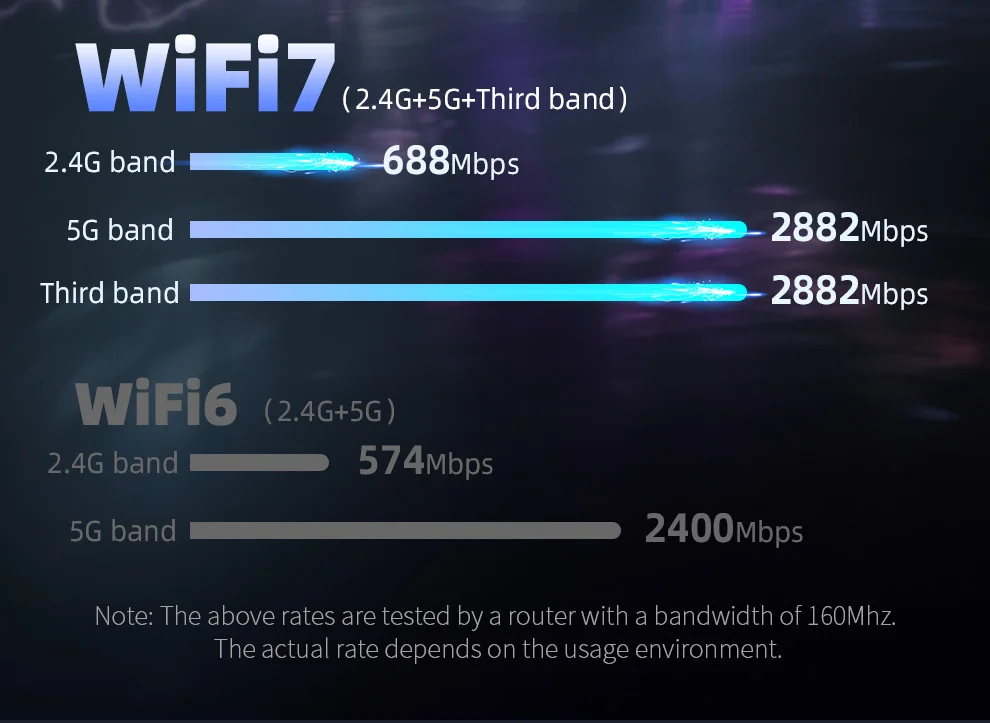 6452MbpsThe speed parameters are full, and the total three-band wireless transmission can reach 6452Mbps
Faster than imagined
2.4G band 5G band Third band
Multi-frequency transmission Unimpeded operation
WiFi7 supports multi-link technology, and devices can use multiple frequency bands (such as 2.4GHz, 5GHz and the third frequency band) at the same time
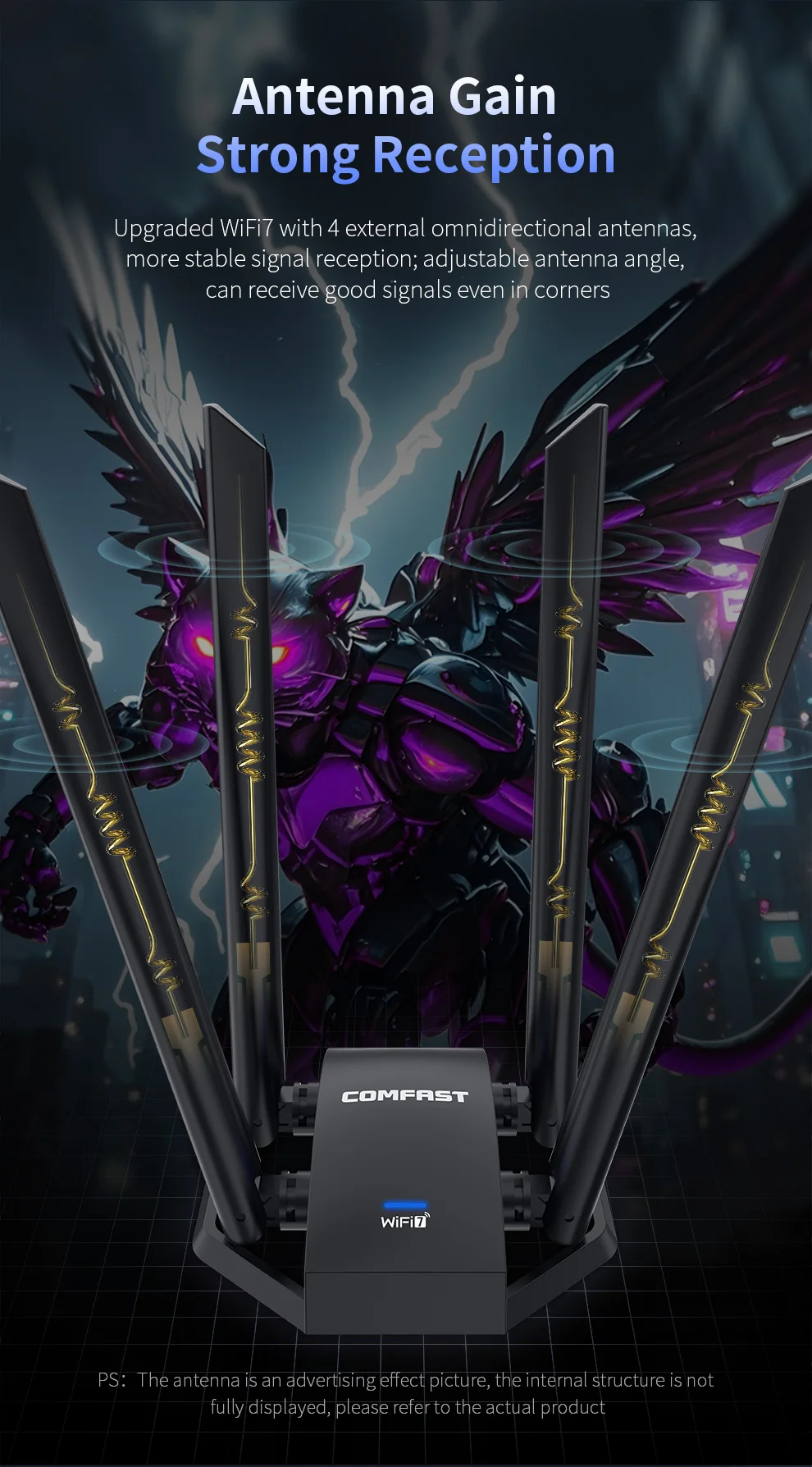
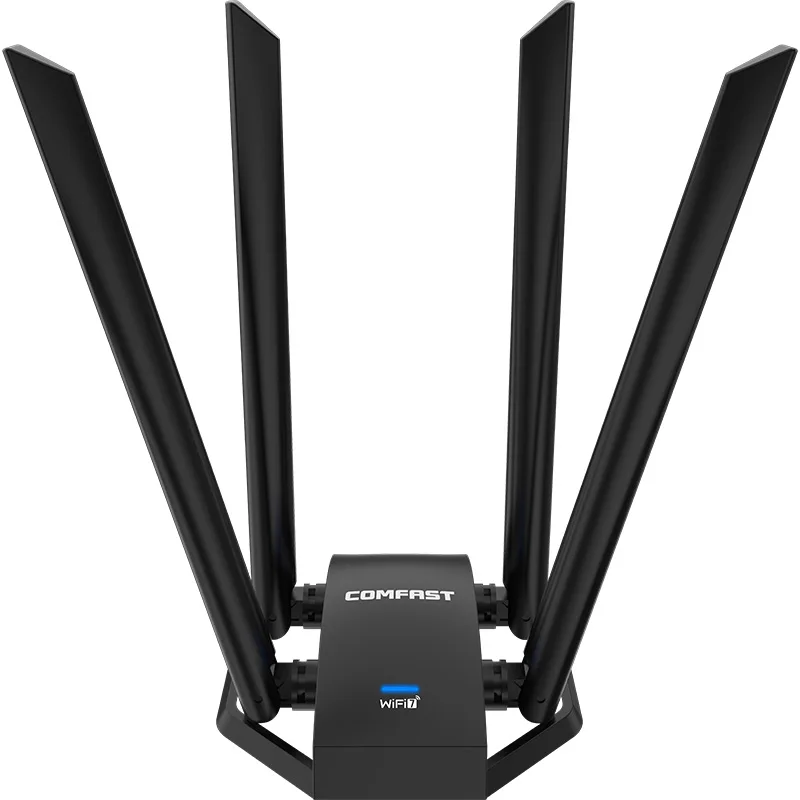
Perform data transmission, significantly improving network transmission speed and stability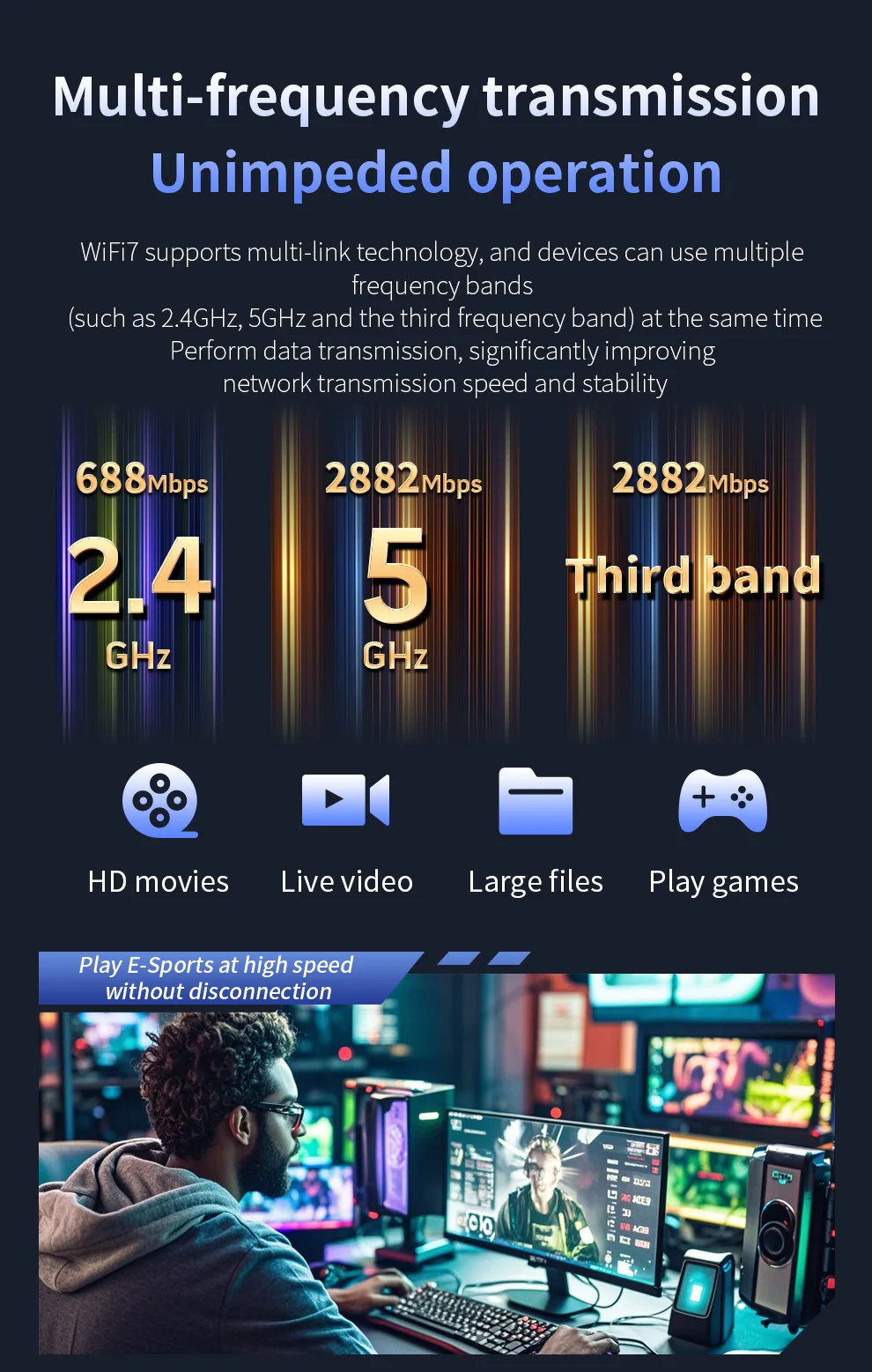 Antenna GainStrong Reception Upgraded WiFi7 with 4 external omnidirectional antennas, more stable signal reception; adjustable antenna angle, can receive good signals even in corners
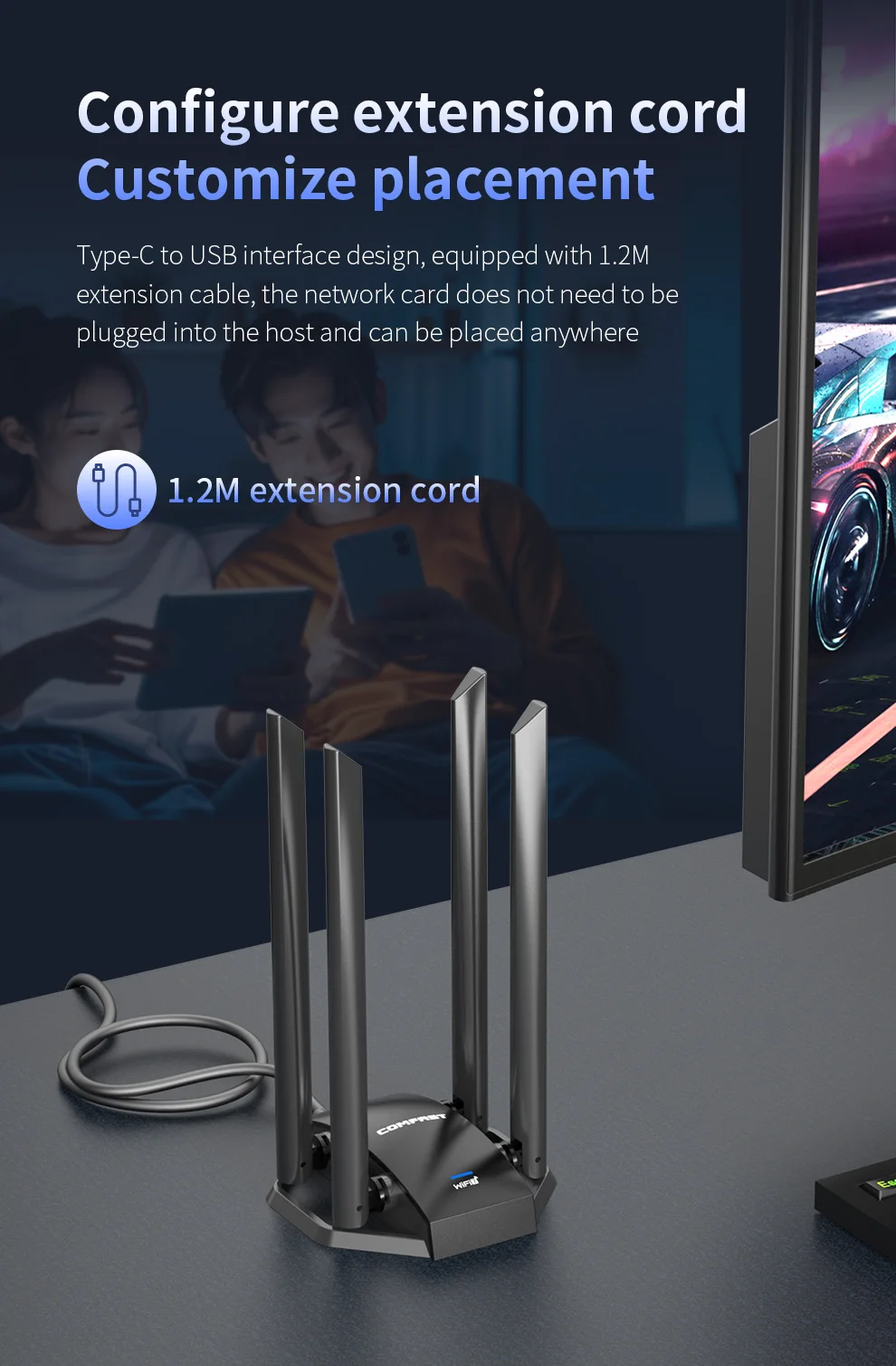
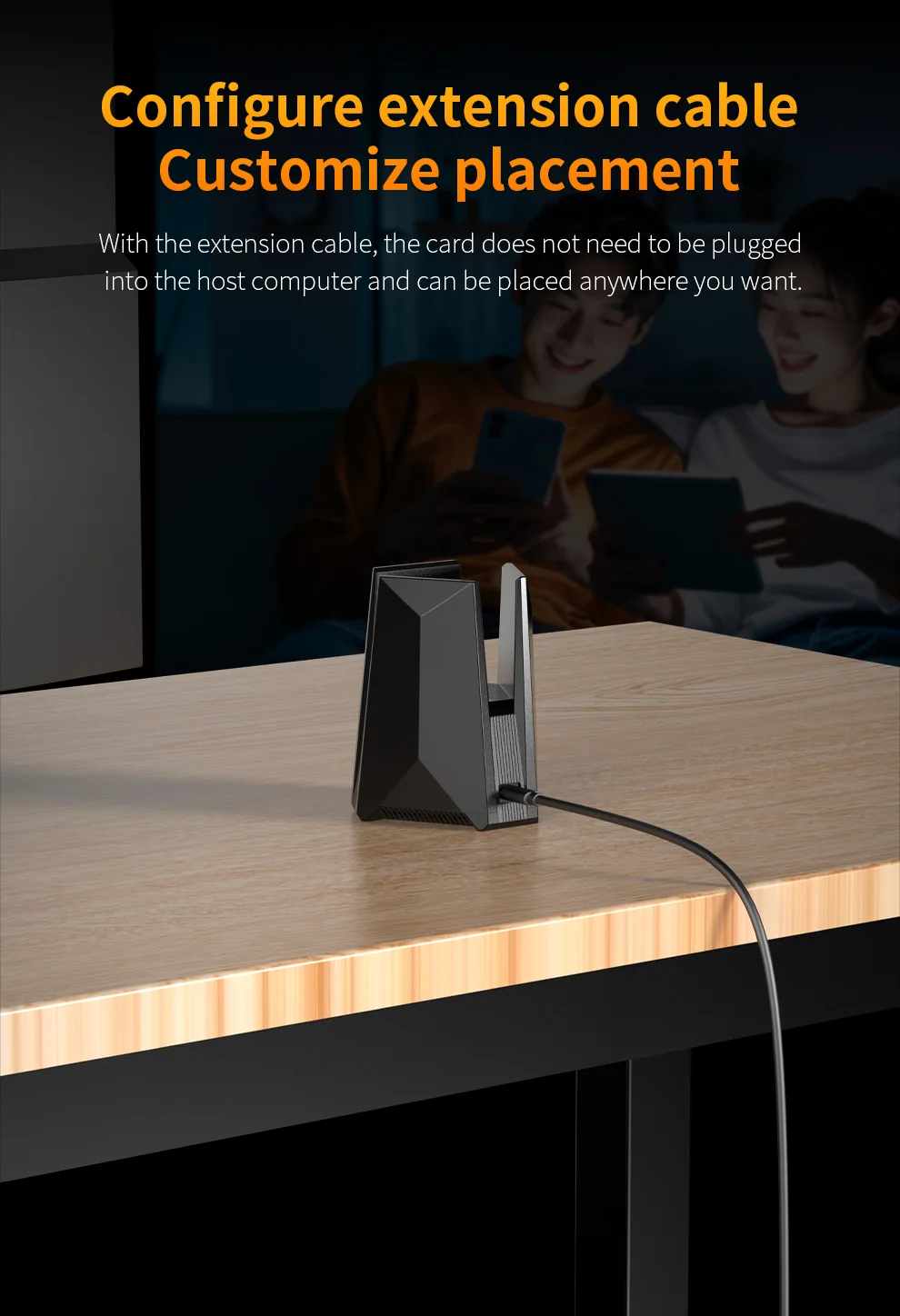
 Type-C to USB interface design, equipped with 1.2M extension cable, the network card does not need to be plugged into the host and can be placed anywhere 1.2M extension cord
 USB3.0 Efficient Transmission
USB3.0 interface, stable power supply and effective improvement of network card transmission stability, high-speed transmission without lag, and more efficient data transmission 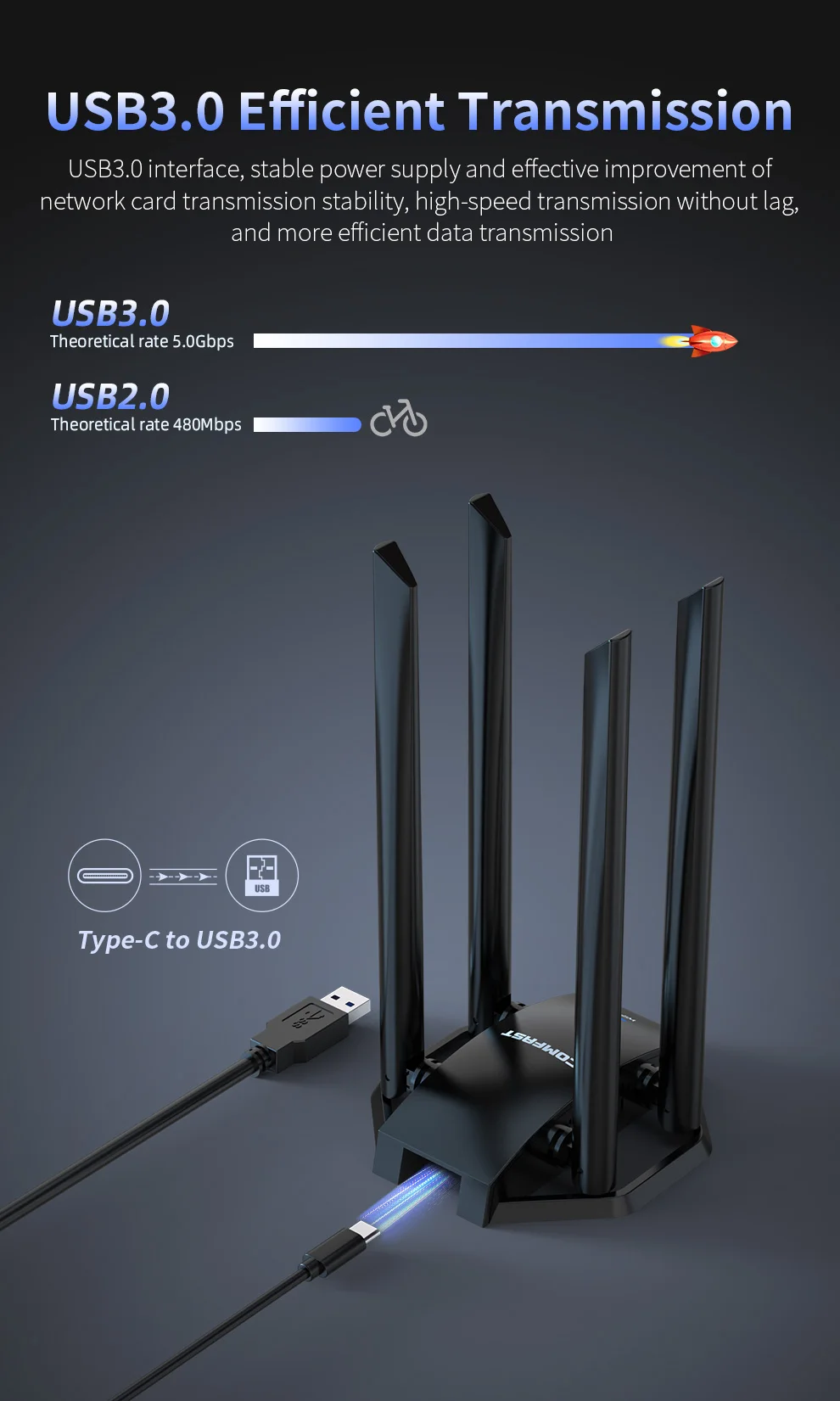 Type-C to USB3.0
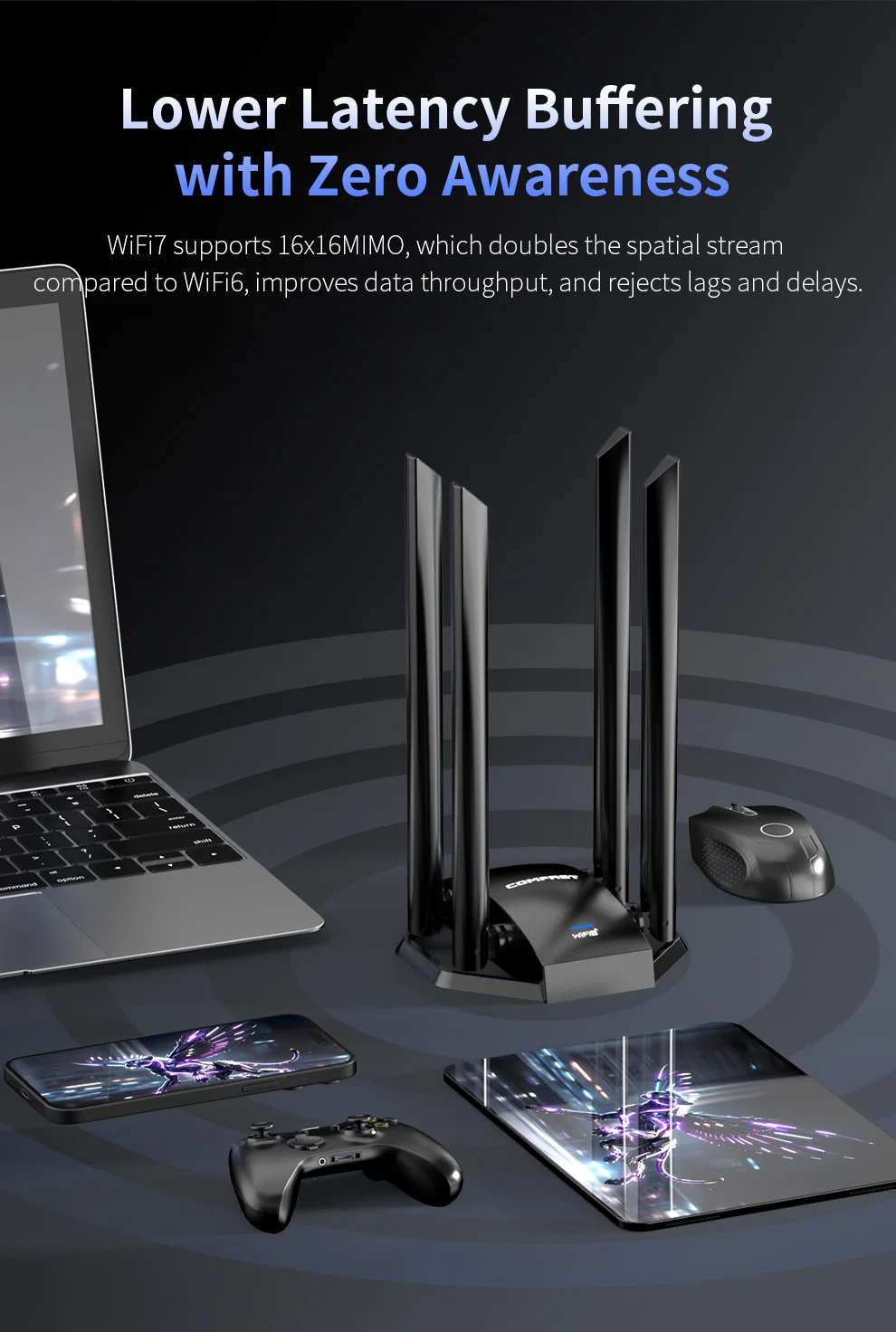 Lower Latency Buffering with Zero Awareness
WiFi7 supports 16x16MIMO, which doubles the spatial stream compared to WiFi6, improves data throughput, and rejects lags and delays.
Driver-free installation in one step
Eliminate the tedious driver installation, insert the CF-985BE network card into the computer USB port and it will be automatically installed, saving you worry and effort, and you can easily enjoy the WiFi7 Internet experience.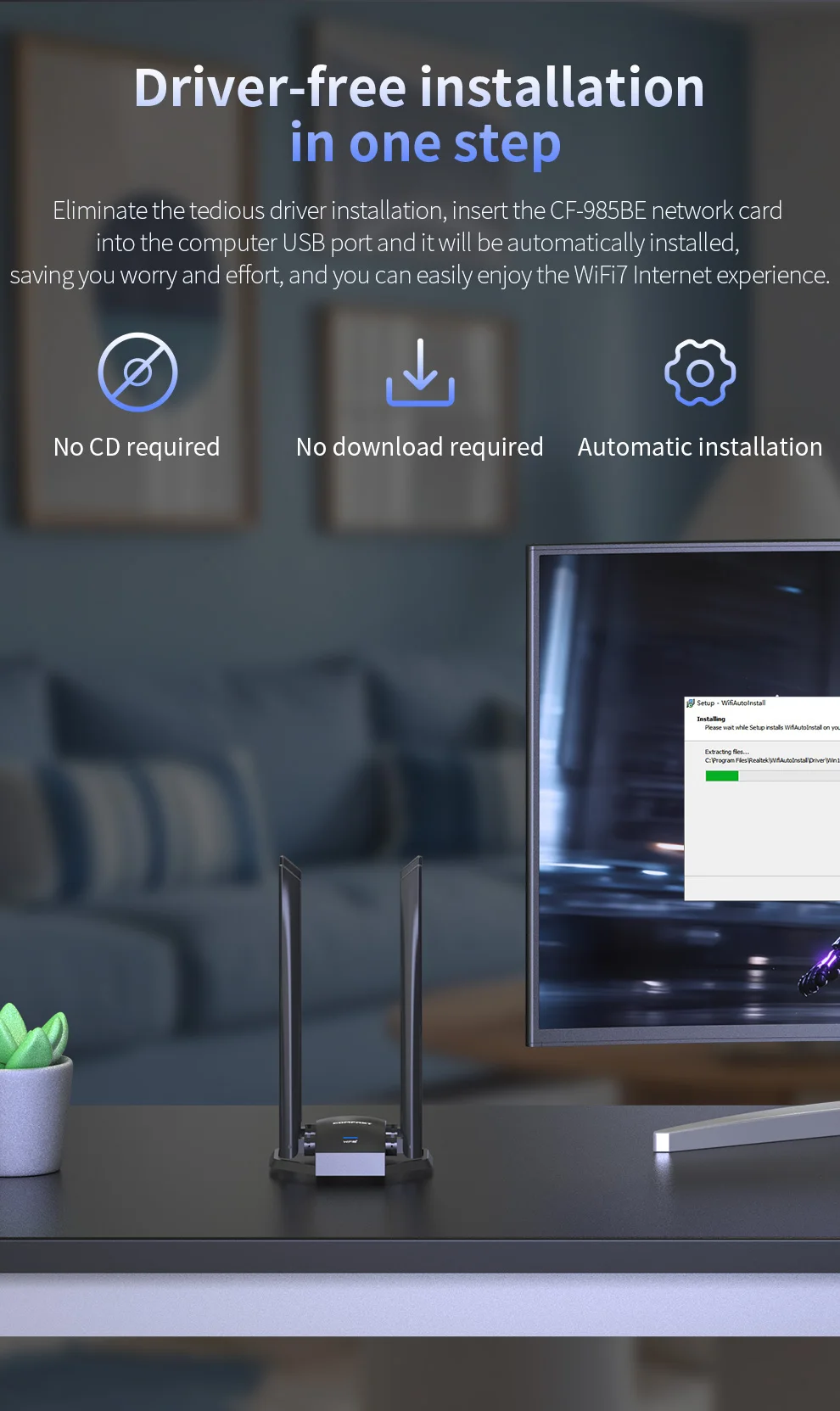 No CD required No download requiredAutomatic installation
WPA3 Encrypted Secure Internet Access
WPA3 encryption technology, multiple encryption, to ensure your Internet security. Mainstream systems fully compatible
Compatible with mainstream Windows 10/11 systems, can replace old/wired network cards,
Stable and efficient transmission, worry-free Internet access
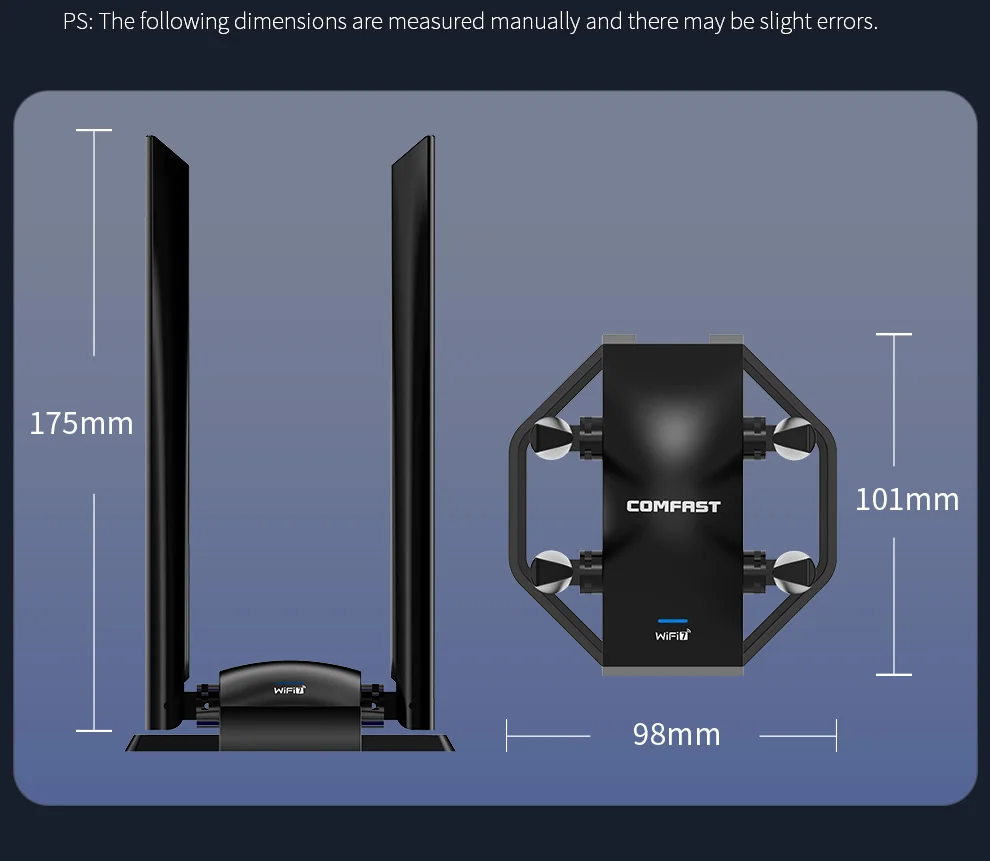
Technology Upgrade Network Speed Up
WiFi7 performance upgrade, fast network speed, low latency, anti-interference, compared with WiFi6 has been greatly improved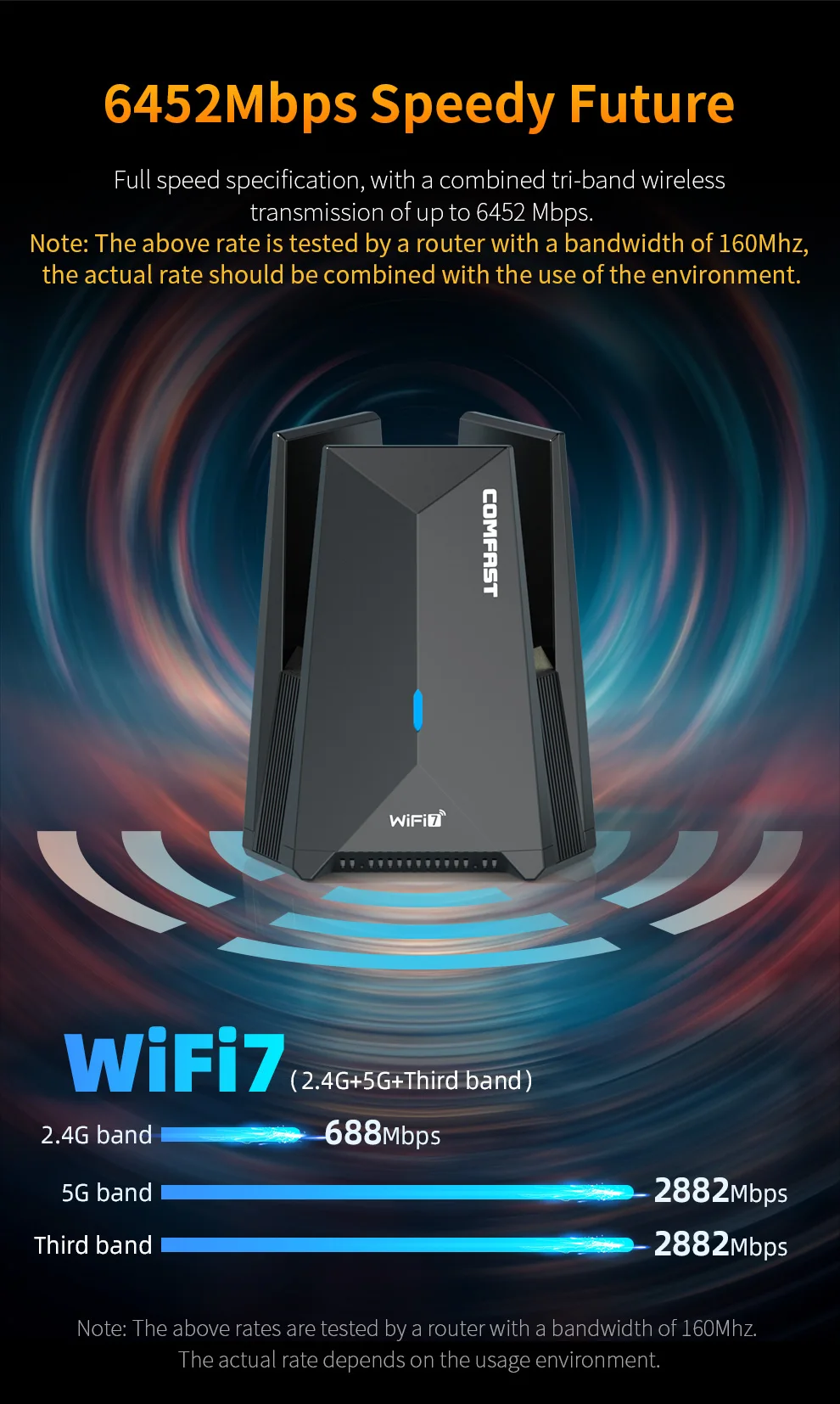
1. What is Wi-Fi 7 (802.11be)?
Wi-Fi 7 is the next generation of Wi-Fi technology, officially known as 802.11be. It delivers ultra-high throughput, low latency, and improved reliability compared to Wi-Fi 6/6E. Key features include 320 MHz channel, 4K-QAM, Multi-Link Operation (MLO), and up to 16 spatial streams.
2. How fast is a Wi-Fi 7 network card?
Theoretical maximum speeds reach up to 46 Gbps – nearly 5× faster than Wi-Fi 6 (9.6 Gbps). Actual performance depends on your router, environment, and client support, but you can expect multi-gigabit speeds for tasks like 8K streaming, VR, or large file transfers.
3. What are the key benefits of upgrading to a Wi-Fi 7 card?
Higher throughput – perfect for bandwidth-intensive applications
Lower latency – critical for gaming, video conferencing, and real-time collaboration
Better channel efficiency – via preamble puncturing and multi-RU (Resource Unit) allocation
Multi-Link Operation (MLO) – simultaneous transmission across different bands (2.4, 5, 6 GHz) for higher reliability and lower lag
Backward compatibility – works with older Wi-Fi 5/6/6E routers
4. Is a Wi-Fi 7 card backward compatible with older routers?
Yes. All Wi-Fi 7 cards support 802.11a/b/g/n/ac/ax/be, meaning they can connect to any existing Wi-Fi 4/5/6/6E router or access point. However, to experience Wi-Fi 7 features, you need a Wi-Fi 7 router or AP.
5. Does a Wi-Fi 7 card require a 6 GHz band?
Not strictly, but to achieve full Wi‑Fi 7 performance, you need access to the 6 GHz band (5.925–7.125 GHz). The 6 GHz band offers wider channels (up to 320 MHz) and is interference‑free. If your router only supports 2.4/5 GHz, you still get improvements like MLO and 4K‑QAM but without the wide‑channel speed boost.
6. What is Multi-Link Operation (MLO) and why does it matter?
MLO allows the Wi-Fi 7 card to use multiple bands simultaneously (e.g., 5 GHz + 6 GHz). This provides:
Higher aggregate throughput
Lower latency by dynamically switching to the best link
Better reliability if one band experiences interference
7. What interface does a Wi-Fi 7 card use?
This network card is equipped with a USB3.0 interface compatible with USB2.0. When connected to the UES3.0 interface, the network speed is the fastest.
8. Do I need a special driver or operating system?
This is a driver-free network card and does not require additional driver downloads. However, if there are problems with driver installation, you can contact the store customer service.