








Price :
QTY :
CART TOTALS :
There are items
in your cart
CART TOTALS :
With this products also buy:


We identified: …


Brand Name: ZUIDID
Choice: yes
High-concerned chemical: None
Model Number: XP600 printhead
Origin: Jp(origin)
semi_Choice: yes
Product Description
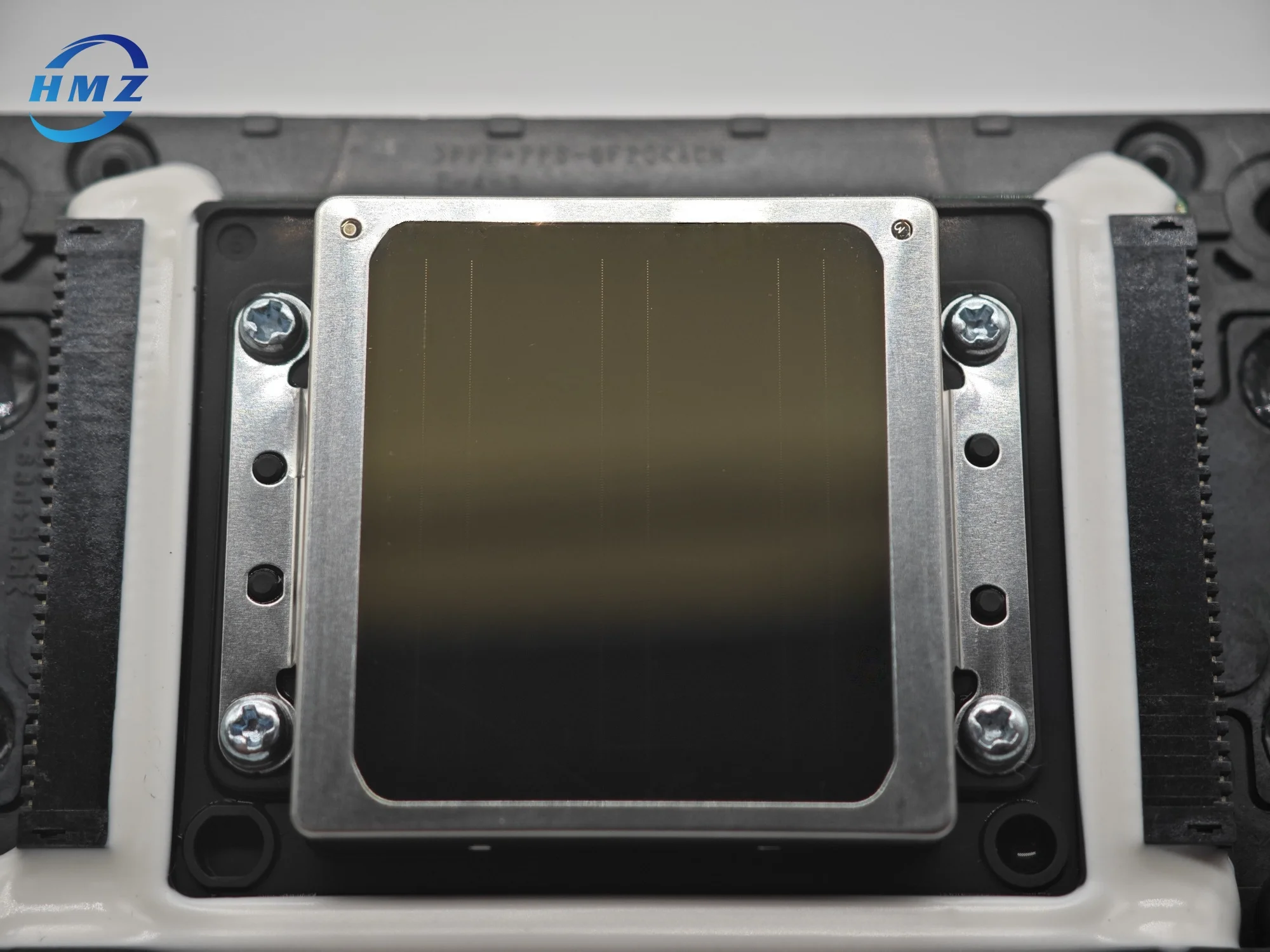
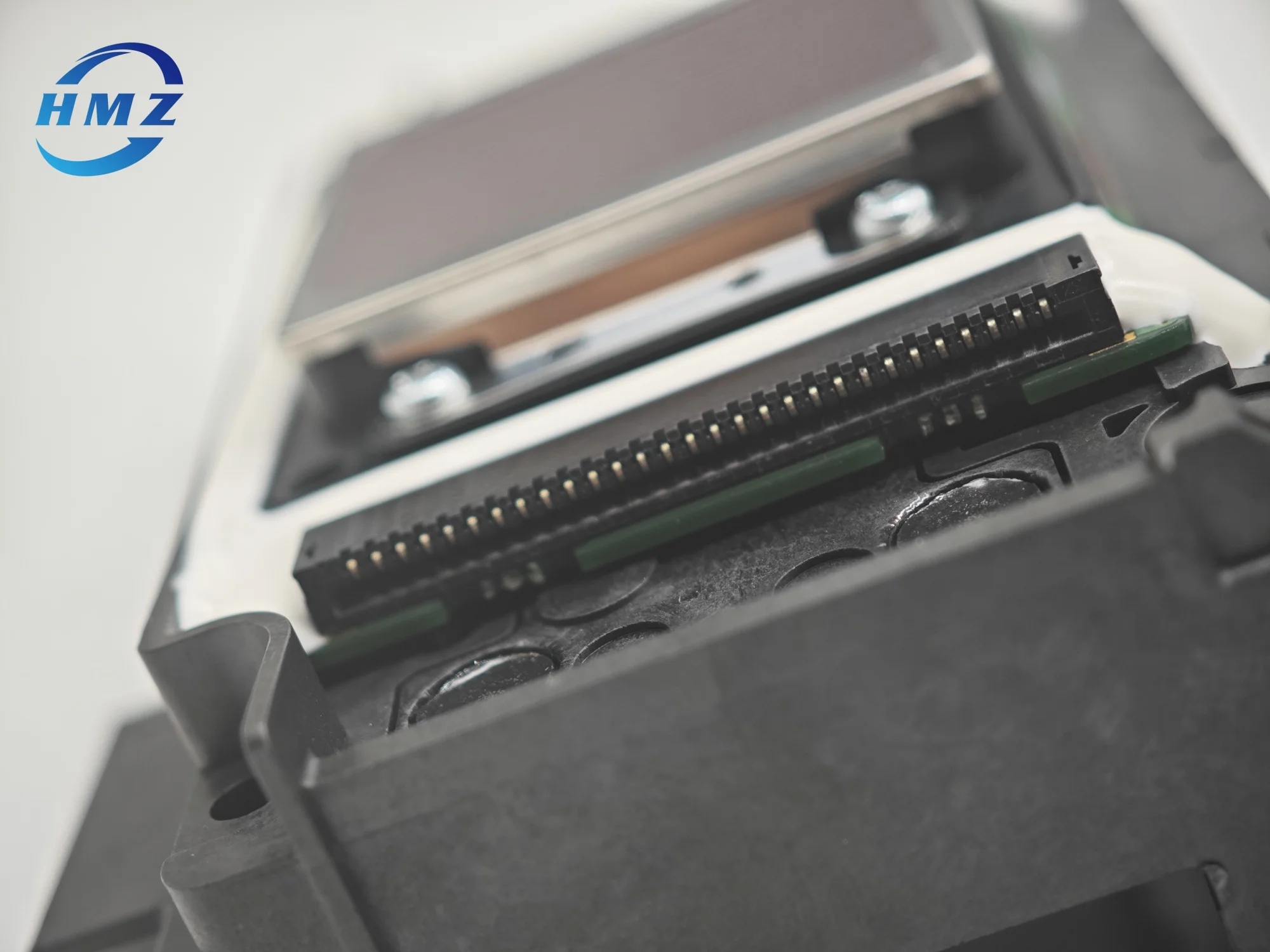
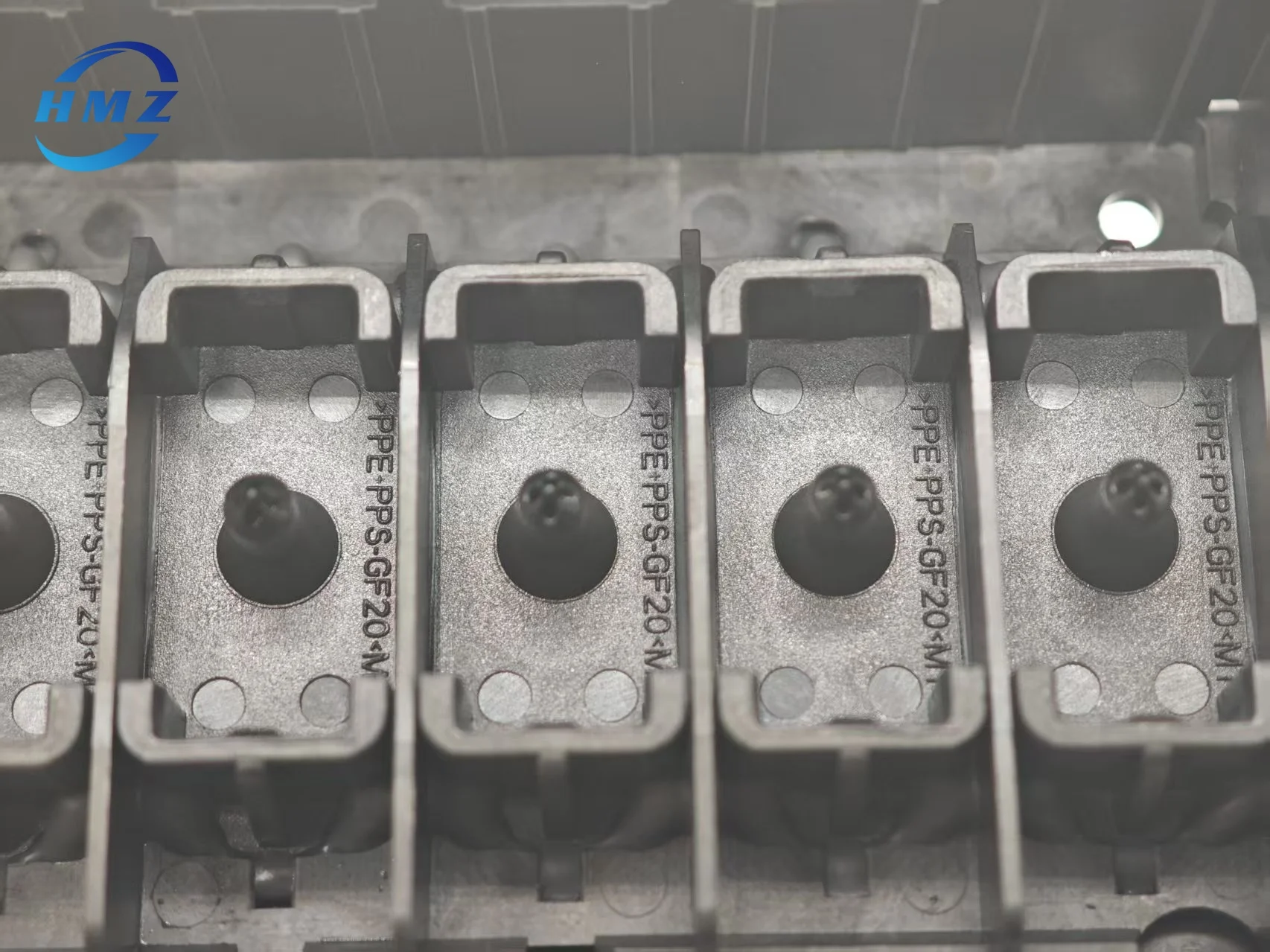
For epson XP600 Print head
XP600 print head is compatible with a variety of Epson printer modelsincluding
XP600,XP601,XP610,XP620,XP625,XP630,XP635,XP700,XP701,XP750,XP800,XP801,XP810,XP850,XP950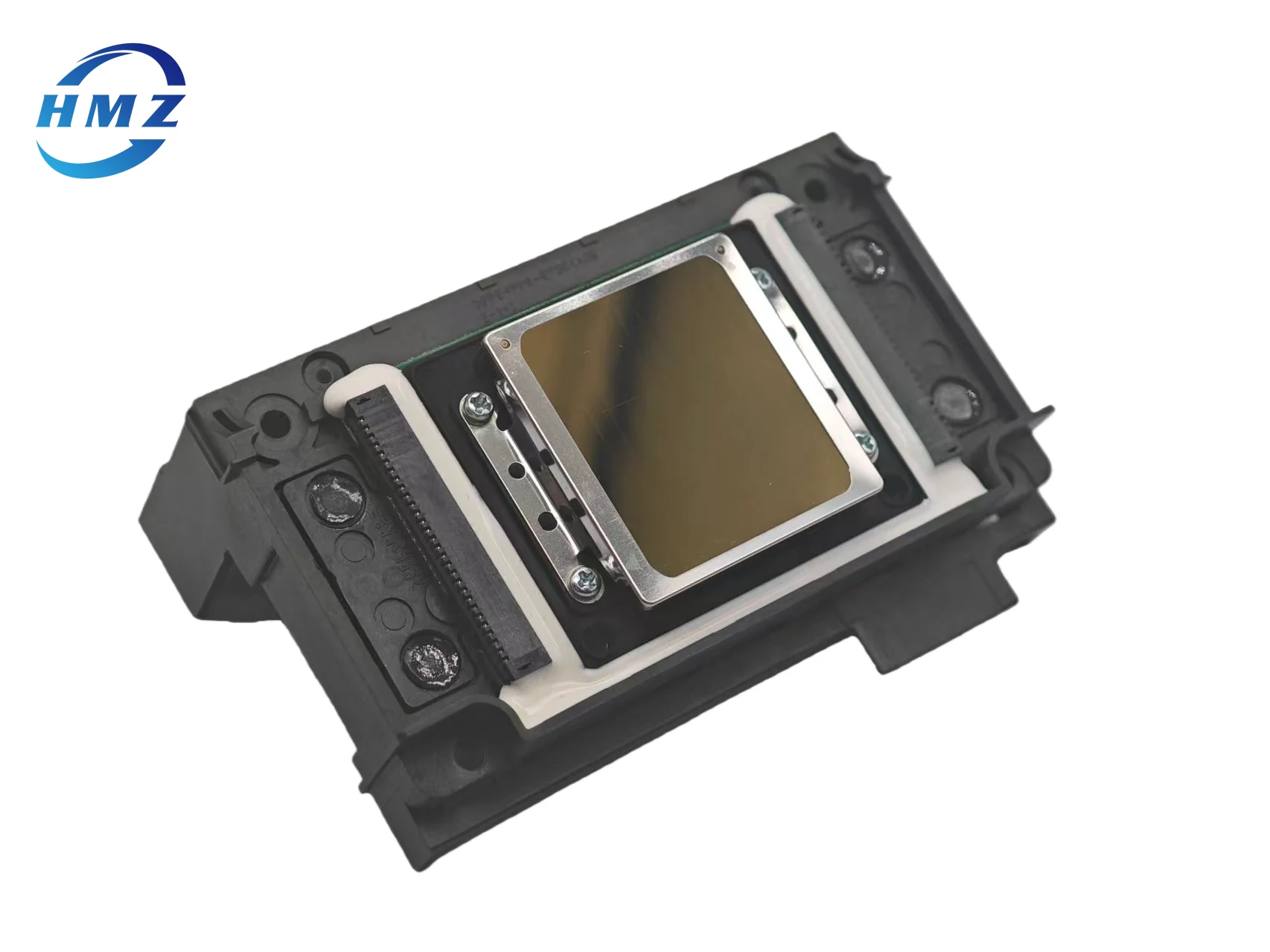
Details Images
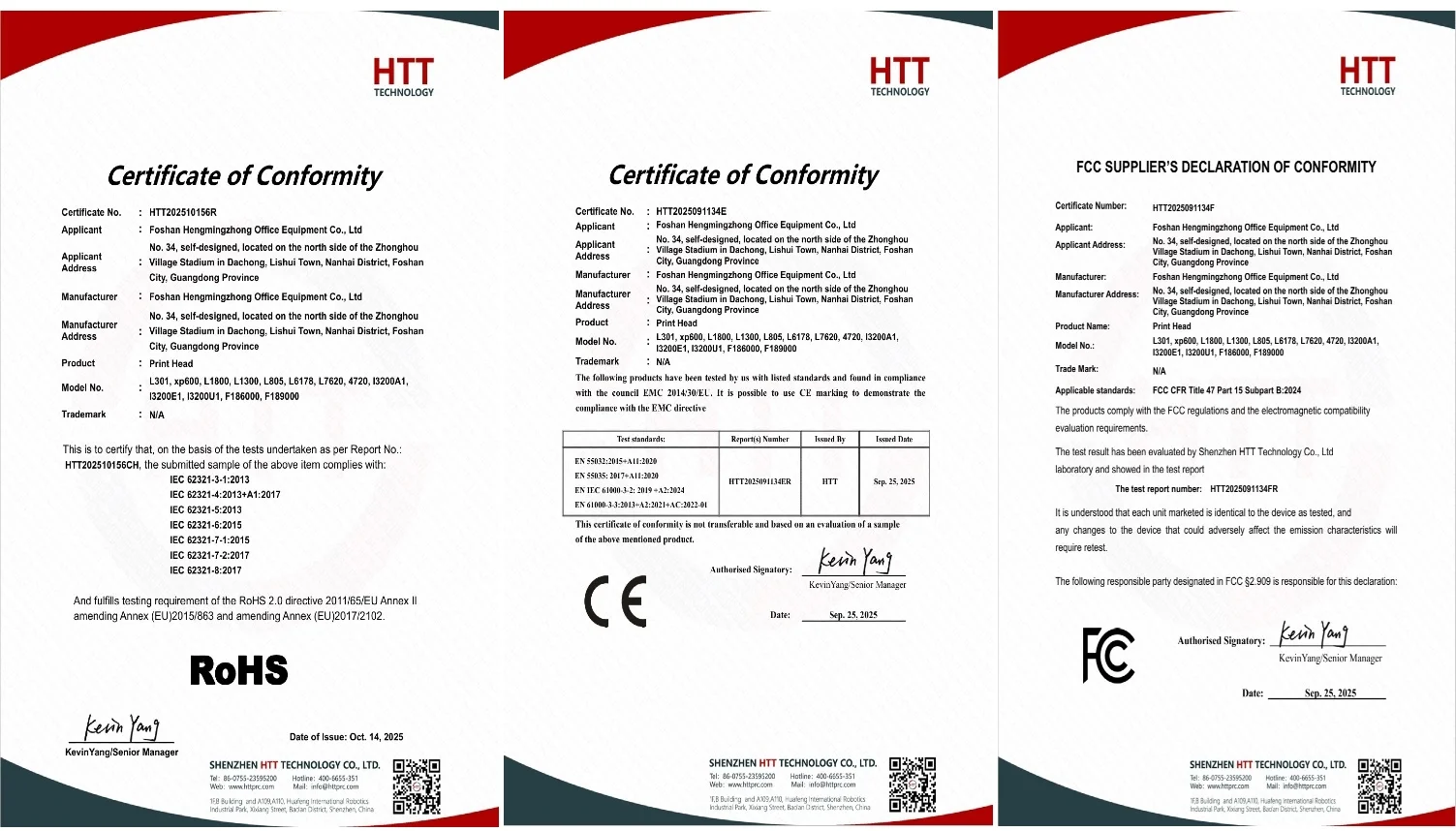
Product Certificate
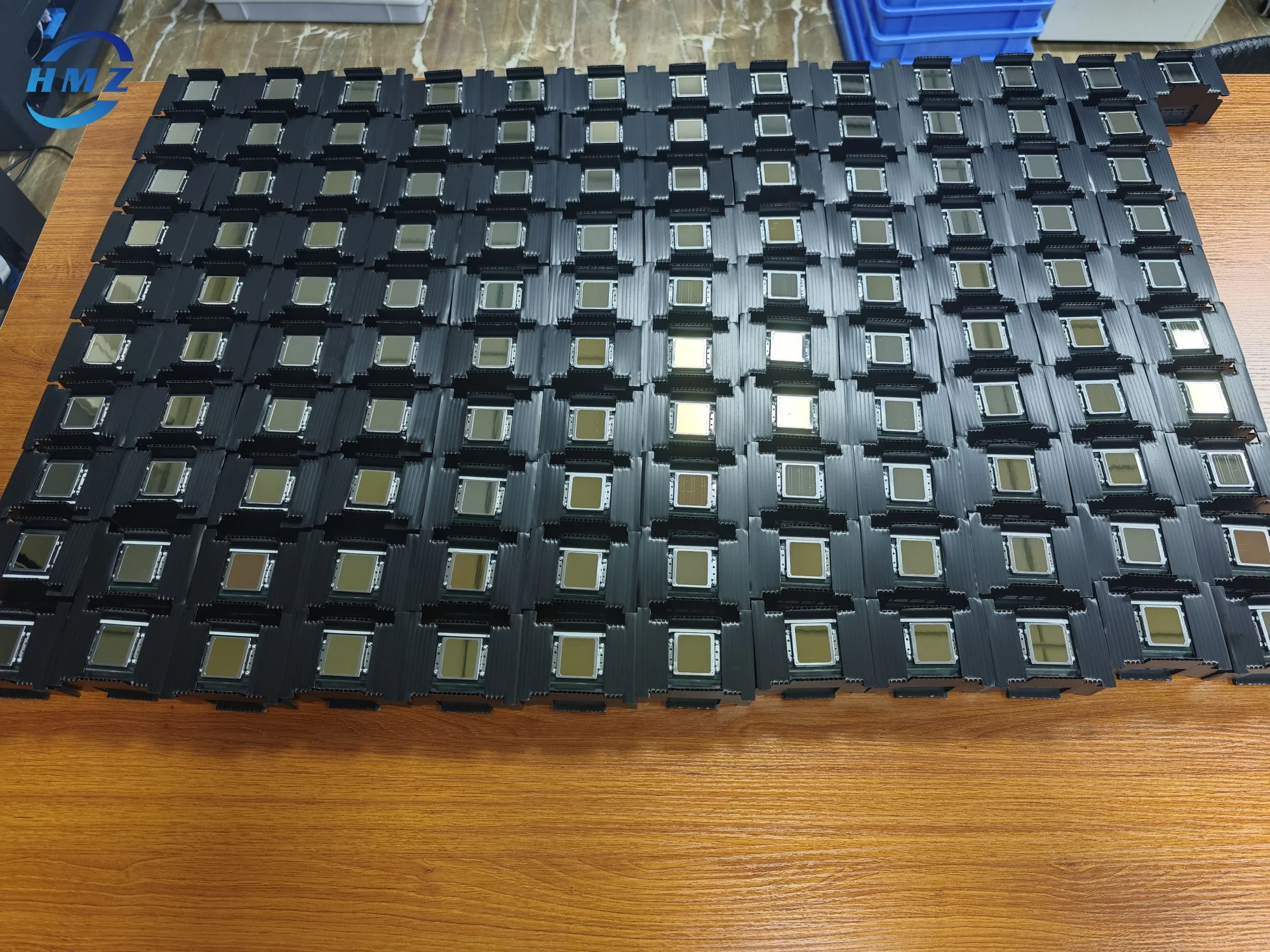
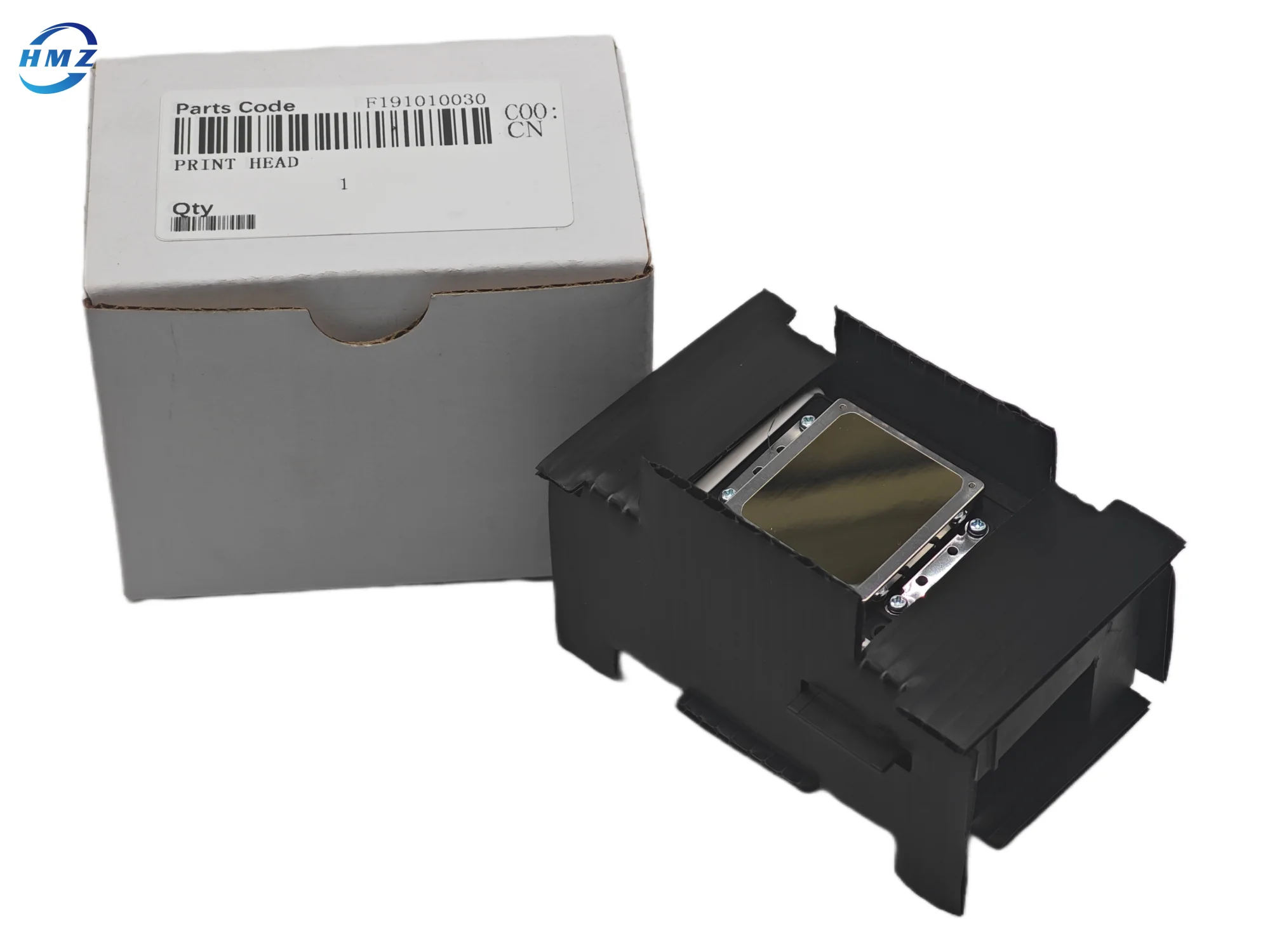
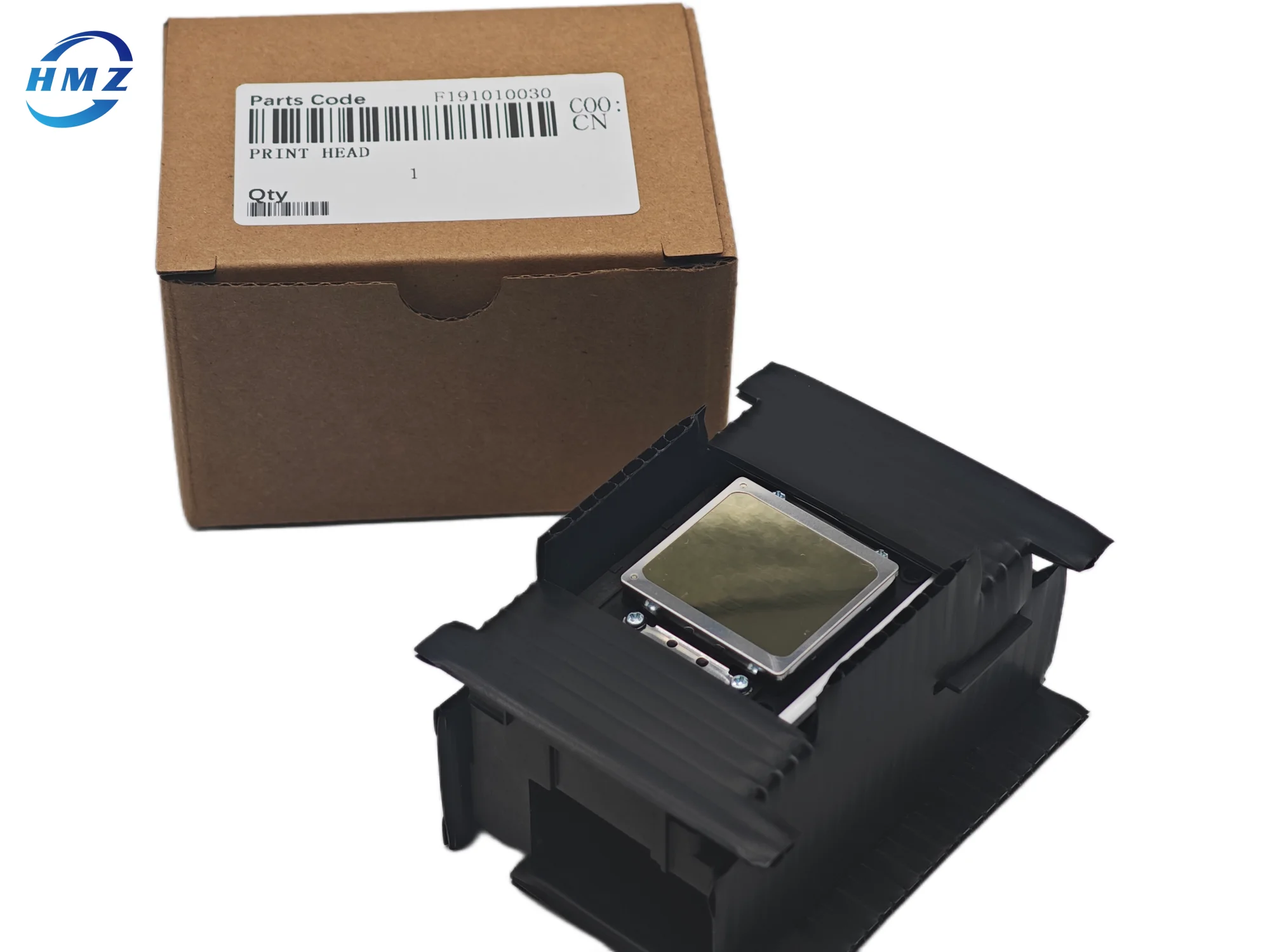
Packing&Shipping
Company Introduction
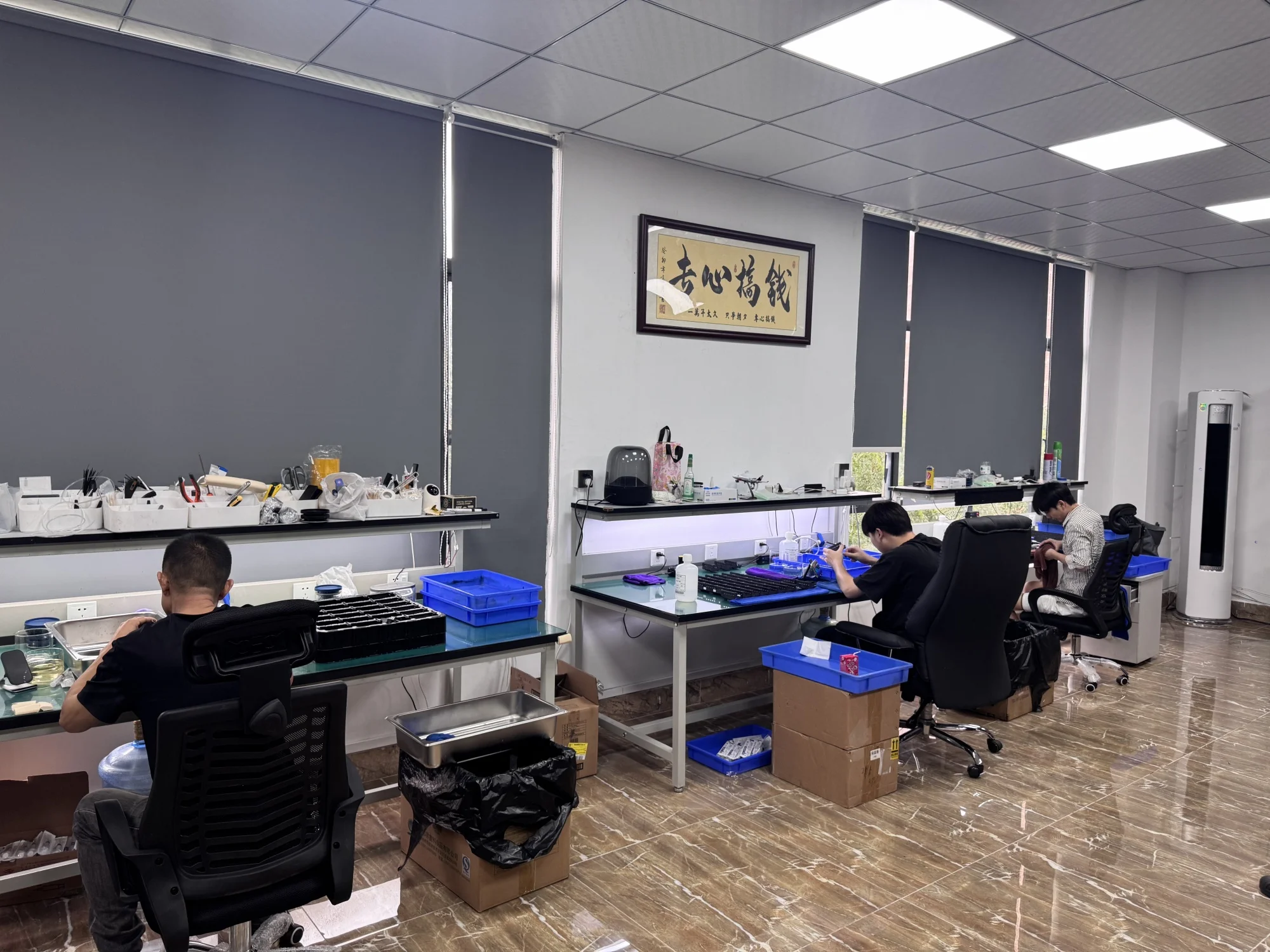
Foshan Hengmingzhong Office Equipment Co., Ltd. is located in Nanhai District, Foshan City, Guangdong Province, China. It is a
comprehensive enterprise specializing in the full chain service of office equipment, The company adheres to the business
philosophy of "technology driven, innovation led", with customer needs as the core, and has built an integrated service system of
manufacturing, sales, and after-sales, covering the manufacturing and wholesale of printers, printer consumables, and printer
accessories In terms of product supply, the company strictly manufactures, tests, and selects high-quality products, focusing on
the core category of office equipment, balancing practicality and cost-effectiveness, and providing customers with product choices
that are suitable for different office sizes and budgets. All types of printers, printer accessories, and printing consumables
produced and manufactured undergo strict quality testing to ensure product stability and reliability Foshan Hengmingzhong Office
Equipment Co., Ltd. welcomes dear friends from all over the world and wishes you a happy life
FAQ
Printing quality issues: Problem: Stripes, blurriness, color deviation, misaligned or irregular images appear. Answer: When
conducting nozzle testing, if the pattern is incomplete or uneven, it may be due to nozzle blockage or damage. The printer's
built-in ink extraction and cleaning function can be used for cleaning. If the blockage is severe, the print head needs to be
removed and soaked in cleaning solution for cleaning. The nozzle does not match the waste ink bin: Problem: The nozzle and waste
ink bin do not match, which affects the printing quality or prevents normal use. Answer: First, check if the waste ink bin is
full. If it is full, replace the waste ink bin. If the replacement still does not match, the nozzle and waste ink bin need to be
cleaned to remove residue or dirt; Check if the nozzle is short circuited or if any components are damaged. If so, replace it; At
the same time, check whether the interface or plug is loose or detached, and if so, plug it back in. Nozzle blockage: Problem: The
nozzle is blocked, affecting the printing effect and even causing waste ink to flow back. Answer: To avoid nozzle clogging, the
"Clean Nozzle" function should be selected when the printer is not in use for a long time. If the nozzle is blocked, a waste pipe
can be connected to directly connect the waste ink to a specially designed waste ink collection bottle. At the same time, the
collection bottle should be regularly inspected and replaced to avoid the overflow of waste ink. Ink supply system issue: Problem:
The ink supply system is leaking, resulting in missing nozzles or abnormal printing. Answer: Check all aspects of the ink supply
path, including dampers, ink tubes, ink cartridges, etc., to ensure good sealing. Before printing, ensure that the ink cartridge
cover is sealed and there is no air leakage in the ink tube and baffle.


