Price :
QTY :
CART TOTALS :
There are items
in your cart
CART TOTALS :
With this products also buy:


We identified: …


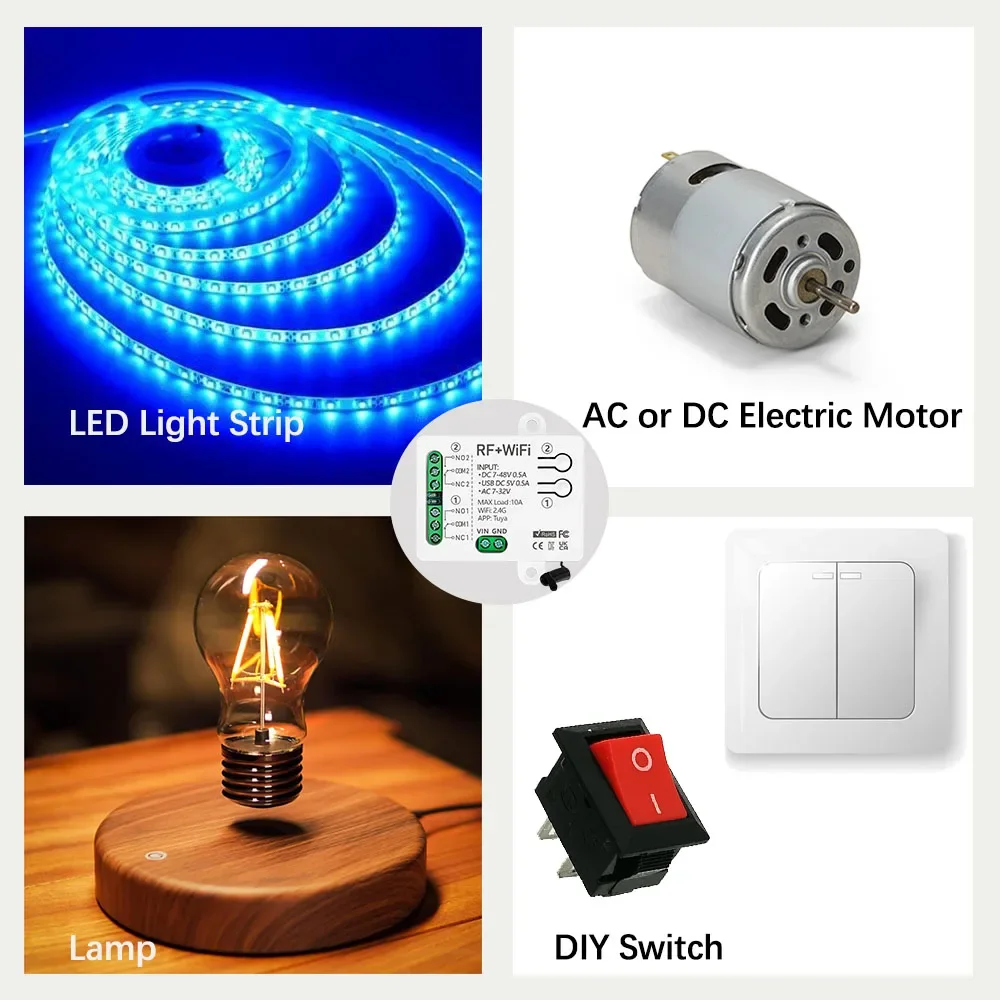
Application: Light/Switch DIY/Garage Door System/Motor/Water Pump/Household Applian
Brand Name: Diese
Certification: RoHS,CE,ce,ROHS
Choice: yes
Control method: Mobile App + Voice + RF Remote Control
Current: 10A
EU LVD Voltage: Low voltage: Below 50Vac or 75Vdc
Features: Group control
Features2: Timing function
Features3: Inching mode
High-concerned chemical: None
Input Voltage: USB-C 5V or DC 7-48V /AC 7-32V
Is Smart Device: Yes
Item Type: SWITCHES
Material: Plastic
Max current: 10A
Model Number: 2402W + KT05
Number of channels: 2
Origin: Mainland China
Output Voltage: 1-250V Dry Contact
RF Frequency: 433.92MHz
Receiver Size: 65*50*24 mm
Remote Control battery: 1pcs CR2032 battery or 2 pcs CR2016 battery
Remote Control size: 60*33 mm
Remote Distance: 50m
Support Platform: Android 5.0 & IOS 10 or higher
Switch Type: Remote control
Warranty: 1 Year
WiFi standard: 802.11 b/g/n 2.4GHz
Work with Voice: Alexa Google Home
semi_Choice: yes
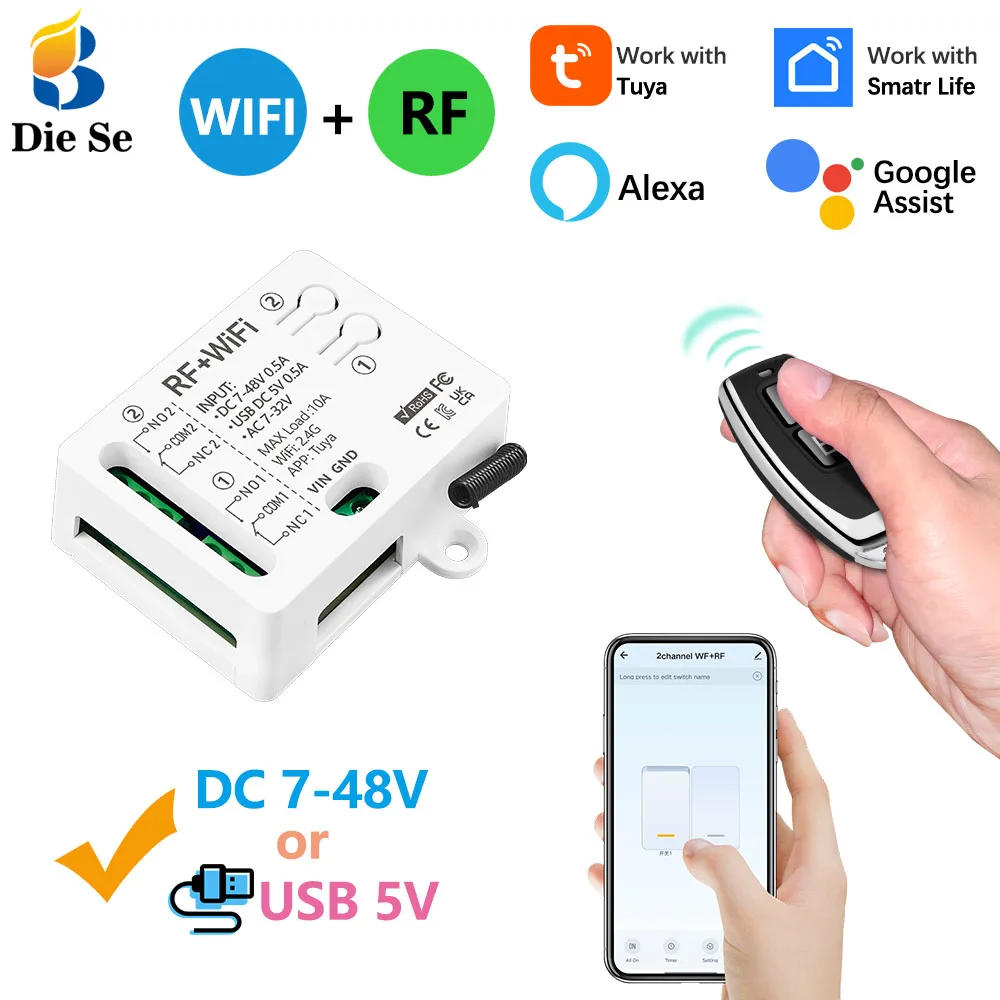
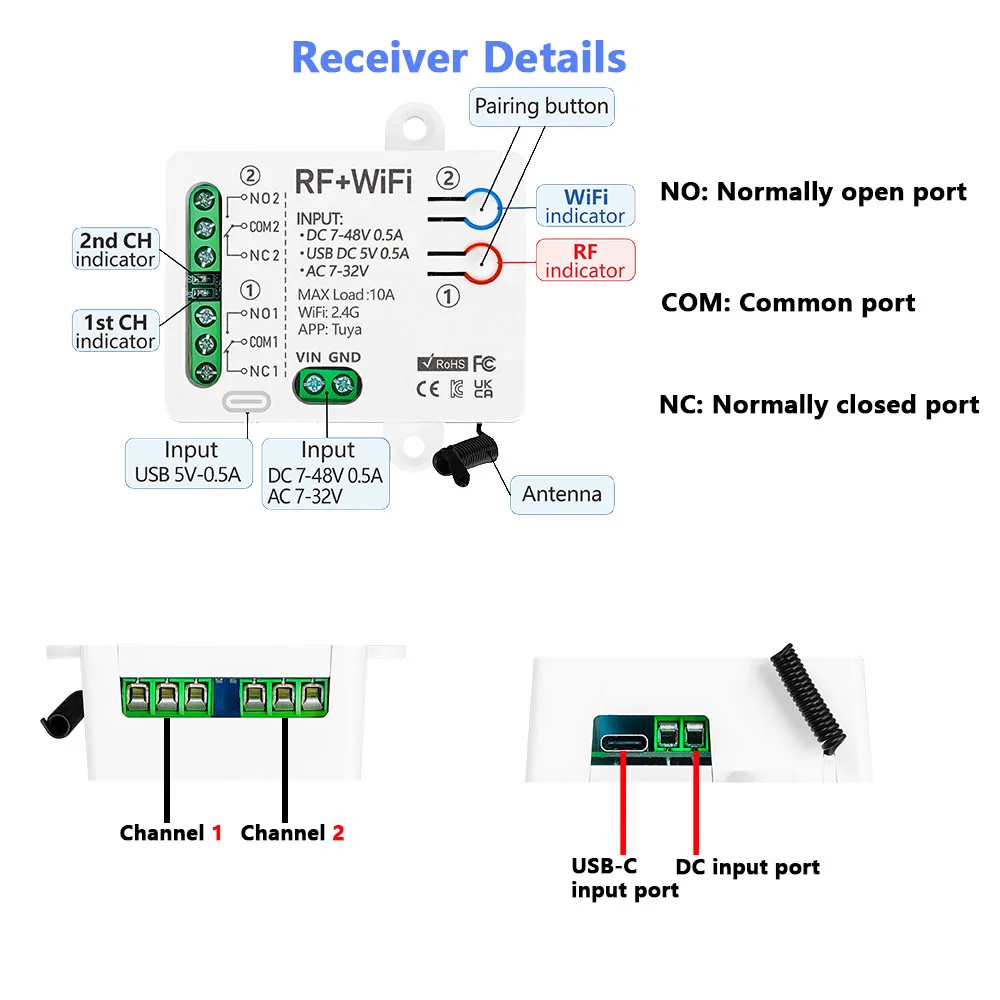
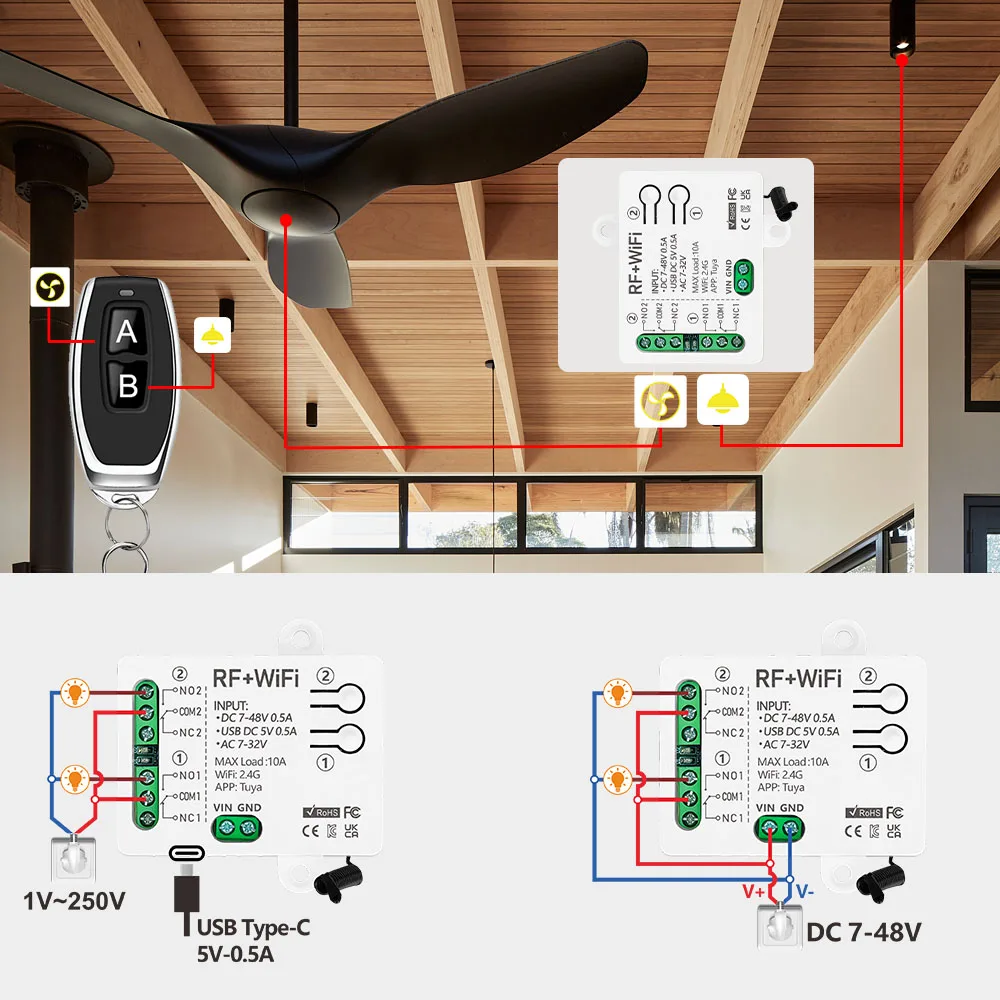
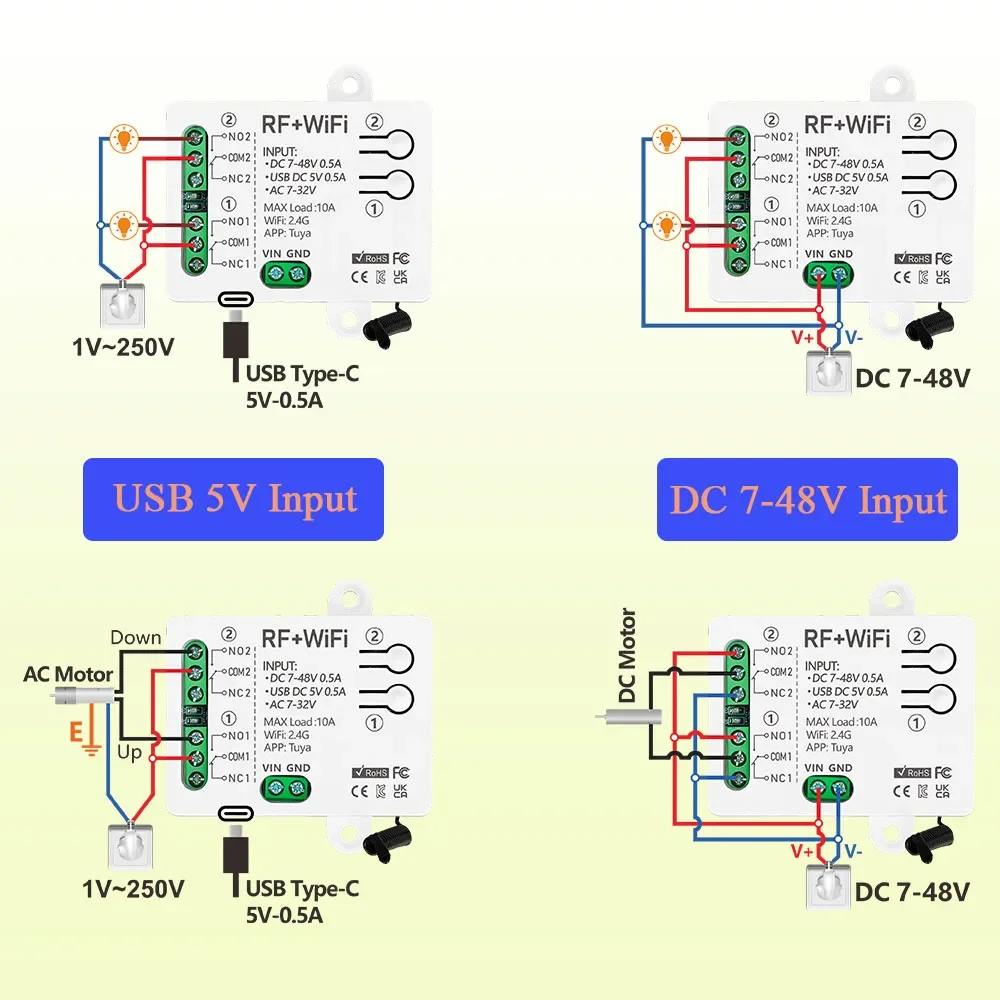
You can use USB-C 5V or DC 7-48V or AC 7-48V to connect to the input end of the receiver.
The input terminal of the receiver is separated from the voltage of the relay, so the input voltage and the output voltage do not have to be the same.
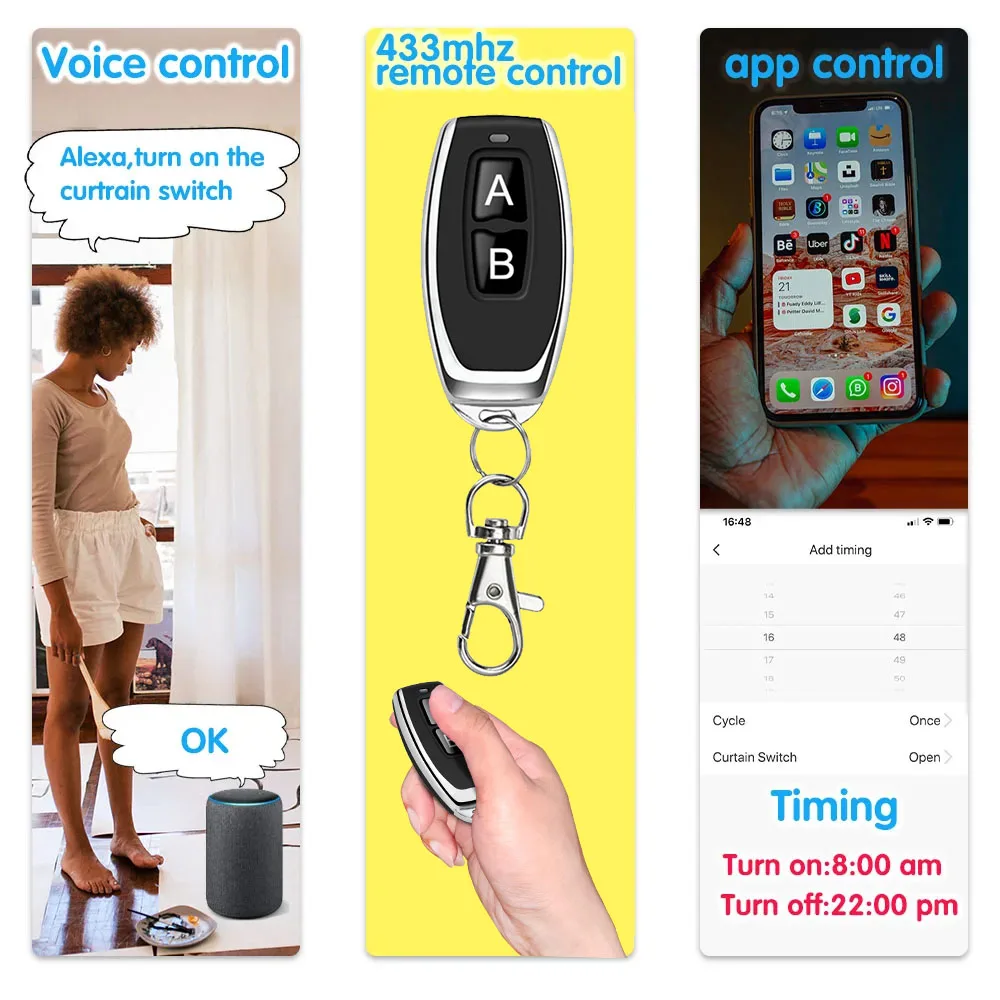
mobile app, voice, RF remote control.
The device can be controlled at any time and anywhere through the Tuya app or smart life app.
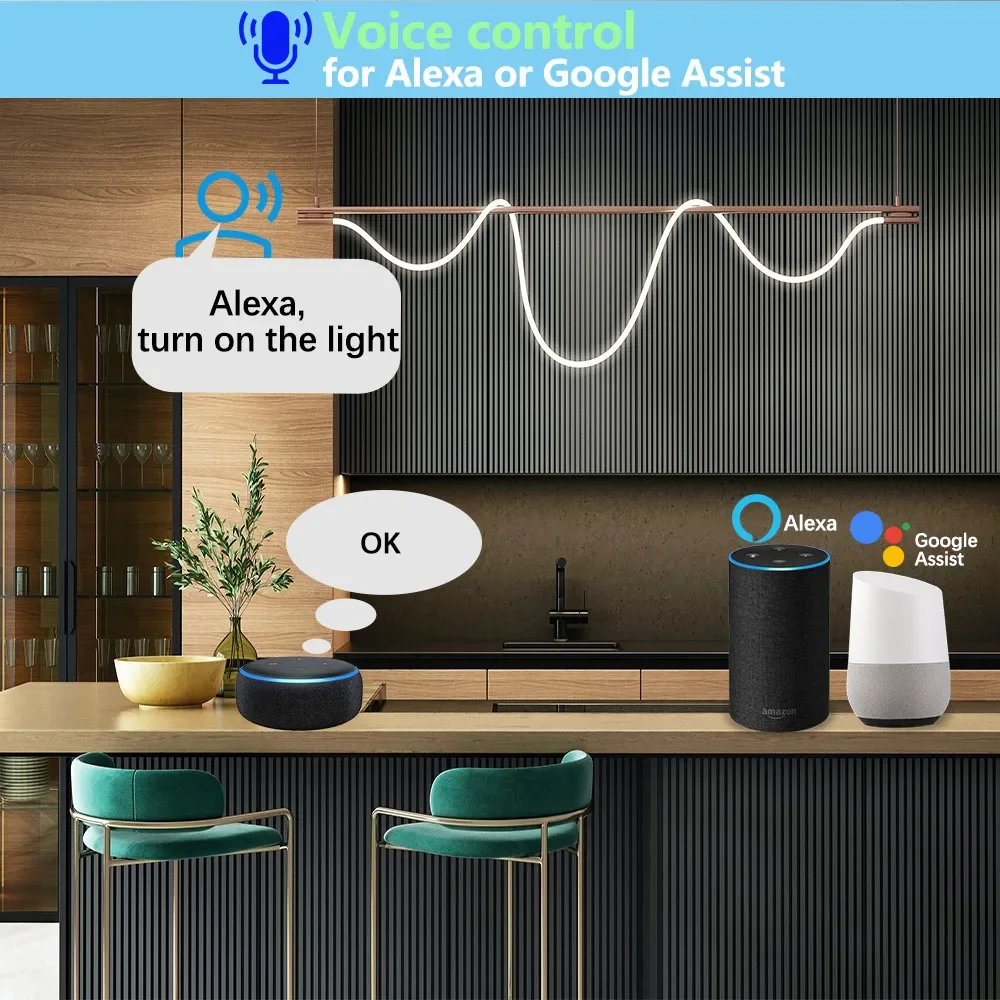
The device can be controlled by voice recognition through Alexa and Google Assistant.
The store has a variety of RF remote controls, which can remotely control the equipment through RF remote controls.
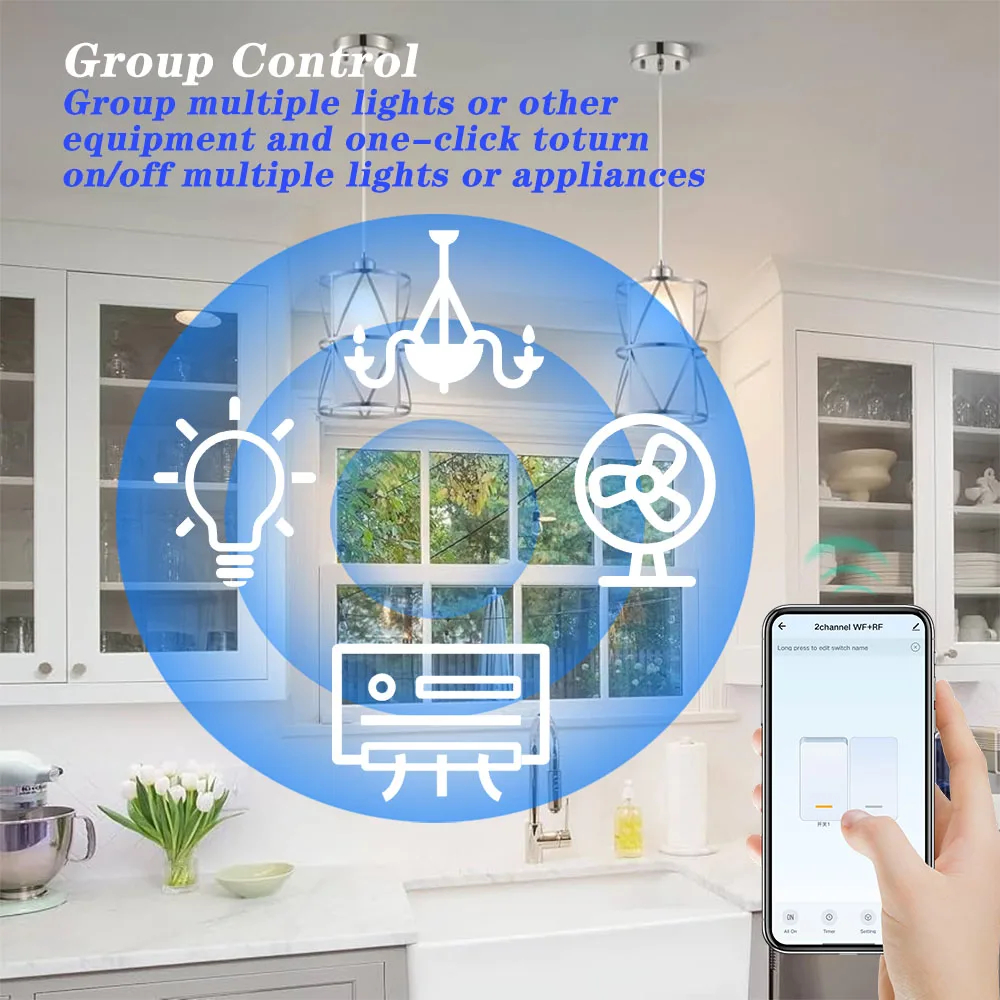
Connect multiple devices through the mobile APP, and control multiple devices on the mobile phone to achieve the effect of multiple controls on one machine.
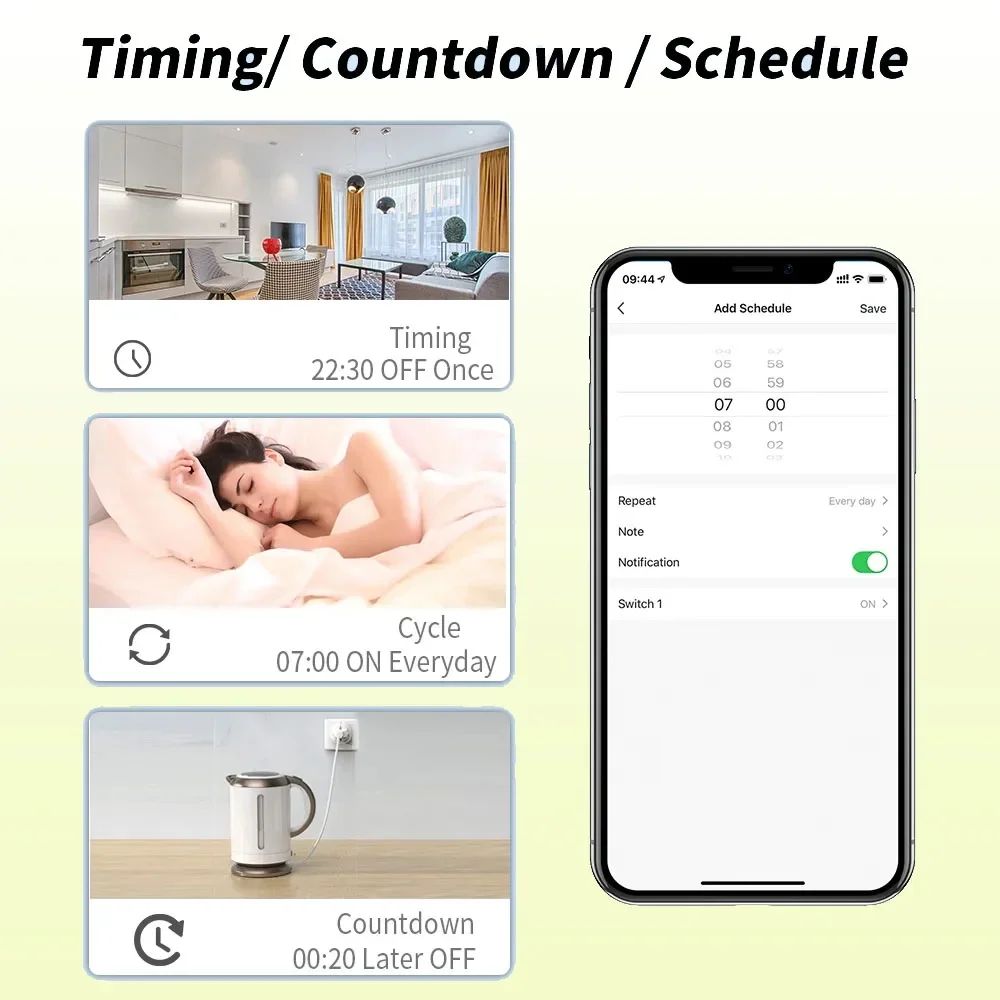
You can create a timer/countdown/time stamp or create a smart scene, such as opening the curtains at 8 o'clock in the morning and closing them at 6 o'clock in the evening.
The receiver has 2 channels, each channel can independently control 1 light or 1-way device.
Add the receiver device to Tuya or Smart Life by connecting to WIFi, and you can control the device anytime, anywhere.
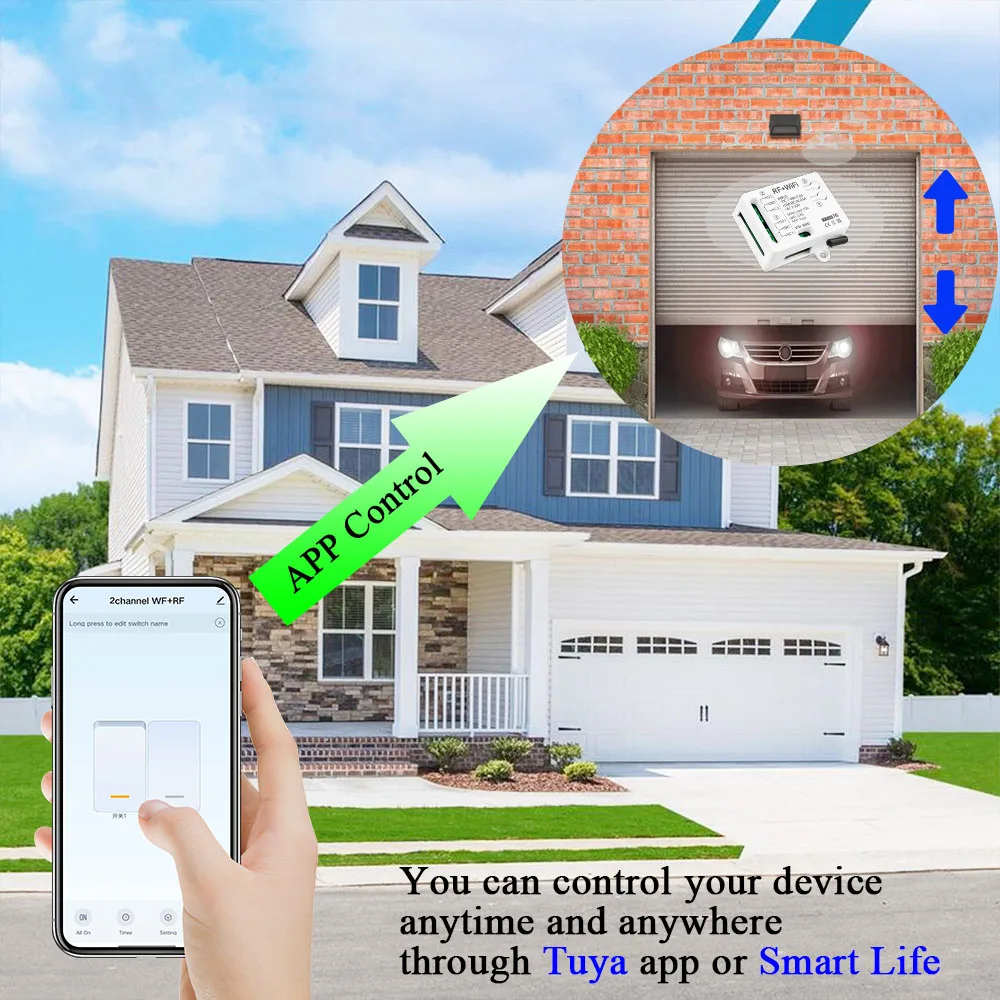
You can create a timer/countdown/timestamp or create a smart scene, such as opening the curtains at 7 o'clock in the morning and closing the curtains at 6 o'clock in the evening.
Connect multiple devices through the mobile APP, and control multiple devices on the mobile phone to achieve the effect of multiple controls on one machine.
The receiver supports 433mhz, 1527 learning code remote control, and the remote control can transmit signals up to 30-50m in an open area (without penetrating walls)
Works with Alexa, Google home, etc. and can be controlled by voice.
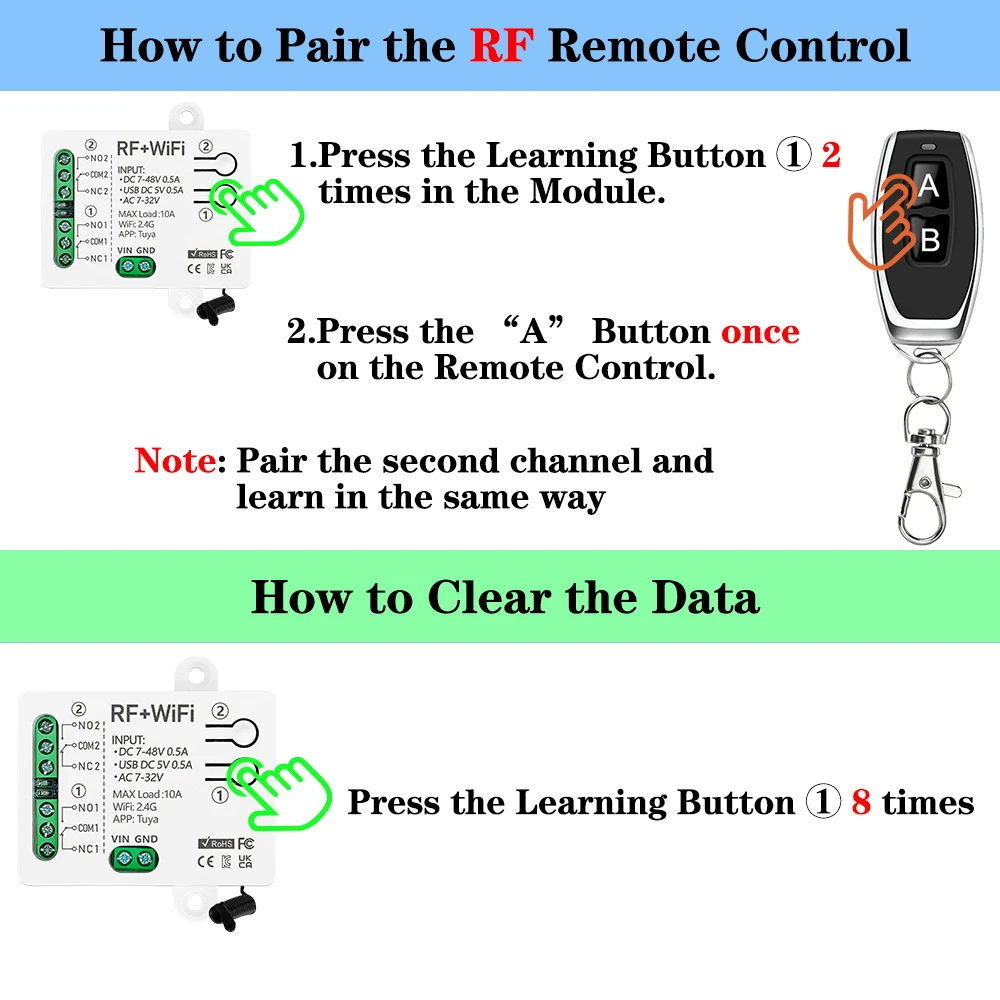
Step 1. Quickly click the pairing button ① 2 times, and the red indicator light will light up.
Step 2. Press the "A" button on the remote control, and the red indicator light will flash several times and then go out. Therefore, button "A" can control the first channel.
Note: The operation of the second channel is the same as above.
Press the pairing button "①" 8 times. After deleting the signal, all relays will no longer be controlled by the remote control.
You need to pair the receiver with the remote control again before putting it into use.
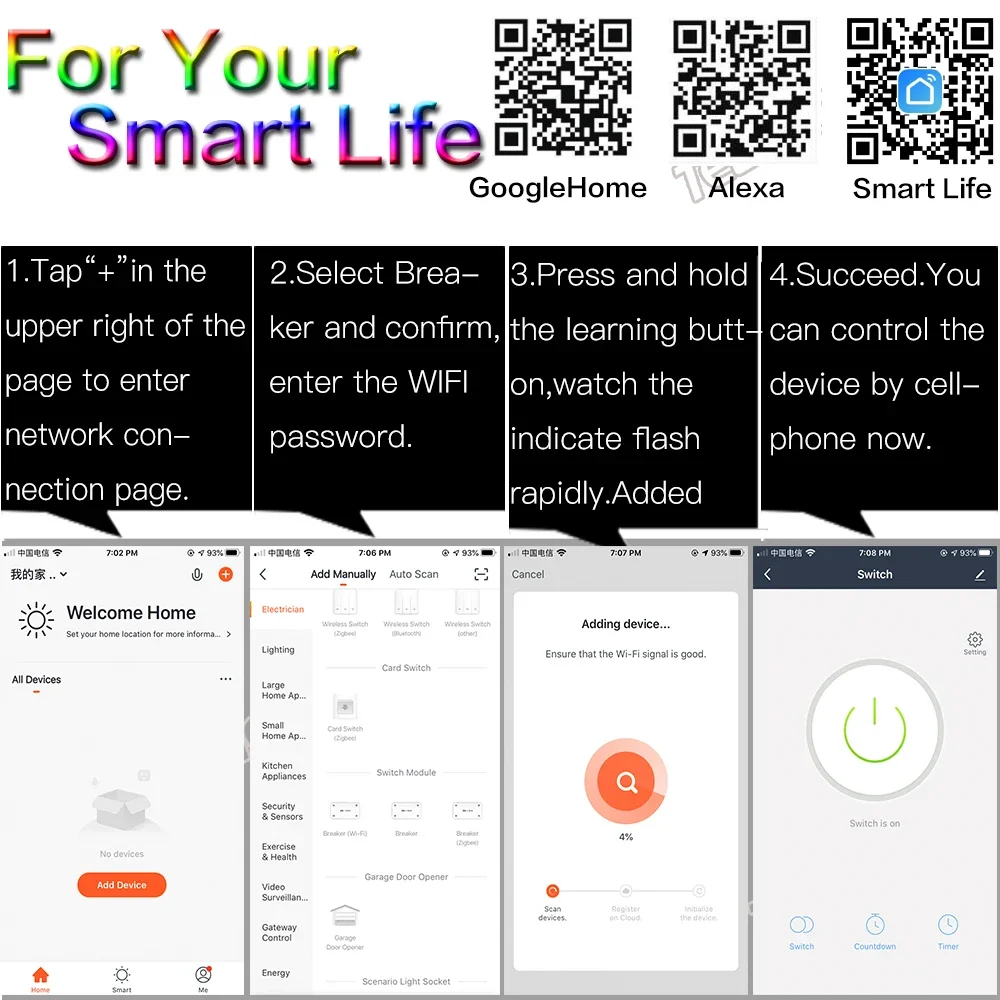
√ How to connect to wifi (tuya or smart life)
① Turn on Bluetooth, open the APP, and click Add Device
② Select the device automatically searched by Bluetooth
③ Mobile phone connects to 2.4GWIFI and enters the WIFI password
④ Click Next and wait for the device to connect successfully
⑤ Device added successfully