Price :
QTY :
CART TOTALS :
There are items
in your cart
CART TOTALS :
With this products also buy:


We identified: …


Brand Name: ZUIDID
Condition: Renovation
High-concerned chemical: None
Model: Cabezal L1800
Origin: Mainland China
Product Description
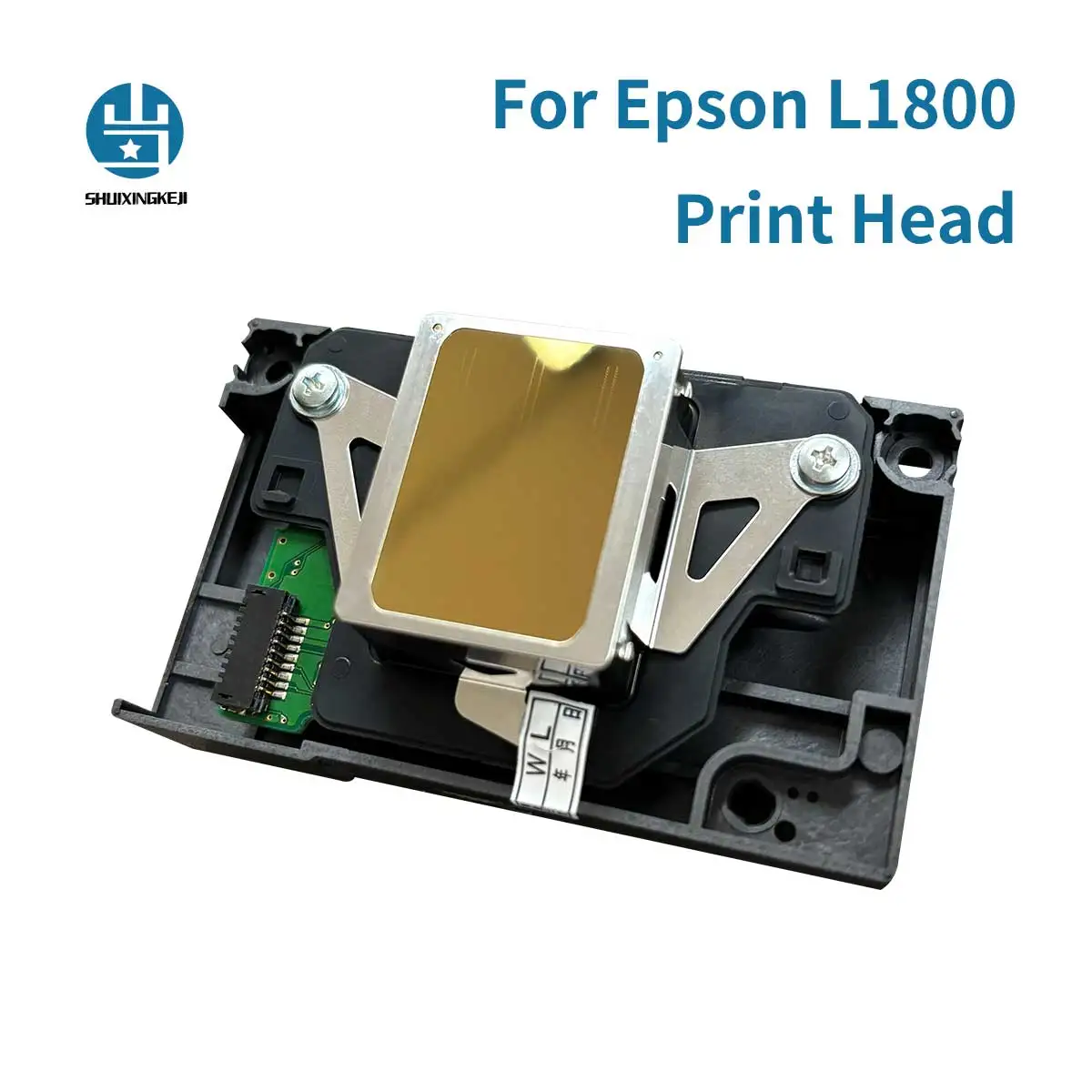
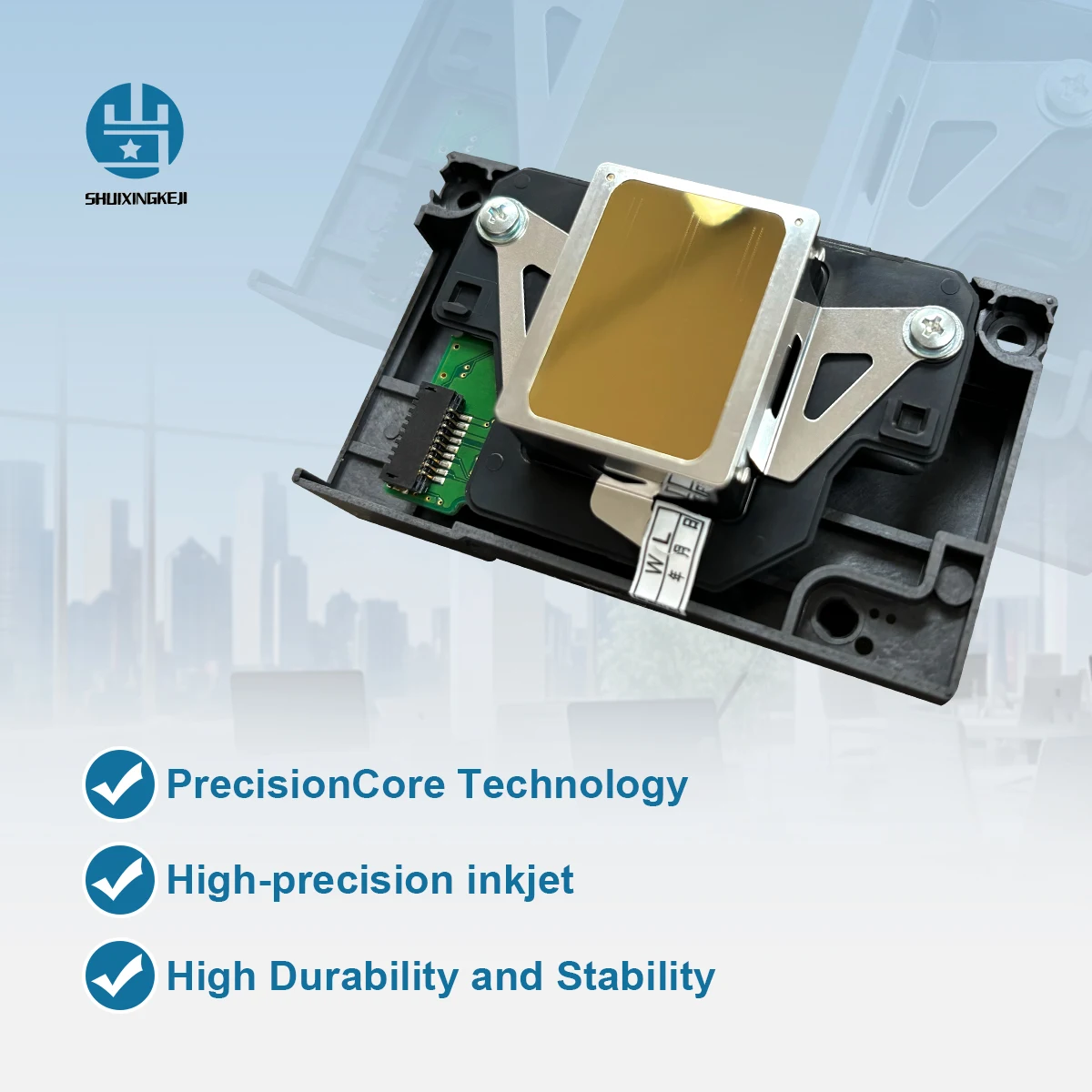
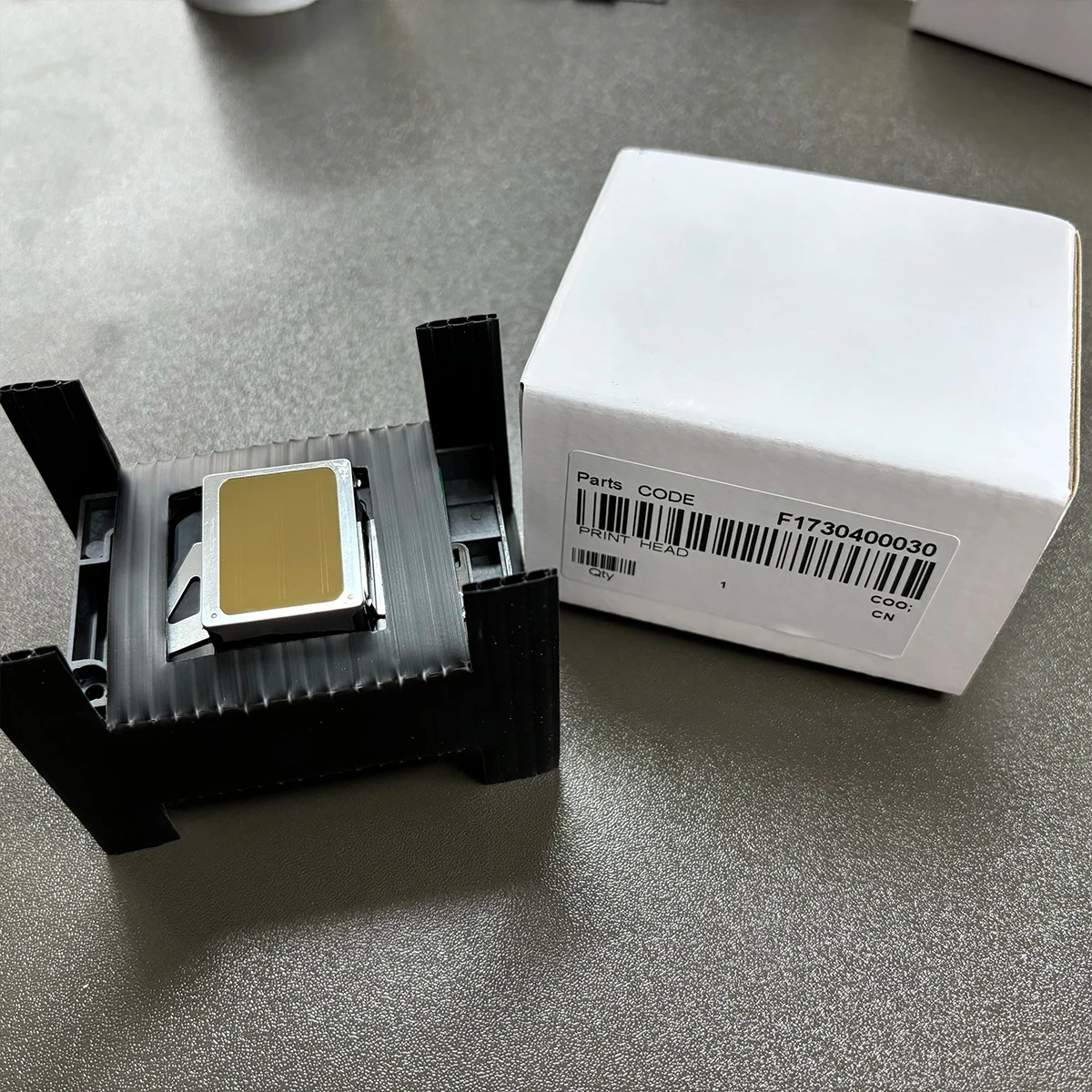
SUIXING High Precision for Epson L1800 Original Printhead DTF Printer for 1390 1400 R390 Parts Nozzle replacement print head
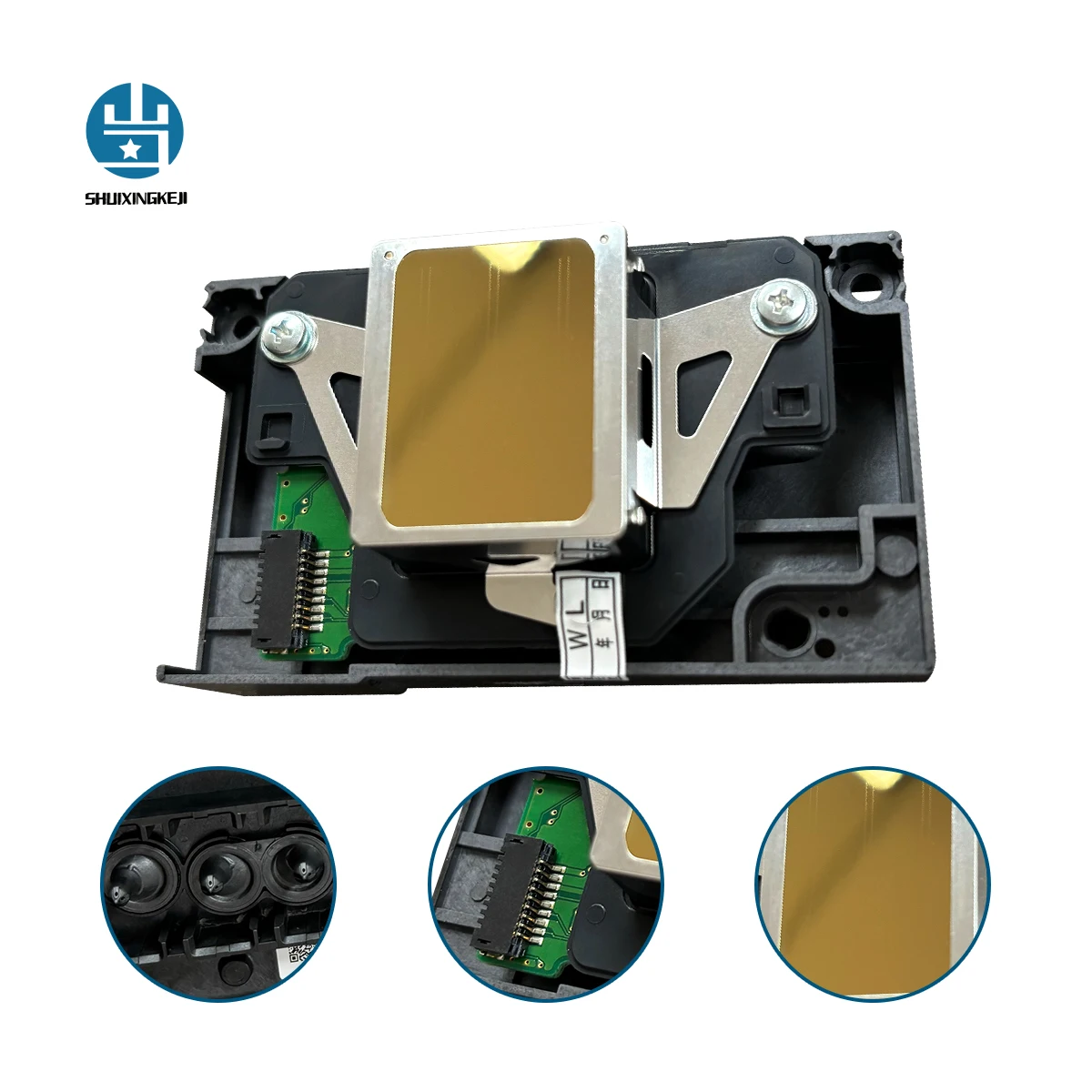
✅ Premium Refurbished Quality – Professionally restored original MicroPiezo printhead, thoroughly cleaned and electronically tested.
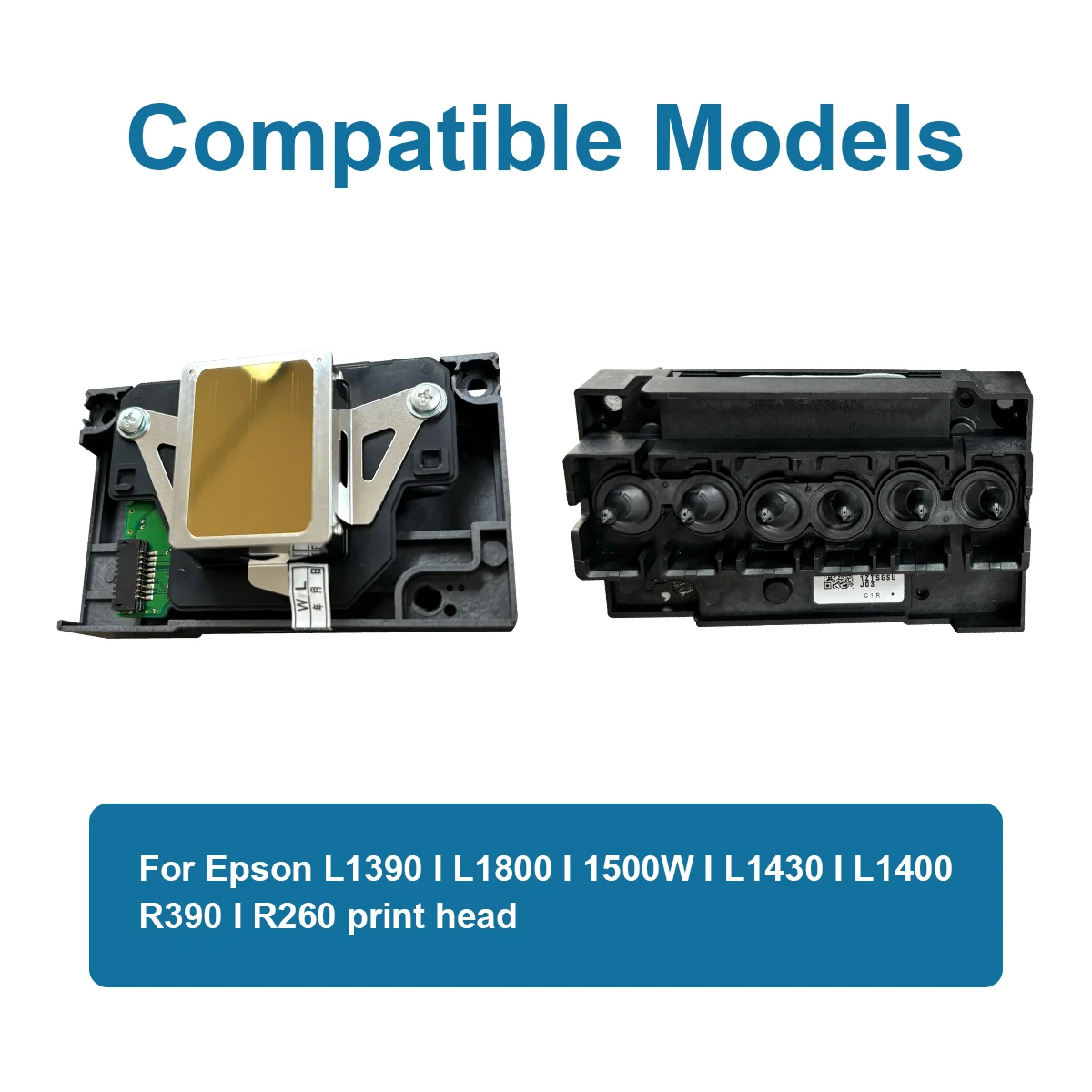
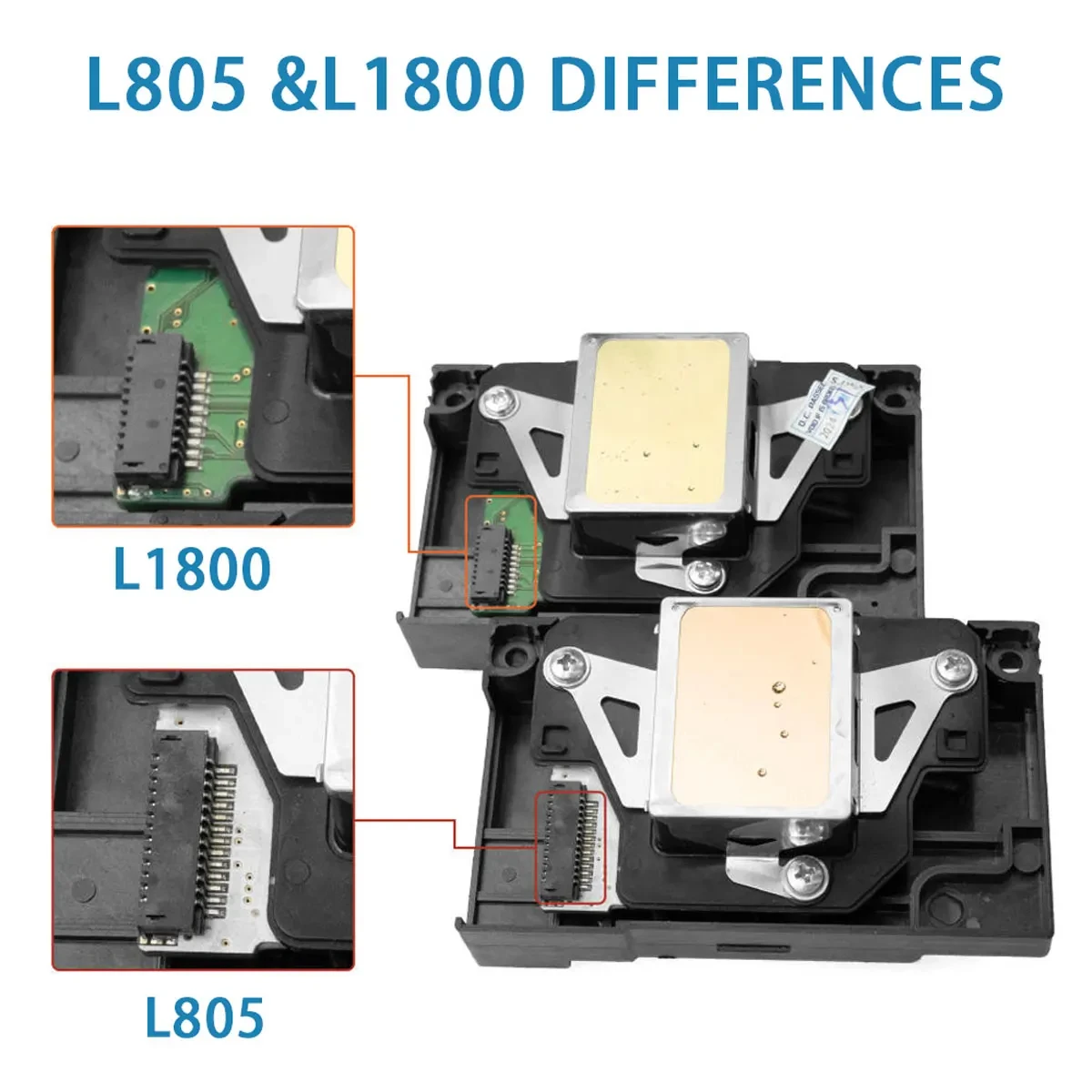
🎨 Wide compatibility: L1800/1390/1400/1430/1500W/R330 etc. 9‑pin cable – NOT for L805 (13‑pin).
🛠️ Use sealed dampers to prevent rapid clogging.
⚠️ Use aqueous inks only (no solvents). Avoid frequent power cleaning; store with wet capping during long idle.
🔧 Install caution: Don’t remove pink protective fluid. Power off, handle fragile 9‑pin cables gently, and check mainboard fuse before installation.
*Each unit is thoroughly cleaned, electronically tested, and verified before resale to ensure stable, high-quality output.
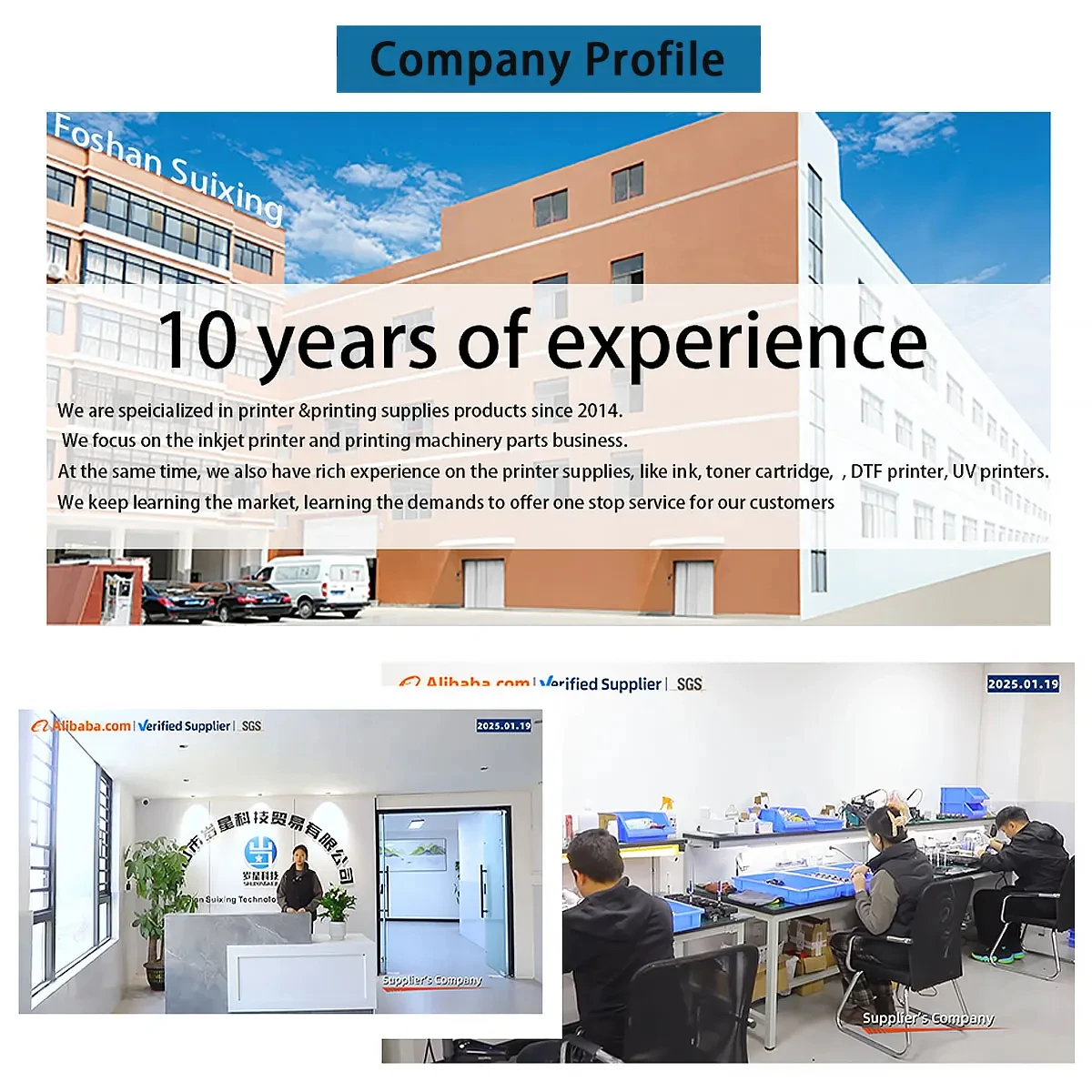
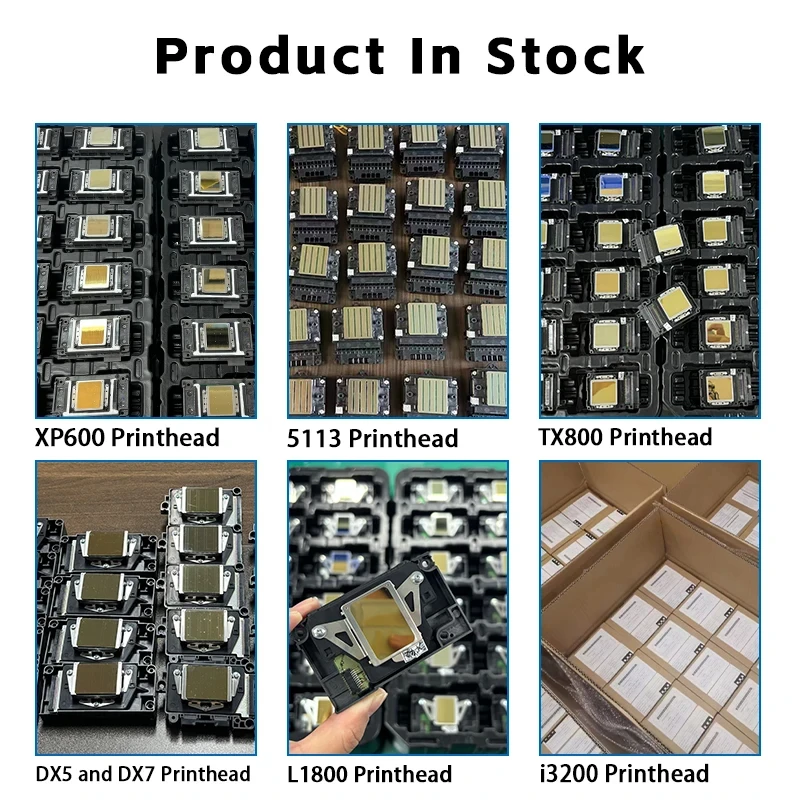
SUIXING TECHNOLOGY is a professional supplier of UV printers, DTF printers, and print head accessories. If you need any other accessories, please feel free to contact me at any time!
PRODUCT Q&A
About L1800 Printhead (F173090)
Q1: What does “refurbished / remanufactured” mean for this print head?
A: A refurbished print head is an original Epson OEM unit that has been professionally:
.Tested — Electronic and nozzle performance verified on specialized equipment
.Cleaned — Dried ink and debris removed using advanced techniques
.Restored — Nozzle recovery and micro-component inspection performed (piezo chip cleaning, nozzle channel flushing, and resealing)
.Re-certified — Only units passing rigorous quality control are approved for resale.
Q2: Is this refurbished print head compatible with my printer?
A: This refurbished print head is compatible with a wide range of Epson models, including:
The part numbers F173000, F173030, F173050, F173060, F173070, F173080, and F173090 are all functionally identical and interchangeable for these models. Also widely used in customized DTF printers.
⚠️ Important: This print head is not compatible with the Epson L805 print head, which uses a 13-pin connection. Double-check your connector type before ordering.
Q3: What causes nozzle clogging in printheads?
A: 1.Low-quality or generic inks – These contain impurities and sediments that block the microscopic nozzles.
2.Ink drying inside nozzles – Extended idle periods without printing cause ink to dry and harden.
3.Dirty capping station or wiper blade – Prevents proper sealing and cleaning.
4.Incorrect ink viscosity – Using ink outside the recommended range.
5.Contaminated ink supply – Debris in ink lines or dampers flows into the printhead.
Q4: How should I maintain this printhead on a daily basis?
A: · Never let the printer sit idle for extended periods without printing
· Run a nozzle check at least weekly if the printer is used regularly
· Use high-quality, manufacturer-recommended ink
· Keep the capping station and wiper blade clean
*When you want to clean the printhead, clean only when necessary – excessive cleaning wears down the nozzle plate and shortens printhead life.
Q5: Do you provide technical support or installation guidance?
A: Of course, my friend~ If you encounter any problems during use, please let us know and we will handle it as soon as possible! If you are satisfied with our products and services, please give us positive feedback! Have a nice day~