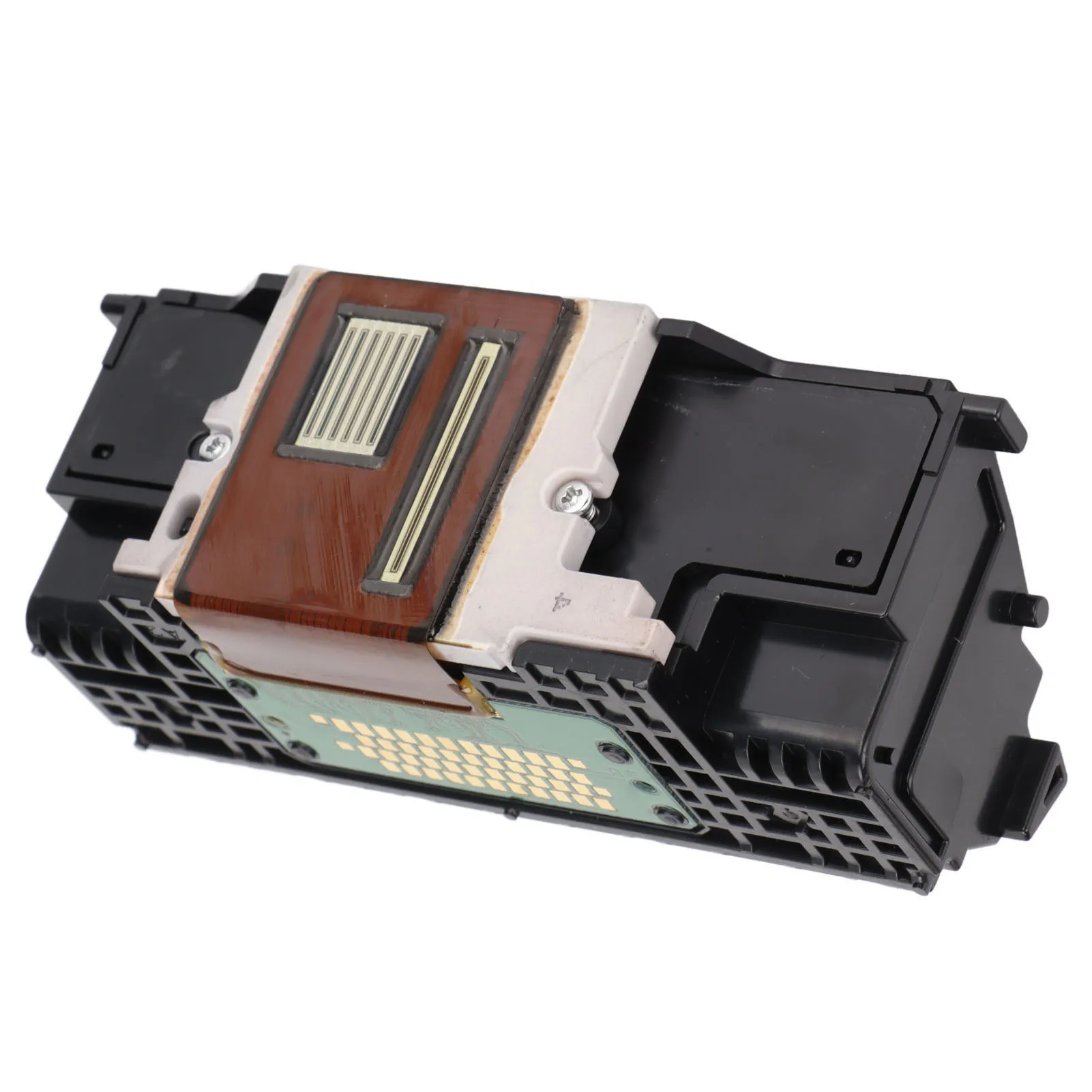
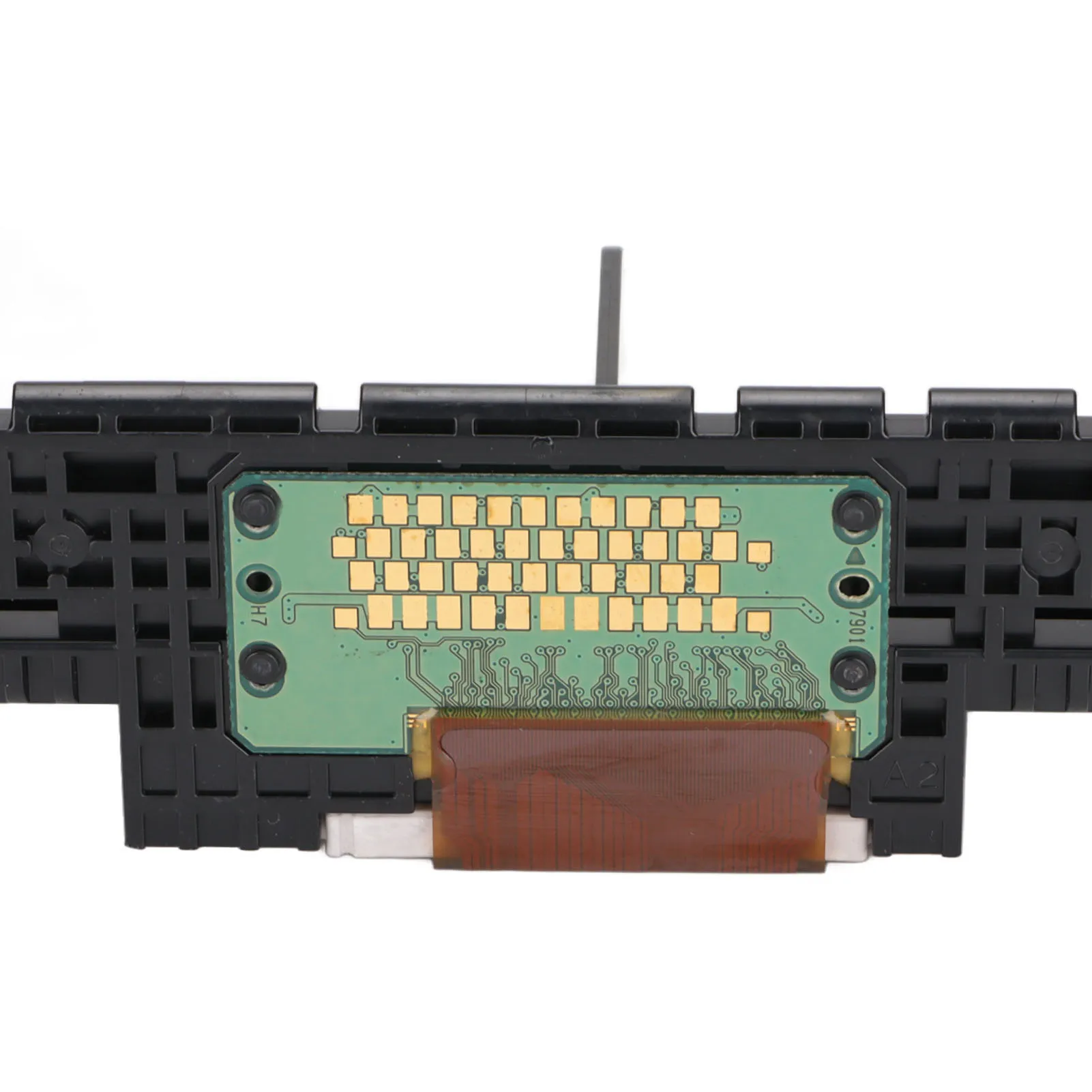
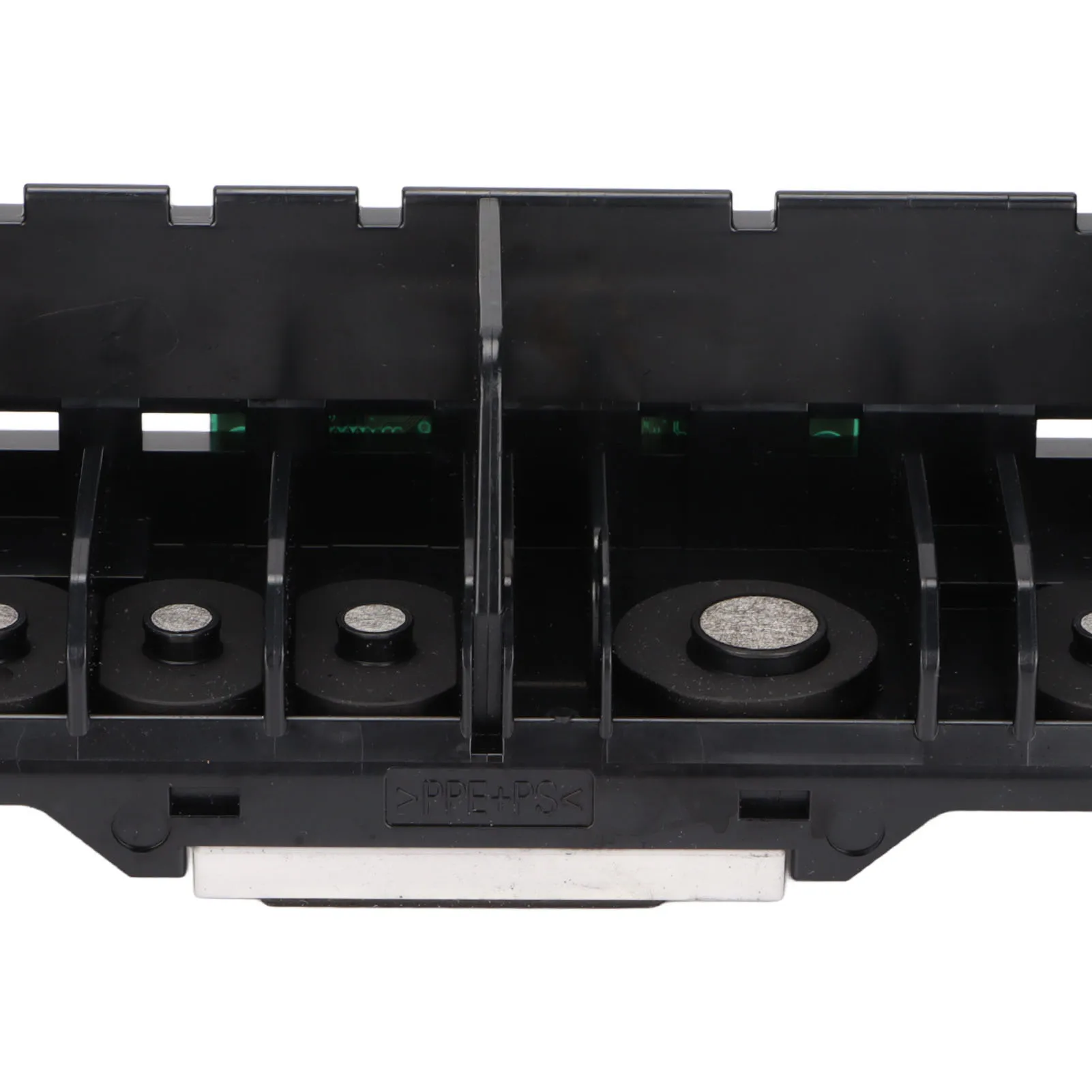
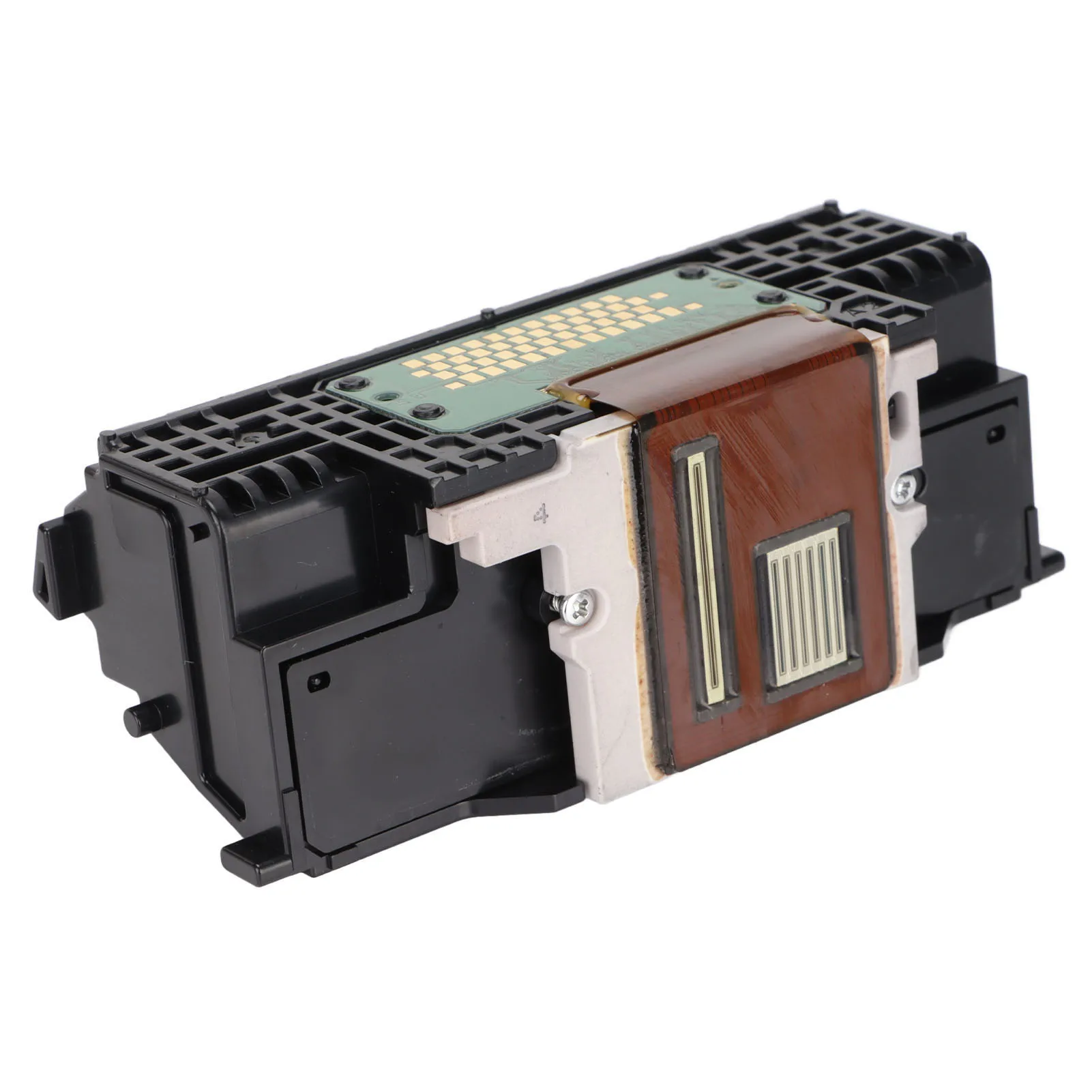
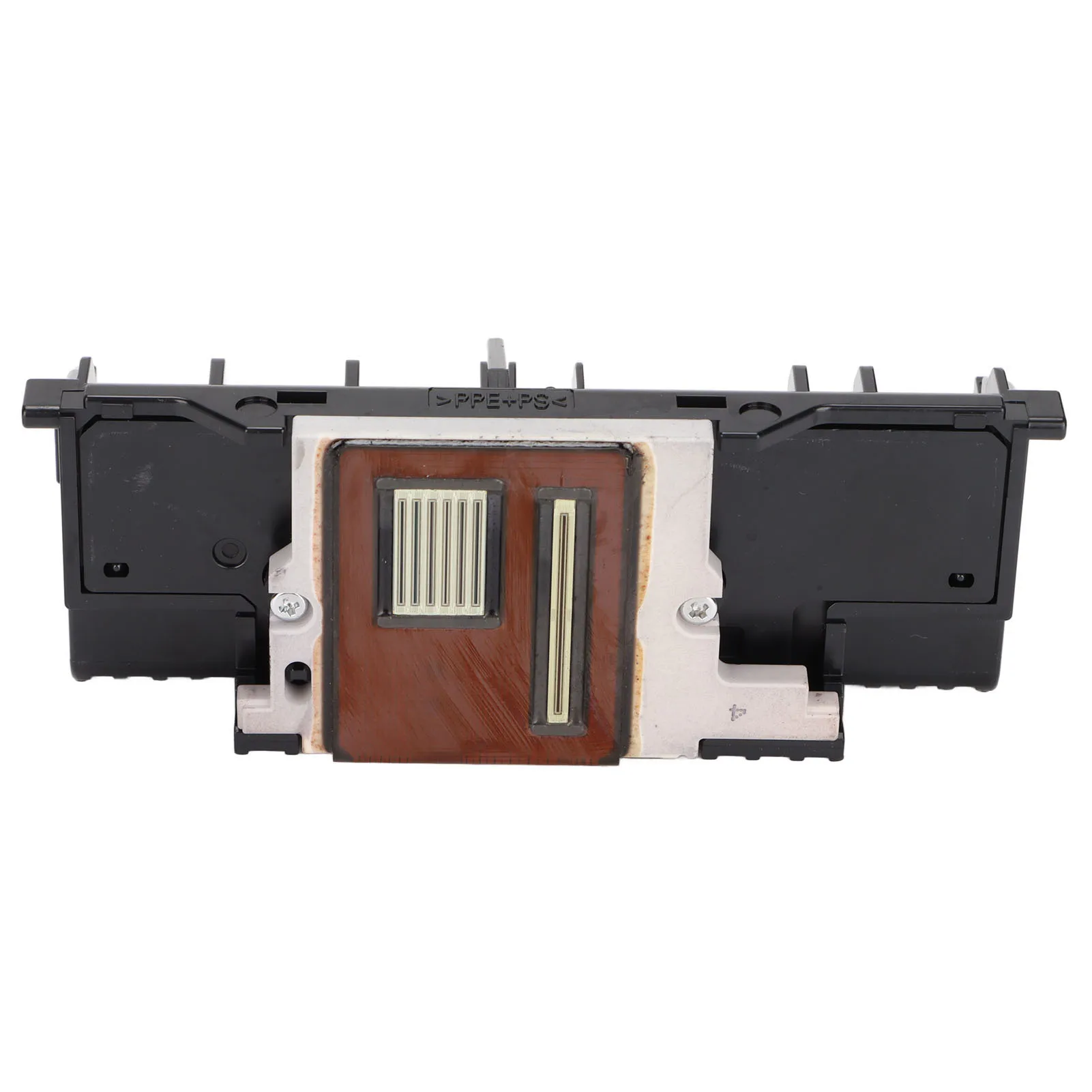
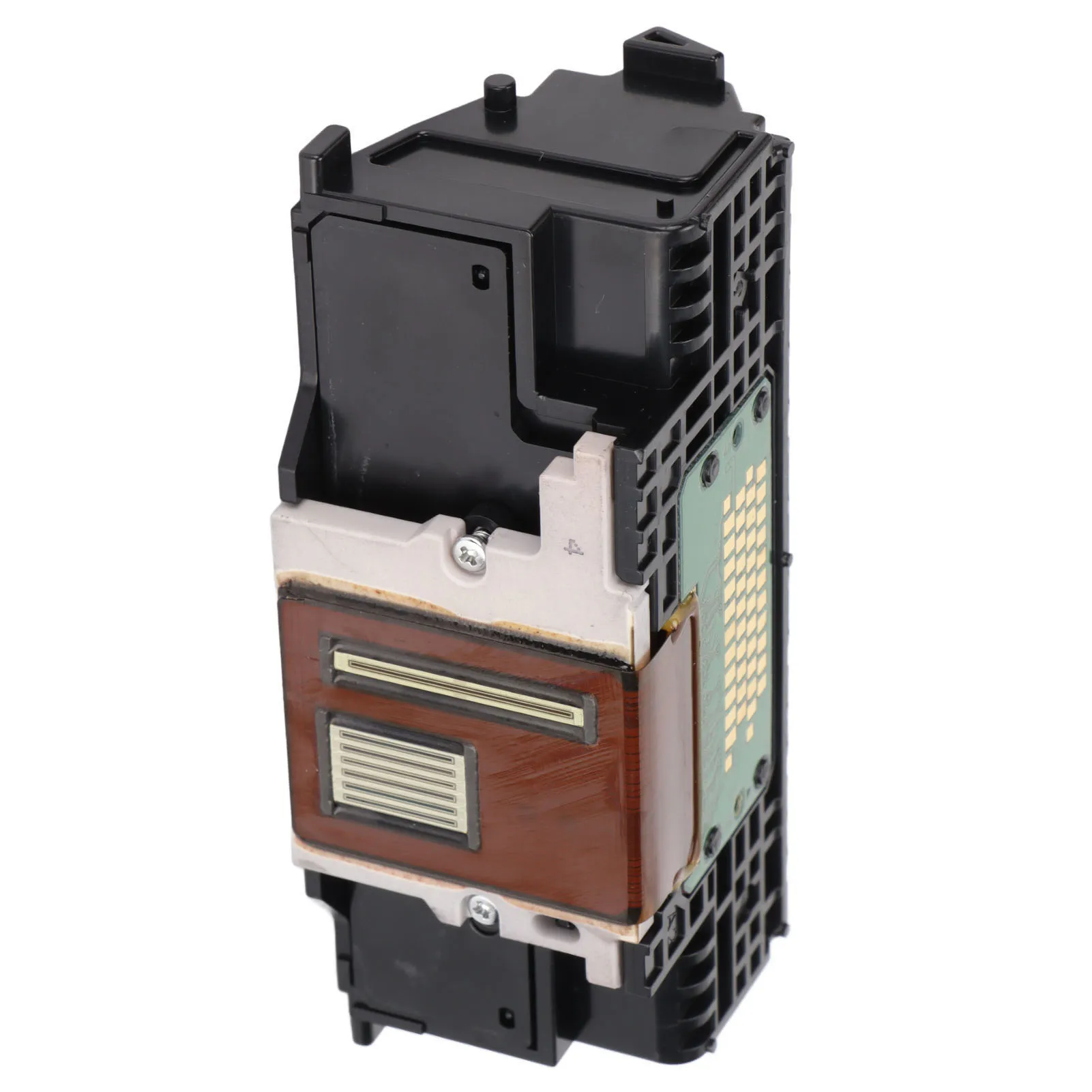
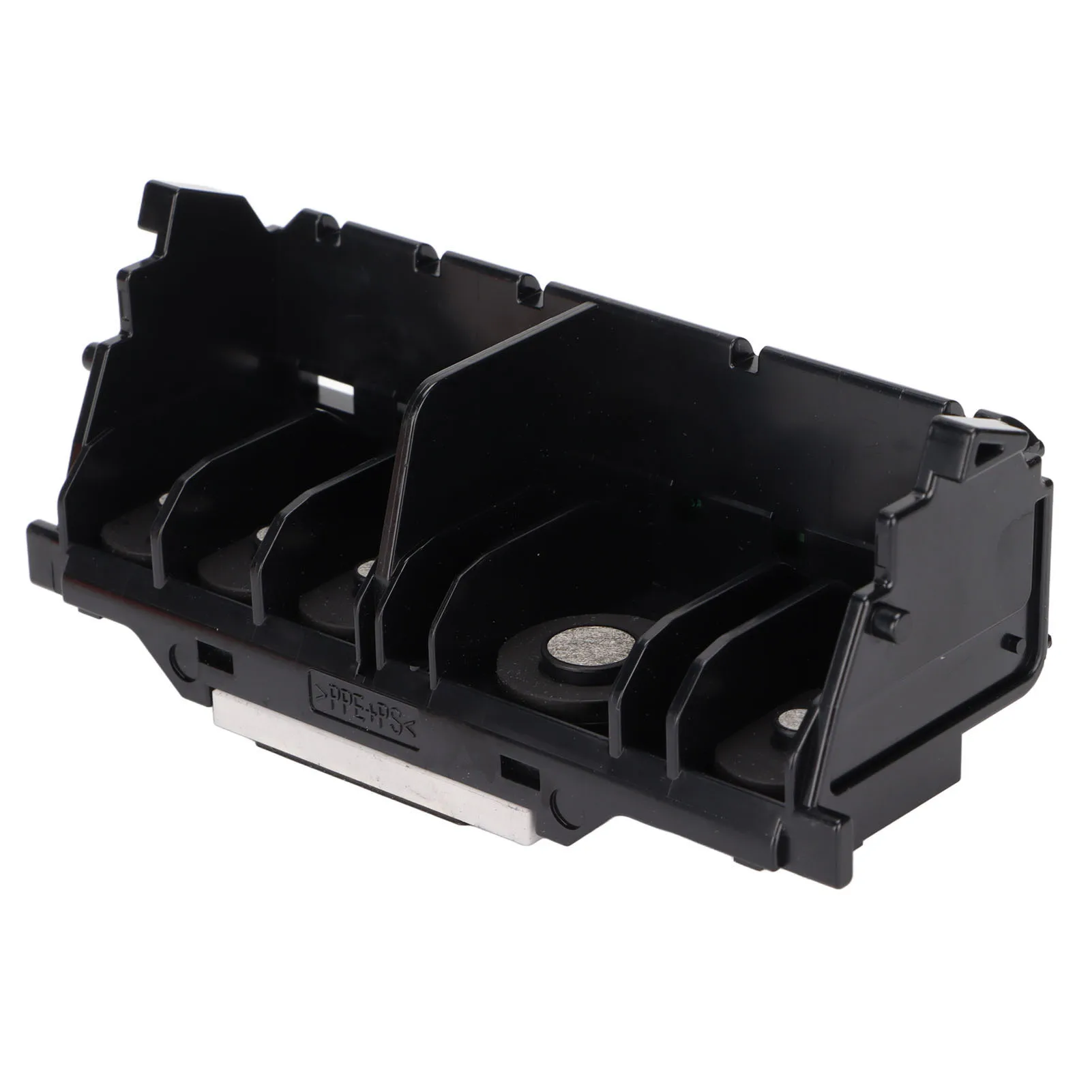
Printhead Replacement Good Printing Effect Strict Quality Control High Resolution Single Black Printheads for MX722
Feature:
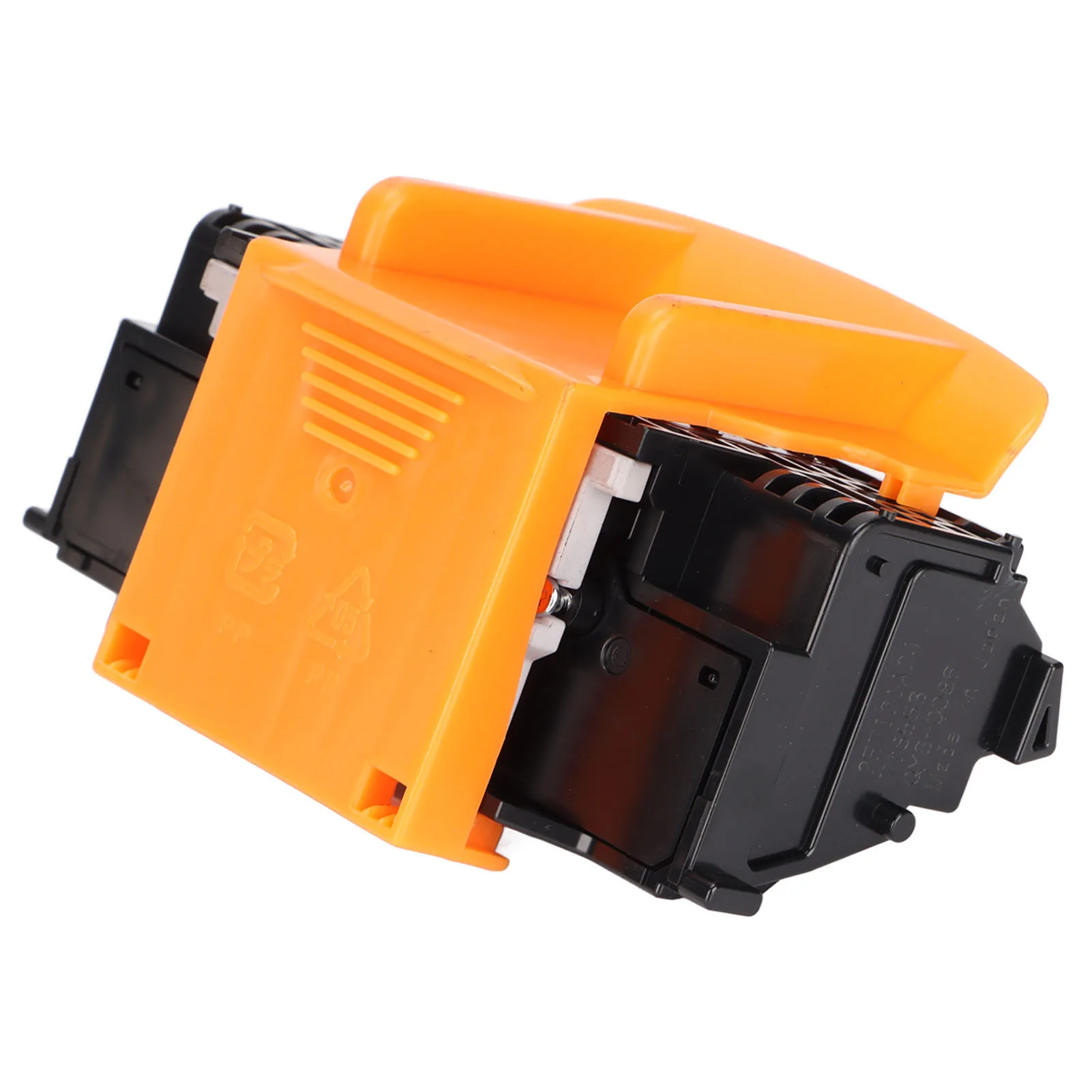
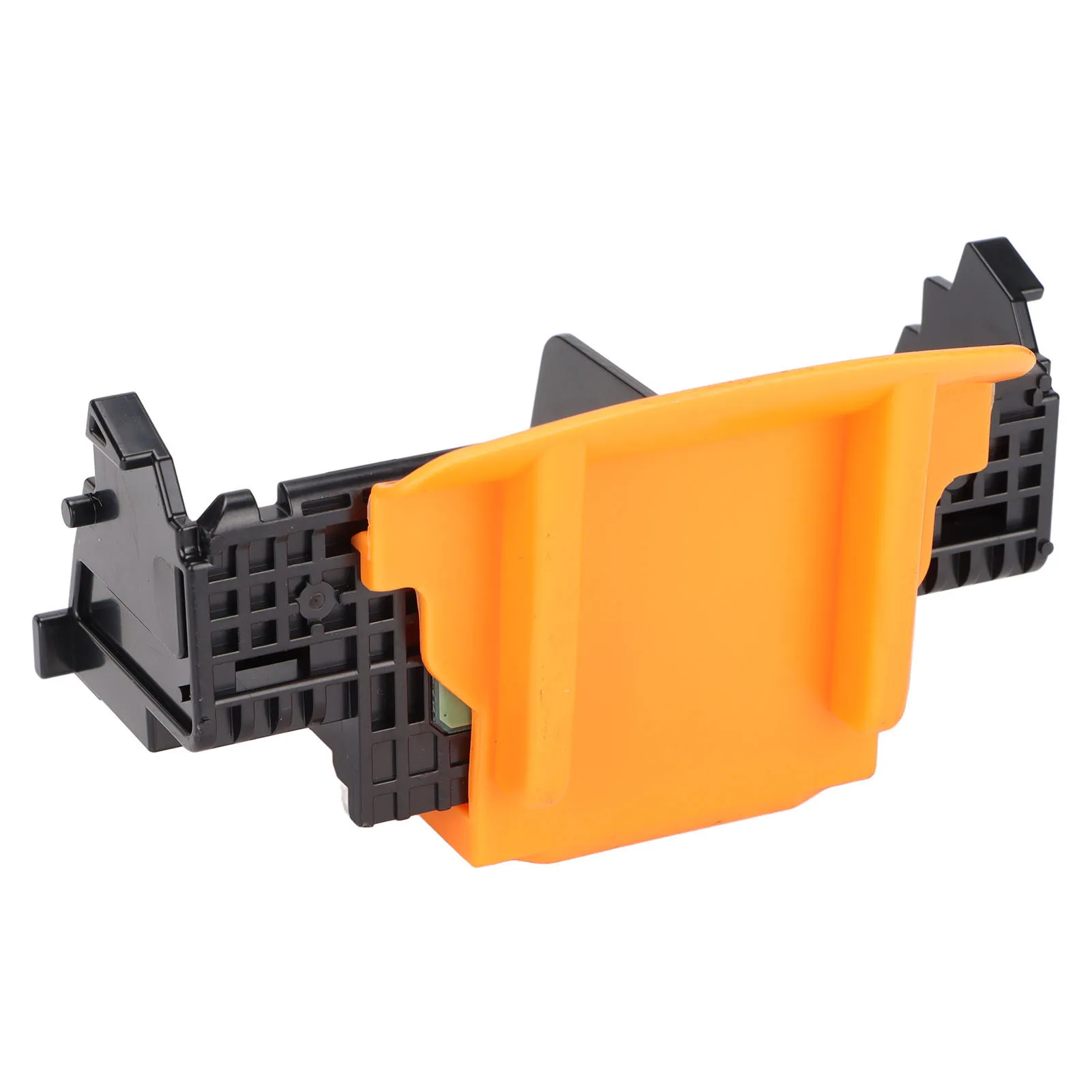
1. Good Printing Effect: Single black print head, which can replace original print head to print documents. 2. Strict Quality Control: Each print head will be strictly tested, and the effect of the print head will be tested with printing test paper. 3. Easily Use: This product is a perfect replacement for the old print head, very convenient to use,and the structure is compact, small and light. 4. Safe Packaging: Equipped with a protective cover to prevent damage to the internal structure and effectively protect the print head. 5. Wide Compatibility: Compatible with for Pixma MX720, for MX721, for MX722, for MX725, for Pixma MX920, for MX924.
Specification:
Item Type: Printhead Replacement Material: ABS Model: QY6-0086 Color: Black and Yellow Function: For Printer Print Head Compatible Models: For iX6840 series, for Pixma MX720, for MX721, for MX722, for MX725, for Pixma MX920, for MX924, for MX926, for MX927 Abnormal solutions: The problem with error code 5100 and B200 is caused by the ink truck being stuck or the ink truck not being reset in time. Solution 1. Remove the ink cartridge and reinstall it, and then restart the computer and printer. 2. If this fault occurs frequently, check the ink supply line, or add lubricating oil to the trolley slide bar. 3. Manually reset the ink trolley ① Open the cover ② Push the ink cartridge to the right ③ Turn off the cover ④ Turn off the power ⑤ Turn on the power ⑥ Turn on the cover ⑦ Observe whether the ink cartridge automatically slides to the right ⑧ Use your hand to slightly increase the force to the right again while the ink cartridge slides ⑨ Feel that the ink cartridge has reached its full limit ⑩ Close the cover and complete the operation.
How to Use:
Instructions: Requires the customer to factory reset and reinstall the driver: 1.Press and hold the "for Windows" and "for X" keys on the keyboard at the same time to find the control panel.
2. Then select View Devices and Printers.
3. Select "Advanced Printer Settings" to search for connected and available printers.
4. Then click "The printer I want is not in the list".
5. Manually add local printers.
6. Select "Use existing port".
7. Select the "Manufacturer" and "Printer Model" of the printer.
8. Select "Replace current driver".
9. Enter the "Printer Name".
10. Choose whether to share the printer.
11. Click "Print Test Page" to test whether it is normal, and click "Finish".
Package List:
1 x Printhead Replacement
Note:
Please note that the new type and old type of this product will be sent randomly, and make sure you will not mind before ordering.

Many Questions about Dropshipping Services Are As Follows:
1.How many orders can you handle per day?
we are a large company in Shenzhen,China,with a large warehouse that can handle large orders everyday.We send out countless parcels everyday.We can guarantee the order you request.
2.How fast can you process orders?
We will arrange shipment as soon as possible after you pay the order.Priority delivery for dropshipping order
3.Could you ship order without any receipts,invoices and promotional offer inside the package?
Absolutely!No invoices,receipts,promotional offer if you leave notes on the order(if you want,we can provide.)
4.If you need other products?
We can provide most products you need as much as possible1
If you have any other questions,please feel free to contact us.
We are very grateful to cooperate with you.
5.We can support CSV/Excel File Dropshipping.
6.There is no limited stock to fulfill the orders on a daily basis
Service commitment
Free shipping
Delivery: ...
❯
Fast delivery
❯
Coupon compensation if delayed
Refund if package lost
Refund if items damaged
Refund if no delivery in 30 days
Free returns within 90 days
❯
Security & Privacy
Safe payments · Secure personal details
❯
Quantity
Samag Commitment
🛡️ 90-days buyer protection
✔️ Security & Privacy
Related Products
Return & refund policy
Security & privacy: your personal data stays protected
Safe payments: we never share your personal data with third parties without your consent