Price :
QTY :
CART TOTALS :
There are items
in your cart
CART TOTALS :
With this products also buy:


We identified: …


Application: Singing,Recording, Live Broadcast,Podcast
Brand Name: LOMEHO
Built-in Battery: No
Certification: NONE
Channel: 6 Channels
Effects: 99 DSP Effects
High-concerned chemical: None
Inbox adaptor: Yes
Model Number: AM-AX6P
Origin: Mainland China
Phantom Power: Individual 48V
Power Source: Ac
Type: Mixers
USB Function: Play and Record
Voltage range: High voltage (50-1000V DC, 75-1000V AC)
LOMEHO AM-AX6P
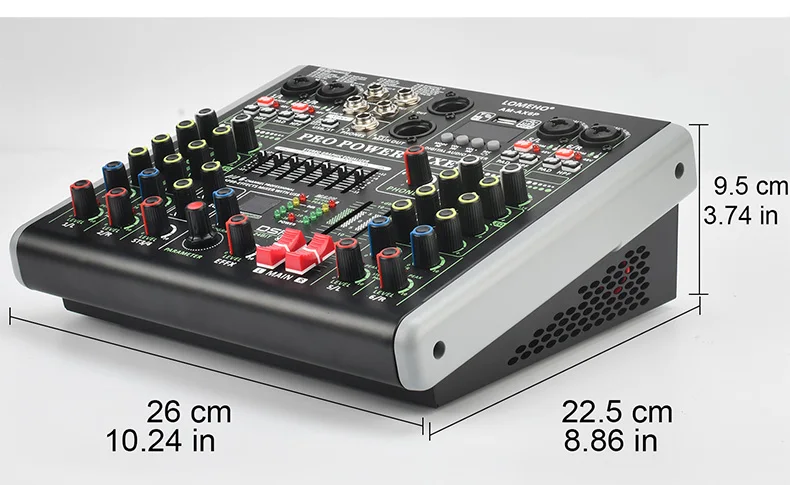
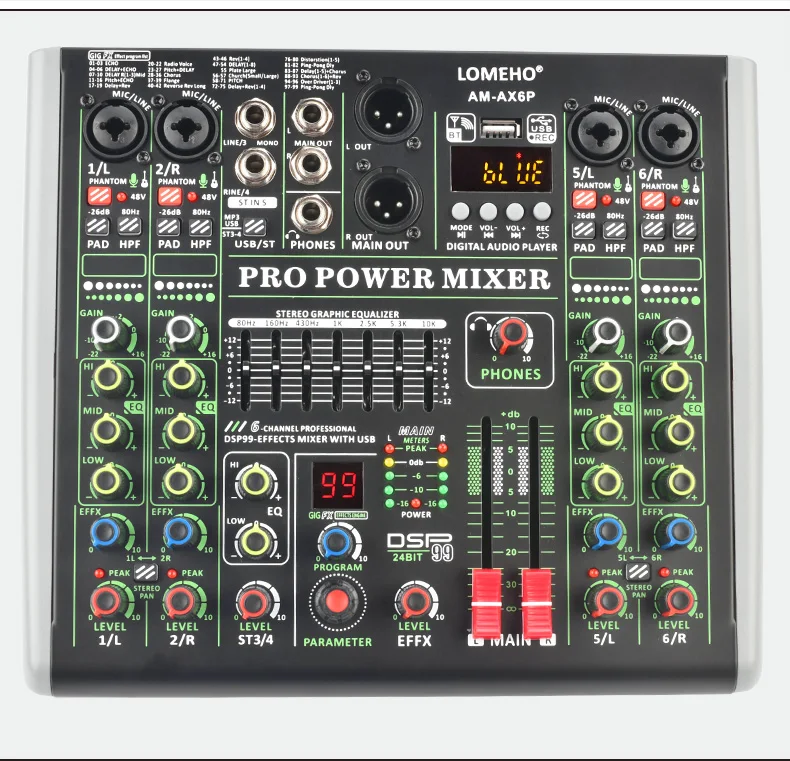
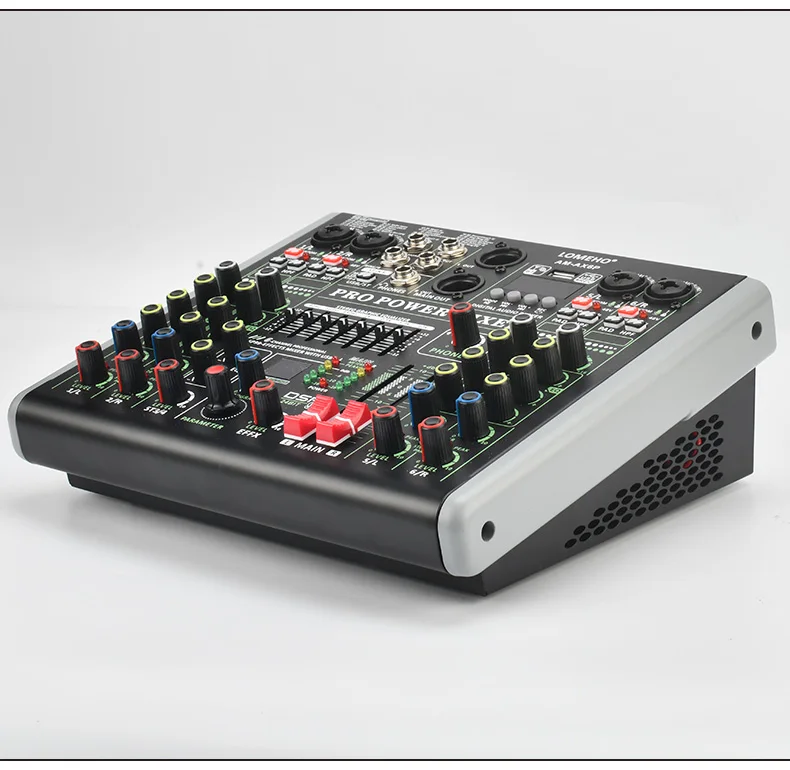
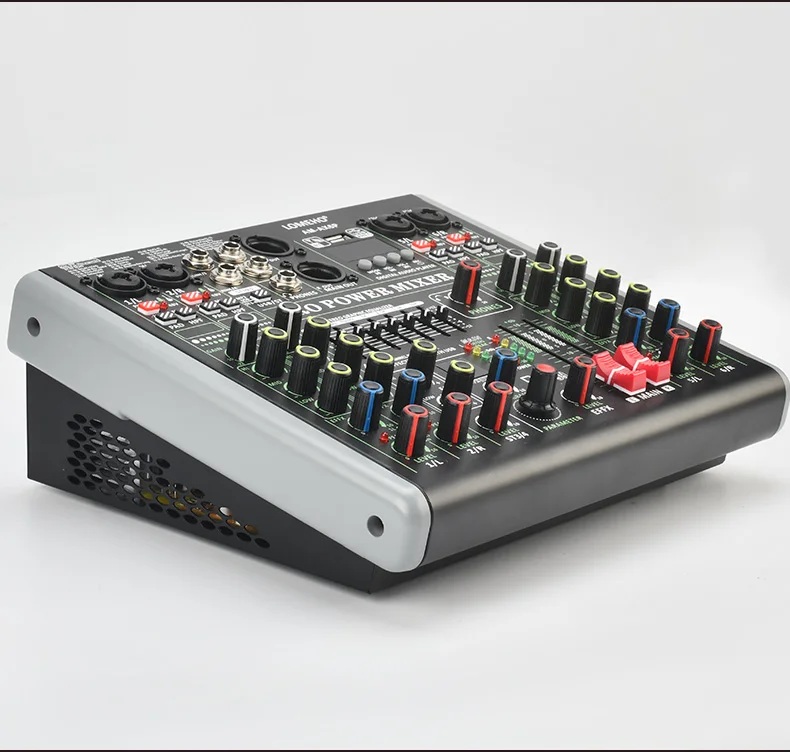
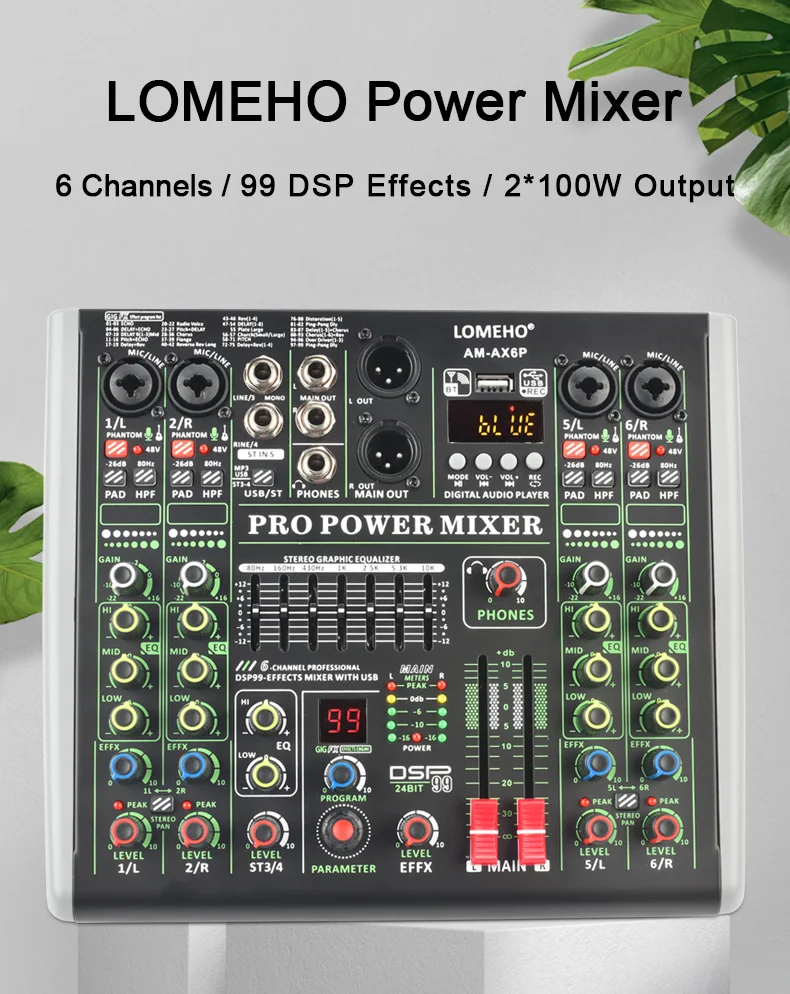
6 Channels 2*100W Power Amplifier Audio Mixer 99 Effects Sound DJ Mixing Console Table Individual 48V Bluetooth USB PC Record Play AM-AX6P
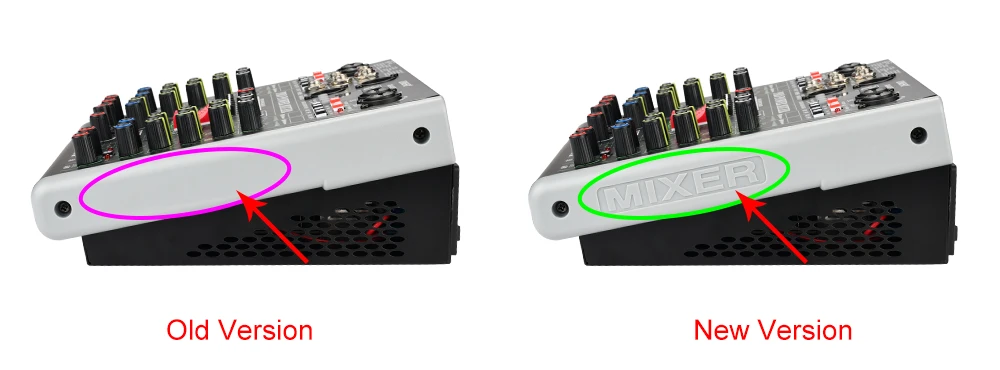
1. Selling Point
(1) Power supply: AC 110V-220V
(2) Individual +48V phantom power
(3) Bluetooth function
(4) USB play, play format: FLAC, MP3, WAV, WMA
(5) USB record, record format:MP3
(6) 99 DSP effects
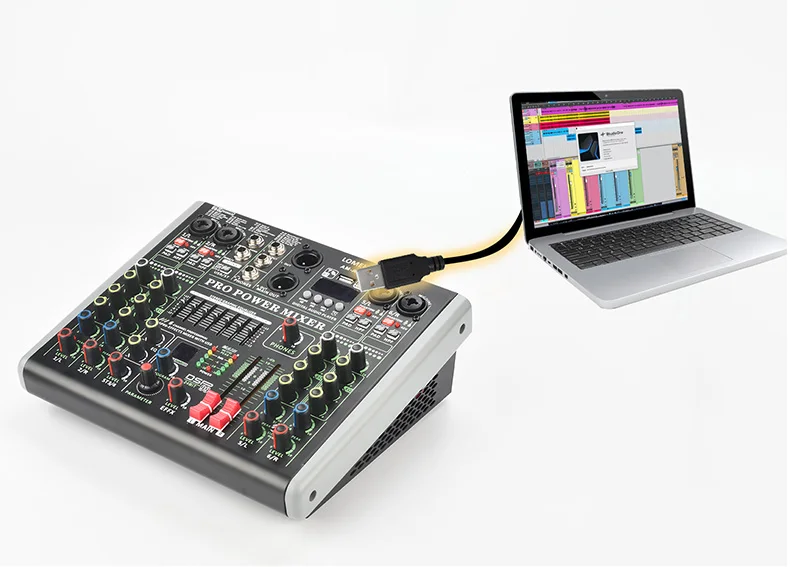
(7) PC record and play
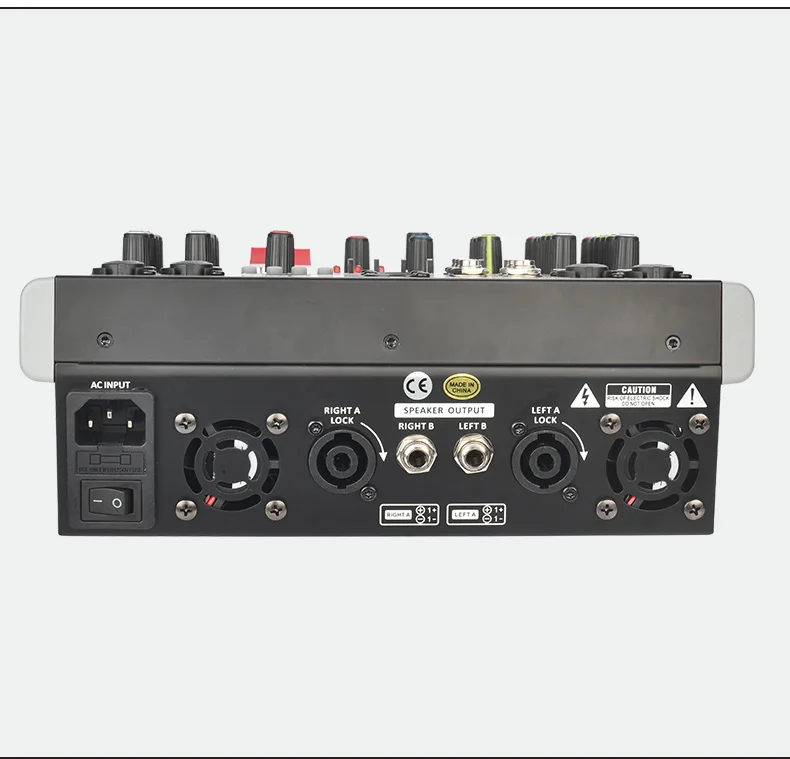
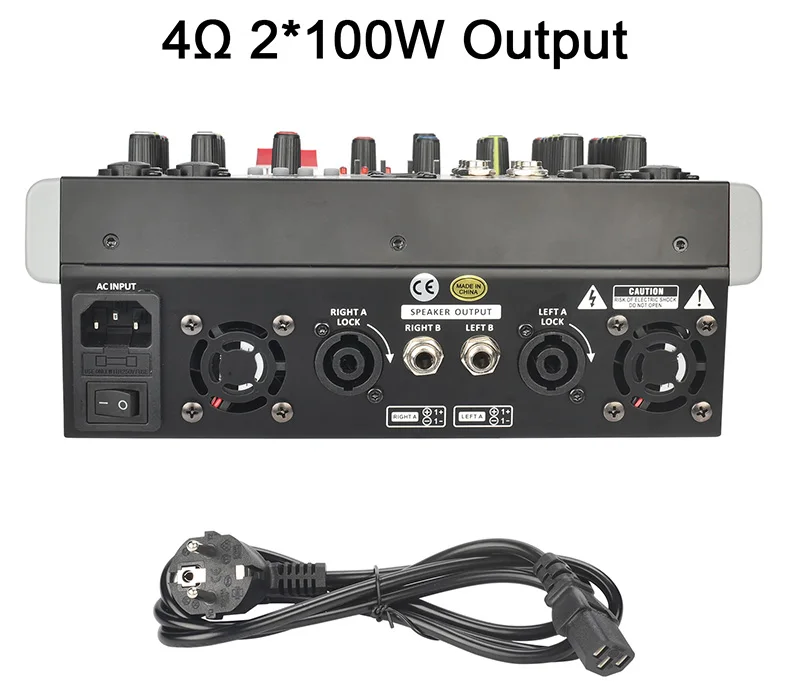
(8) Built-in 4Ω 100W output power amplifier
(1) Working Power: AC 110V-220V
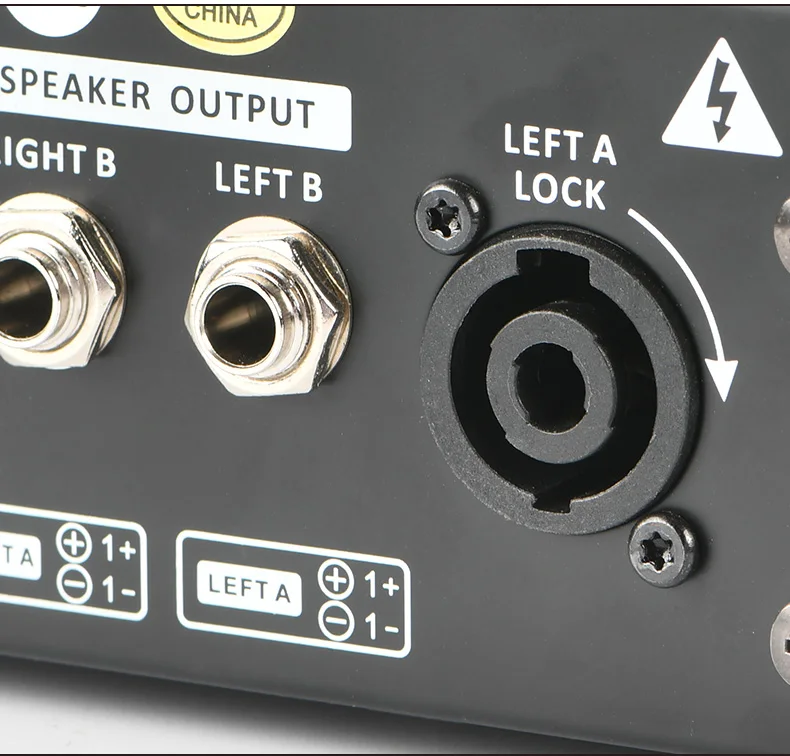
(2) Built-in 4Ω 100W output amplifier
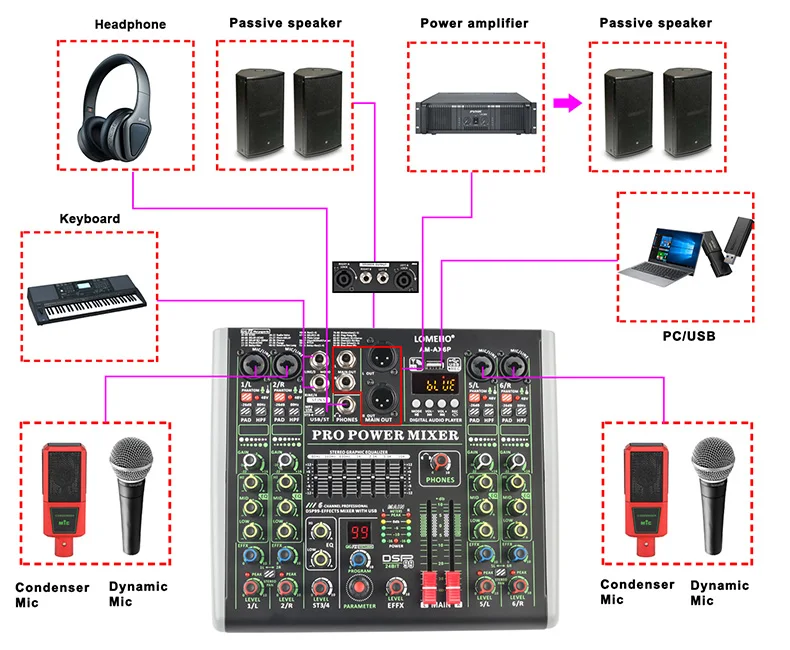
(1) Press down "+48V" button, LED light is on, +48V phantom power works
(2) Individual +48V phantom power for each channel
(3) +48V phantom power is only for XLR socket, not for 6.3 socket
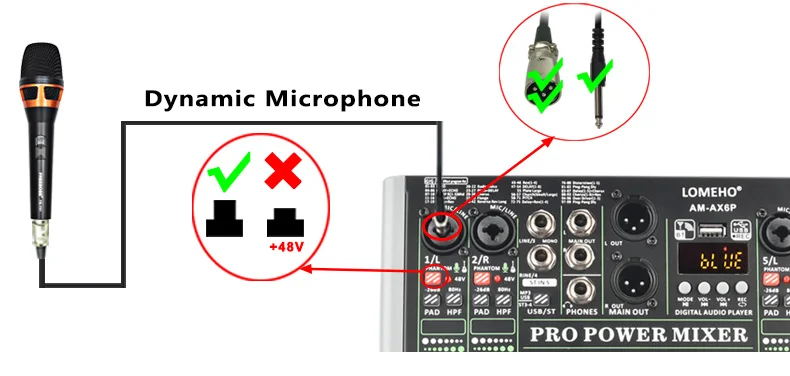
Dynamic Microphone
when you connect dynamic microphone to audio mixer with XLR cable, please do not power on +48V phantom power
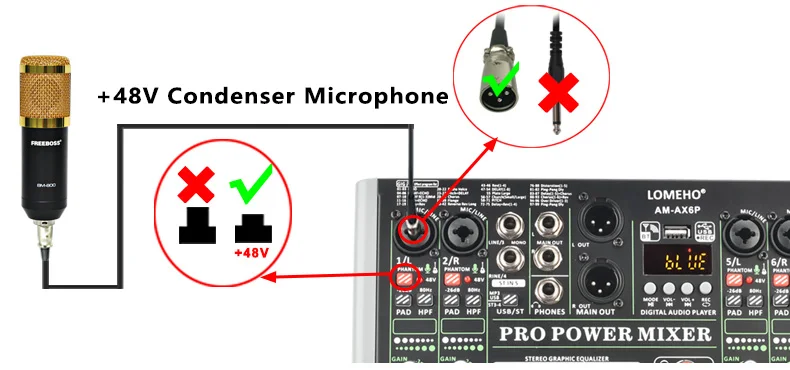
Condenser Microphone
If your microphone is +48V condenser microphone, please connect it to mixer via XLR cable, and power on +48V phantom power
Please note:
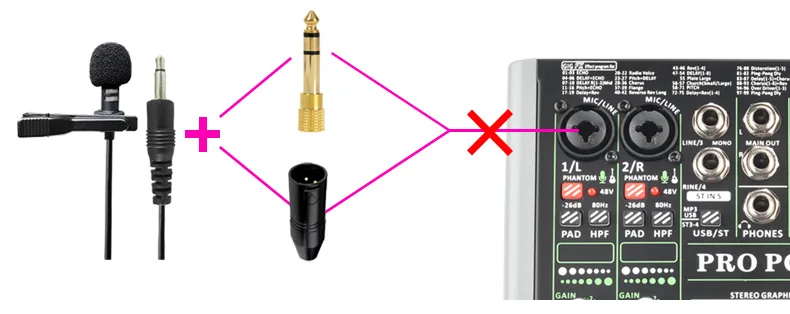
For this model, it dose not support non-48V condenser microphone. (such as 3.5mm plug condenser computer microphone)
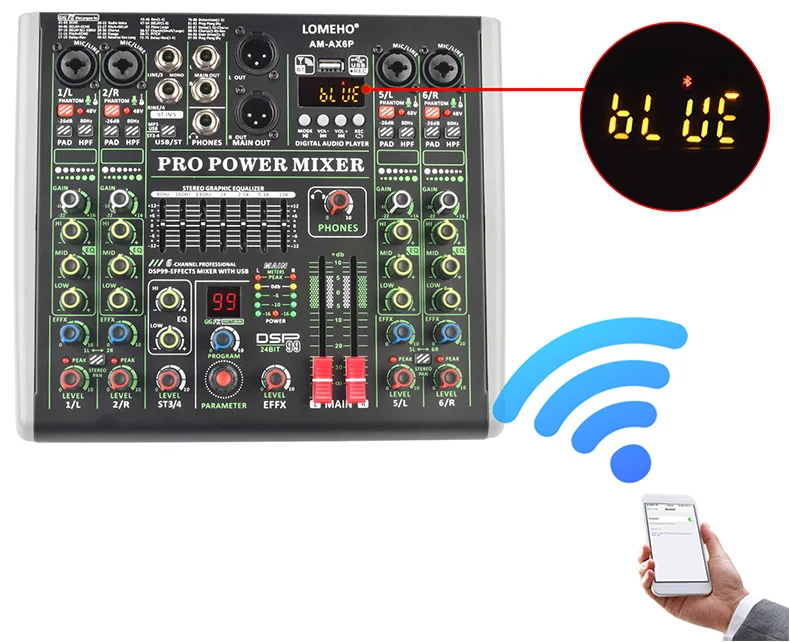
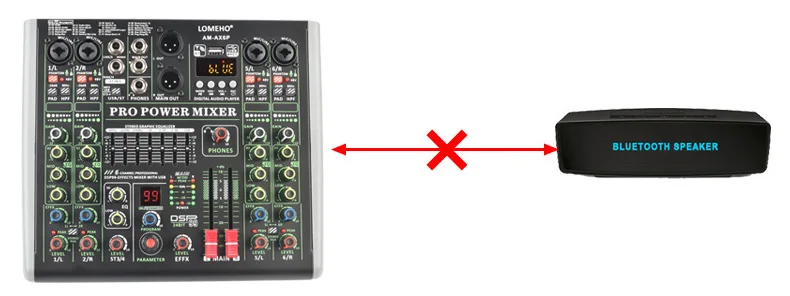
4. Bluetooth Function
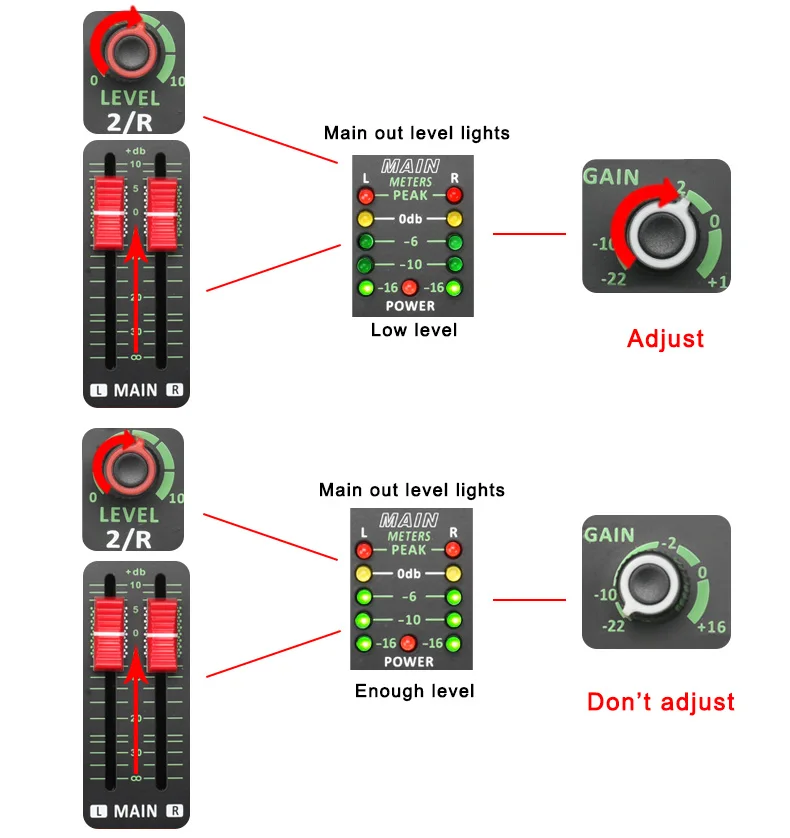
Volume adjusts
(1) MP3/ST3-4 button remains up
(2) Rotate LEVEL ST3/4 knob, adjust the channel volume to main out
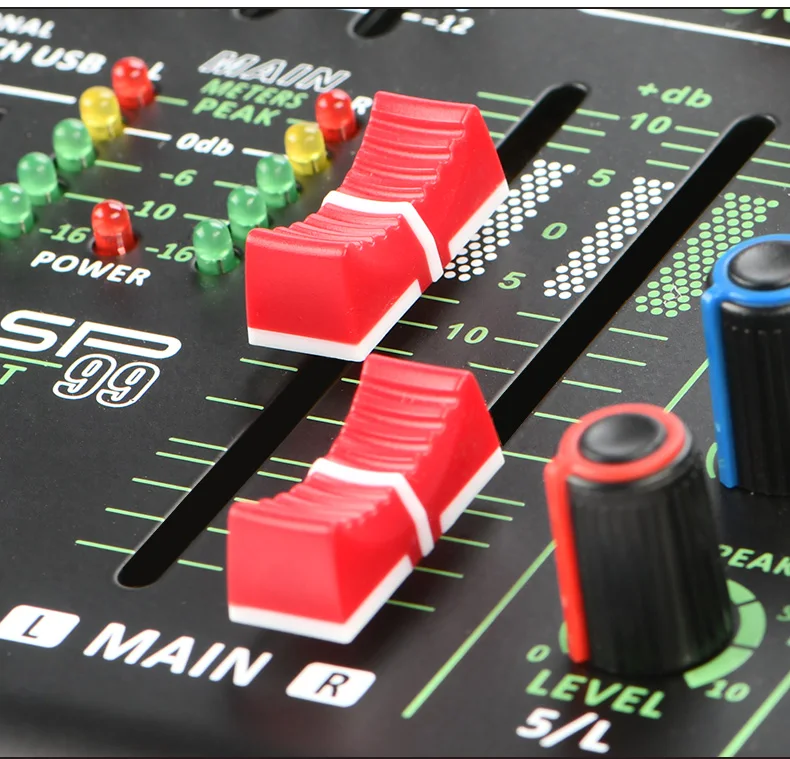
(3) Adjust main out output
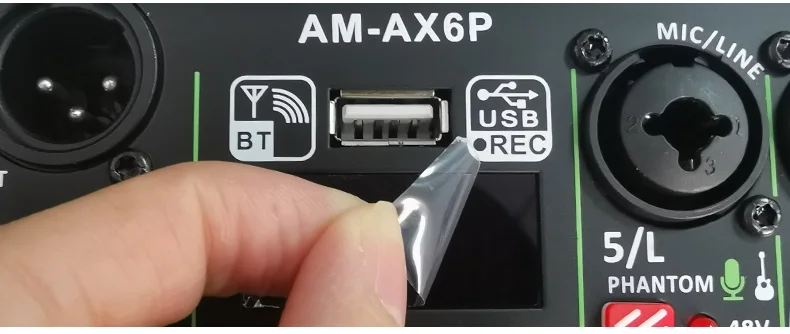
(1) Protective film on the display:
There is a protective film on the display to prevent the display from being scratched. If the protective film is not clear, you can tear off the protective film
(2) USB port is not for USB microphone, you can't connect USB microphone to audio mixer
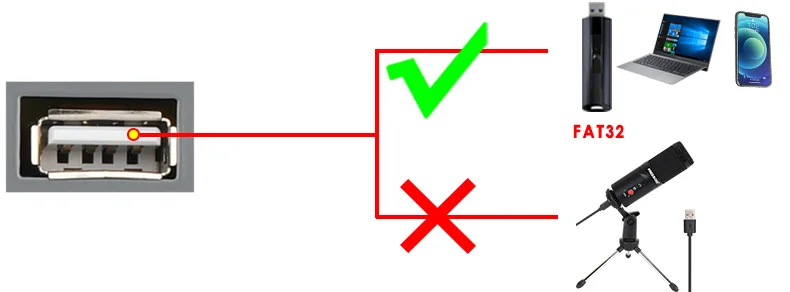
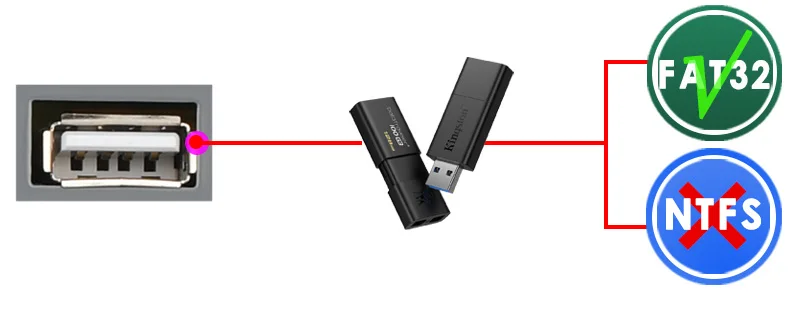
(3) USB format:FAT32
A) USB port can't recognize NTFS U-Disk
B) There is at least one song in the Fat32 U-Disk
(4) USB play:
A) Play format: MP3, FLAC, WAV, WMA
B) Insert U-Disk into USB port, U-Disk will play automatically
(5) USB record:
A) Insert a FAT32 U-Disk, and there is at least one song in the U-Disk
B) Record format: MP3
C) Record operation:
(a) Long press "REC" enter to record (when recording, the "REC" is flashing)
(b) Long press "REC" to finish record and play the latest record file
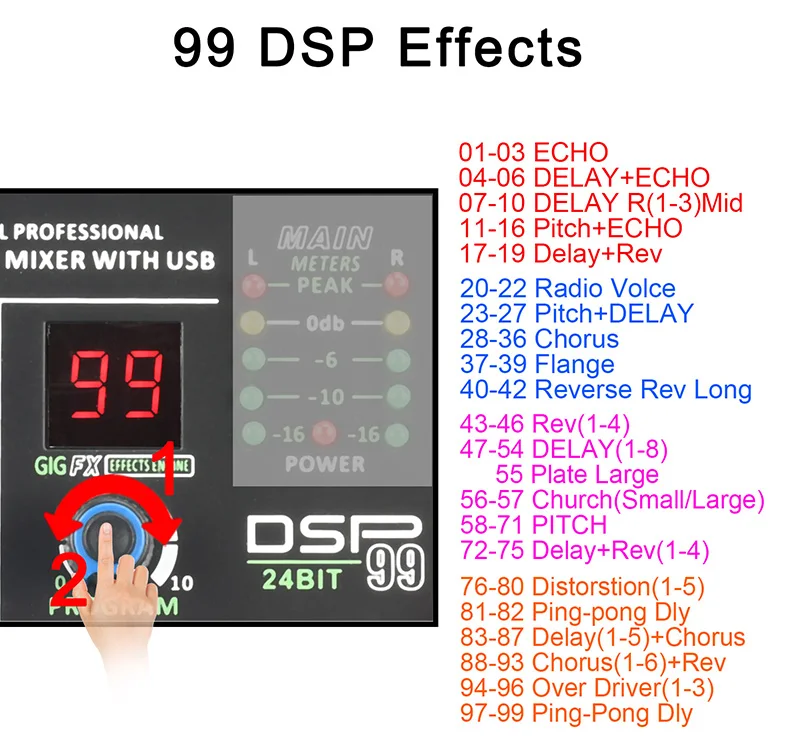
(1) Choose effects
A) Rotate "PARAMETER" knob to the number of the effect you want,then the number is flashing
B) Press "PARAMETER" knob to confirm your selection, then the number stops flashing
C) In the process of the flash of the number, if you do not press "PARAMETER" knob over 3 seconds, the number will come back to Pre-effect-number
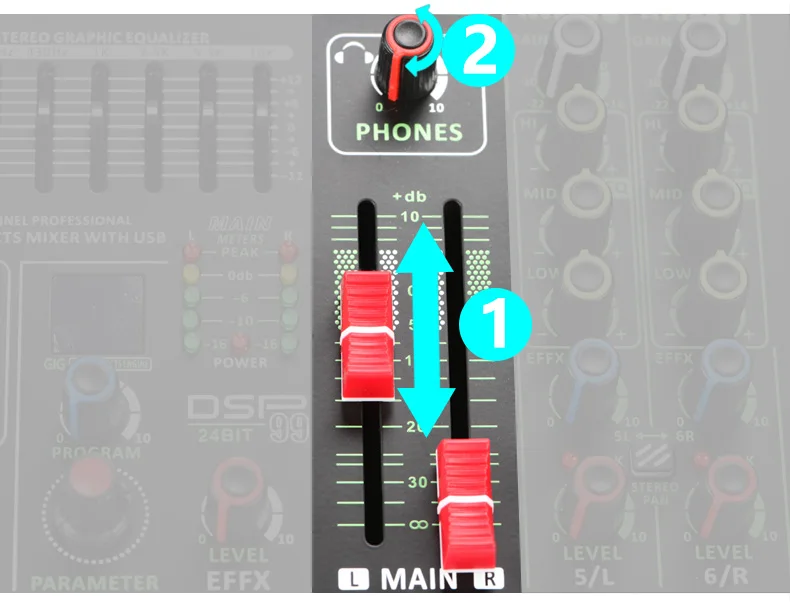
1. Adjust main out output
2. Adjust "PHONES" knob