Price :
QTY :
CART TOTALS :
There are items
in your cart
CART TOTALS :
With this products also buy:


We identified: …


App: Smart Life, TuyaSmart
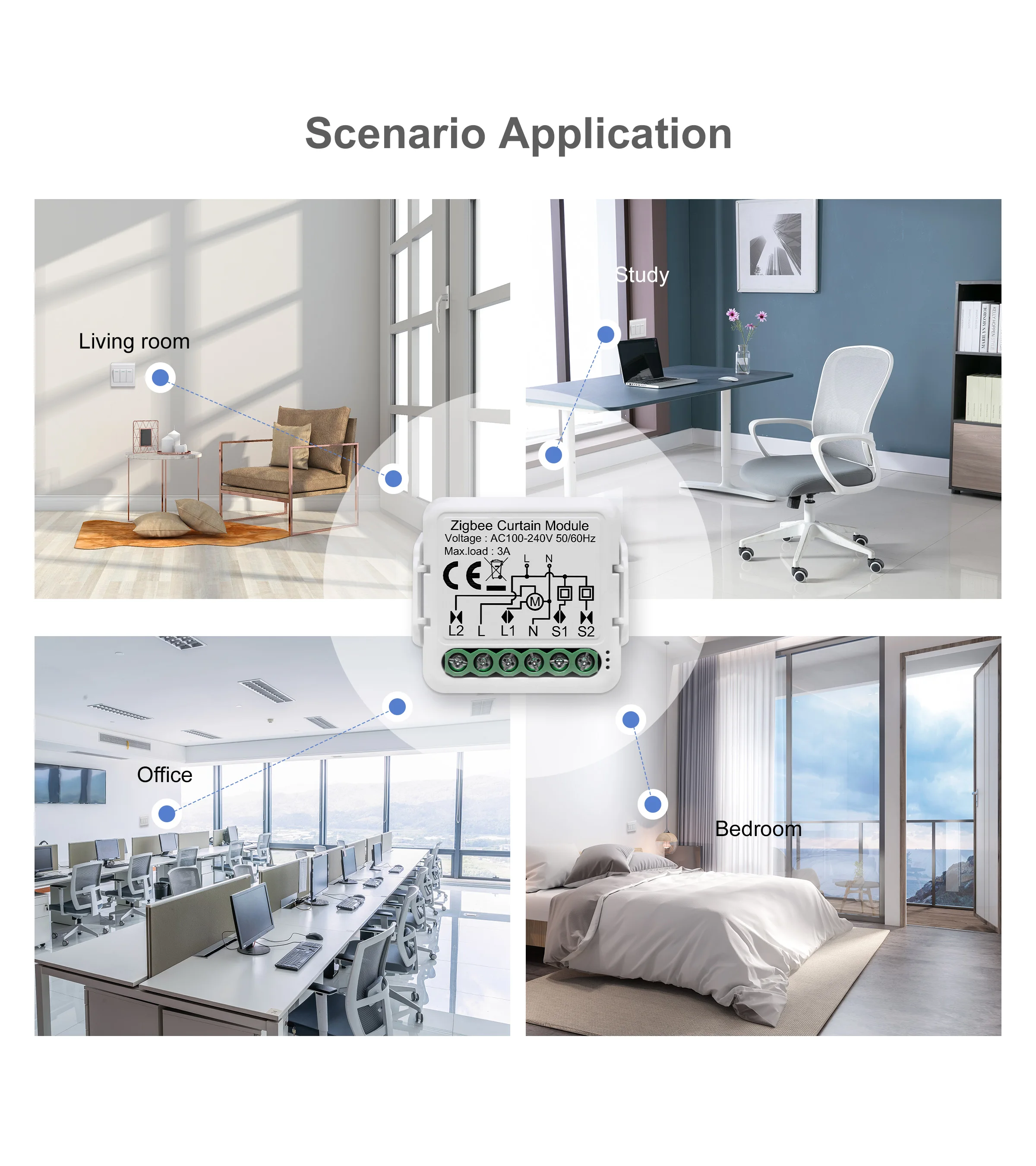
Application: Works with smart roller shutter,smart blinds
Battery Included: no
Brand Name: GIRIER
Certification: CE,RoHS
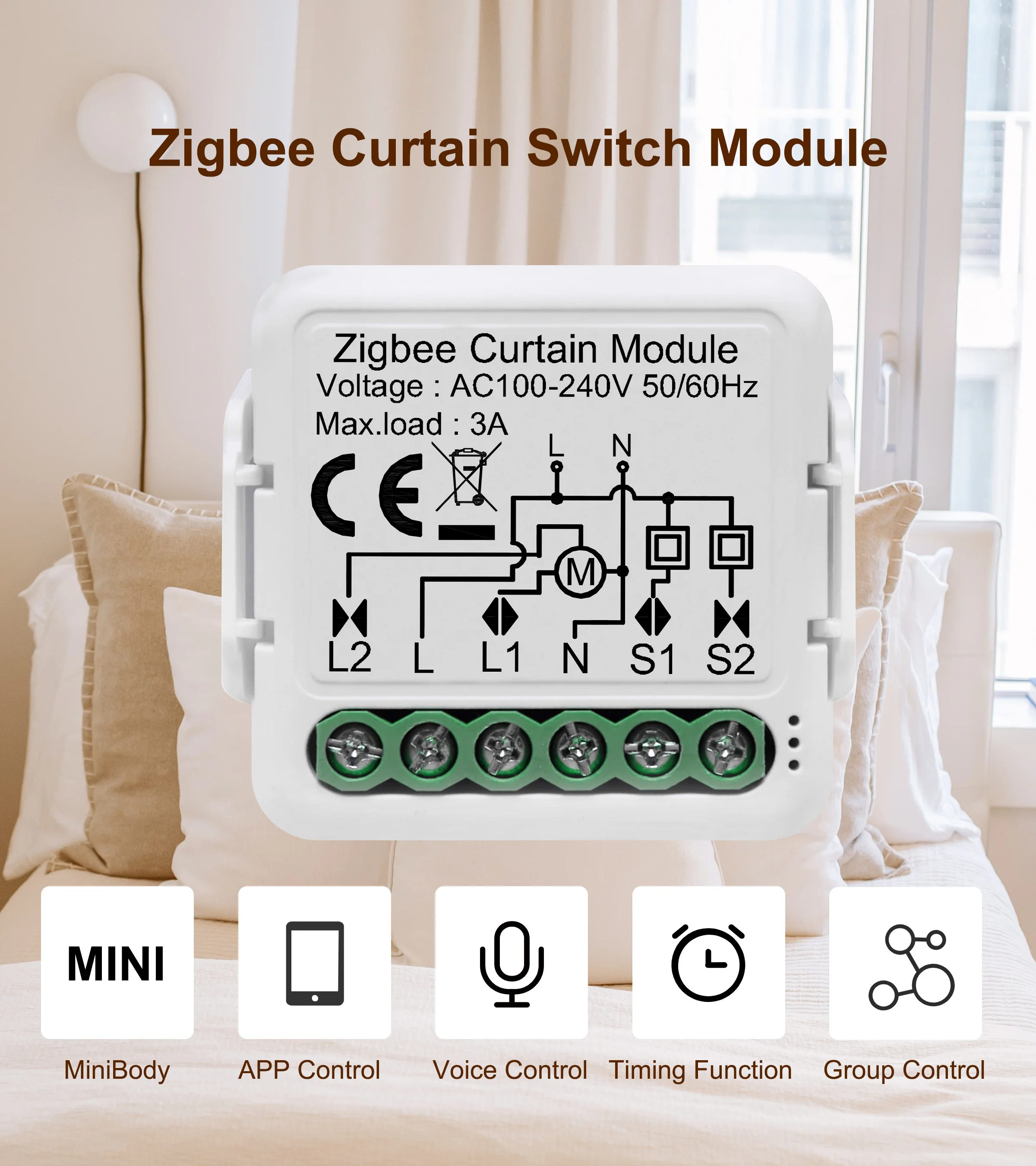
Dims (WxDxH): 39.2x39.2x18 mm
EU LVD Voltage: High voltage: Above 50Vac or 75Vdc
GIRIER Model: ZCS
High-concerned chemical: None
Hub Requirement: Tuya ZigBee Hub Required
IP rating: IP20
Max. load: 3A
Operation frequency: 2.405GHz-2.480GHz IEEE802.15.4
Operation range: <100m
Origin: Mainland China
Protocol: ZigBee 3.0
Standard: Smart DIY Curtain Switch
Type: ZigBee Smart Curtain Switch Module
Voice Control: Amazon Alexa, Google Home Assistant
Voltage: 110-240V
Wattage: 720W
is_customized: Yes
GIRIER Tuya ZigBee 3.0 Smart Curtain Switch Module for Roller Blinds Shutter Electric Motor 1/2 Gang Work with Alexa Google Home
ITEM DESCRIPTION
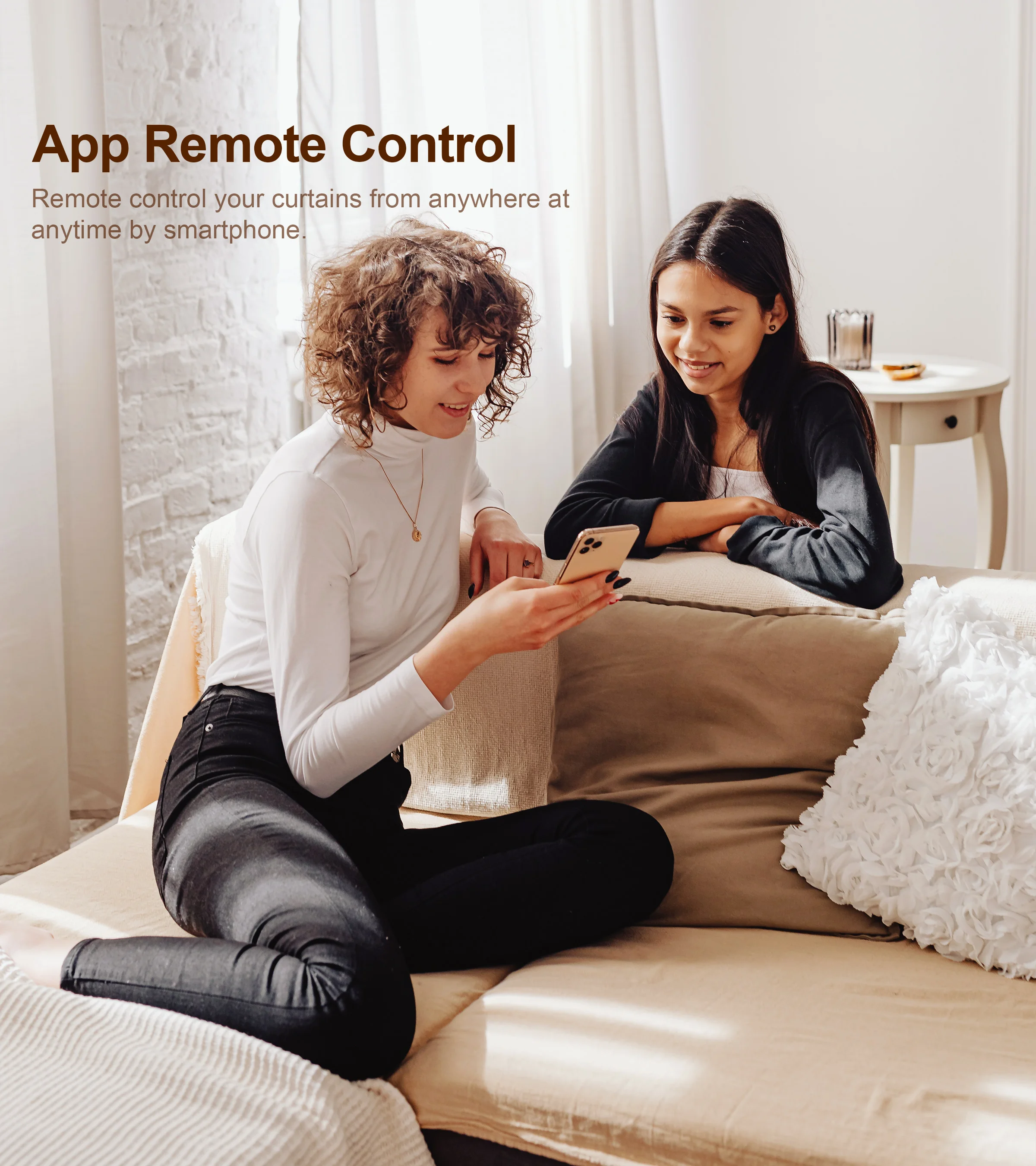
App remote control
It is convenient to remote control the switch according to your own requirement via Smart Life app or Tuya smart app. Enjoy the convenient smart life whether you are on vacation/business or at home. A Zigbee hub is required.
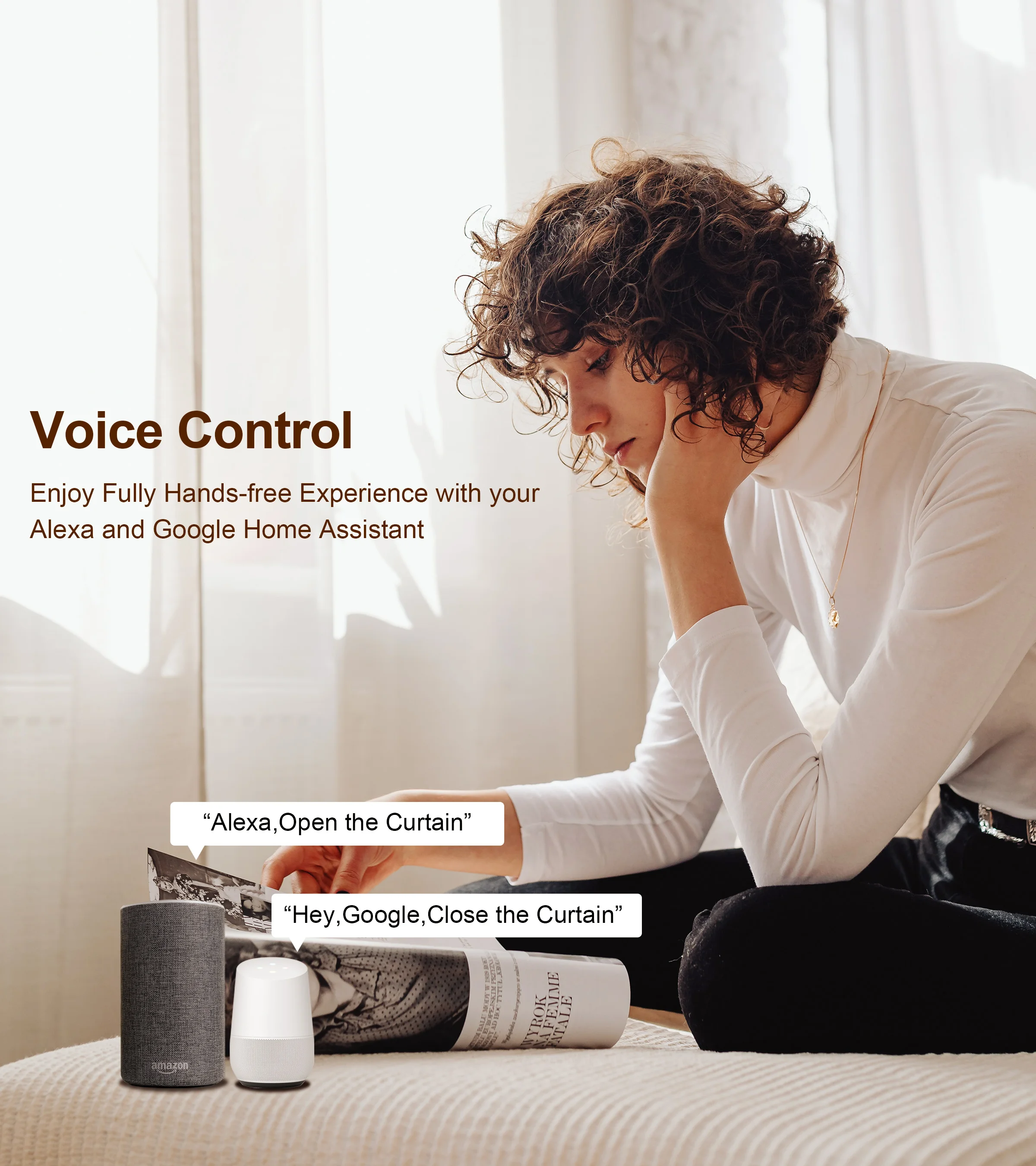
Voice control
You can voice control the curtain switch module after connecting it to the app. It can work with Alexa and Google Home Assistant. Enjoy the convenient smart life by voice control when you are sitting at home or when you are busy.
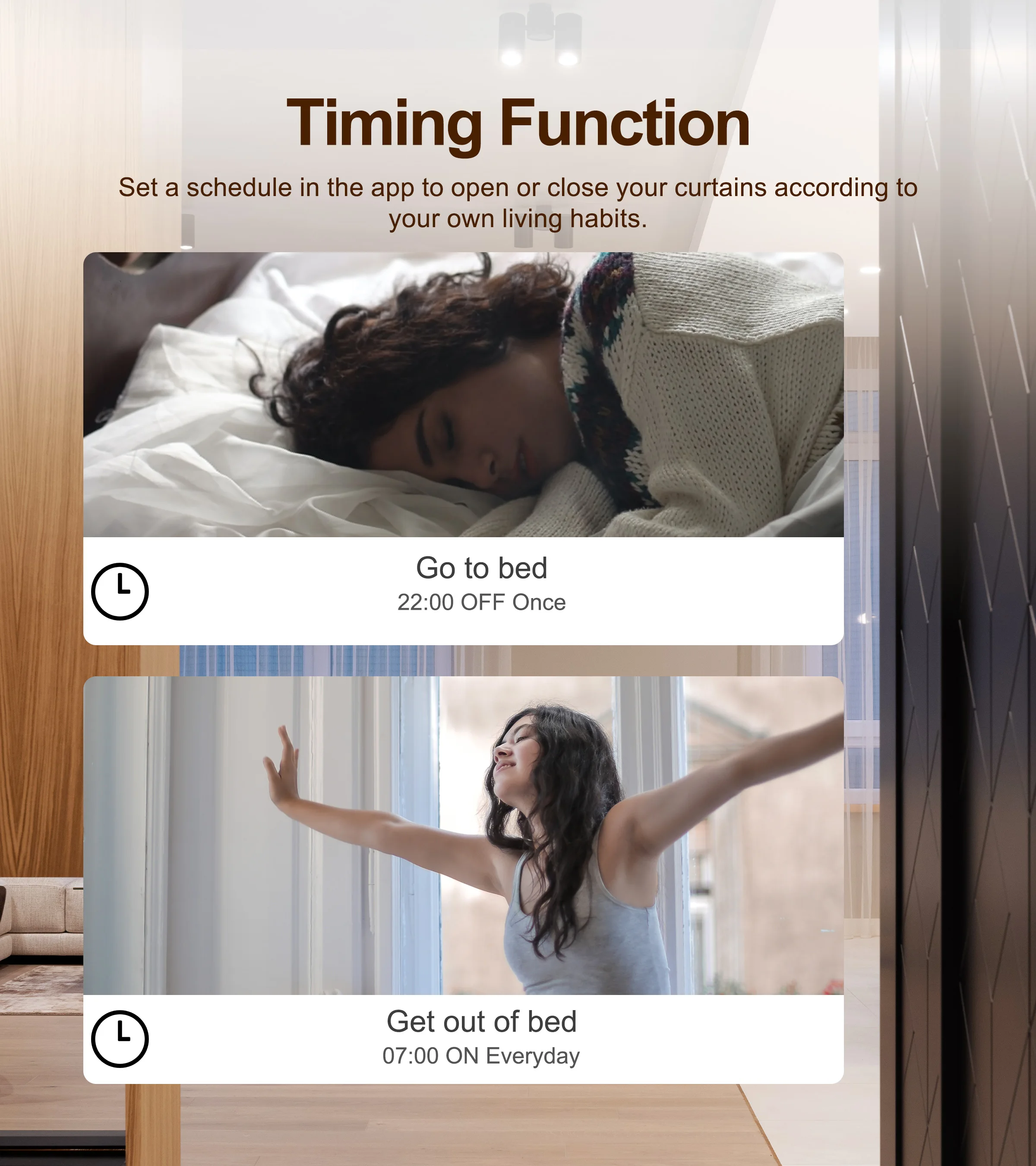
Timer Schedule
Timer can be easily set according to your own needs. Enjoy the convenient smart life without repeating on and off on the app or manually control.
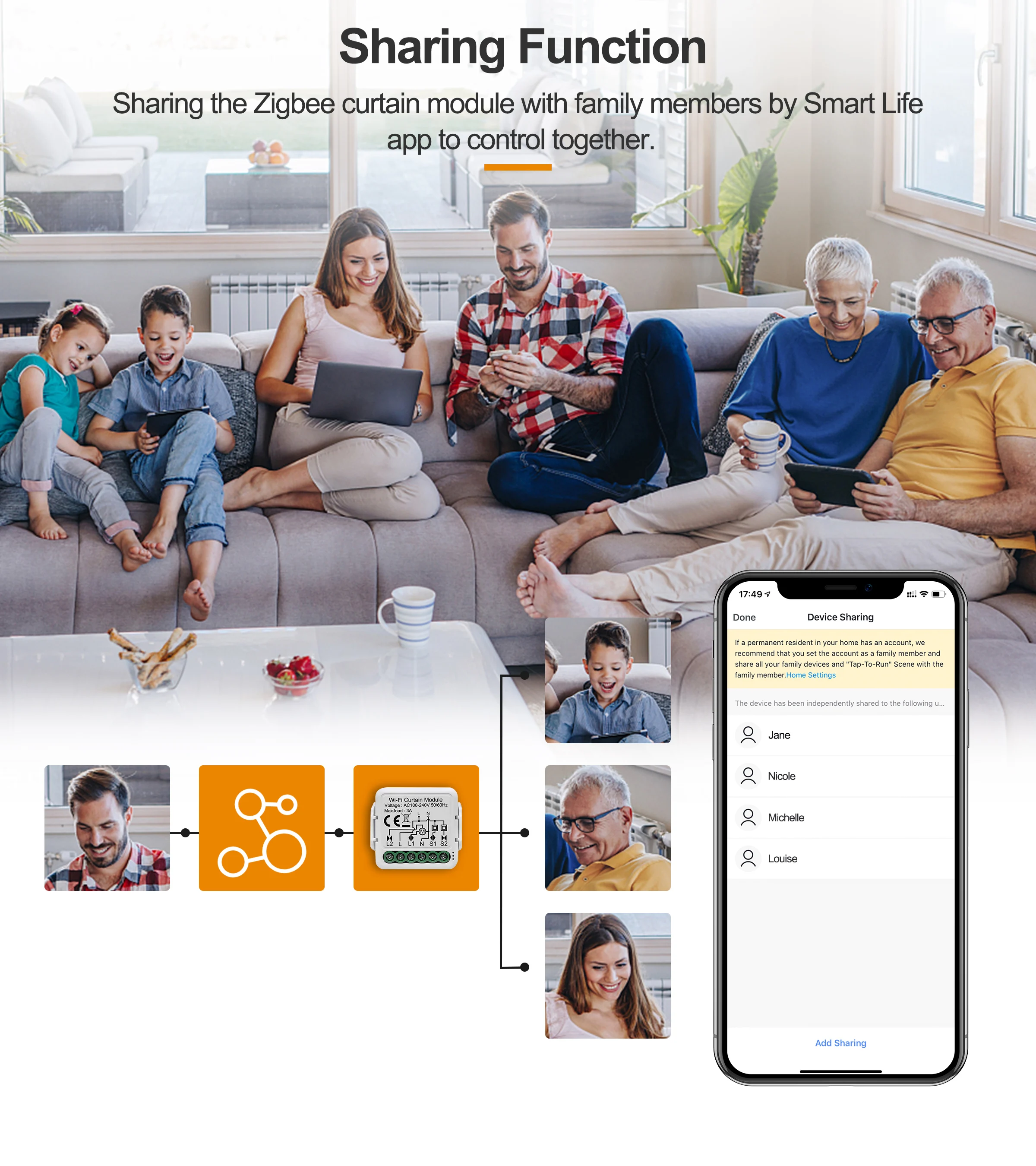
Sharing Function
It is convenient to set a group that your family members and your friends can control the device. Enjoy the smart life with your family and friends.
Smart Scene
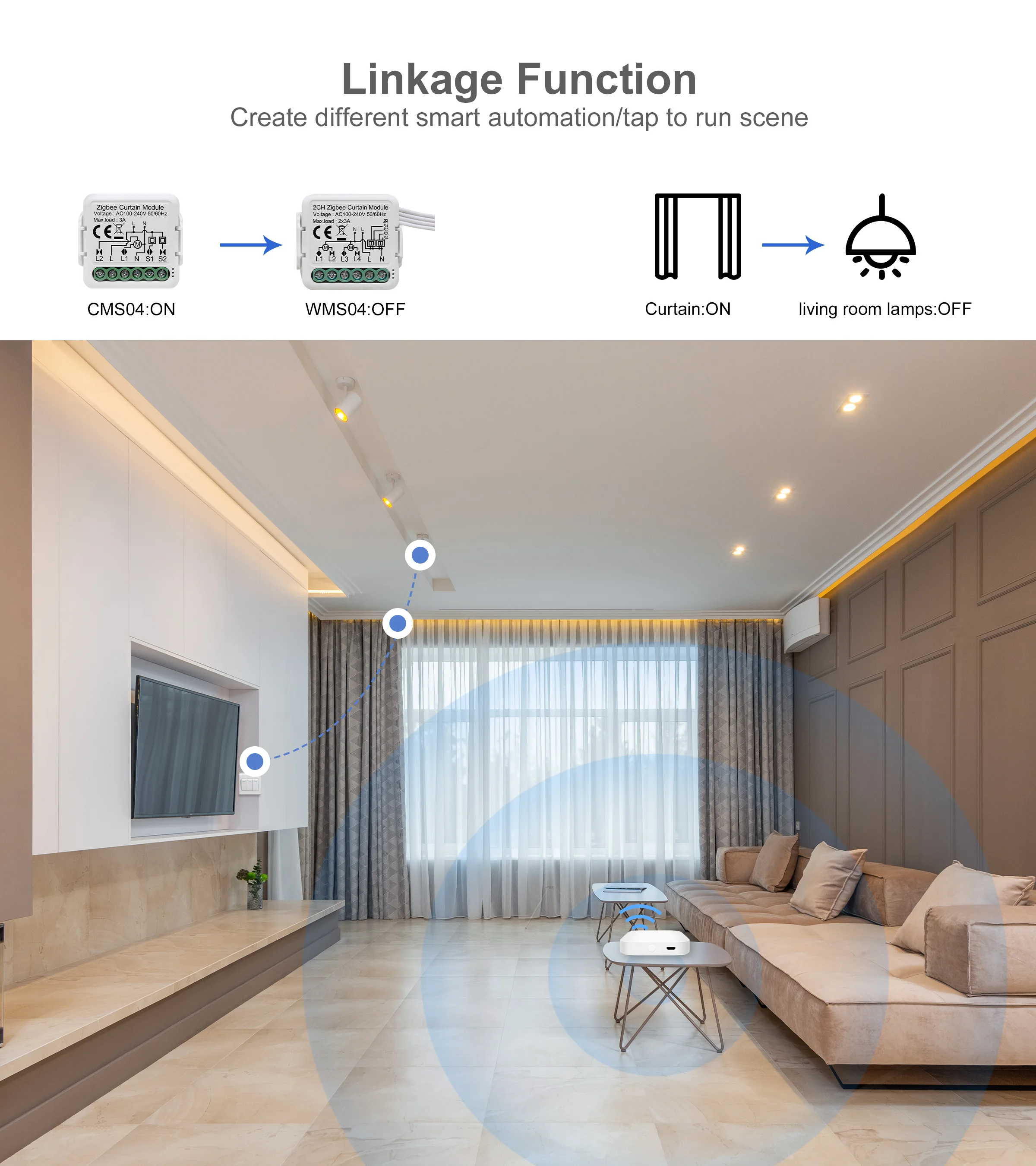
Creating your own scene to trigger ON/OFF home appliances by departure mode, home mode, temperature, humidity, or other environmental conditions.
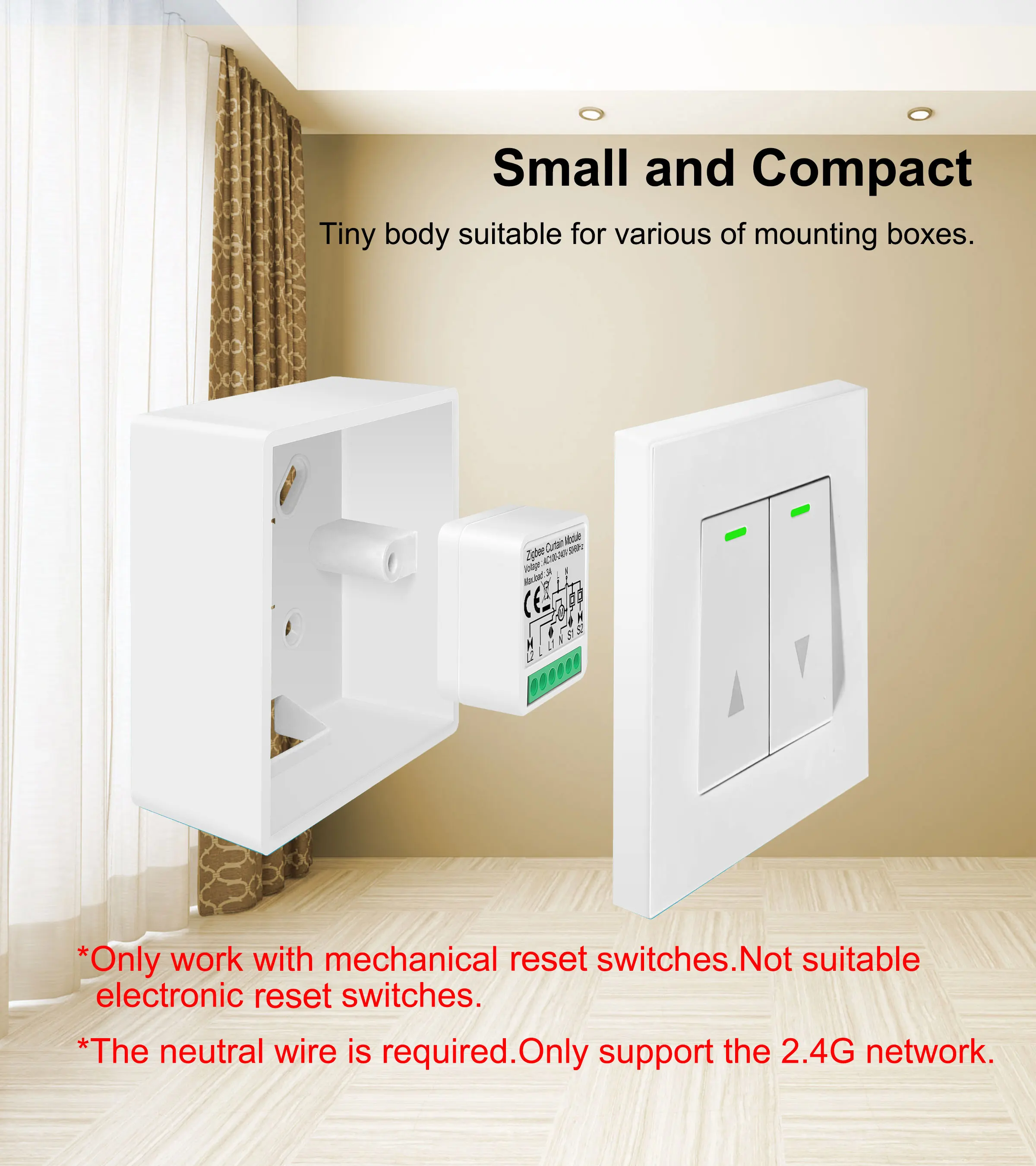
Small and compact
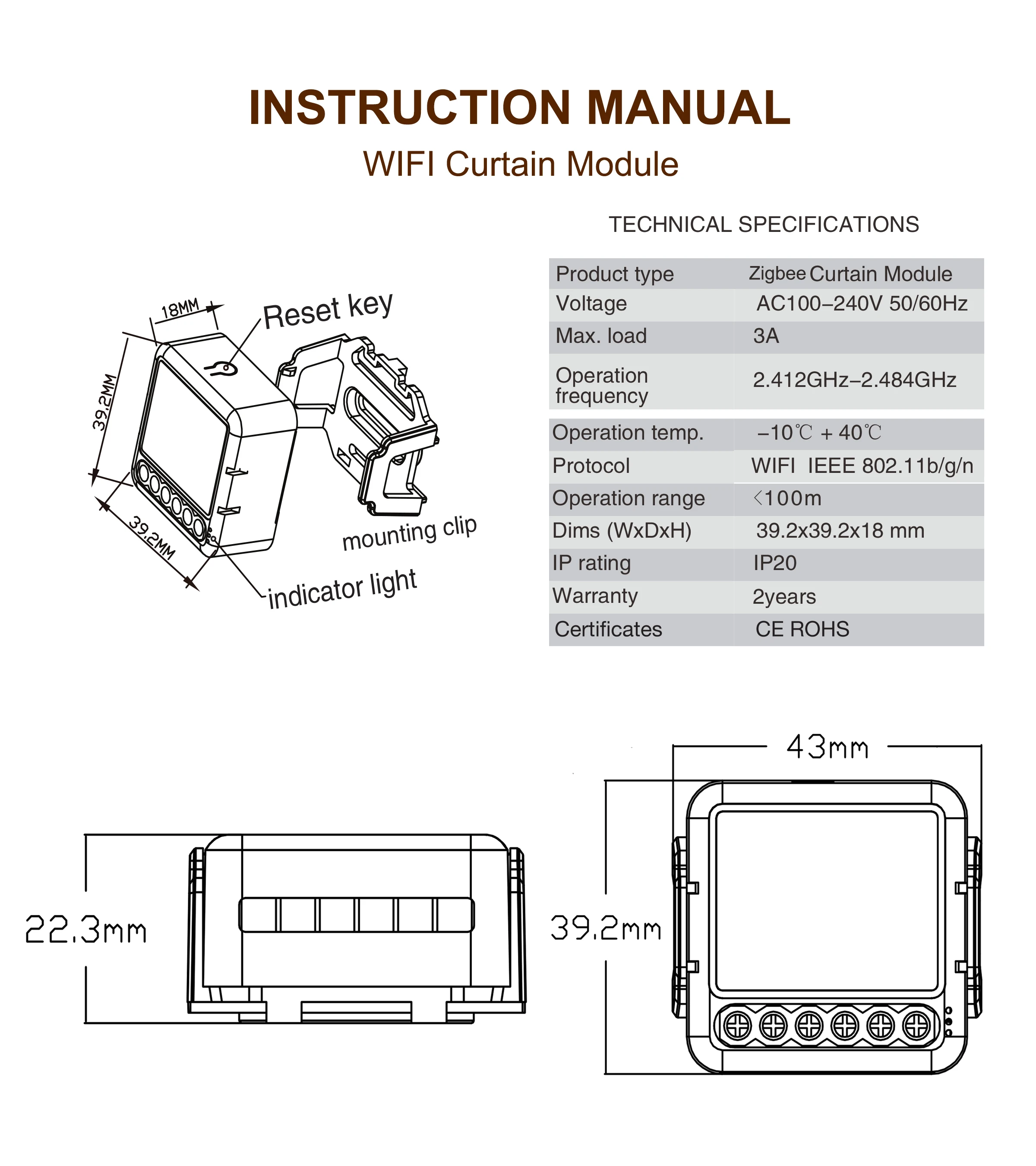
Designed 39.2*39.2*18mm mini body, which is working with most of mounting boxes.
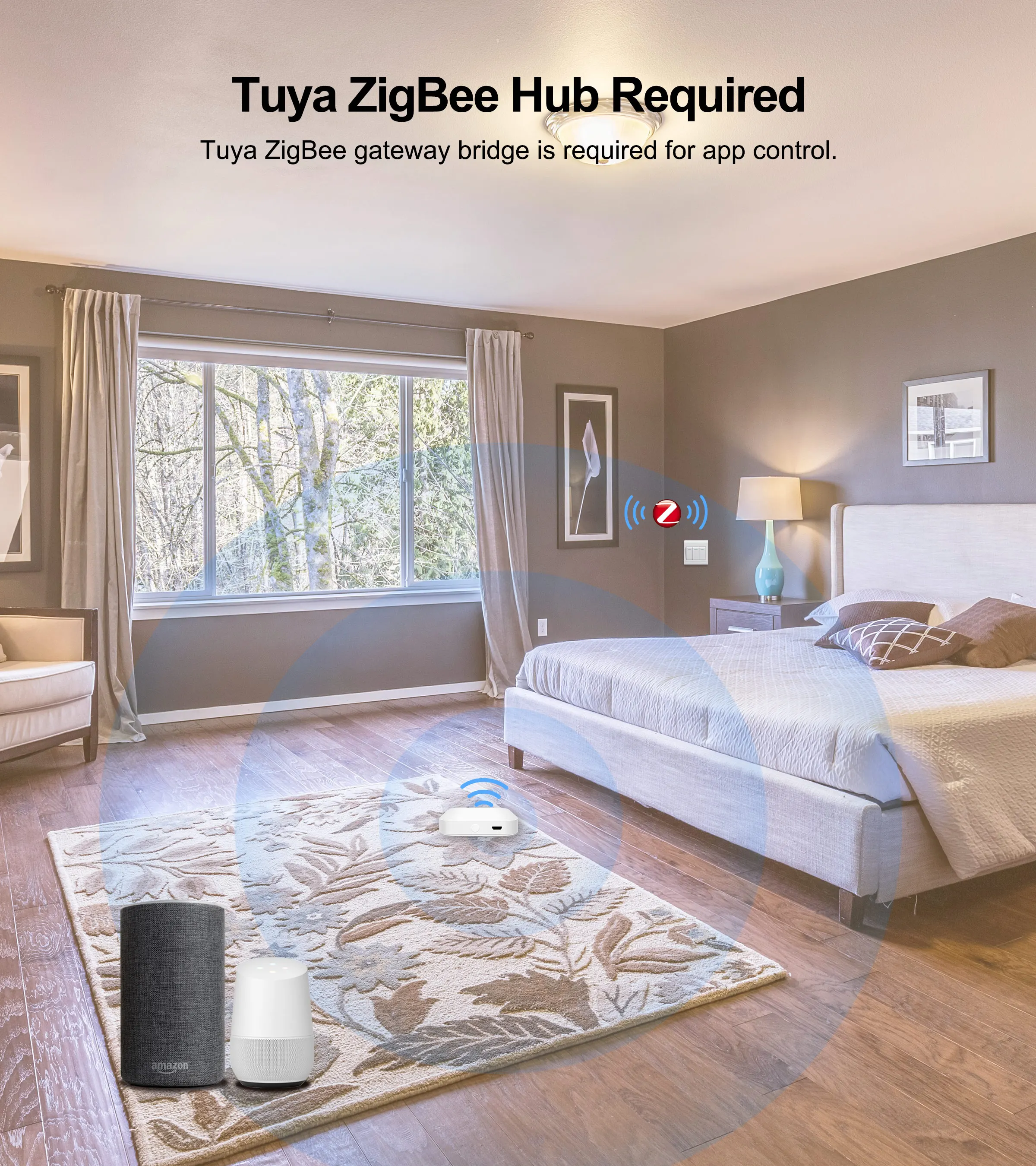
Tuya ZigBee Hub Required
A Tuya ZigBee hub is a must to the ZigBee smart switch for app remote control and voice control. Also, you can link other Tuya ZigBee products with the hub to realize a complete smart home system for your house.
SPECIFICATION
Product type: Zigbee Curtain Module
Voltage: AC100-240V 50/60Hz
Max. load: 3A(2CH:2x3A)
Operation frequency: 2.405GHz-2.480GHz IEEE802.15.4
Operation temp: -10℃ ~+ 40℃
Protocol: ZigBee 3.0
Operation range: <100m
Dims (WxDxH): 39.2x39.2x18 mm
IP rating: IP20
Hub Requirement: Tuya ZigBee Hub required
Certificates: CE ROHS
App: Smart Life, TuyaSmart
FAQ:
Q1: What should I do if I can’t configure the switch module?
1. Please check whether device is powered on.
2. Make sure the Zigbee Gateway is available.
3. Whether it’s in good internet conditions.
4. Make sure the password entered in App is correct.
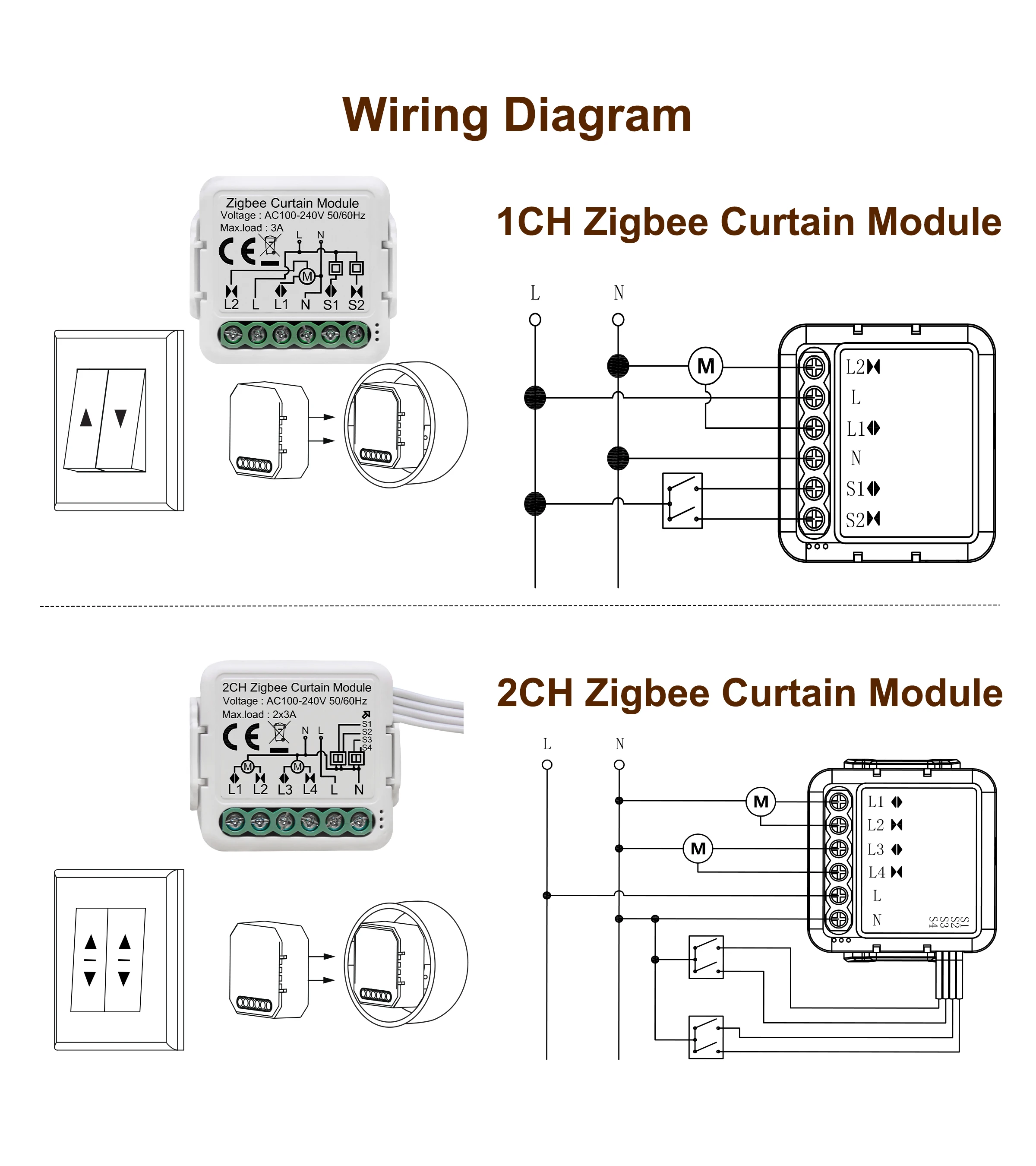
e. Make sure the wiring is correct.
Q2: What happens if the WIFI goes off?
You can still control the device connected the switch module with your traditional switch and once WIFI is active again the device connected to module will connect automatically to your WIFI network.
Q3: What should I do if I change the WIFI network or change the password?
You have to re-connect our Zigbee switch module to the new Wi-Fi network accordingly as per the App User.
Q4: How do I reset the device?
1. Power on/off device for 5 times until the indicator light flash.
2. press the reset key or the traditional switch for about 10 seconds until the indicator light inside the module is flashing quickly for pairing.