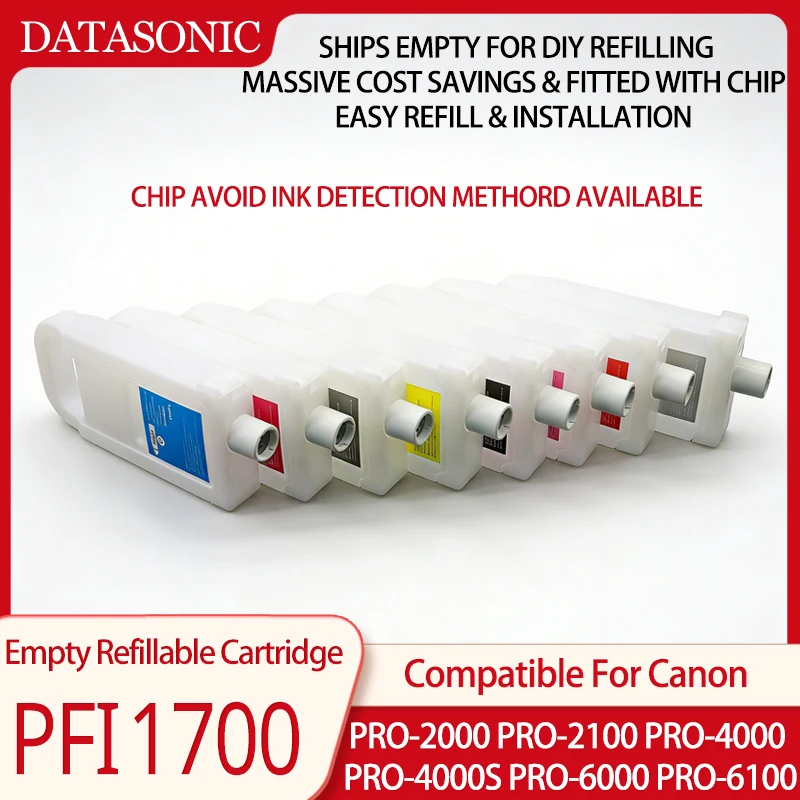
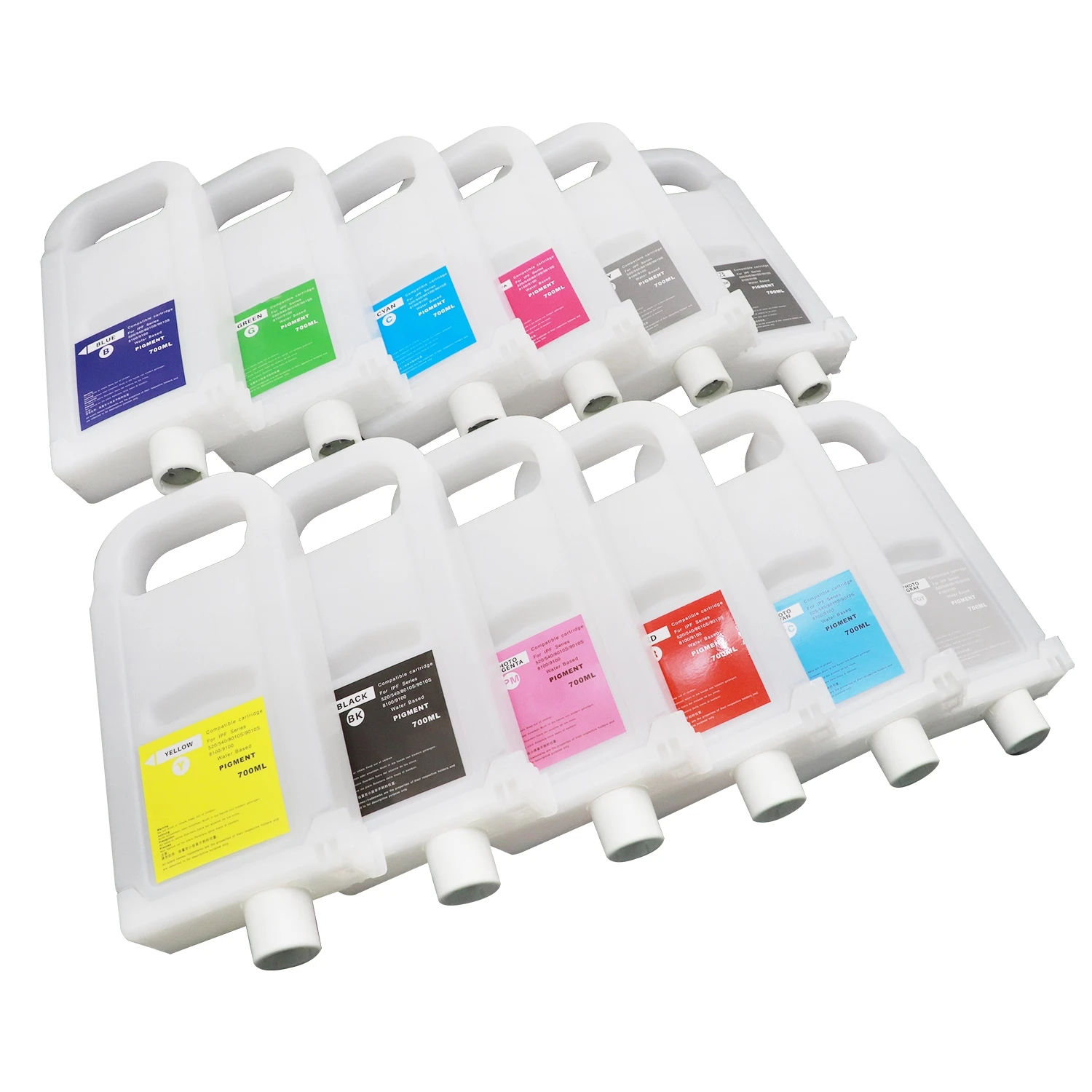
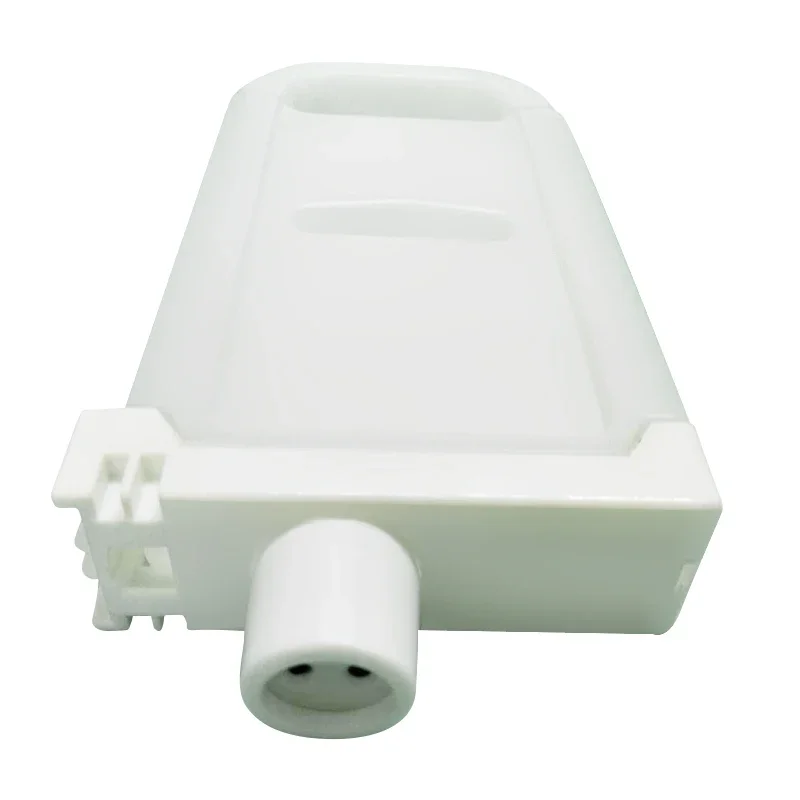
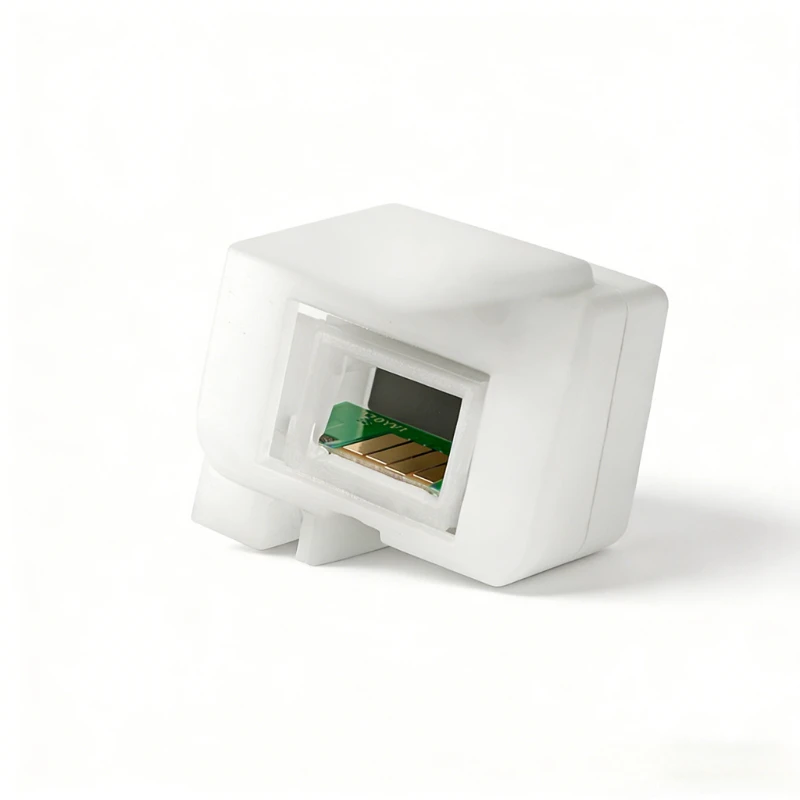
700ML/PC For Canon IPF 1700 Refill Ink Cartridge With Chip For Canon Pro 2100 4100 6100 2000 4000 4000s 6000s Printer
Compatible For
For Canon Pro 2100 4100 6100 2000 4000 4000s 6000s Printer
Cartridge Number
PFI 1700
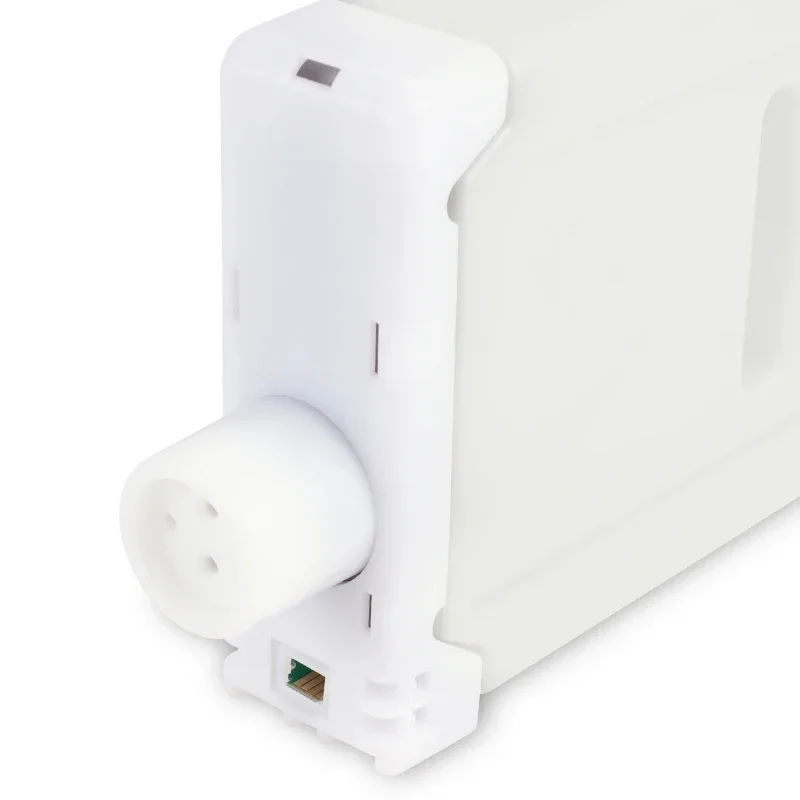
Chip
Already Installed Cartridge Chip
Color
PBK C M Y PC PM GY MK PGY R B CO
Volume
700ML/PC
Ink Type
Without Ink Inside
Warranty
1:1 Replace Defective Cartridge
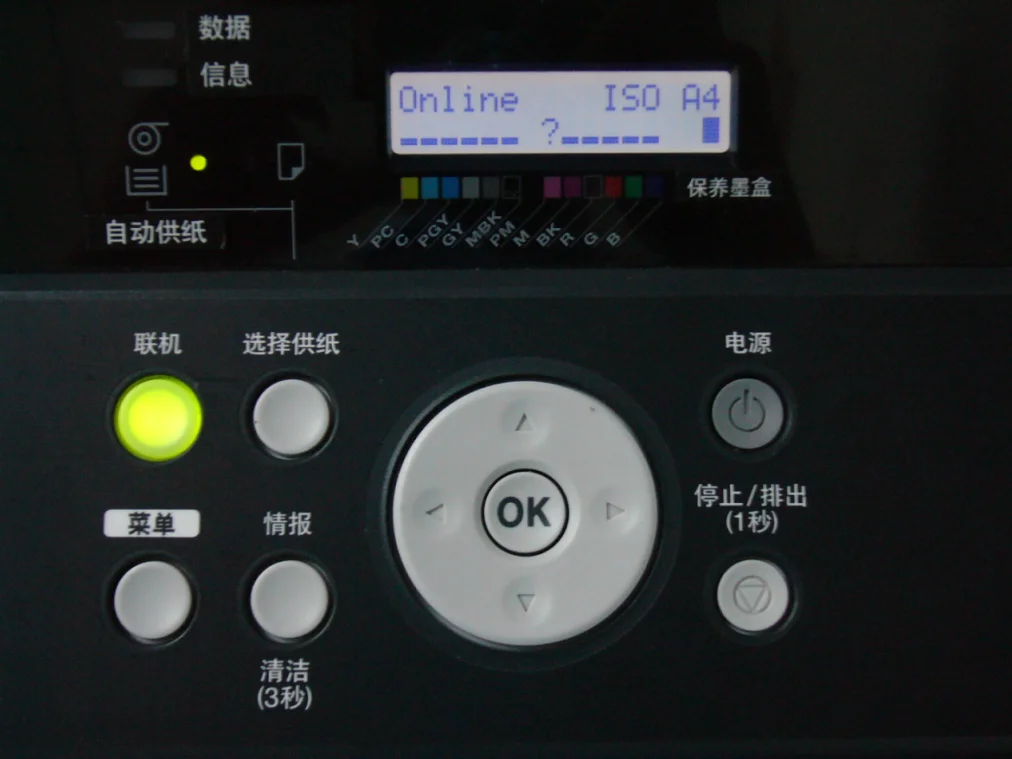
How to avoid ink level detection for Canon chip ?
The printer itself cannot detect the actual amount of ink in the ink cartridge. The remaining amount of ink displayed on the printer is actually controlled by the chip on the ink cartridge. When the ink cartridge leaves the factory, the chip stores a value (assuming 100). The printer reads this value from the chip and displays it graphically on the front panel. For example, when 100, it shows that the ink in the ink cartridge is 100%. After each printing, the value will be reduced. When the value is reduced to the lowest (assuming it is close to 0), the printer reads the value from the ink cartridge chip and converts it into the graphic display on the front panel as no ink. Therefore, when the printer displays that there is no ink in the ink cartridge, it doesn't mean no ink in the ink cartridge, but that the value stored in the chip on the ink cartridge is gone. The manufacturer does this to prevent other compatible inks from reloading the printer cartridge to print on the printer.
When there is no value in the chip on the printer cartridge, the printer will display the following:
The remaining level of the following ink cannot be correctly detected check in tank.(The remaining amount of ink can not be detected)
Check → Information ←
At this time, press "→" on the control panel to find "Information" and a paragraph will appear again:
Tank once emptied is used. Stop printing due to ink level unknown. To continue,you must cancel ink level detection (Once the ink cartridge is empty, stop printing because the ink level is not clear. If you want to continue printing, you need to cancel the detection of ink level )
No → Yes ←
At this time, press "→" on the control panel to find "yes" and then click "OK" and a paragraph will appear again:
Avoid ink level detection after confirming that ink is in ink tank. Canon is not liable for damages due to filled tank Agree? (When the ink cartridge is confirmed to have ink after canceling the ink test, Canon will not be liable for compensation for the damage caused by filling the ink. Do you agree?)
No → Yes ←
Press "→" on the control panel to find "yes" and then click "OK" and a paragraph will appear again.
Avoid ink level detection. Perform after use of ink tank was memorized Agree? (Masking ink detection, memory needs to be executed after ink is used, do you agree?)
No → Yes ←
Press "→" on the control panel to find "yes" and then click "OK" to wait a moment. The value in the chip will be shielded and a "?" will be displayed on the color corresponding to the ink value displayed on the front panel of the printer.