








Price :
QTY :
CART TOTALS :
There are items
in your cart
CART TOTALS :
With this products also buy:


We identified: …


5ghz usb wifi antenna: comfast 1200
5ghz wifi antenna: linux adapter
Adapter Socket: USB
Applicable Network Type: Ethernet
Application: Desktop
Bluetooth Protocol: No support
Brand Name: comfast
Certification: CE
Choice: yes
Frequency: 5 GHz
Frequency Band Class: Dual-Band
Heat dissipation: No support
High-concerned chemical: None
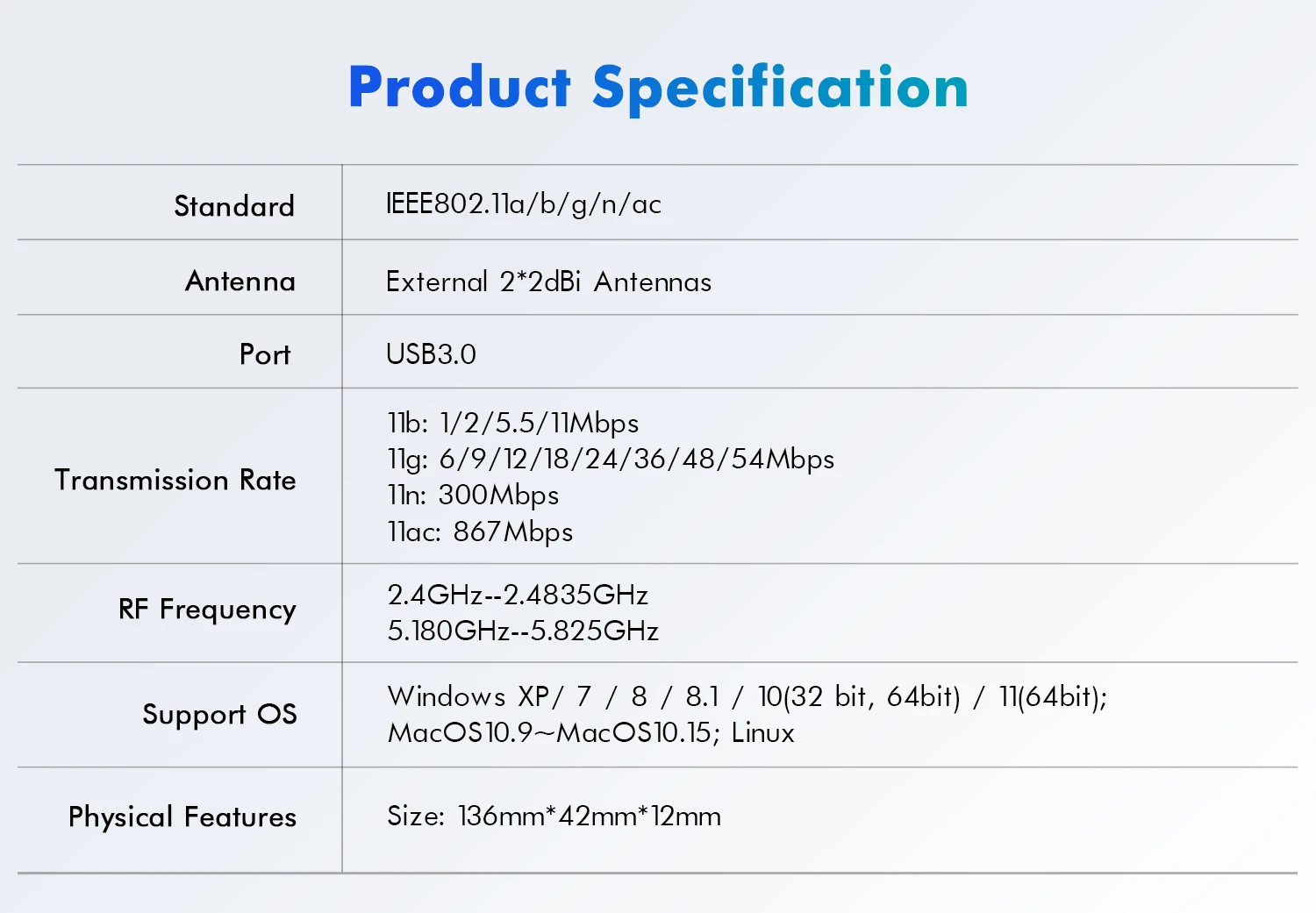
Interface Type: USB 3.0,USB
Kind: External
Lan Transmission Rate: Ethernet
MT7612U WiFI Adapter: Linux Wifi Network Card
Model Name: CF-922AC
Model Number: CF-922AC
Origin: Mainland China
Package: Yes
Transmission Rate: 1200Mbps
Transmission Speed: 1200 Mbps
Type: WireLess
USB 3.0 Wifi Adapter Linux: Linux Wireless Wi-Fi Dongle
Wi-Fi Supported Frequency: 2.4G & 5G
Wi-fi adapter: comfast wifi adapter
Windows 7/8/10/kali Linux Usb Wifi: Kali linux Wi-Fi Dongle
Wired Interfaces: None
Wired socket: None
Wired transmission rate: None
Wireless Communication Standard: 802.11.ac
Wireless Protocol: 802.11n,802.11ac
Wireless lan card: 1300mbps usb wifi adapter
Wireless socket: USB 2.0
Wireless transmission rate: 1200M
adaptador wireless usb: usb wifi for pc
comfast wifi adapter: linux usb dualband wifi adapter
linux usb wifi adapter: wifi dongle usb linux
linux wifi: usb wifi 5ghz
linux wifi adapter: usb wifi
linux wifi dongle: usb wifi adapter linux
mt7612 wifi: wifi 5ghz usb
mt7612 wifi usb: wifi usb linux
mt7612u wireless adapter: linux wifi usb adapter
mt7612u wireless adapter 5ghz: 5g adapter
semi_Choice: yes
usb 5g wifi support: usb2.0 3.0
usb ethernet gigabit: win 7 8 8.1 /10/11/Linux
usb network adapter: usb wifi antenna
usb network card: wi-fi adapter for pc
usb wifi Adapter 1300Mbps: Wireless lan card usb
usb wifi Wireless Protocol: 802.11ac, 802.11b, 802.11g
usb wifi adapter: mt7612u adapter wifi
usb wifi adapter Products Status: Stock
usb wifi adapter for pc: usb network adapter
usb wifi card linux: windows 7 8 10 linux Wifi adapter
usb wifi linux: wi fi adapter for pc
usb wifi speed: 1200Mbps
wi fi adapter: wifi adapter 5 ghz
wi fi adaptor: Wi-fi adapter
wi fi usb adapter: receptor wifi usb para pc
wifi 5ghz usb: wifi adapter usb
wifi 5ghz usb linux: mt7612 usb
wifi adapter 5ghz Linux: linux wireless adapter
wifi adapter for kali linux: linux adapter
wifi adapter for laptop: wifi usb for pc
wifi adapter is_customized: Yes
wifi adapter linux: wifi adaptor
wifi antenna for pc: mt7612u usb
wifi usb 5ghz: wifi antenna for pc
wifi usb Frequency Range: 2.4GHz/5GHz
wifi usb adapter: usb wifi adapter
wifi usb linux adapter: 1200 usb wifi adapter
wireless adapter: wifi network card
Free drvier COMFAST CF-922AC 1200Mbps 11AC double frequency wireless network card /USB3.0 wireless adapter
Important Special Reminder for Linux / Kali / LibreELEC Users
This WiFi adapter is equipped with genuine MediaTek MT7612U chip, with built-in driver storage partition.
✅ Windows 7/8/10/11: Plug and play directly, it will automatically switch to WiFi mode without extra operations.
⚠️ Linux System Special Situation:
When you first plug in the adapter, Linux will identify it as a USB flash drive (Hardware ID: 0e8d:2870), and the WiFi function is locked.
This is not a false chip label! You need to run the specified command to switch the hardware to wireless mode, then load the driver to use WiFi normally.
The built-in storage partition only stores Windows drivers; Windows can auto skip storage mode, while Linux has no native auto-switch function.
After successful switching, the hardware ID will change to 0e8d:7612, and the wireless network card interface wlan will appear.
sudo apt update
sudo apt install usb-modeswitch usb-modeswitch-data -y
Step 2 Switch from U disk mode to wireless network card
Execute this switching command:
sudo usb_modeswitch -K -W -v 0x0e8d -p 0x2870
After waiting, run command lsusb to check hardware ID. If it displays 0e8d:7612, the mode switch succeeds.
sudo modprobe mt76x2u
cat > /storage/.config/autostart.sh << 'EOF'
#!/bin/sh
sleep 5
/usr/sbin/usb_modeswitch -K -W -v 0x0e8d -p 0x2870
for i in $(seq 1 10); do
lsusb | grep -q "0e8d:7612" && break
sleep 1
done
systemctl restart connman
EOF
chmod +x /storage/.config/autostart.sh
Q1: After plugging in the card, only USB storage is displayed, no wireless network card?
A1: This is the factory default state of the network card, which is normal. Linux system cannot automatically convert hardware types. You must complete Step 1 and Step 2 above to unlock the WiFi function. The real chip is MT7612U, and the hardware ID will change to 0e8d:7612 after switching.
sudo apt install firmware-mt76 firmware-misc-nonfreesudo modprobe mt76x2u to reload driver, then 5GHz networks will show up.airmon-ng tool to open monitor mode.Before placing an order, please note that there are 2 models in the link, but they are all MT7612U chips, but their appearance is different.

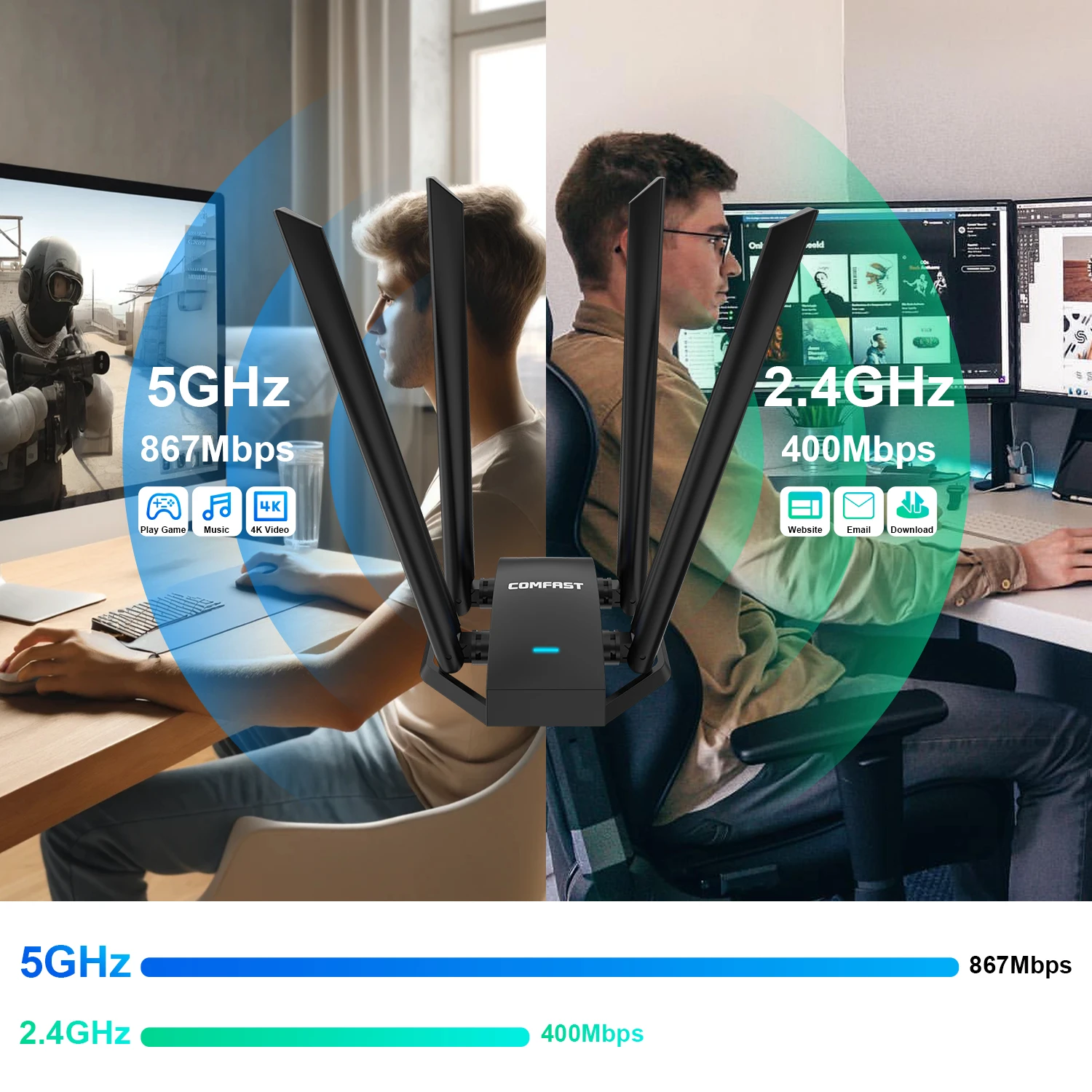
2.4GHz: 300Mbps for long-range wall-penetrating connection, perfect for daily browsing & IoT device linking
5.8GHz: 867Mbps high-speed band for lag-free 4K video, online games, large file downloading

USB3.0 WiFi Adapter
Wireless network card
Dual Band;2.4Ghz+5Ghz
USB 3.0 Interface, Faster And More Stable Transmission Than USB 2.0 Interface
With USB3.0 interface, CF-922AC provides faster and more efficient data transmission,which is 10 times faster than the mainstream USB2.0 interface in the market at present.It is also compatible with USB2.0 devices.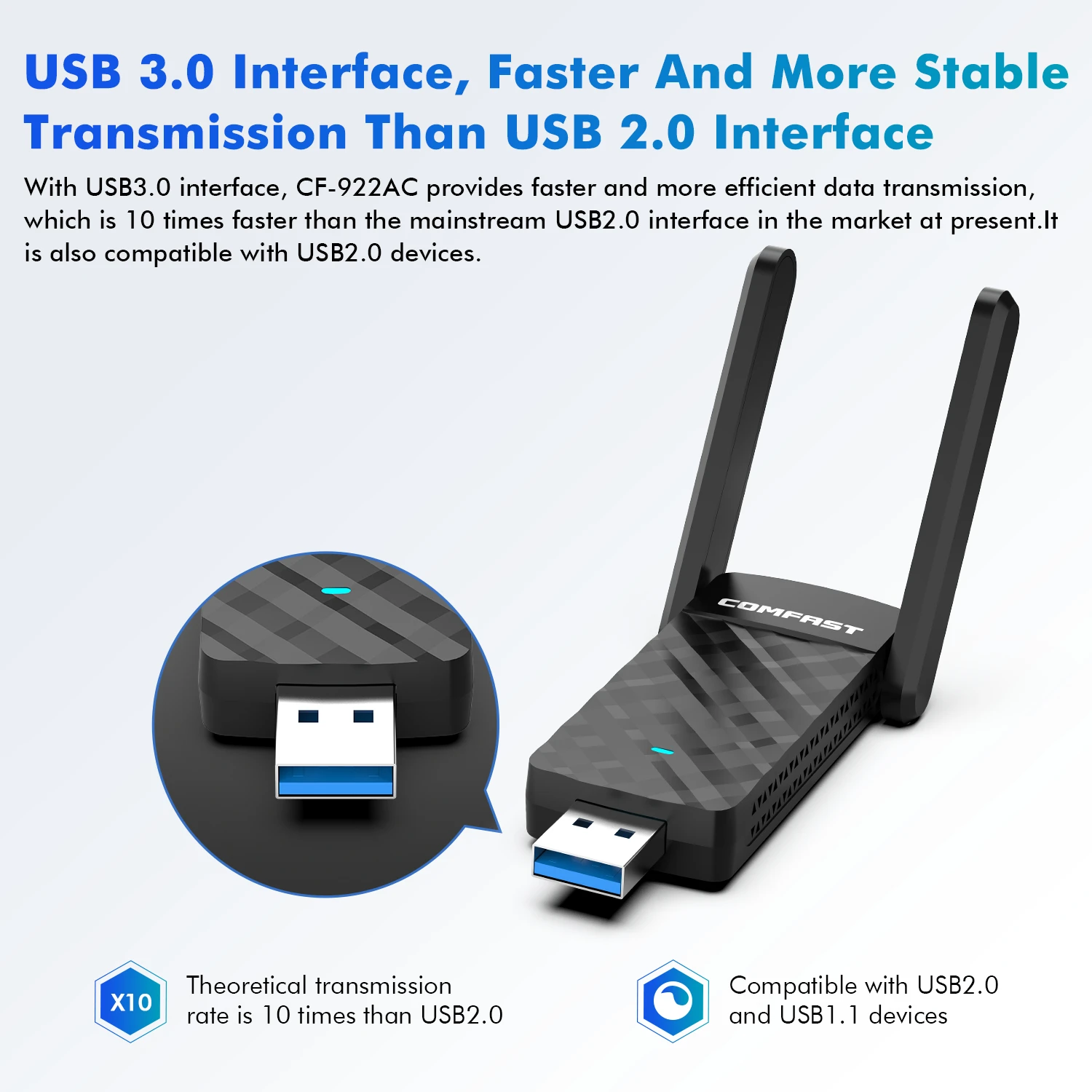
Receive WiFi
Connect your desktop/laptop to WiFi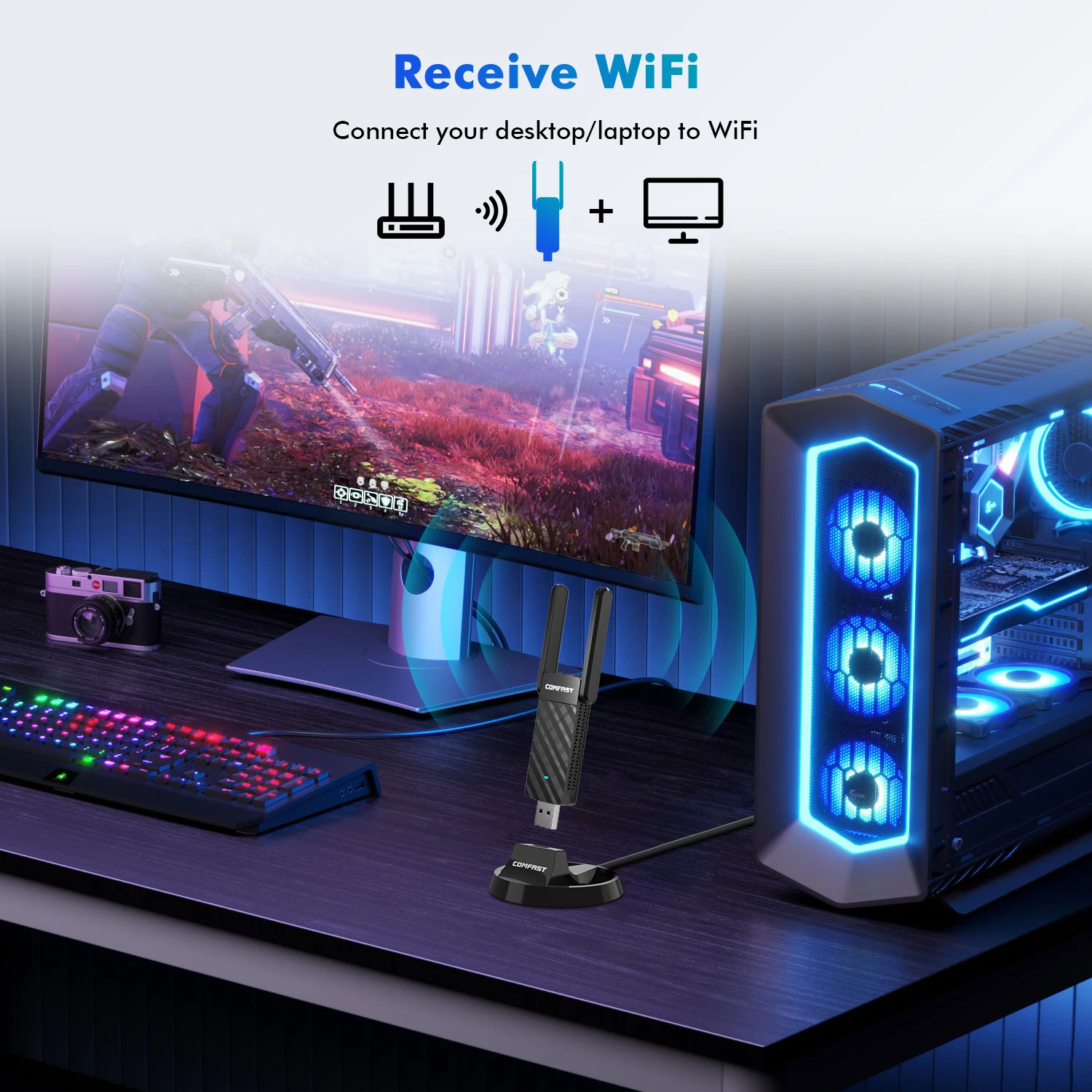
Enjoying Greater Flexibility With Selectable Dual-band
2.4GHz provides extremely long range performance.5GHz reaches 867Mbps, perfect for gaming and streaming.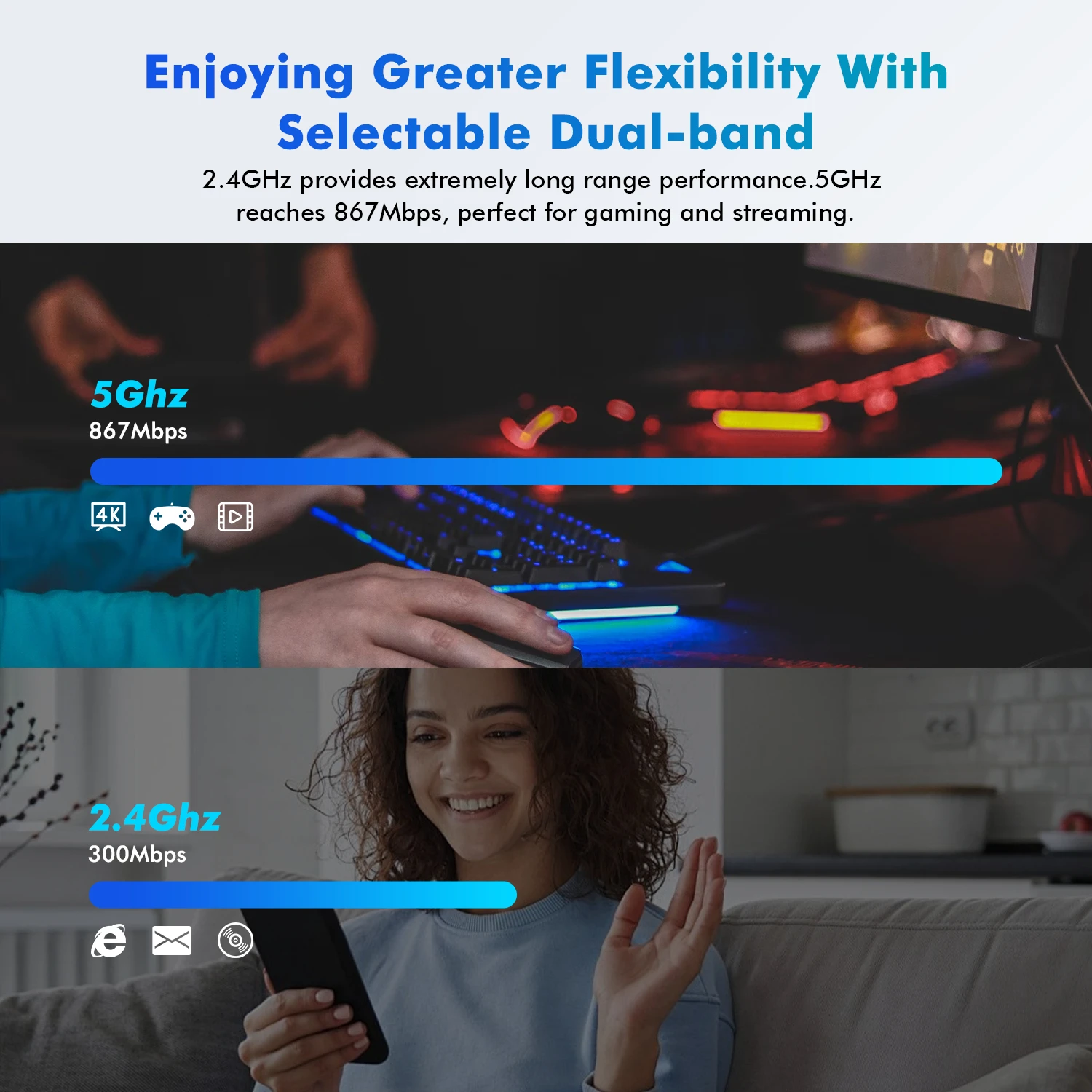
Free Driver Wireless USB Adapter, Plug&Play
CF-922AC wireless adapter can be installed very easily, because it is no need CD or driver.
Strong Compatibility
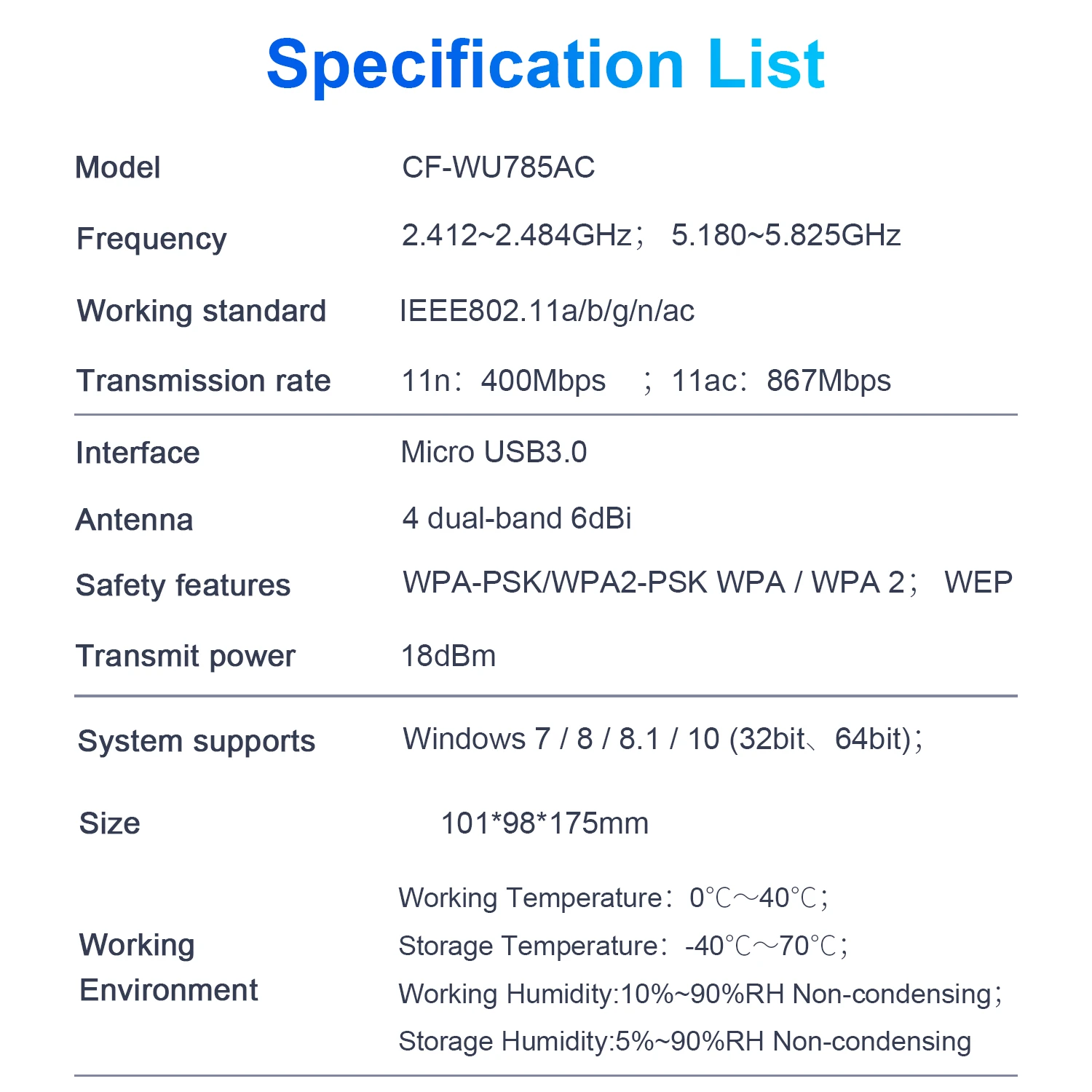
Compatible with the operating system: Windows XP/ 7 / 8 / 8.1 / 10 / 11, Linux.

1300MbpsWireless WiFi Adapter High Power 4 Dual-band 6dBi
wifi Antenna Wireless Network Card USB 3.0 WiFi Receiver Adaptador WiFi Signal king Linux Monitor Mode
Note: If you need the Driver, please contact Customer Service or download from COMFAST Official Website.
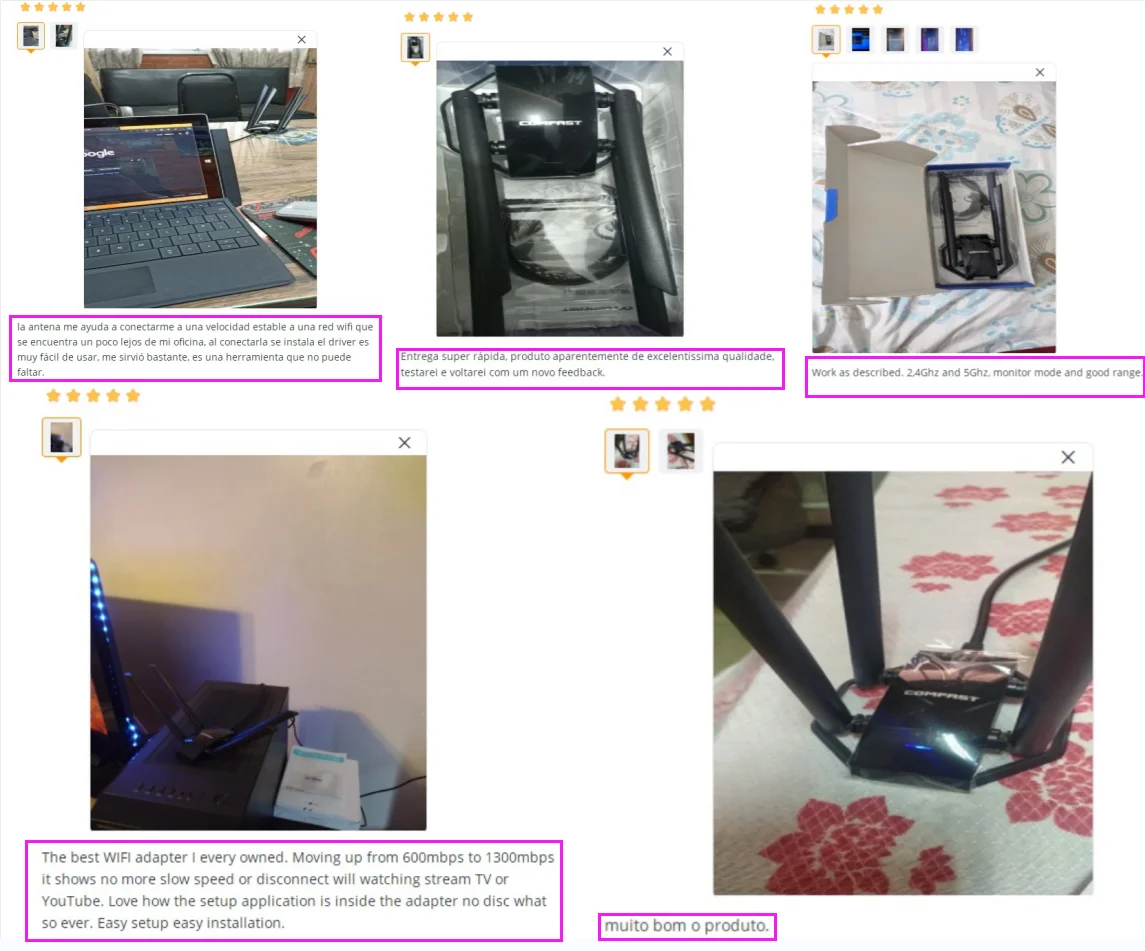
 adaptador wifii 5g adaptador wifipara pc adaptador usb dual band wi fi adaptador wi-fi usb wifi dongle dongle wifi antena wifi usb adaptador usb wifi adaptador wi-fi adaptador wifi pc adaptador wi fi pra pc adaptador wifi adaptador wi fi wifi pra pc wifi usb placa wifi pc adaptador wi fi pra pc antena wi fi para pc adaptador wi fi pc wifi usb adapter repiter receptor wifi usb adaptador wifii 5g adaptador wifipara pc
1300Mbps Driver-FreeWireless Network Card
Driverfree;Gigabithigh speed;PowerfulAntenna;USBExtension Cable
2.4G/5GDual Band;StrongChip;USB 3.0Transmit;ThroughWall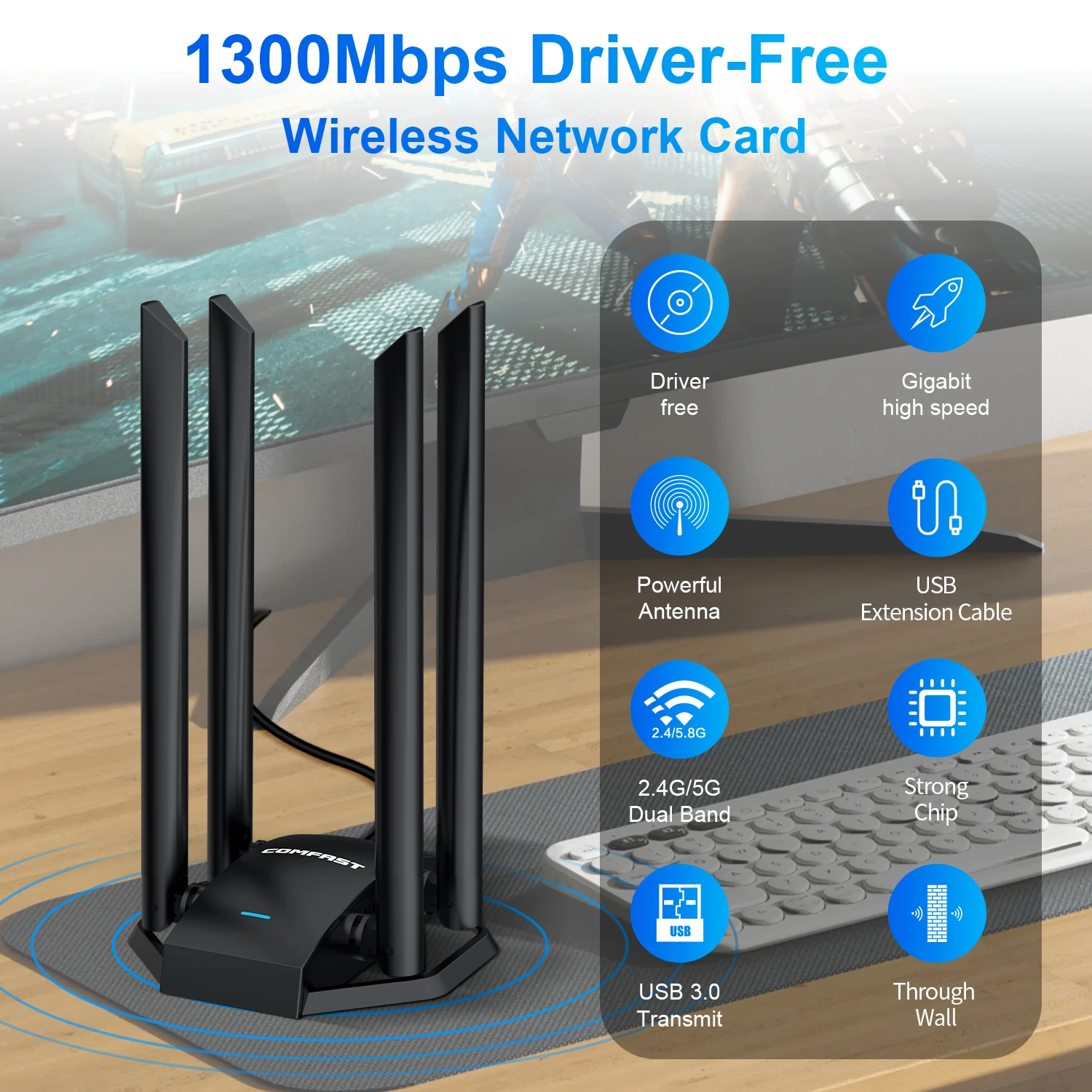
No Need to Install,Plug and Play
Insert the driver-free version of the built-in wireless network card into the computer's USB port,worked as a WiFi receiver and it will be installed automatically, no need extra CD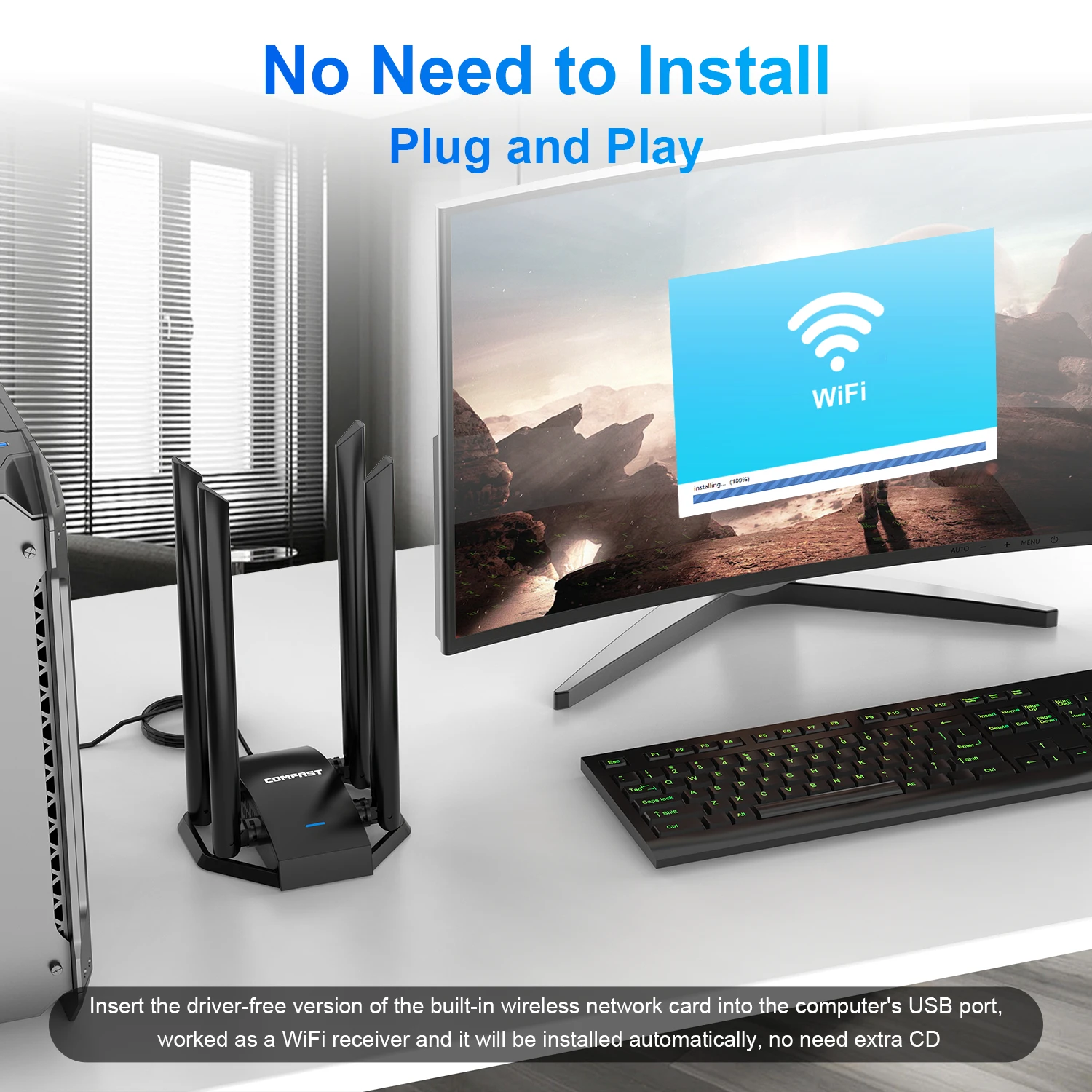
High-Gain Omnidirectional,Powerful 4 Antennas
The Scientific and Reasonable Layout Greatly Increases The SignalCoverage Area and Coverage Depth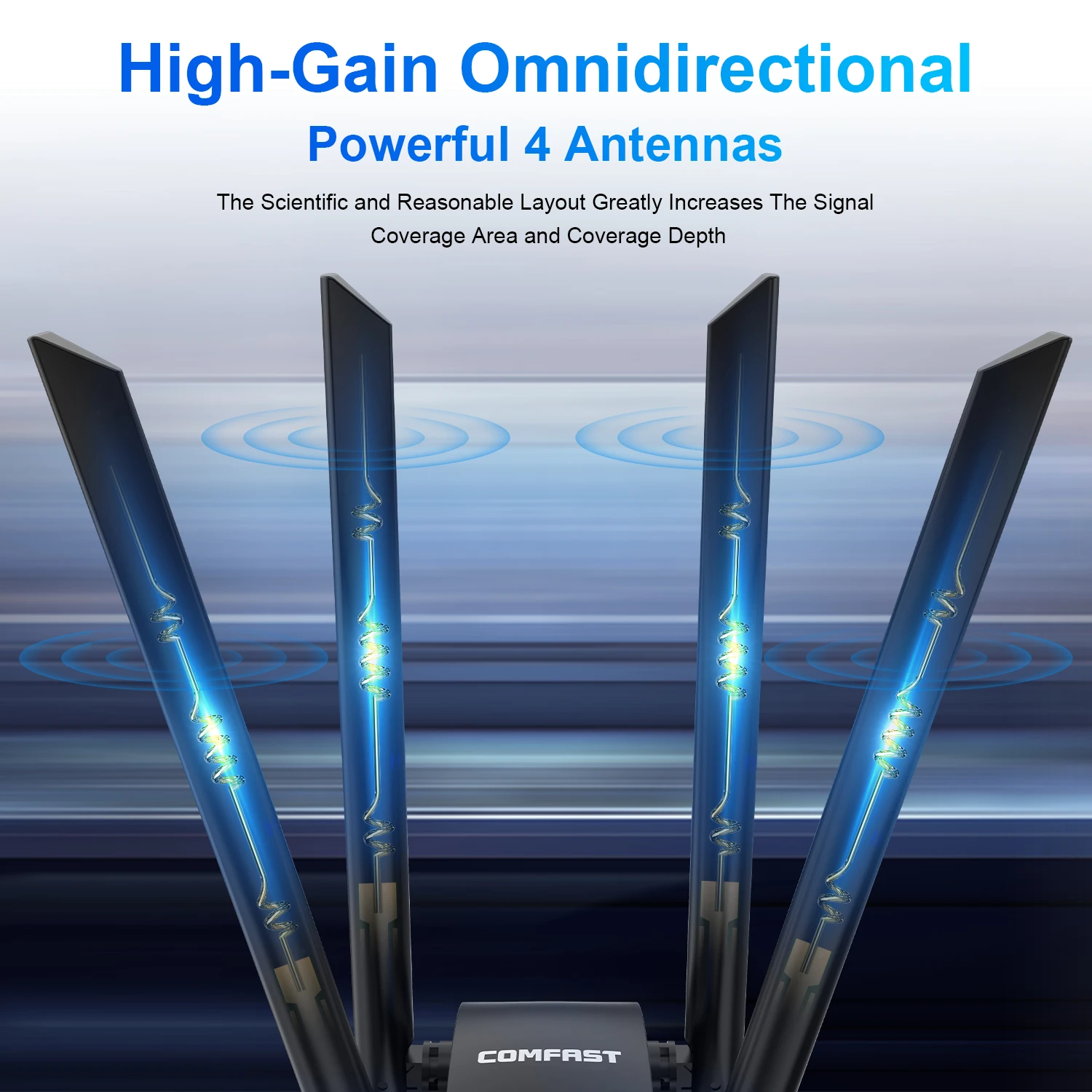
USB 3.0Faster Transmission
Compatible withUSB2.0
More energyefficient
Transmission bandwidthup to 5.0Gbps
Two-way data transmissionhigher transmission efficiency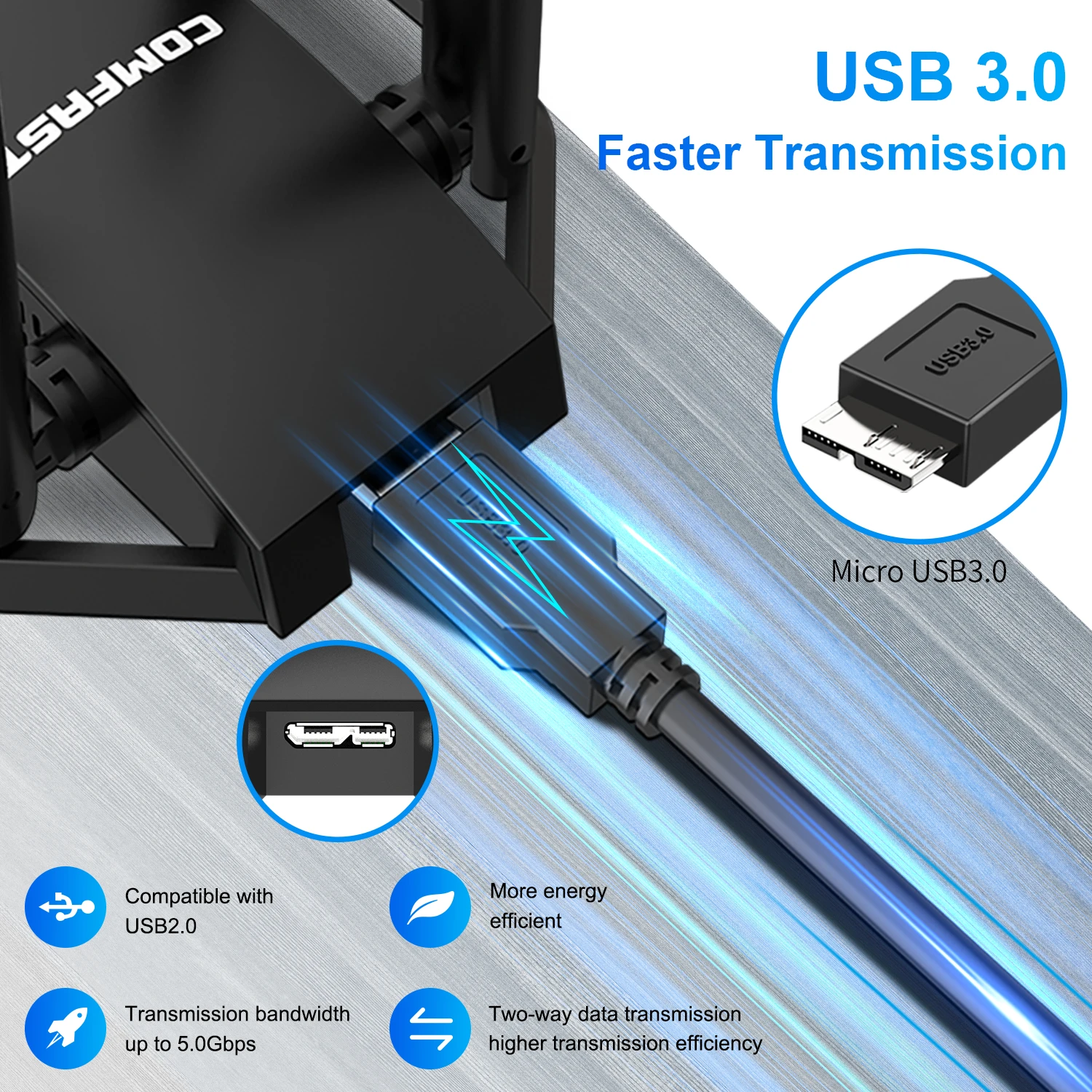
Compatible withMultiple Systems
Compatible with Windows 7/8/8. 1/10(32/64bit); Windows XP、Mac、 Linux Systems need to Download The Driver Installation Package Separately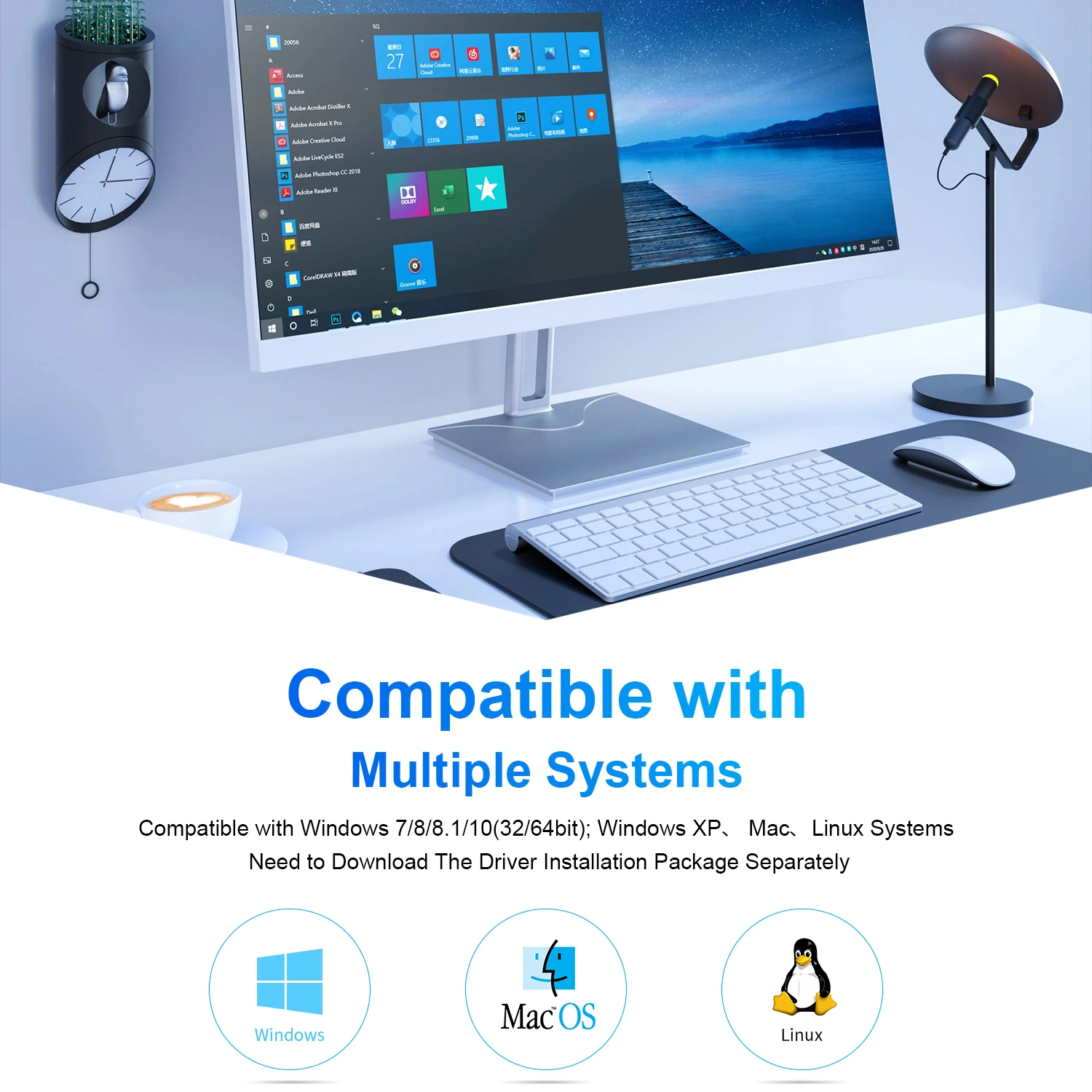

Q&A
Q1: My PC Can't use this CD, how do I install the driver?
A: If your PC does not have a CD driver, please kindly download the driver from Comfast official website. it is for free.
Download link CF-785AC:
http://www.comfast.com.cn/index.php?m=content&c=index&a=show&catid=30&id=471
Q2: Does the wifi adapter support Linux, Mac System ?
A: 785AC support Kali Linux,don't support Mac.
Q3: Does the wifi adapter support monitor mode and packet injection ?
A: 785AC support monitor mode and packet injection in Kali Linux
Q4: Does the wifi adapter support AP function ( hotspot )?
A: 785AC only support receive wifi
Q5: Does the wifi adapter windows 10,11 work?
A: Yes, friend , Support Windows 10, 11 , Windows xp/7/8/8.1/10/11(32bit ,64bit )
Q6: it can work with tv?
A: Sorry, this wifi adapter not support for tv use
Q7: What chipset of the wifi adapter?
A: 785AC with MT7612UN Chipset
Q: What chipset of the wifi adapter?
A: CF-922AC / CF-WU785AC with MT7612U Chipset
Q:I placed an order today, when will it be shipped?
A:Order today, ship within 24 hours
Q:Does it support worry-free returns?
A:Some countries support worry-free returns, the quality is guaranteed, and you can buy with confidence
Q: What is the quality of its outer packaging?(I want to give it to my friends or sell it.)
A: The product will come with a packaging shell that will protect it from damage during transportation.
Q: Does the wifi adapter support Linux, Mac System ?
A: CF-922AC / CF-WU785AC, support Kali Linux system,needs to download the driver installation package separately.
Q: Does the wifi adapter support monitor mode and packet injection ?
A:CF-922AC / CF-WU785AC, support monitor mode and packet injection in Kali Linux.
Q:is it plug and play or no?
A:yes friend,win7/win8 You need to find the CD drive in 【My Computer】 and perform a simple installation to use it., win10 can be plug and play.Linux systems require separate driver installation.
Q:Whether to support USB3.0
A:Yes support
Q:Will it work on an android Tablet / TV box or Works like a repeater?
A:Only supports receiving wifi / sending wifi on computer/laptop
Q:I can't find the driver in 【My Computer】, what should I do?, can I download driver online ?
A:Yes, You can download the driver link on the COMFAST official website or contact us online for driver
http://www.comfast.cn/index.php?m=content&c=index&a=show&catid=30&id=406
Q: Support work with buletooth?
A: CF-922AC / CF-WU785AC don't support
Q: Why my computer can not recognize the adapter after I insert the adapter to my computer ?
A:
1.please make sure the adapter connect with your computer is fairly enough.
2.please insert the adapter to the back usb port of your desktop.or change another computer.
3.Please check if the driver is installed .【My computer】--【Find theCD drive】--Simple installation
Q: Why the wireless speed of adapter is lower than my router?
A: The wireless speed is affected by many factors, such as distance, obstacles, interference, etc. Please contact customer service if you have any doubts.


