








Price :
QTY :
CART TOTALS :
There are items
in your cart
CART TOTALS :
With this products also buy:


We identified: …


Adapter Socket: USB
Applicable Network Type: Ethernet
Application: Desktop
Bluetooth Protocol: No support
Brand Name: comfast
Certification: CE
Choice: yes
Frequency: 5 GHz
Frequency Band Class: Dual-Band
Heat dissipation: Support
High-concerned chemical: None
Interface Type: USB 3.0,USB3.0
Kind: External
Lan Transmission Rate: Ethernet
Length: 150cm
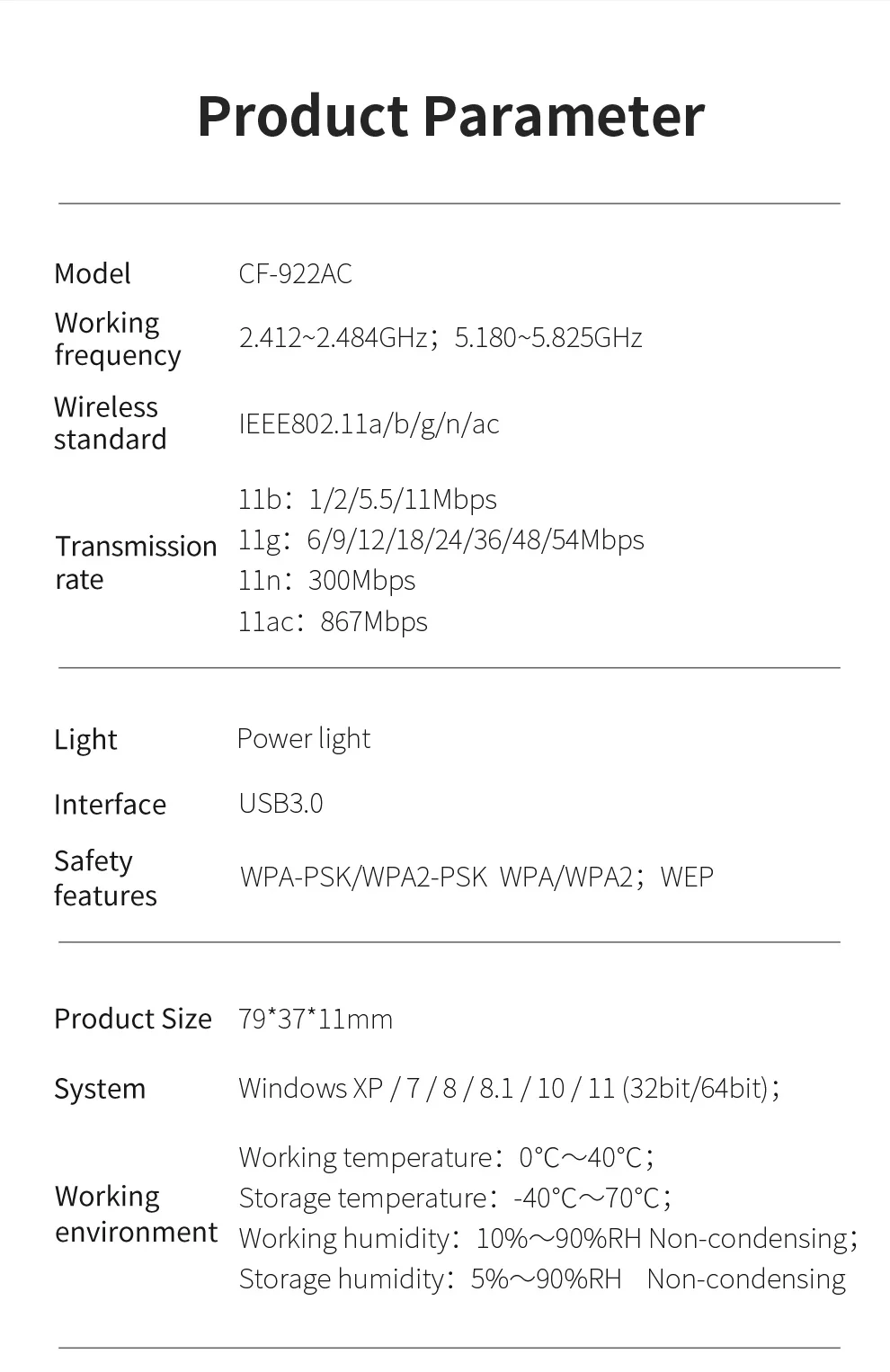
Model Name: CF-922AC
Model Number: CF-922AC
Origin: Mainland China
Package: Yes
Transmission Rate: 1200Mbps
Transmission Speed: 1200 Mbps
Type: WireLess
Wi-Fi Supported Frequency: 2.4G & 5G
Wired Interfaces: None
Wired socket: None
Wired transmission rate: None
Wireless Communication Standard: 802.11.ac
Wireless Protocol: 802.11n,802.11a/g,802.11ac
Wireless socket: USB 3.0
Wireless transmission rate: 1200M
adaptador wifi Scope of application: Desktop/notebook
semi_Choice: yes
usb 5g wifi support: usb2.0 3.0
usb ethernet gigabit: Windows XP/ 7 / 8 / 8.1 / 10 (32/64bit)
usb network adapter: usb wifi antenna
usb wifi Wireless Protocol: 802.11ac, 802.11b, 802.11g
usb wifi adapter Antenna: 2* 2dBi Antenna
usb wifi adapter Products Status: Stock
usb wifi speed: 1200Mbps
wifi adapter is_customized: Yes
wifi receiver adapter chip: MT7612U+Flash
wifi usb Frequency Range: 2.4GHz/5GHz
Important Special Reminder for Linux / Kali / LibreELEC Users
This WiFi adapter is equipped with genuine MediaTek MT7612U chip, with built-in driver storage partition.
✅ Windows 7/8/10/11: Plug and play directly, it will automatically switch to WiFi mode without extra operations.
⚠️ Linux System Special Situation:
When you first plug in the adapter, Linux will identify it as a USB flash drive (Hardware ID: 0e8d:2870), and the WiFi function is locked.
This is not a false chip label! You need to run the specified command to switch the hardware to wireless mode, then load the driver to use WiFi normally.
The built-in storage partition only stores Windows drivers; Windows can auto skip storage mode, while Linux has no native auto-switch function.
After successful switching, the hardware ID will change to 0e8d:7612, and the wireless network card interface wlan will appear.
sudo apt update
sudo apt install usb-modeswitch usb-modeswitch-data -y
Step 2 Switch from U disk mode to wireless network card
Execute this switching command:
sudo usb_modeswitch -K -W -v 0x0e8d -p 0x2870
After waiting, run command lsusb to check hardware ID. If it displays 0e8d:7612, the mode switch succeeds.
sudo modprobe mt76x2u
cat > /storage/.config/autostart.sh << 'EOF'
#!/bin/sh
sleep 5
/usr/sbin/usb_modeswitch -K -W -v 0x0e8d -p 0x2870
for i in $(seq 1 10); do
lsusb | grep -q "0e8d:7612" && break
sleep 1
done
systemctl restart connman
EOF
chmod +x /storage/.config/autostart.sh
Q1: After plugging in the card, only USB storage is displayed, no wireless network card?
A1: This is the factory default state of the network card, which is normal. Linux system cannot automatically convert hardware types. You must complete Step 1 and Step 2 above to unlock the WiFi function. The real chip is MT7612U, and the hardware ID will change to 0e8d:7612 after switching.
sudo apt install firmware-mt76 firmware-misc-nonfreesudo modprobe mt76x2u to reload driver, then 5GHz networks will show up.airmon-ng tool to open monitor mode.1200Mbps Dual Band Split Speed
2.4GHz: 300Mbps, long transmission distance, strong wall penetration, suitable for daily web browsing, office work & chat
5.8GHz: 867Mbps, low interference, high speed, perfect for 4K video streaming, online gaming & large file downloading
Convert wired desktop computer to wireless WiFi connection
Old laptop built-in WiFi module damaged/replaced
Receive long-distance home router WiFi signal for host computer
Linux network capture, monitoring test & DIY network projects
Office, dormitory, home desktop wireless networking upgrade
Package content:
1* 1200Mbps Wireless adapter
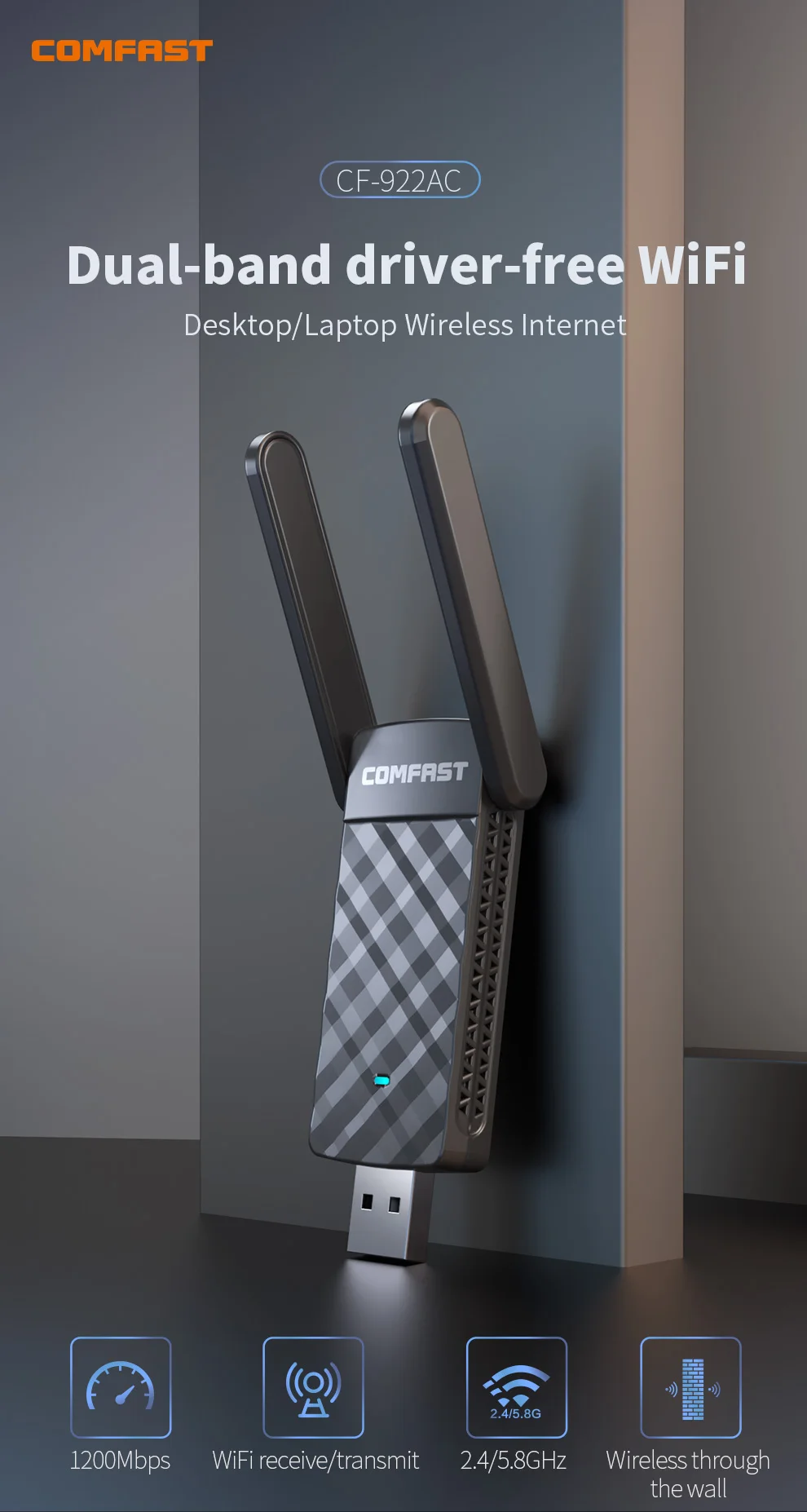
Dual-band driver-free wi-fi Desktop/Laptop Wireless
1200Mbp s Wifi Receive /Transmit 2.4/5.8Ghz Wireless through the wall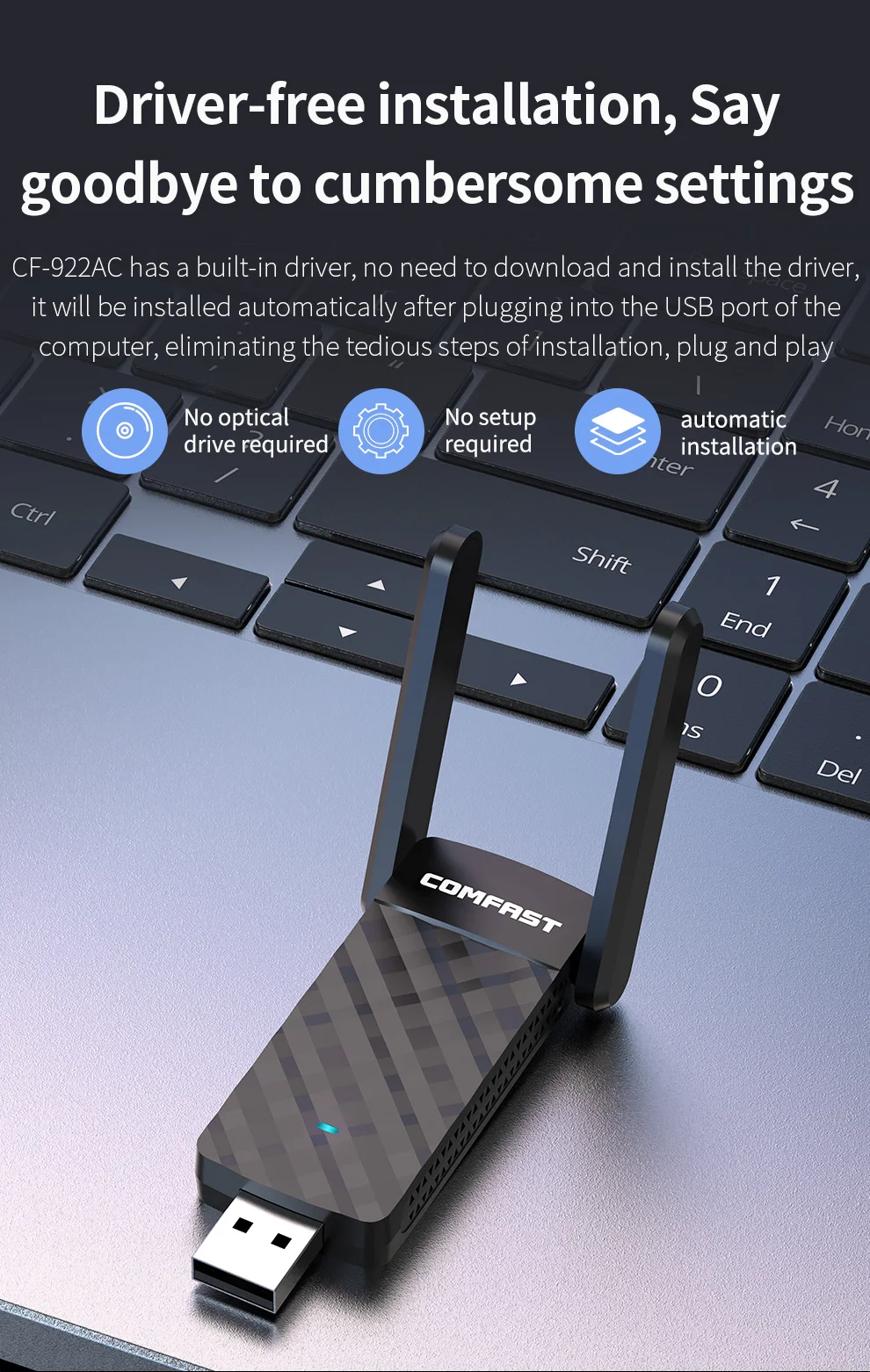 Driver-free installation, Say goodbye to cumbersome settings
CF-922AC has a built-in driver, no need to download and install the driver, it will be installed automatically after plugging into the USB port of the computer, eliminating the tedious steps of installation, plug and play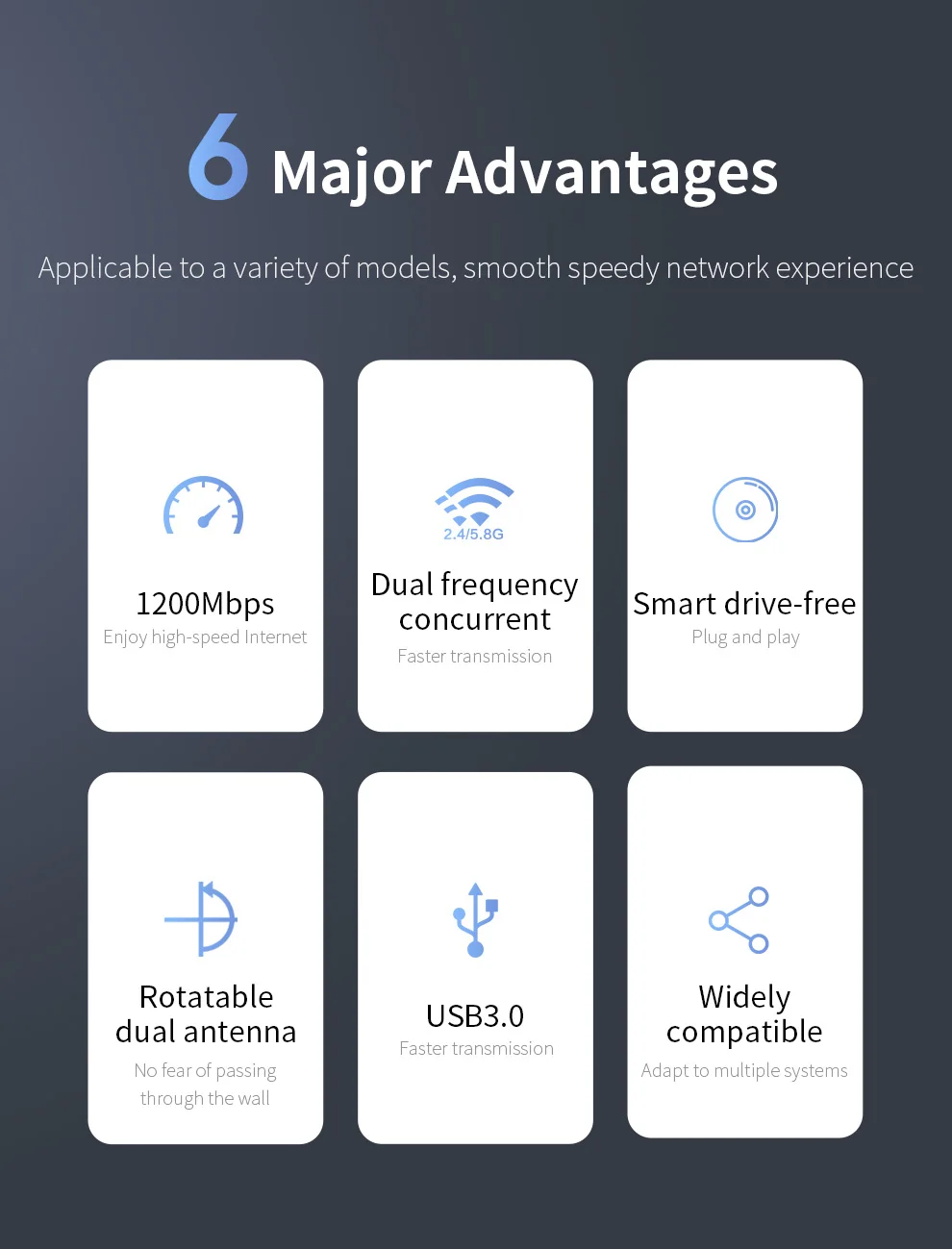
Applicable to a variety of models, smooth speedy networkexperience
1300Mbps, Enjoy high-speed Internet Dual frequency concurrent, faster transmission
Smart drive-free, plug and play Rotatable dual antenna, no fear of passing through the wall
USB3.0, faster transmission Widely compatible, adapt to multiple systems
Gigabit speed, Internet speed soars
Using 11AC wireless transmission standard, the wireless rate is up to 1300Mbps, watching movies and playing games without delay, and surfing the Internet more smoothly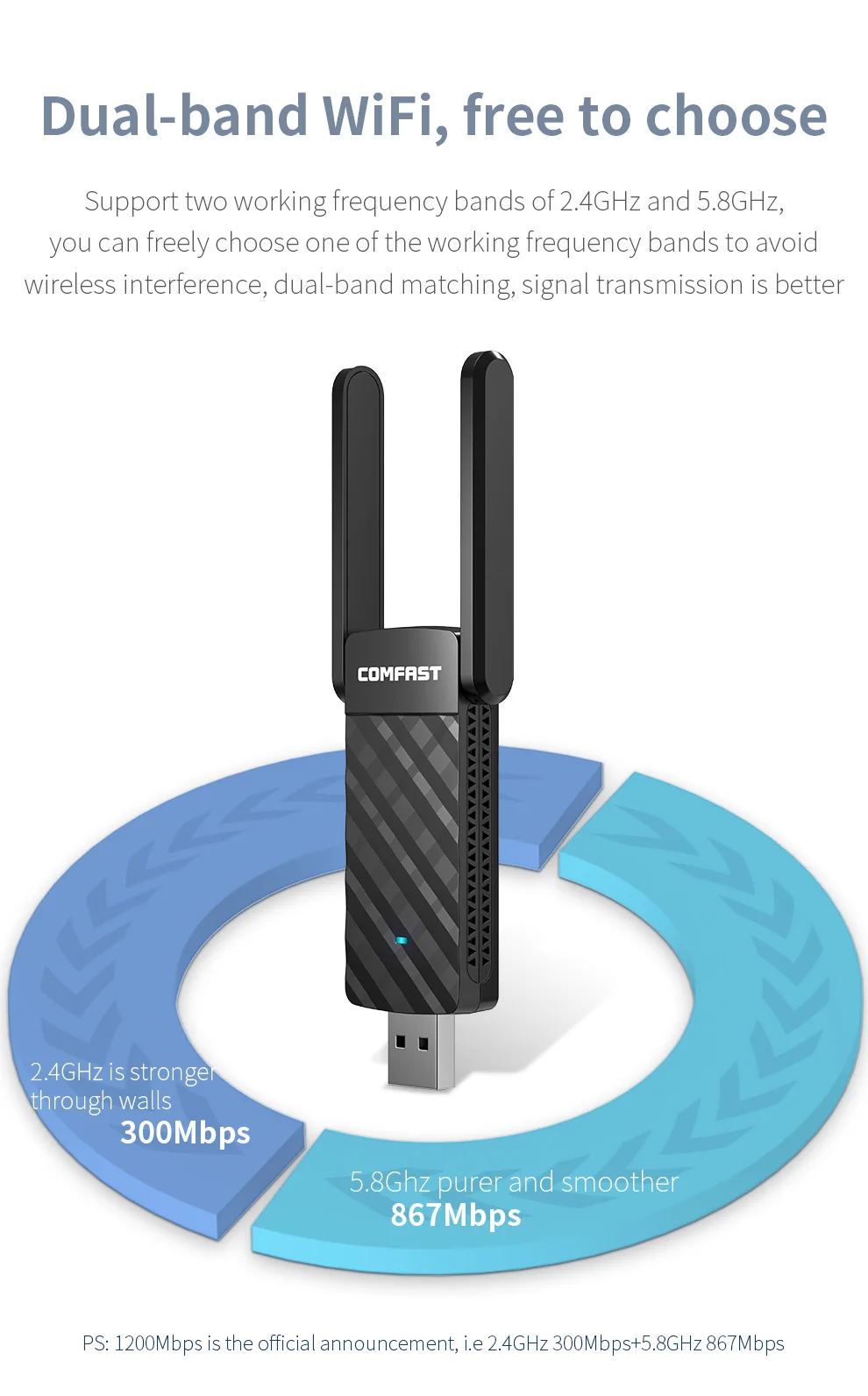
Support two working frequency bands of 2.4GHz and 5.8GHz, you can freely choose one of the working frequency bands to avoid wireless interference, dual-band matching, signal transmission is better
2.4GHz is stronger through walls 5.8Ghz purer and smoother
1300Mbps is the official announcement, i.e 2.4GHz 300Mbps+5.8GHz 867Mbps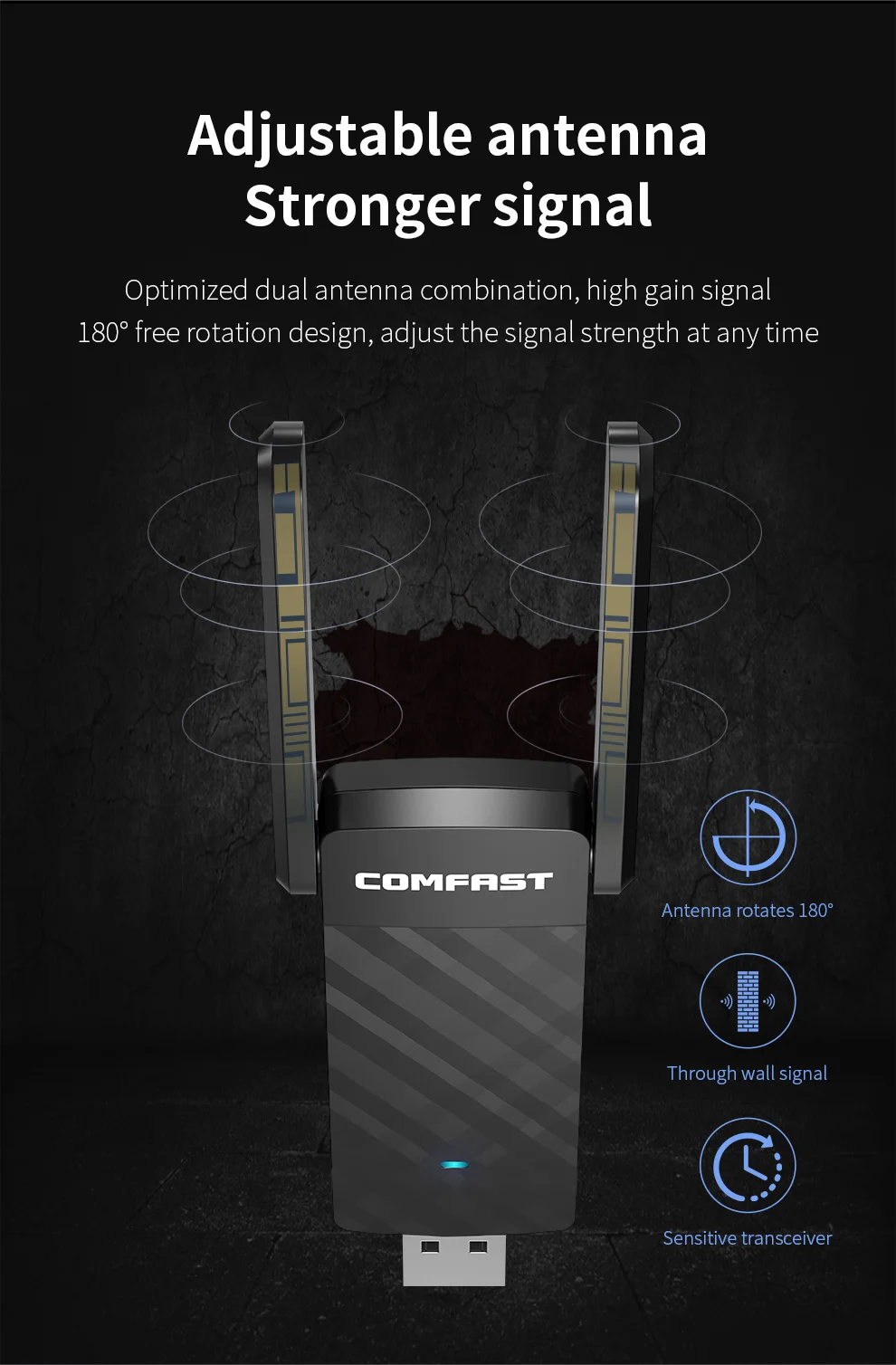 Adjustable antenna, Stronger signal
Optimized dual antenna combination, high gainsignal;
270-degree free rotation design, adjust the signal strength at any time
Through wall signal Sensitive transceiver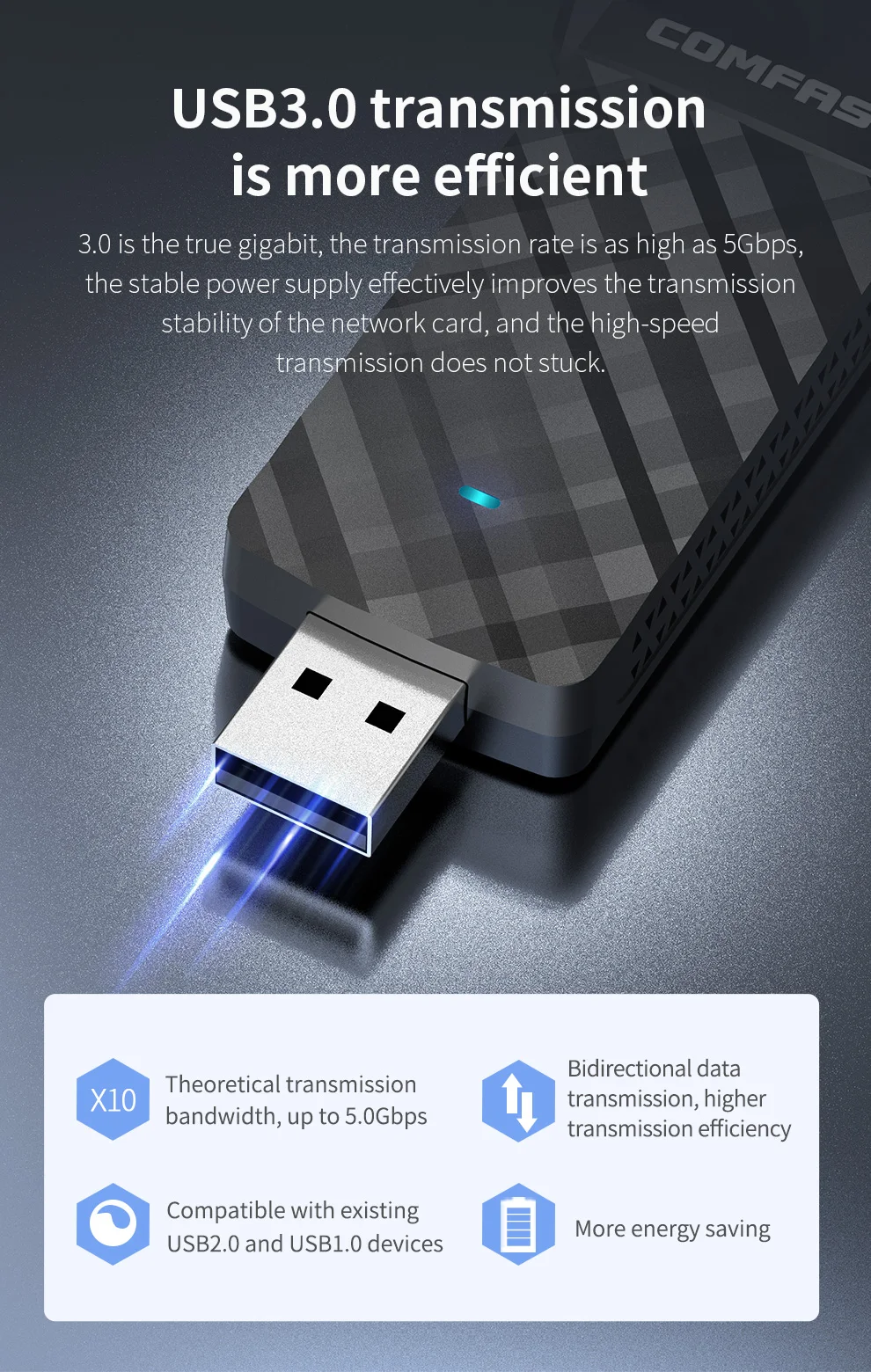
USB3.0 transmission is more efficient
3.0 is the true gigabit, the transmission rate is as high as 5Gbps, the stable power supply effectively improves the transmission stability of the network card, and the high-speed transmission does not stuck.
 Support Windows XP/7/8/8.1/10/11 (32-bit, 64-bit);
and other operating systems. Home, business travel, use as you like
(Mac is supported, and the Linux system needs to download the driver installation package separately)
PS: Since the XP system is relatively old, it is no longer officially supported. It is not recommended to transmit and receive. If you want a better experience, it is recommended to install it on win7 and win10 systems.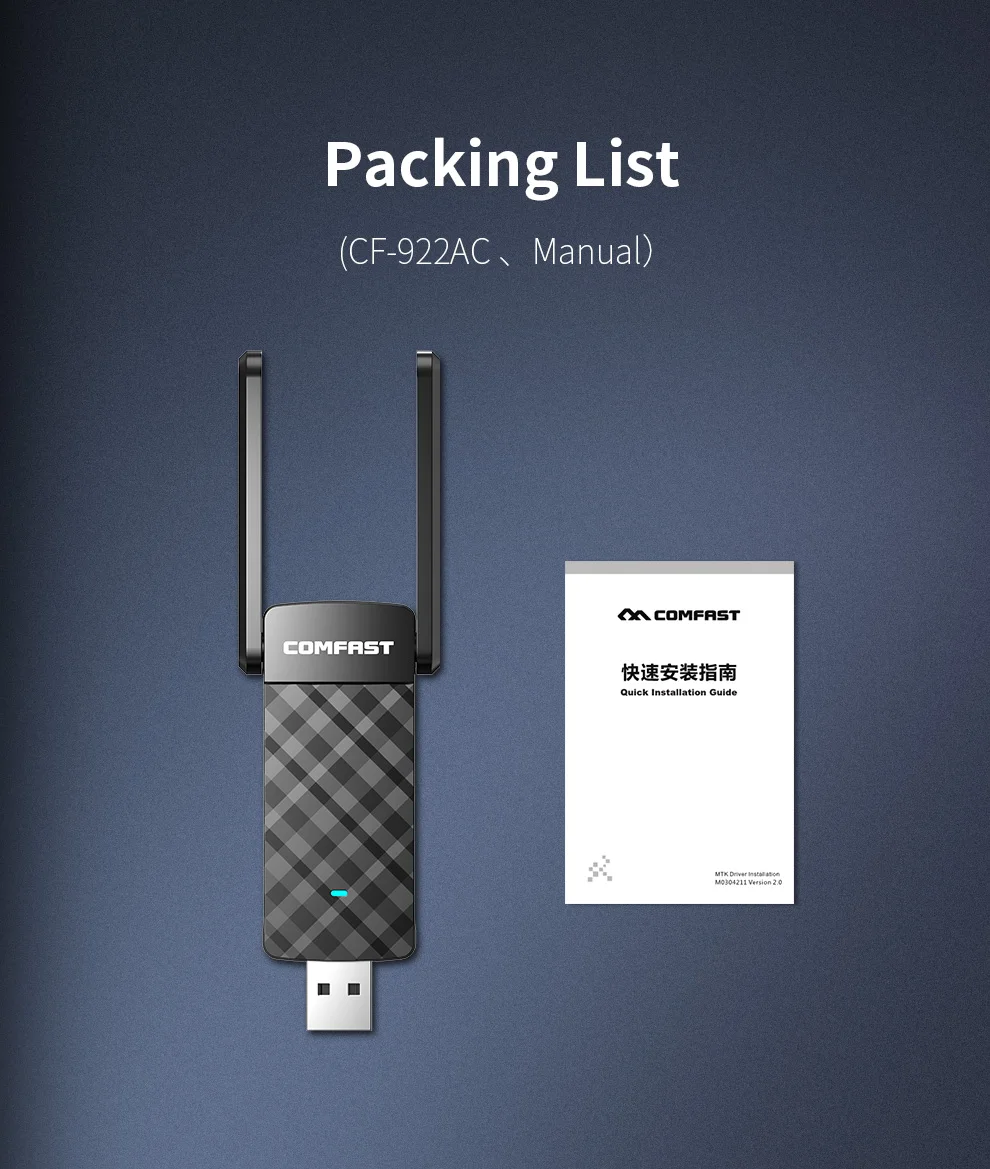
wifi адаптер wifi adapter intel wifi usb adaptador wifi usb wifi wifi antenna usb wifi adapter адаптер для флешки adaptador wi-fi mini usb antena wifi usb wifi usb 5g wifi usb usb wifi


