






Price :
QTY :
CART TOTALS :
There are items
in your cart
CART TOTALS :
With this products also buy:


We identified: …


Brand Name: NoEnName_Null
High-concerned chemical: None
Model Number: XTA910A
Origin: Mainland China
Whether or Not 50Vac or 75Vdc or Higher Power Supply: No
Android9.0Advertising information release terminalTV/monitor/projector/splicing screen/led screen second change advertising machine | ||
| ||
| ||
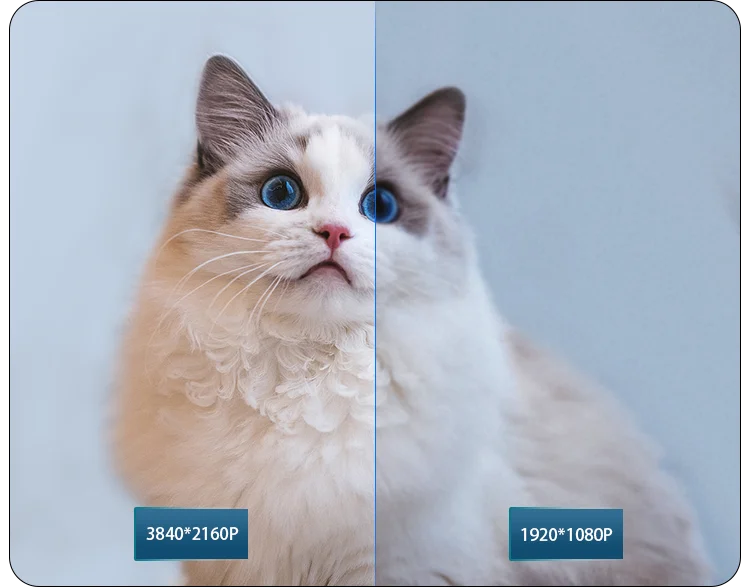
4K high-definition picture quality is delicate3840x2160 pixels, display clarity display, can display more frames, vivid and delicate color display | ||
| ||
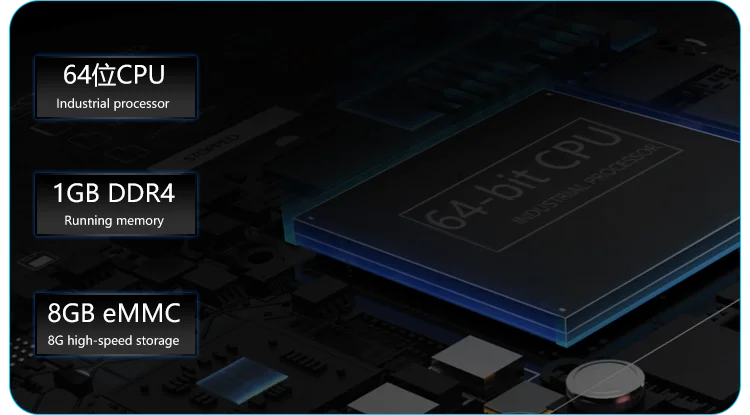
Newly upgraded industrial control processorProfessional-grade media processor with double the performance, 80% faster eMMC flash, | ||
| ||
Upports multiple display device connectionsConnecting a display device can build a | ||
| ||
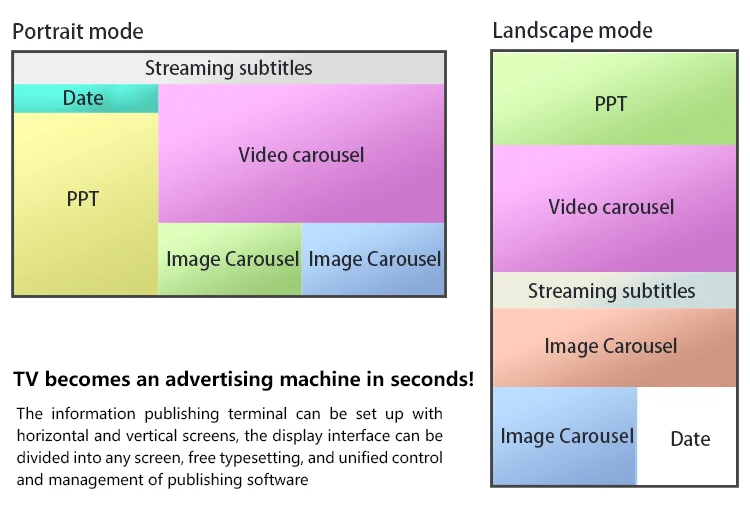
A variety of split-screen modules for users to arrange and support scrolling of Chinese and English subtitlesPictures, Videos, Static Subtitles, Rolling Subtitles, Background Layouts, Dates,, Web Pages, Streaming Background Music, Office
| ||
| ||
Horizontal and vertical screen display
| ||
| ||
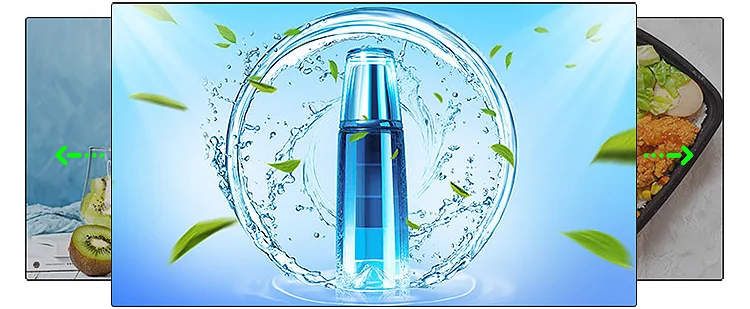
Gapless playbackWhen the program is playing, the screen can be switched seamlessly, and the pictures can be played by rotating, zooming, panning,etc. | ||
| ||
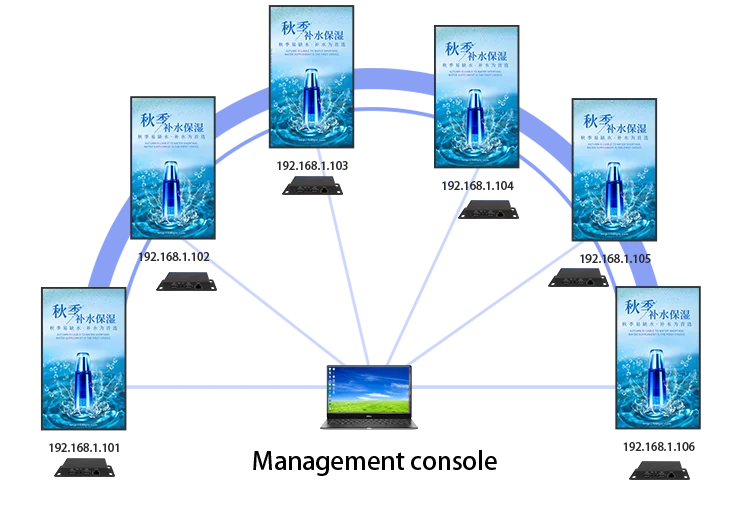
Simultaneous display of multiple information release terminal screensInformation distribution terminals displaying the same program content in the same local area network can display the screen synchronously | ||
| ||
| ||
3.5mm audio outputCan be connected to 3.5mm audio equipment, supports left channel and right channel, stereo | ||
| ||
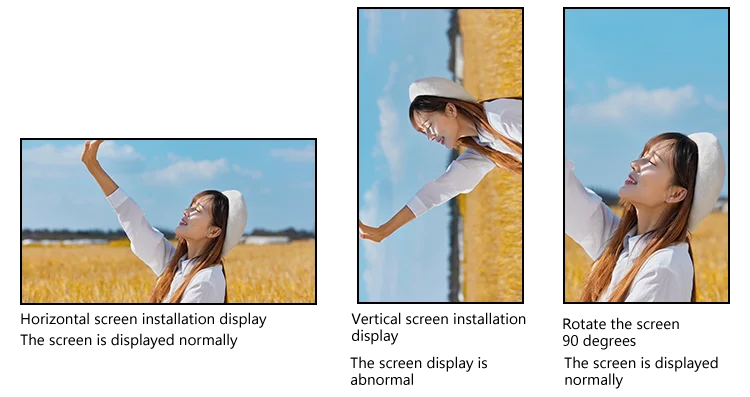
Landscape/Portrait rotation90-degree flip of video pictures, no need to use tools for transcoding, support for menus and | ||
| ||
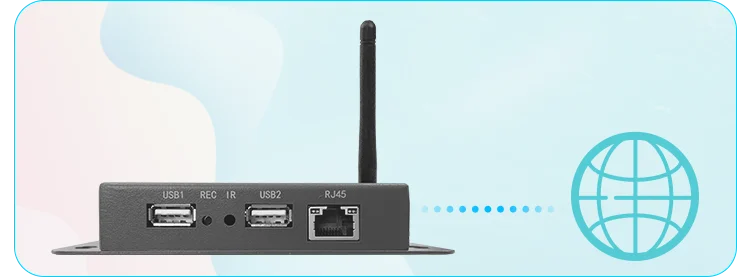
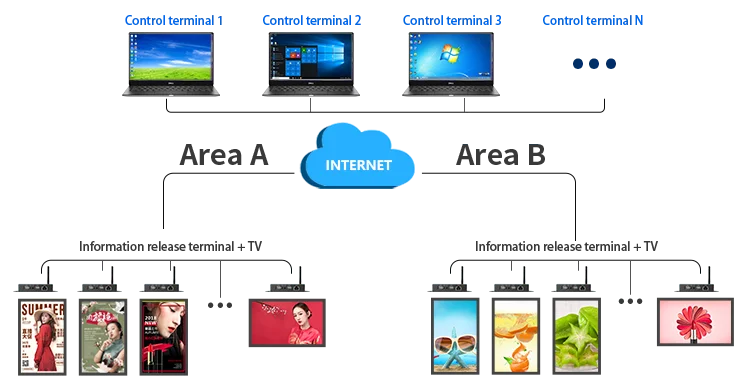
LAN and WAN connectionsEdit and publish programs online after connecting to the Internet | ||
| ||
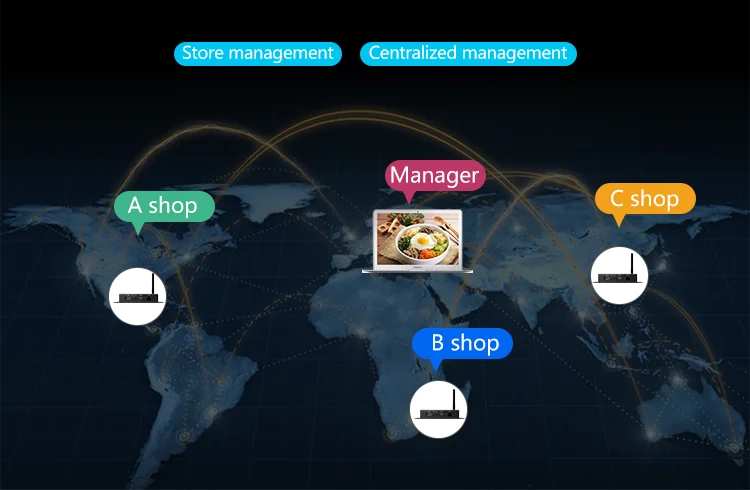
Real-time monitoring and remote managementManagers can manage multiple devices in various places through the cloud, which is convenient for the terminal to publish programs, videos, texts and pictures. | ||
| ||
How to implement these functions?Connect the information publishing terminal to the TV, connect the terminal to the network, and then open the publishing | ||
| ||
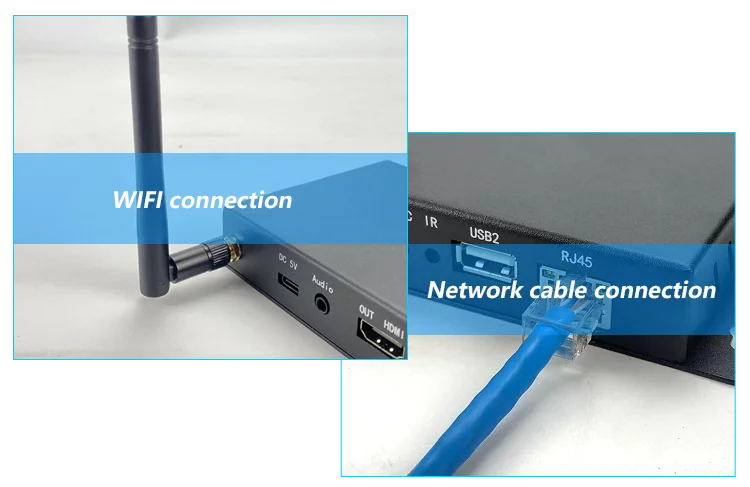
Support both wired and wireless connectionEstablish the connection between the advertising box and the router or switch/computer through the network cable. It is also possible to use WIFI to establish the previous connection of the device | ||
| ||
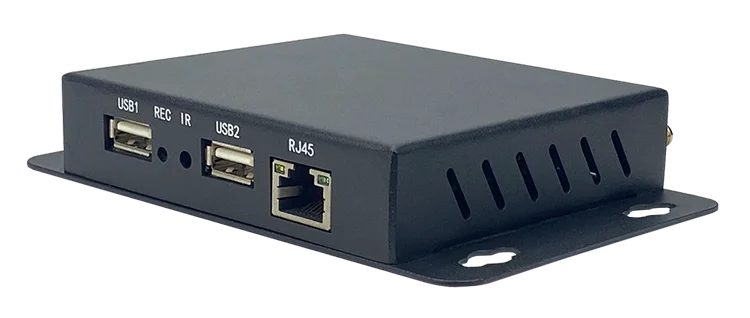
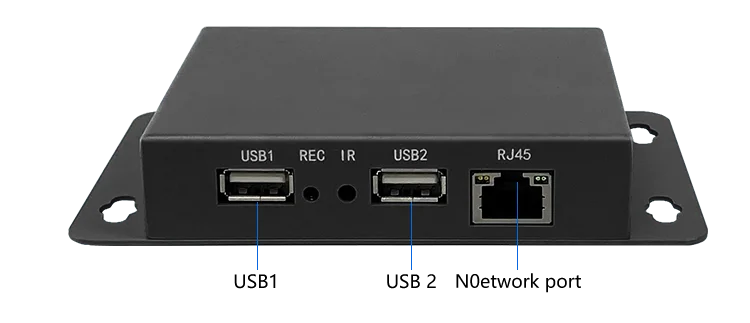
Product interface | ||
| ||
| ||
System |
Android 9.0 |
Running memory |
1GB |
Storage memory |
8GB |
Output resolution |
3840*2160P |
Ccolor depth |
24bit |
Frame rate |
60fps |
Image Format |
JPEG, PNG |
Video format |
MPEG-1/2/4, MP4, DIV, TS, TP, TRP, MKV, MOV DAT, ASF |
Audio format |
MP3, MP2, WMA, WAV |
Function introduction |
Landscape mode, portrait mode, scrolling subtitles, static subtitles, web pages, pictures and videos, audio, time, weather, streaming media, background pictures, OFFICE, etc. |
Functional module |
Horizontal screen display, vertical screen display, program insertion, material management, weekly plan display |