








Price :
QTY :
CART TOTALS :
There are items
in your cart
CART TOTALS :
With this products also buy:


We identified: …


Applicable Area: Europe & Middle East & Africa
Applicable Equipment: Printer
Brand Name: boma.ltd
Cartridge Model: For Hp 912 912xl
Chip Type: Permanent chip ( shows the ink level at the first time )
Color: BK C M Y-4color
Compatible Brand: HP Laserjet
High-concerned chemical: None
Lead time: 1-3days after payment
MOQ: 1 PC
Model Number: For Hp 912 912xl
Origin: Mainland China
Printer Model: For HP 8010 8020 8025 8028 8022 8026 8012 8018
Product: Cartridges Chip
Structure: Separated Cartridge
Type: Cartridge Chip
HP912 For Europe & Middle East & Africa ,Before Order ,Please Check Your Original Cartridge Model
* The chip cannot be used in printers with "e", such as: 8010e, 8012e, etc
★☆☆-What's in the Packing?
The Option "America-910" include: 1 Set HP910 permanent chips (Include: 4 Pieces chips of BK, C, M, Y)
The Option "America-910XL" include: 1 Set HP910xl permanent chips (Include: 4 Pieces chips of BK, C, M, Y)
The Option "America-910XL 916XL" include: 1 Set HP910xl/916xl permanent chips (Include: 4 Pieces chips of BK, C, M, Y)
★☆☆-Specification
Products: Cartridge chip
Ink Cartridge Number: for HP910 / HP910xl / HP910XL HP916XL use for North America
Chip Type: Permanent use chip ( Show ink level at first time, then no longer displays ink level, but still work )
Reset method: The Permanent Chips don't need to reset, just refill the ink before the ink level falls to 20%, and it will work continuously
Color: BK C M Y - 4 colors
MOQ: 1 PC = 1 unit
Chip Volume: Same as original cartridge ( A4 5% Coverage )
Printer Model:
For HP OfficeJet Pro 8010 / 8012 / 8013 / 8014 / 8015 / 8017 / 8018 series Printer
For HP OfficeJet Pro 8020 / 8022 / 8023 / 8024 / 8025 / 8026 / 8028 series Printer
For HP OfficeJet Pro 8035 series Printer
Defective: 1:1 Replacement
Cost: Our prices not include payment charges,customs duty,vat cost and remote areas fee
Remote areas: We don't delivery to remote areas except you paid extra cosre
Contact Details: Please leave us available address and contact information for shipment
★☆☆-Product Display (The picture is for reference only,please refer to the actual goods received)
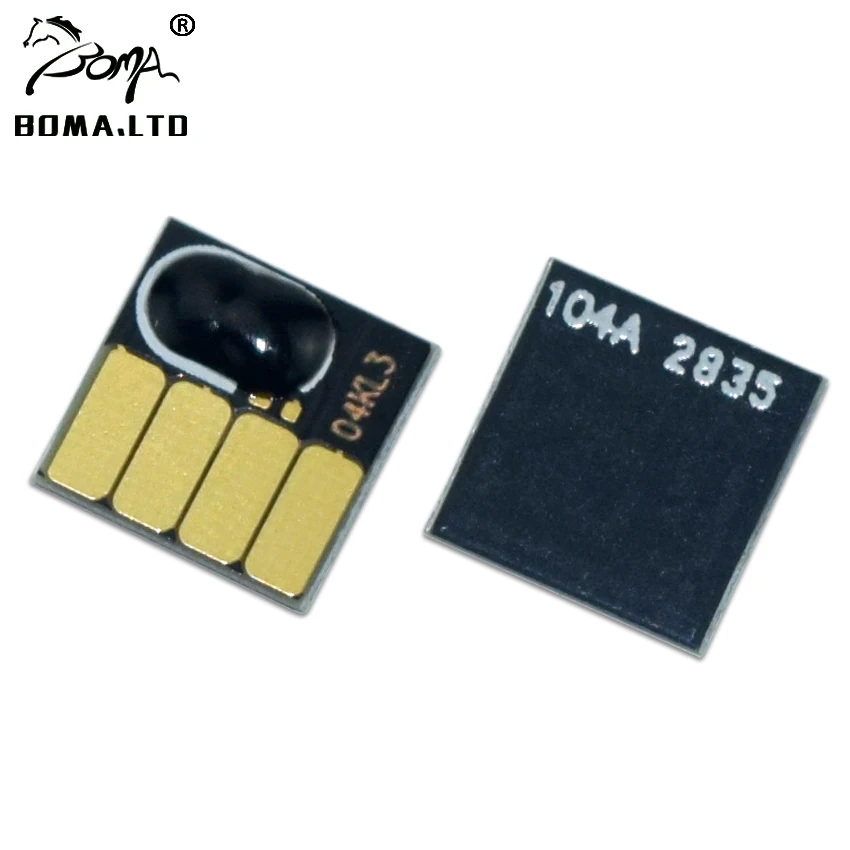
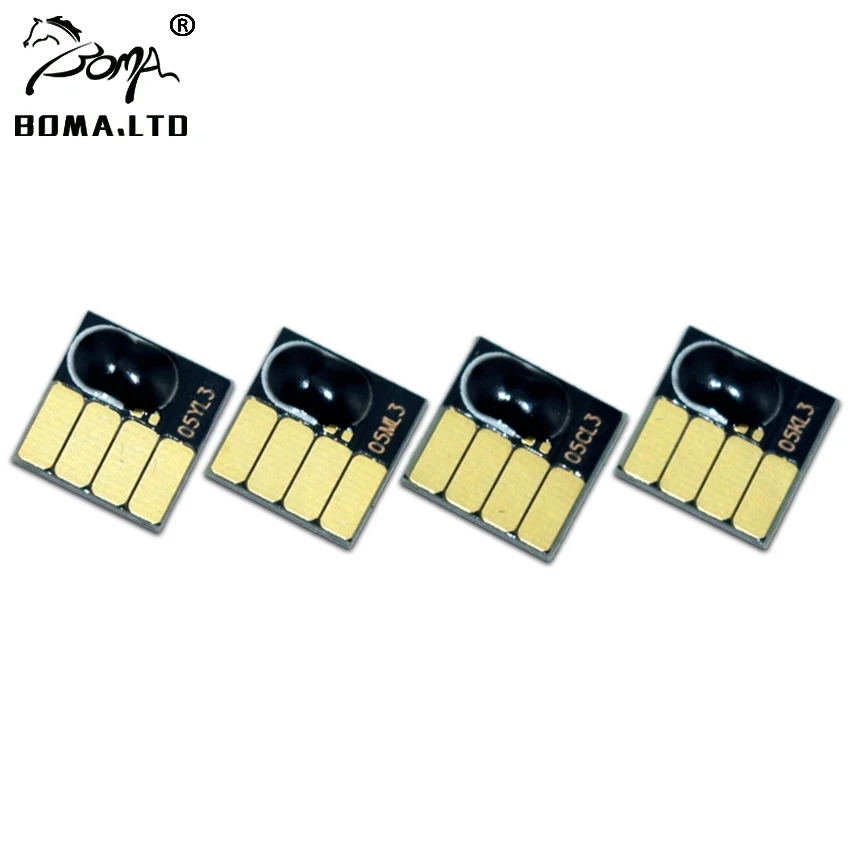
For HP 910XL 916XL Permanent use Chip ( Use for North America version printer)
This HP 910XL 916XL is a permanent use chip. No reset is required; just refill the ink when the ink level drops to 20%, and it will continue to work but will no longer displays ink level.
If the ink in the cartridge runs out and the ink indicator level shows empty, you need to replace new chip.
Note: Different markets use different chips, so please select the correct model that matches your OEM ink cartridge number, such as HP 910XL 916XL or HP 912XL 9167XL.

★☆☆-Chip Precautions
2. If the "X" is displayed when the printer is newly installed, it proves that the chip is in poor contact with the printer. Please check whether the position of the chip on the ink cartridge is offset, and check whether the contact shrapnel contacted by the chip is deformed or bent. These will cause the chip to display " X"
3. The newly installed chip displays "—" This phenomenon is the most common
① Check whether the printer is a brand new printer or the motherboard has been replaced. Brand-new printers and printers with replaced motherboards must first use the original ink cartridges to activate printing, and then replace other compatible ink cartridges.
② The chip is not installed properly, the position of the chip on the ink cartridge is offset, it is not centered, and it cannot be well contacted on the printer. Contacts will also report errors.
③ There are foreign objects on the chip and static electricity. This phenomenon will also cause the chip to fail to identify and display "—".
④ False error is reported. The most common situation is that a set of ink cartridges are used by multiple printers, or the ink cartridges are frequently replaced, or mixed This error is most likely to occur when using ink cartridges. This situation is not that the chip is really stable. Switching the ink cartridge back and forth requires switching the chip. Incomplete switching data causes the printer to report an error. The best solution to this situation is to spare a set of original ink cartridges. , After the original ink cartridge is used for printing identification, other compatible ink cartridges can be replaced, which is a good identification and printing
The above is the technical department of our company, which has accumulated test experience for a long time. If you have new insights, welcome to communicate with our staff, thank you !
Go Back To Home


