Price :
QTY :
CART TOTALS :
There are items
in your cart
CART TOTALS :
With this products also buy:


We identified: …


Brand Name: jaysuing
Choice: yes
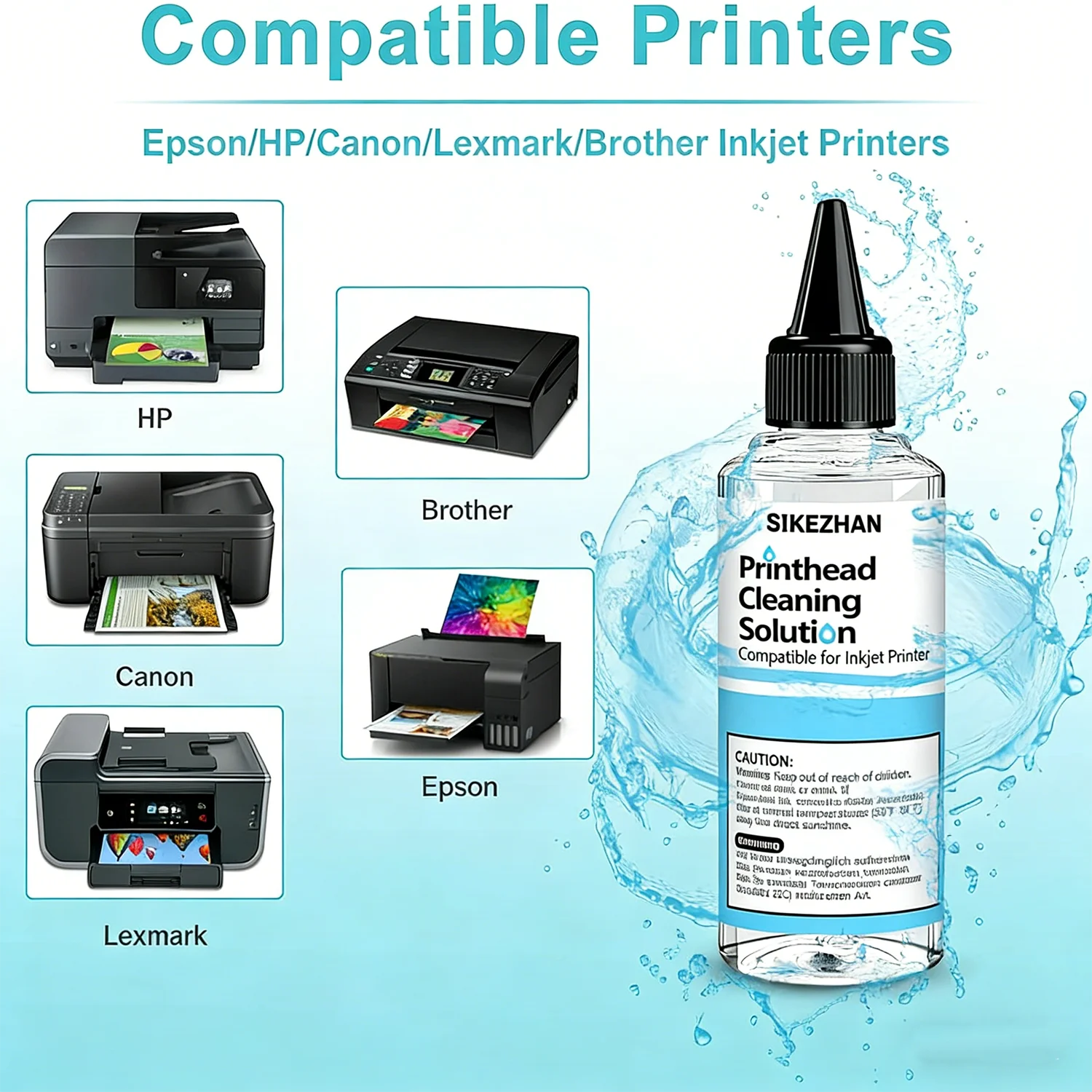
Compatible Brands: For Epson, HP, Canon, Brother, Lexmark, Dell
Compatible Devices: Inkjet printer, desktop printer
High-concerned chemical: None
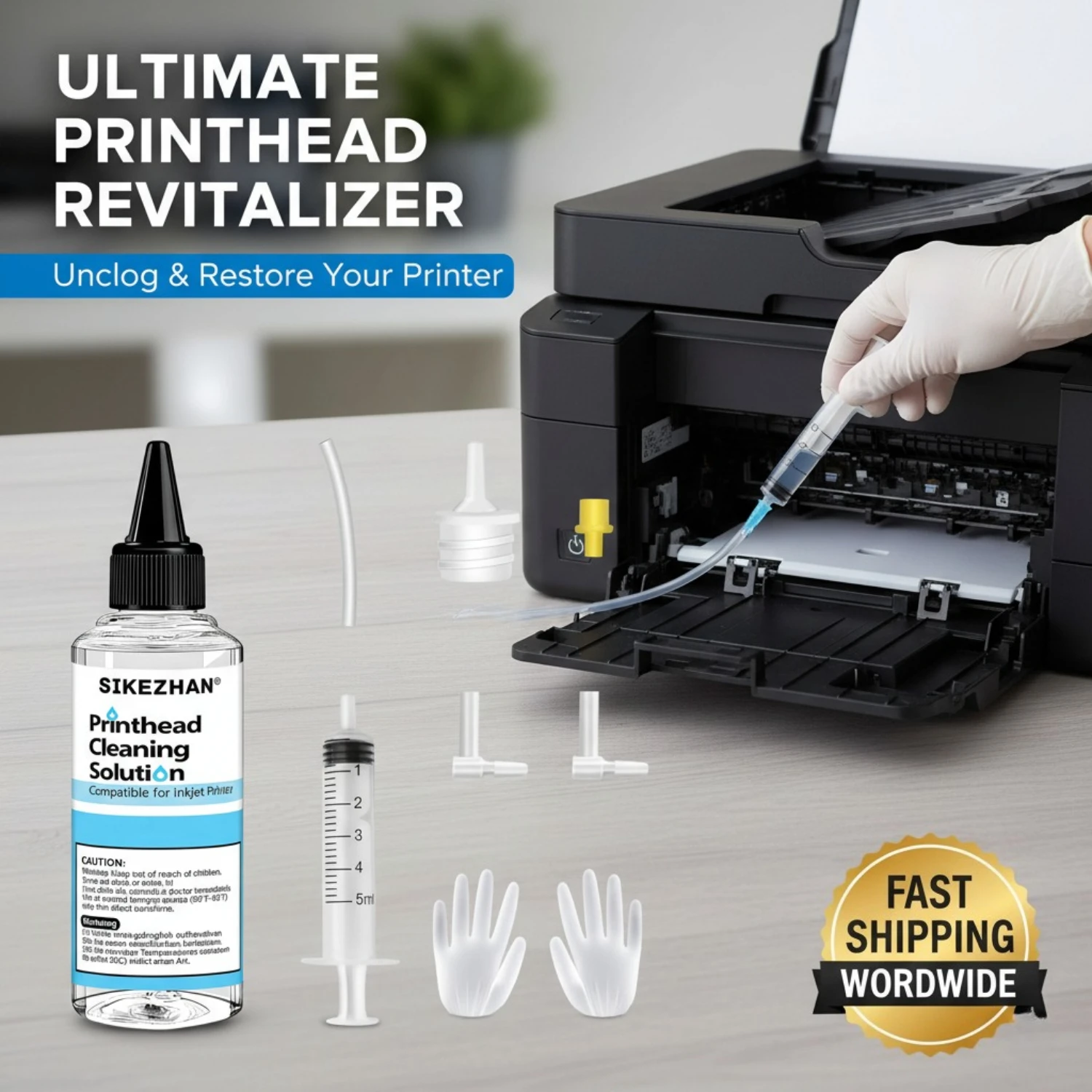
Included Components: Cleaning liquid,syringe,silicone tube,connector,air of gloves
Material Type: Surfactant solution
Origin: Mainland China
Printer Output: Color and black and white
Product specific use: dredge dry ink, repair stripes, print head maintenance
Scent: Low Odor / Unscented
Special Features: Non-corrosive, fast acting, dredging nozzle, deep cleaning
target audience: Office, home, school, business
Bring Your Printer Back to Life!
Premium 100mL Printhead Cleaning Kit is the ultimate DIY solution to fix clogged nozzles and restore print quality in minutes.
Why Choose Our Printhead Cleaning Solution?
✅ Universal Compatibility
Specially formulated for practically all inkjet printers using Dye ink, Pigment ink, or Sublimation ink.
Compatible with: Epson, HP, Canon, Brother, Lexmark, Dell, and other major inkjet brands.
Note: Works for both "Printhead-on-Printer" and "Printhead-on-Cartridge" models.
✅ High-Performance Formula
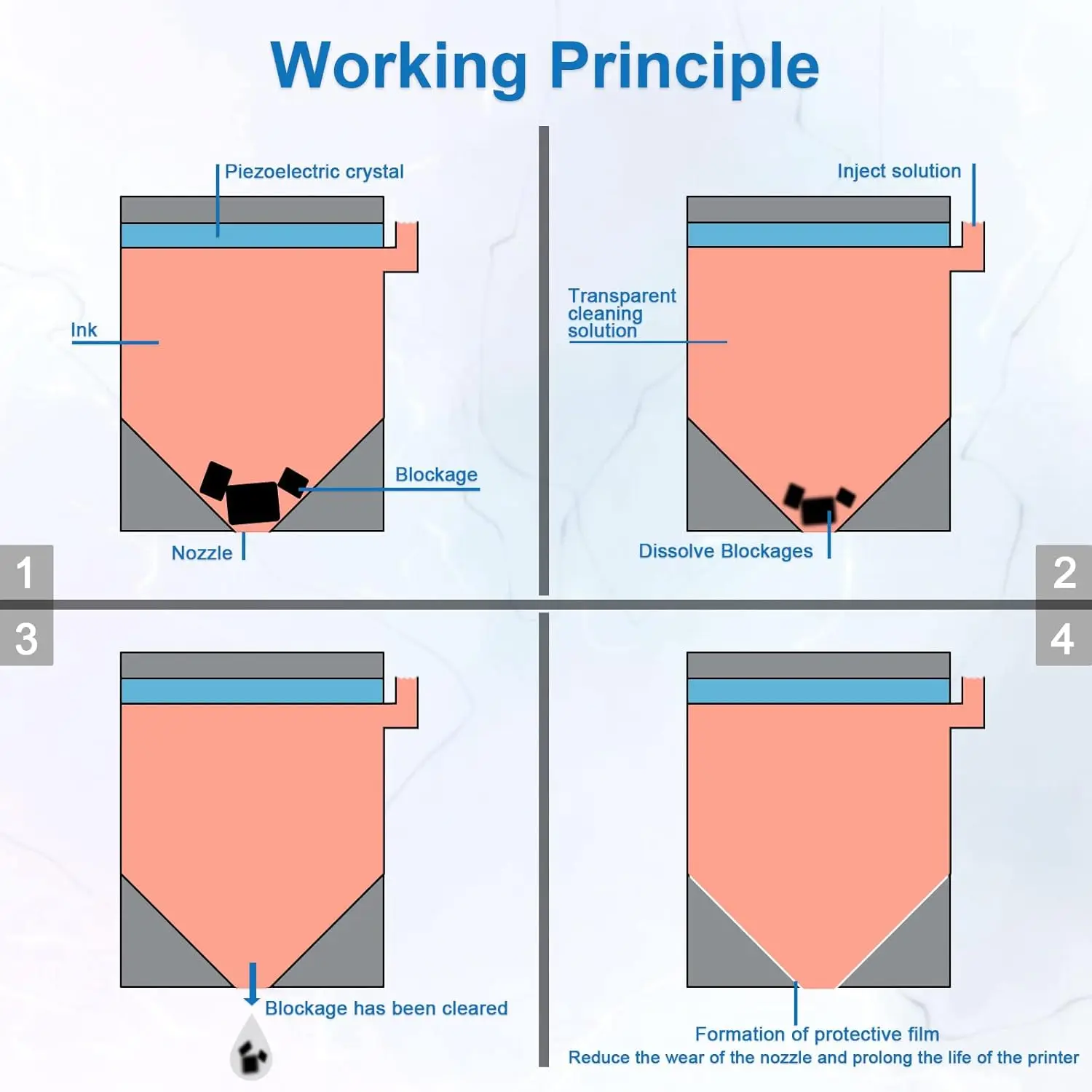
Our scientific cleaning solution contains high-active enzymes that effectively dissolve dried ink particles, dust, and stubborn clogs that built up over time. It clears the nozzle passage without damaging the delicate print head mechanism.
✅ Safe & Non-Corrosive
Alcohol-free and non-corrosive. We use a gentle yet powerful fluid that protects your printer's plastic, rubber, and metal components. Safe for home and office use.
✅ Save Money & Reduce Waste
A 100mL bottle is enough for 5-10 cleaning cycles. By fixing your existing printer, you save the cost of a new machine and reduce electronic waste.
When Do You Need This Kit?
Printer has not been used for a long time (ink dried up).
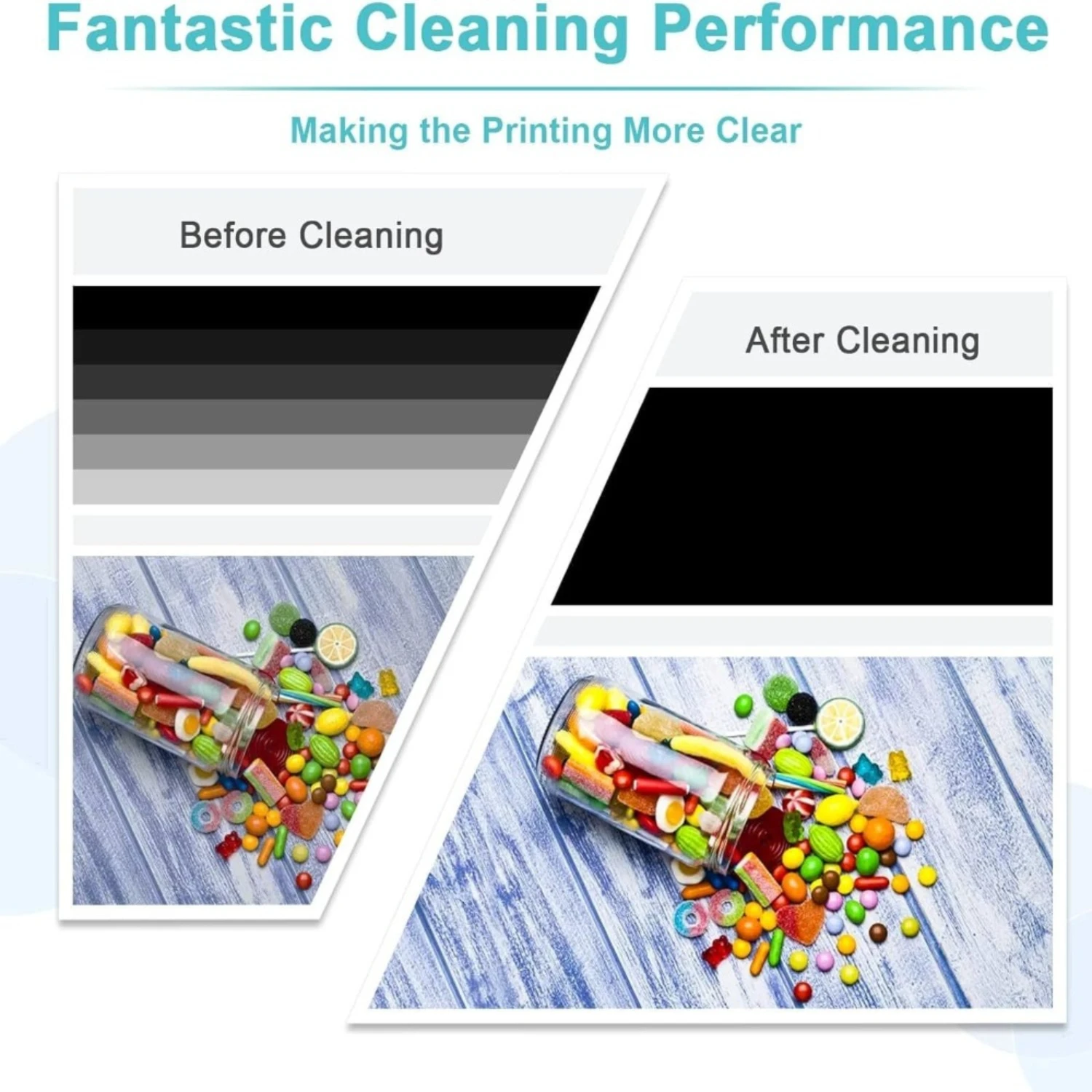
Printed photos or documents have stripes or white lines.
Specific colors are missing during printing.
Changing ink cartridges or running the built-in "Clean Cycle" didn't help.
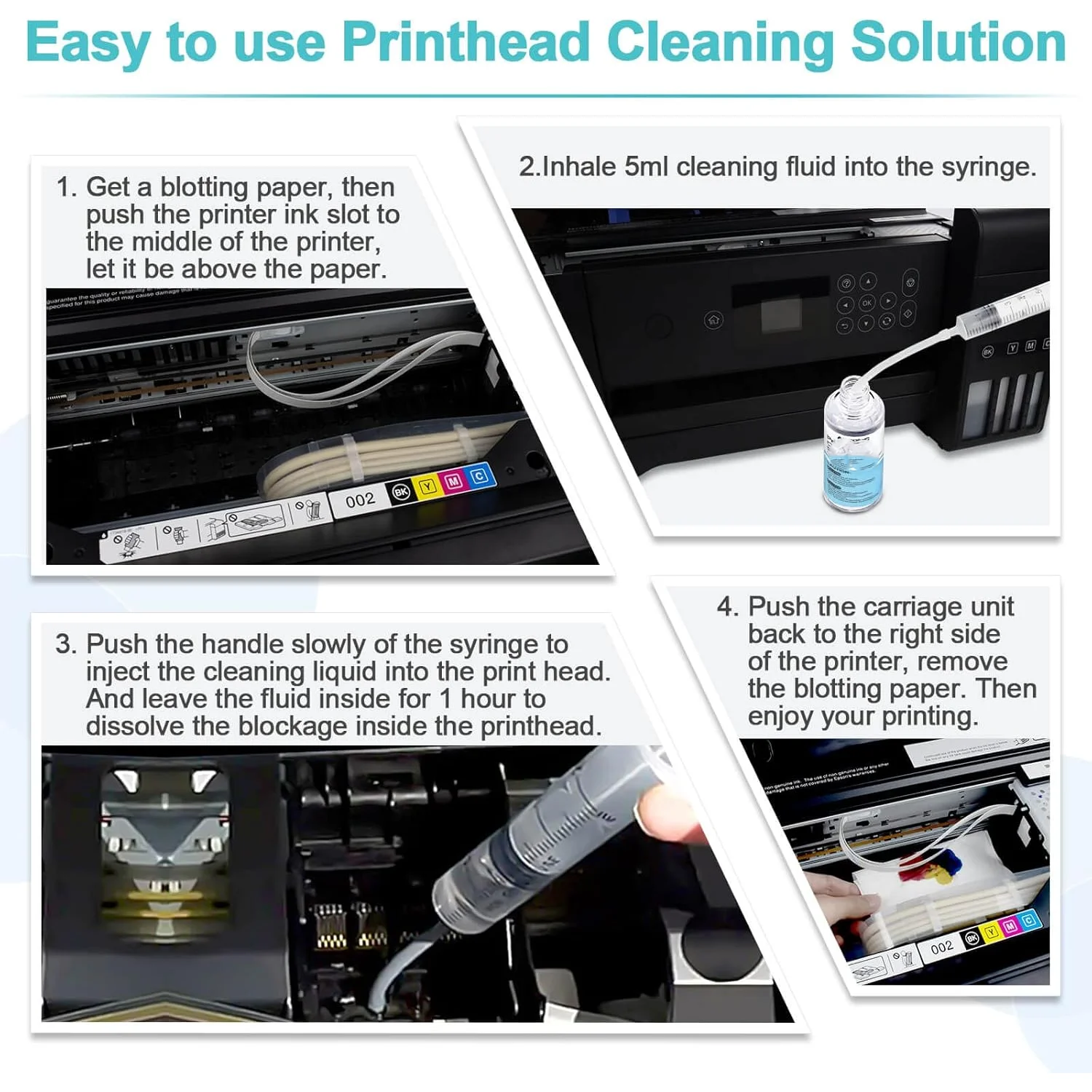
Easy to Use in 4 Simple Steps :
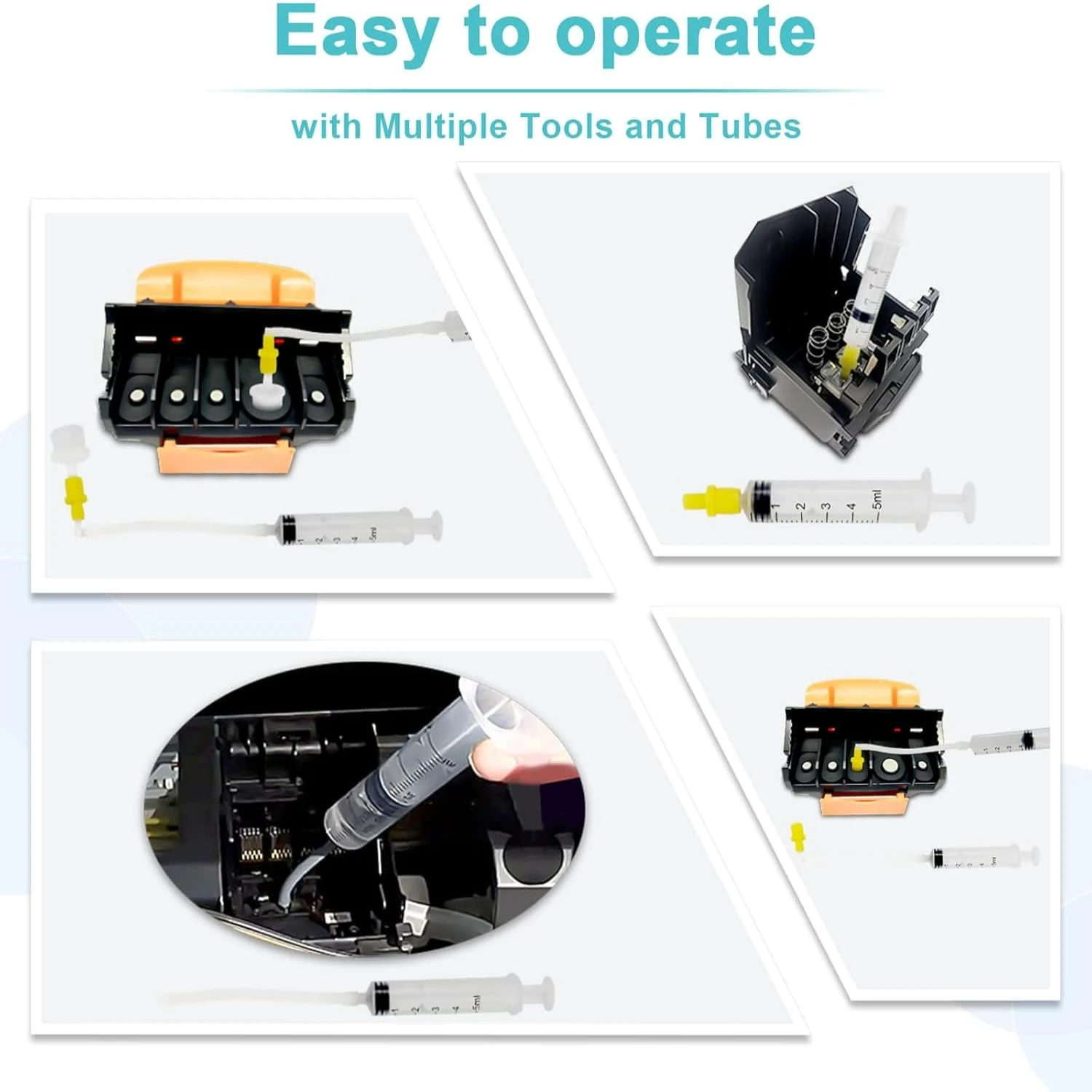
Prepare: Remove ink cartridges and disconnect the power.
Connect: Attach the silicone tube to the syringe and draw the cleaning fluid.
Flush: Connect the tube to the printhead nozzle and gently inject the fluid to flush out the clog.
Finish: Wait for the fluid to dissolve the ink, clean up any excess liquid, reinstall cartridges, and run a nozzle check.
⚠️ Important Notes :
ink blockages. It cannot fix printer hardware failures (e.g., circuit board chips, broken belts, or physically damaged printheads).
Please allow the printer to dry for 12-24 hours if liquid spills inside during cleaning.
Keep out of reach of children.
Add to Cart now and enjoy crisp, clear printing again!