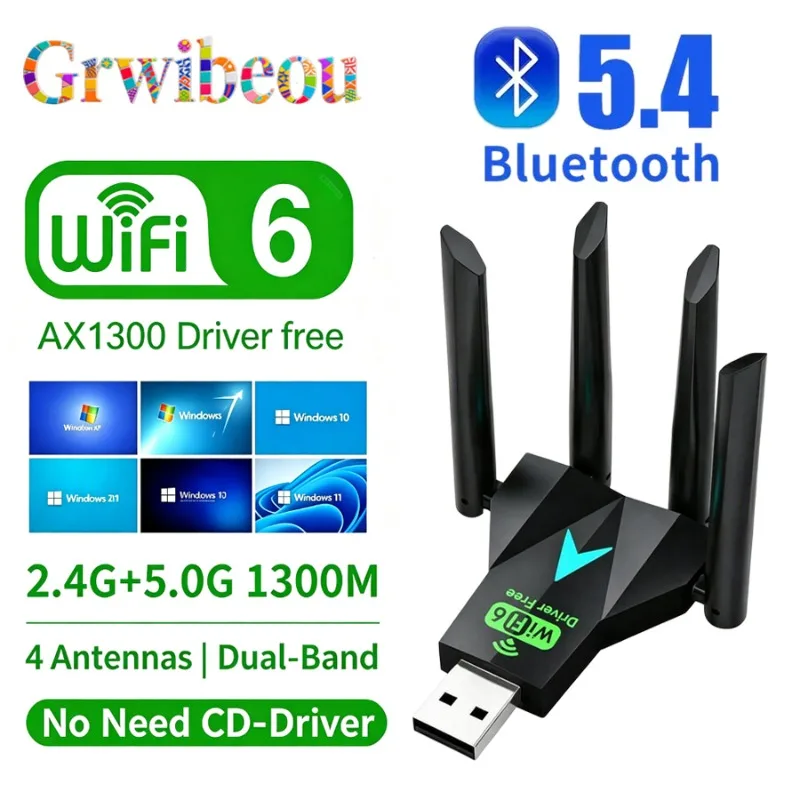
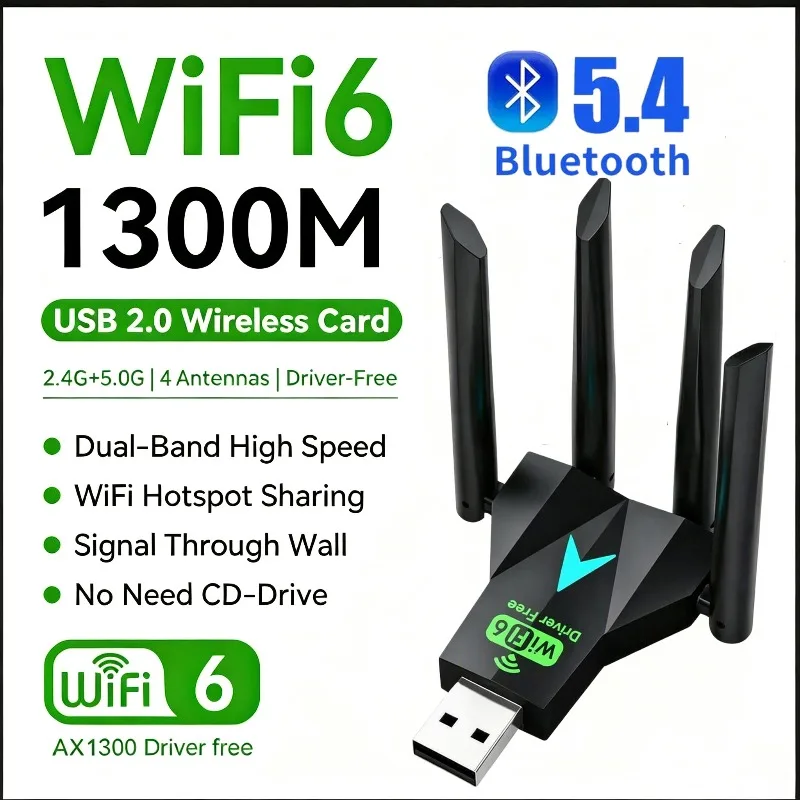
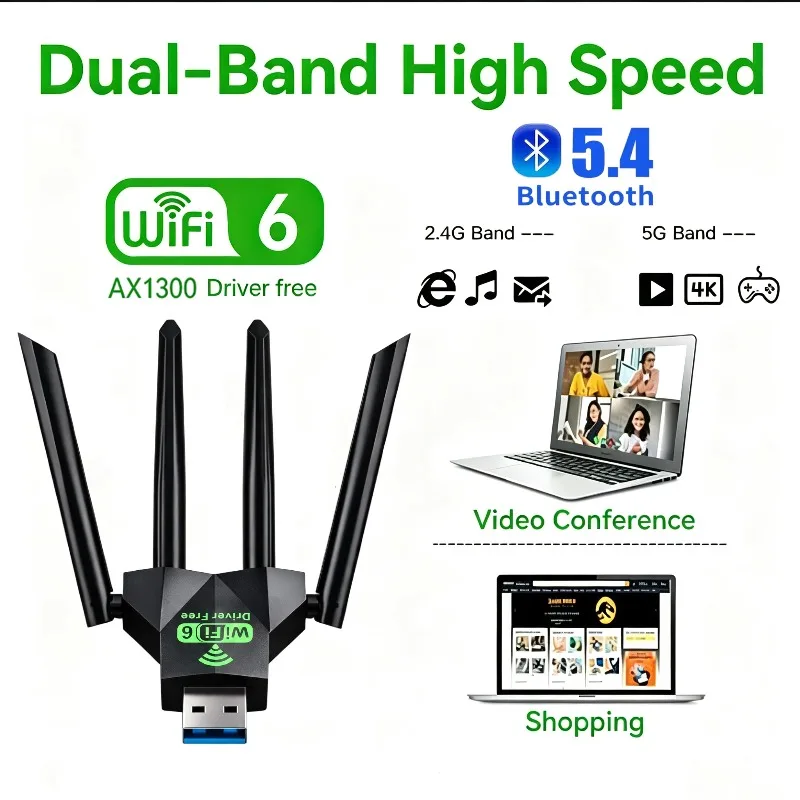
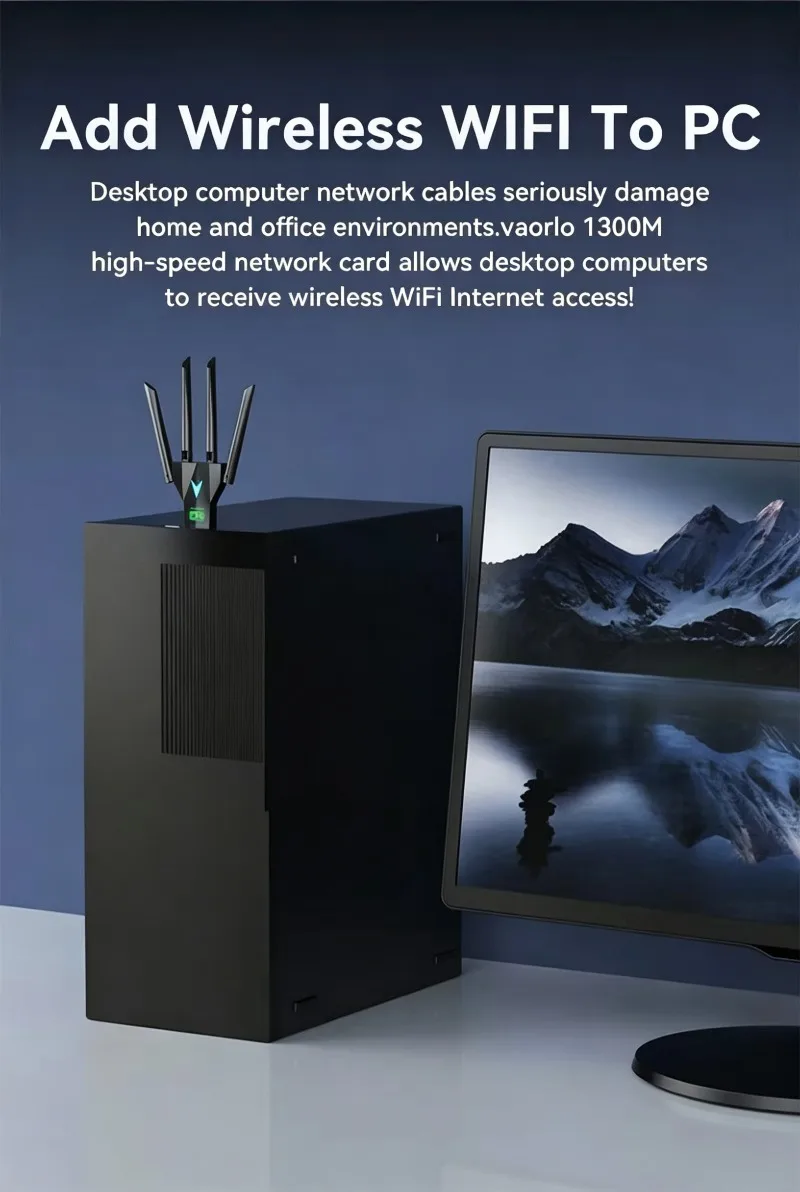
Feature 1: WiFi 6+ Bluetooth 5.4 Combo USB Adapter
Frequency: 5 GHz
Frequency Band Class: Dual-Band
Heat dissipation: No support
High-concerned chemical: None
Kind: External
Model Name: BT5.4+WIFI 6 +USB2.0
Model Number: 1300Mbps WiFi Wireless Receiver Network Card
Origin: Mainland China
Type: WireLess
Wired Interfaces: None
Wired socket: None
Wired transmission rate: None
Wireless Communication Standard: 802.11.ax
Wireless socket: USB 2.0
Wireless transmission rate: 1200M
WiFi 6+ Bluetooth 5.4 Combo USB Adapter
Please note: 1.There may be slight differences in the appearance of adapter products from different batches, which may not match the pictures, but it does not affect their use. If you mind, please do not purchase! 2.Our product has a 2-in-1 WIFI+Bluetooth function. Only when the device is compatible with both WIFI 6 and Bluetooth versions, and there are no other interference conditions, can WIFI and Bluetooth functions be used simultaneously. Otherwise, WIFI and Bluetooth functions cannot be used simultaneously. 3.We suggest you to insert WiFi USB Adapter into back USB2.0 port of your Computer,because usb port in the back can provide more power.(The USB2.0 interface on the front of some computer hosts may have insufficient power or is not supported) 4.Signal or pairing instability is mainly caused by incomplete driver programs or insufficient USB power. When this problem occurs,
please do not panic. Please check whether the computer has installed compatible drivers, whether the USB port power supply is sufficient, and whether the driver installation is completed. If the USB power supply is sufficient, normal use will resume.
description
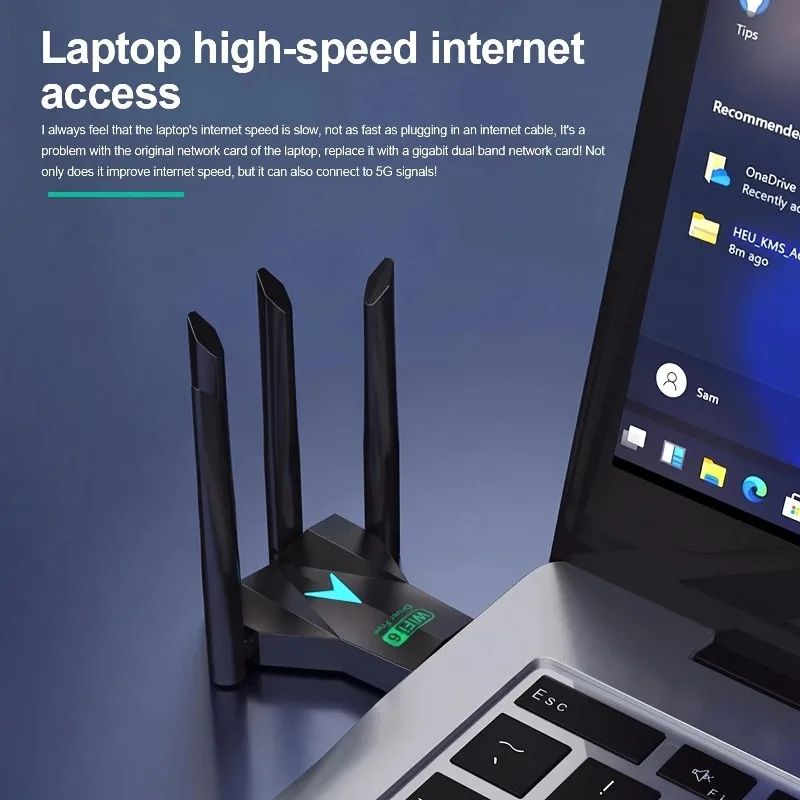
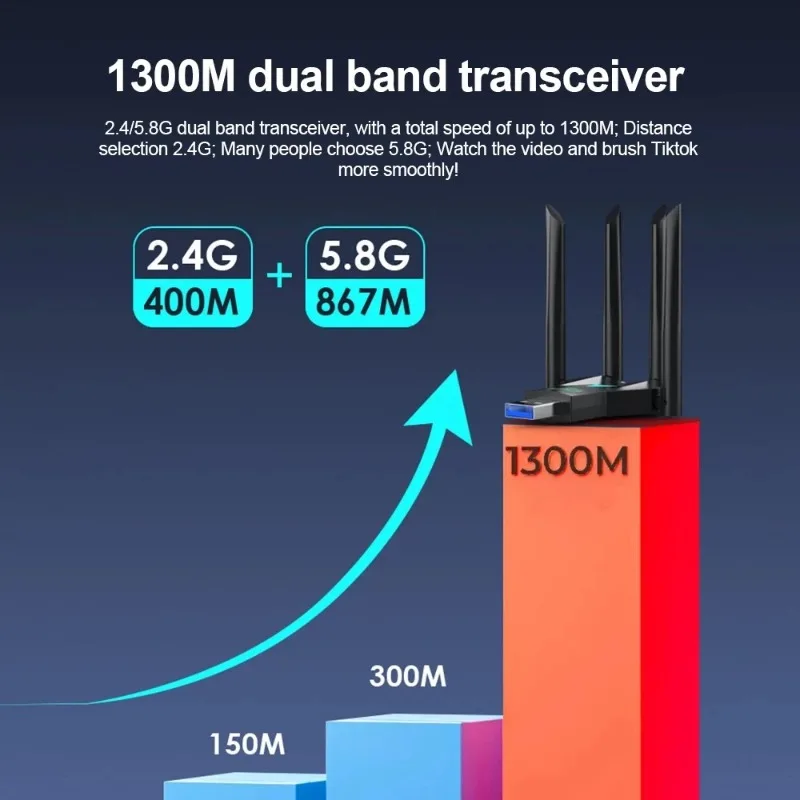
1.1300Mbps :The 1300Mbps rate of this product is composed of two working frequencies of 2.4G and 5G, dual-band concurrent, With four Antennas,with less interference, high speed, wide transmission distance coverage, and better wall penetration performance.
2.1300Mbps is the theoretical speed (2.4GHz 400Mbps+5.8GHz 867Mbps)
3. 802.11AX Standard: Delivers fast data transfer and optimized network performance.
4. 4 Rotatable High-Gain Antennas: 180° adjustable design boosts signal strength, reduces interference and improves wall penetration. 5.Built-in WiFi hotspot function to share network with phones, tablets and other devices. 6.Built-in Bluetooth 5.4: 2-in-1 combo design, wirelessly connects headphones, speakers, mice, keyboards, game controllers and phones; low latency & stable pairing.
7. Bluetooth 5.4 is backward compatible with Bluetooth 5.3/5.2/5.1/5.0/4.2 and older versions for all Bluetooth peripherals.
8.All-in-one USB2.0 Port: Supports WiFi receiving and Bluetooth transmitting simultaneously, compact size for daily use.
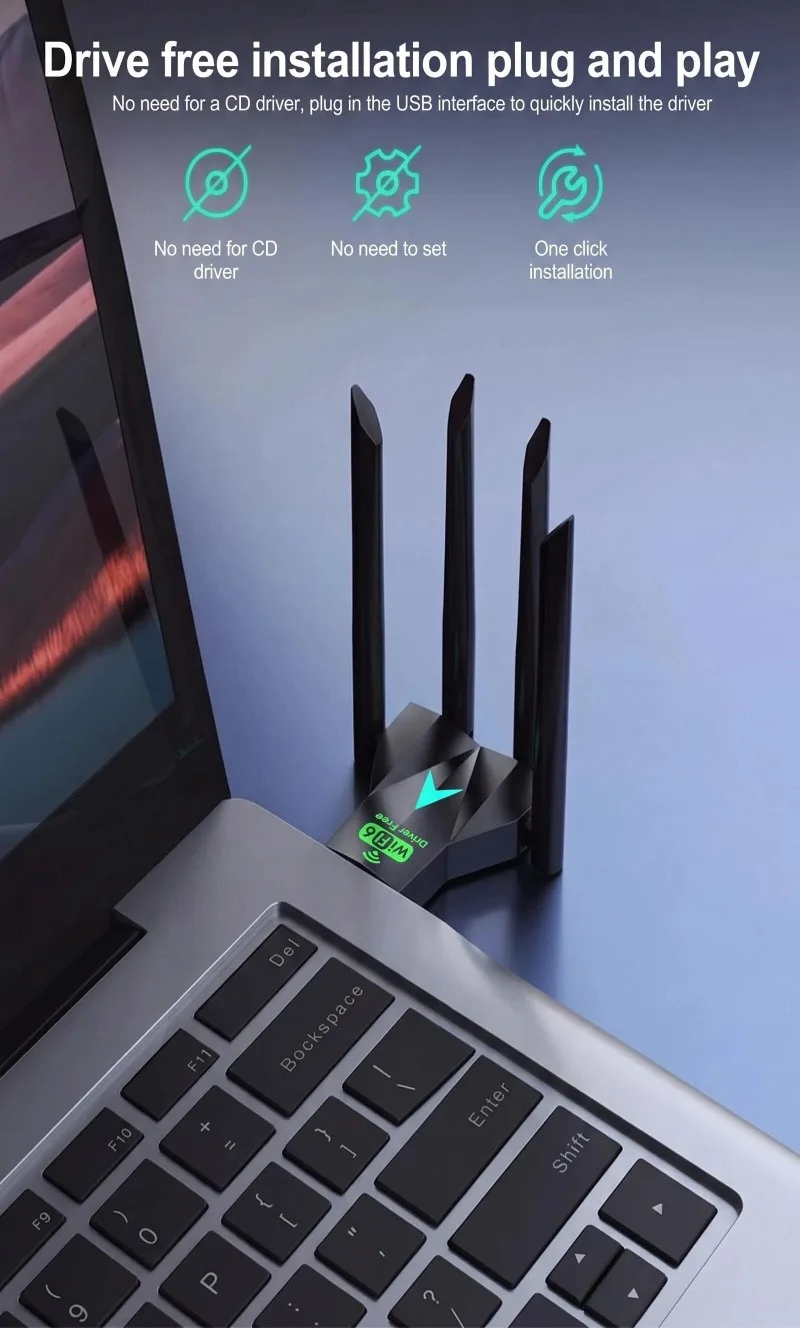
9.Easy Driver Installation: Quick setup via installer to activate both WiFi and Bluetooth functions.
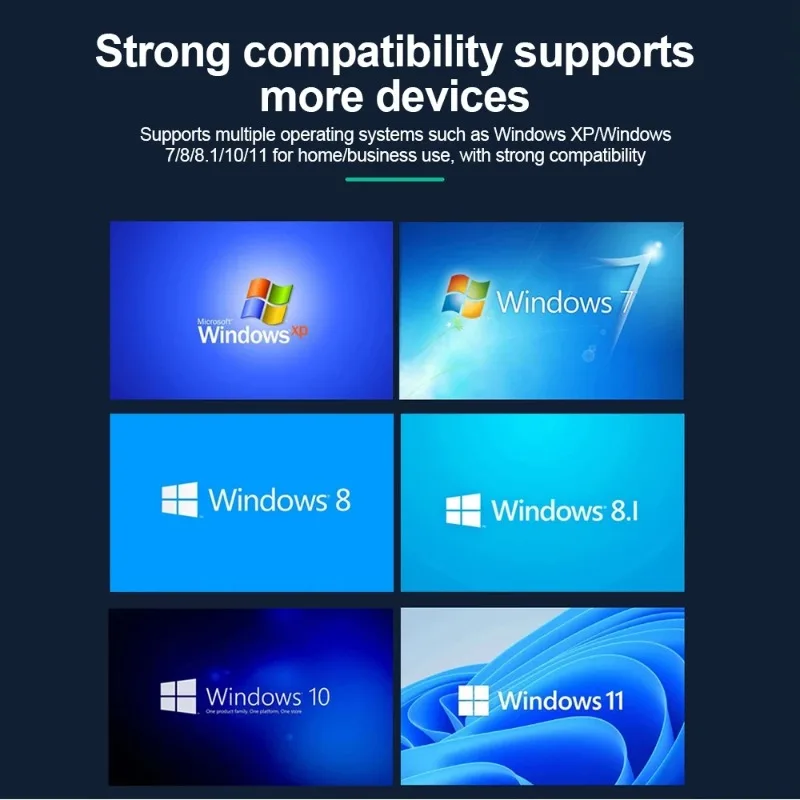
10.Full Windows compatibility, perfect wireless combo solution for desktops and laptops.
Fast Installation Guide
1. Plug the WIFI adapter into the computer USB2.0 port
2. Open "This PC" or "My Computer"
3. Double-click to open [Setup.exe]
4. Click [Install] to automatically install the driver. After the driver is installed, the interface will automatically disappear.
5. Click the "WIFI logo" in the lower right corner of the [Task Bar], select Connect to WIFI, click Connect, and you can use it.
6.Supported operating systems: for WindowsXP/Vista/Win7/Win8/Win8.1/Win10/Win11.
(Since Microsoft has stopped service support for XP system, it is not recommended to use XP system)
7. Complete driver installation is required for Bluetooth to work; WiFi hotspot sharing needs third-party software.
Q&A
Q1.Does this product support simultaneous use of WIFI and Bluetooth?
A1:When your device is compatible and supports both WiFi and Bluetooth versions, it supports simultaneous use. If your device does not support or is incompatible, it does not support simultaneous use.
Q2.Why is there no response prompt on my computer when I inserted the product?
A2:Firstly, check if the USB port power is sufficient. For example, when a USB port is plugged into the front port of a desktop computer, it is prone to insufficient power supply, and when plugged into the rear port of a HUB, it is also prone to insufficient power supply. At this point, you can try changing the USB insertion port, plugging it into the port on the back of the computer, the port on the head of the HUB, and so on. 2. Check if the computer has installed compatible drivers and if the driver installation is complete. For example, if there are uninstalled drivers on my computer, you only need to click to install them. After all inspections are passed and confirmed to be normal, the product can be used normally.
Q3.Why my Computer can't use the bluetooth?
A3:If the computer has Bluetooth, you need to disable the computer's Bluetooth before you use the product.